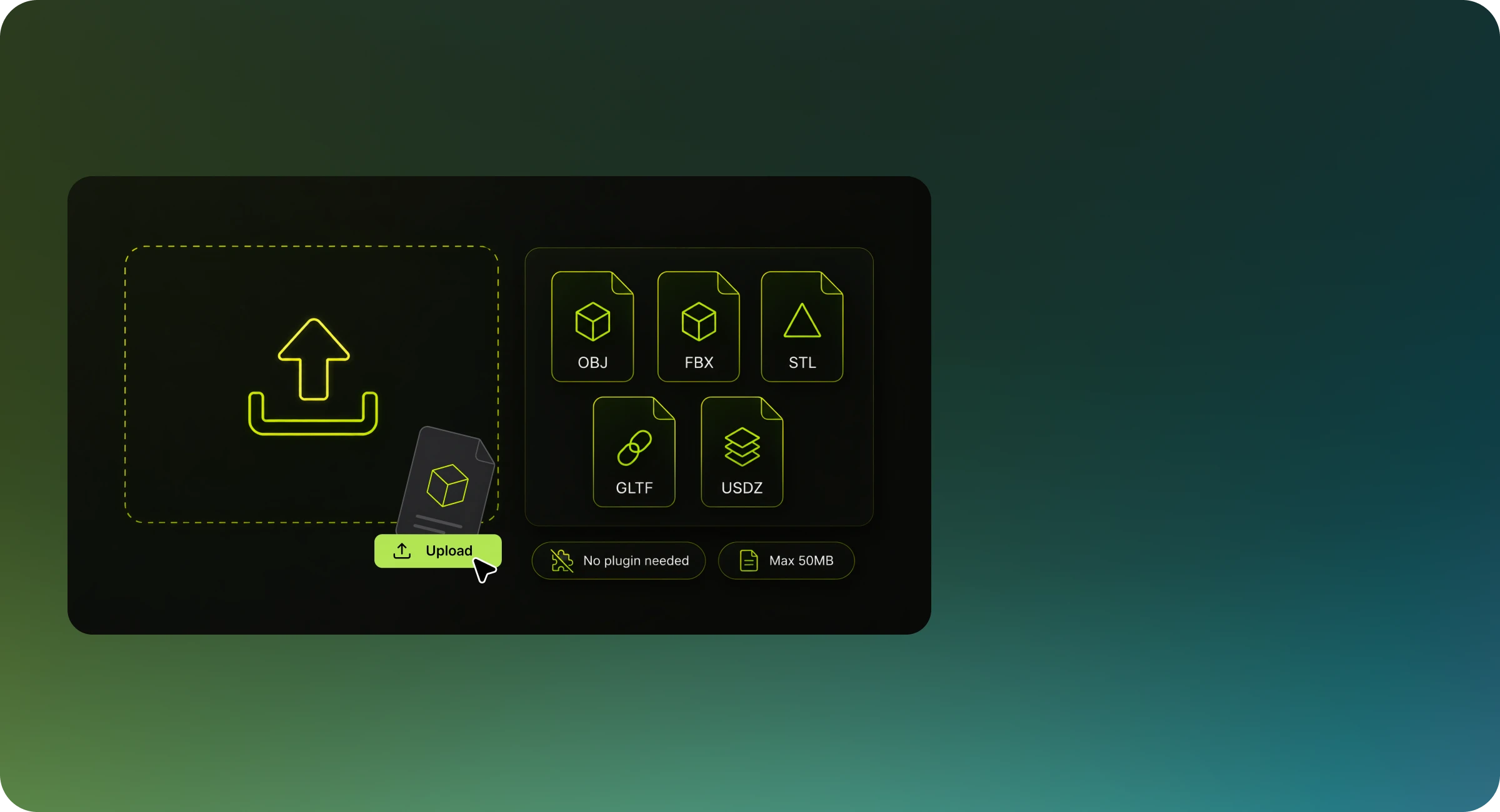
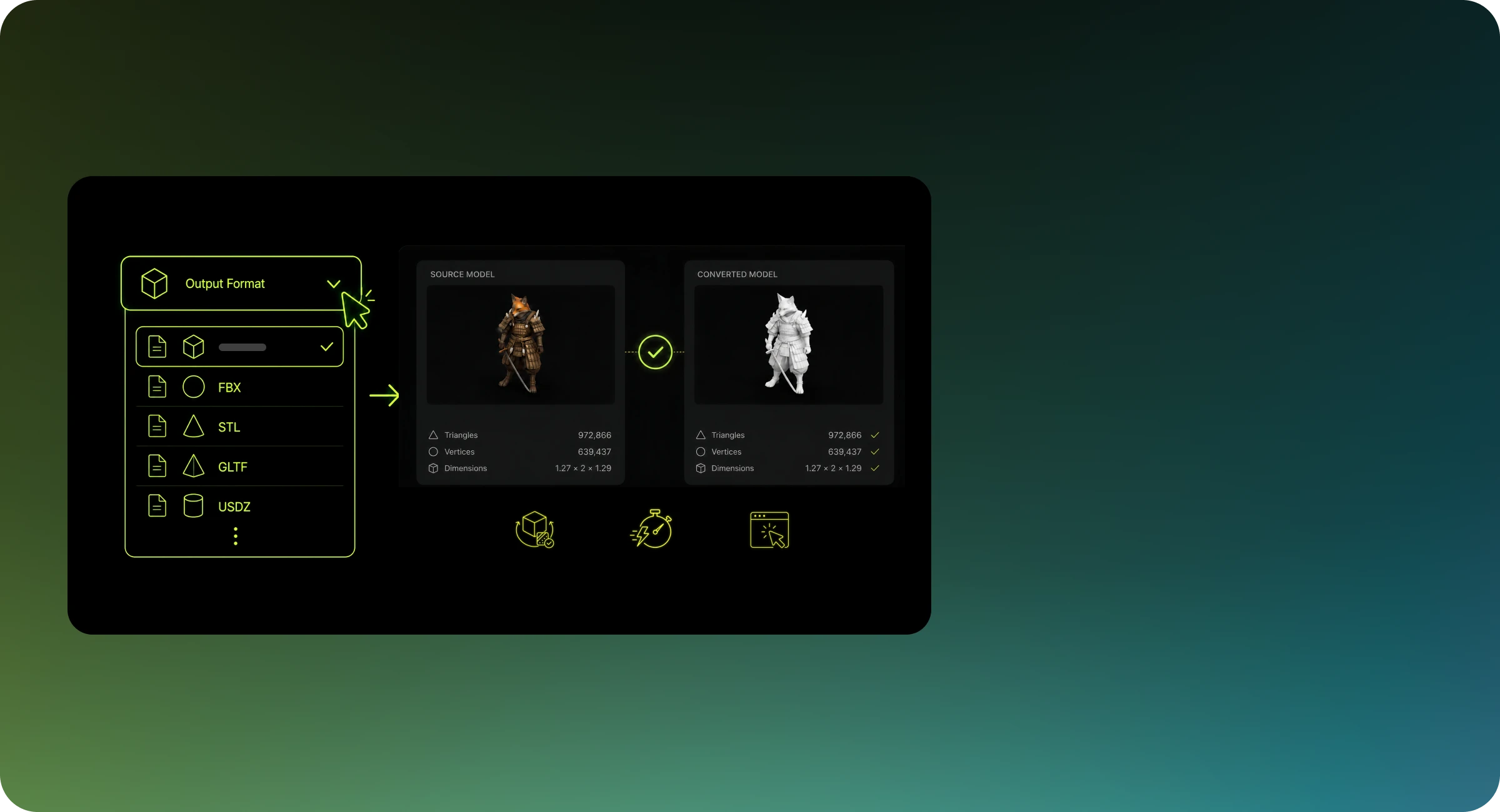
Before converting, keep these in mind: Data loss between formats — USDZ may not support certain material channels, animation rigs, or metadata present in WEBP. Review our 3D file format guide to understand what each format supports before converting. Watertight geometry for 3D printing — If you plan to use the output for 3D printing, check that your model is manifold (watertight) before uploading. External textures — Textures referenced externally in WEBP files may need to be packed or re-linked after conversion. Meshy automatically transfers embedded textures, but external texture files require manual processing. Scale units — WEBP and USDZ sometimes use different default unit systems. Review your model's scale after conversion, especially if importing into a game engine like Unity or Unreal Engine.