





All Major 3D Formats
Convert between OBJ, FBX, STL, GLB, GLTF, USDZ, 3MF, PLY and more — the format set that covers games, printing, AR/VR and product visualization pipelines.
Convert FBX to USDZ online for free with high-quality results. This web based file converter works in your browser with no software download required on your device and produces clean, compatible USDZ files suitable for 3D printing and editing workflows.
Convert between OBJ, FBX, STL, GLB, GLTF, USDZ, 3MF, PLY and more — the format set that covers games, printing, AR/VR and product visualization pipelines.
Geometry, normals and mesh structure come through exactly, and units are converted for you — a GLB modeled in meters opens in your slicer at the right size in millimeters. Advanced options set the source unit, scale, up-axis, print-bed placement and ASCII or binary STL and PLY. Materials and textures carry over to GLB, GLTF, FBX and USDZ.
Everything runs in the browser. Upload a model, pick a target format, download the result — no software, no upload queue, and no account for your first three conversions.
Work seamlessly with industry-standard formats including OBJ, USDZ, STL, GLTF, and more. Eliminate compatibility barriers between different 3D applications with comprehensive format conversion options.
Convert files instantly in your browser without software installation or account creation. Upload your 3D asset, select your output format, and transform your model with zero unnecessary steps.
Access professional-grade conversion technology at zero cost. We’ve removed financial barriers to empower students, indie developers, hobbyists, and professional studios with enterprise-level 3D conversion tools.
Transform complex models in seconds rather than minutes with our optimized algorithms. Experience conversion speeds up to 10× faster than traditional desktop applications, accelerating your production workflow.
Your intellectual property remains secure. Files are processed at client side and will never leave your browser or uploaded to our server, ensuring complete confidentiality.

USDZ is the AR delivery format for Apple devices. These are the teams that publish FBX models to it.
Publish a tap-to-place AR model that opens in Safari and the Files app with no app install.
Bundle USDZ assets for Quick Look, RealityKit, and visionOS scenes, with materials and scale preserved.
Ship one AR asset for campaign pages, social previews, and in-store tablets from a single conversion.
Place models in shared AR spaces and museum installations where USD is the native scene description.
Converting a mesh usually means installing a desktop DCC tool, hunting through online converter ads, or scripting a CLI pipeline. Meshy converts in the browser in seconds — with the same core formats you rely on and no quality loss from re-uploading through sketchy sites.
Columns describe typical tools in each category (e.g. Blender or Maya for desktop, browser upload sites for online, assimp-style scripts for CLI); exact capabilities vary by product.
Mesh and scene formats are parsed in the browser, normalised, and re-exported without a server round trip.
Your FBX file is opened with FBXLoader, reading its geometry and any material or texture data it stores.
Meshes are triangulated and coordinate systems are aligned with the USDZ target; source units map to cm.
Your FBX file carries geometry, materials, and UVs, and Meshy keeps whatever the USDZ target can store.
The scene is written as USDZ with USDZExporter, then handed back for download.
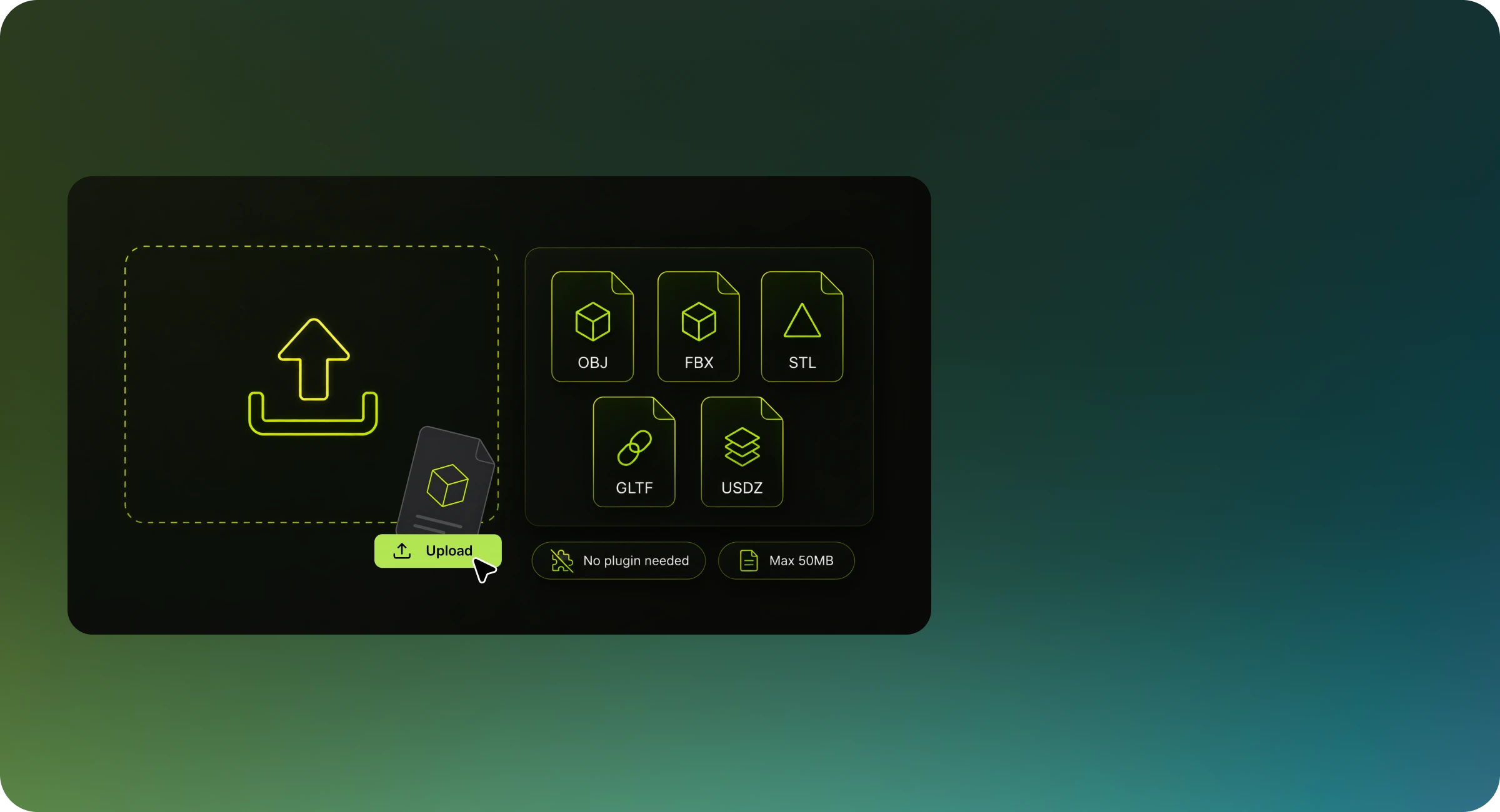
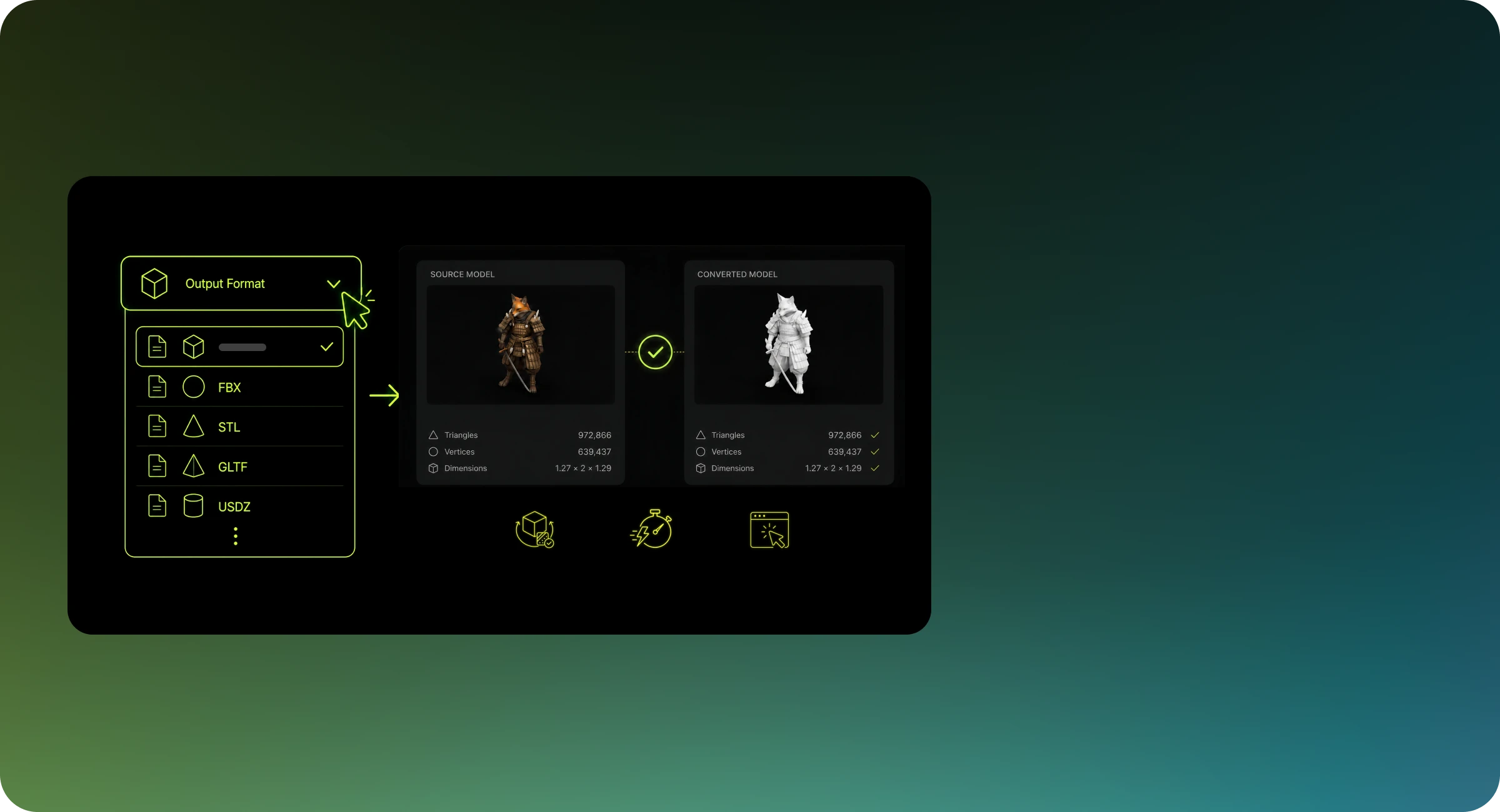
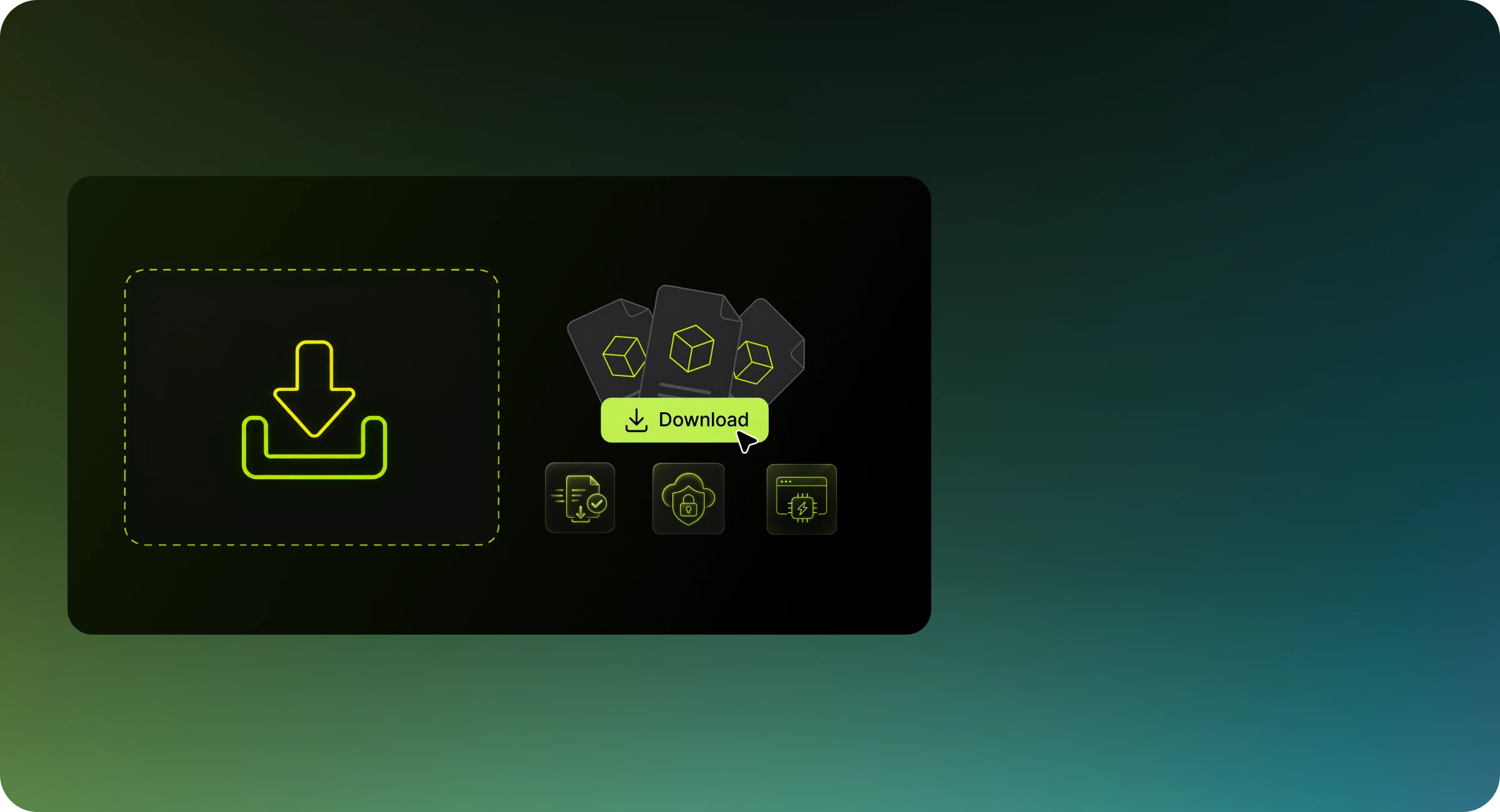
Meshy's FBX to USDZ converter is built for 3D workflows. It runs entirely in your browser with nothing to install, and your first three conversions need no account — after that, sign in for free to keep converting. It keeps your model's geometry and mesh structure intact, and carries UVs, materials and textures over whenever USDZ can hold them. Whether you're preparing game assets, 3D printing, or 3D Animation, Meshy handles the format handoff cleanly, so you can stay focused on creating. Not sure which format fits your use case? Check out our 3D file format guide.
Free users can convert one file at a time. Pro users can process multiple files in a single session with faster turnaround. If you need batch conversion for a larger pipeline, check out Meshy's API for programmatic access.
Yes. Your files are processed locally in your browser and are not sent to or stored on external servers. If you're working with sensitive or proprietary models, see our Privacy Policy for full details.
Most FBX to USDZ conversions complete in under 30 seconds. Conversion time depends on file size and mesh complexity. Very large files or models with high polygon counts may take slightly longer. If processing takes more than a few minutes, try reducing the polygon count before uploading.
Before converting, keep these in mind: Data loss between formats — USDZ may not support certain material channels, animation rigs, or metadata present in FBX. Review our 3D file format guide to understand what each format supports before converting. Watertight geometry for 3D printing — If you plan to use the output for 3D printing, check that your model is manifold (watertight) before uploading. External textures — Textures referenced externally in FBX files may need to be packed or re-linked after conversion. Meshy automatically transfers embedded textures, but external texture files require manual processing. Scale units — FBX and USDZ sometimes use different default unit systems. Review your model's scale after conversion, especially if importing into a game engine like Unity or Unreal Engine.
Geometry, face normals and mesh structure always transfer from FBX to USDZ. UVs and materials carry over only where USDZ and Meshy's exporter can write them: GLB, GLTF, FBX and USDZ keep materials and embedded textures; OBJ keeps UVs and material names but is written without an .mtl file; PLY keeps vertex colors; STL, 3MF and DXF keep geometry only. Materials also have to arrive with the source file — an OBJ is read without its .mtl, and 3DS and DAE files point to texture images that a single upload does not include. For production-critical assets, spot-check the converted file in your target application before integrating it into a larger pipeline.
After downloading your converted file, verify: 1. Geometry is intact with no missing faces or flipped normals 2. Textures and materials are applied correctly 3. Scale and orientation match your target application or engine 4. The file opens without errors in your target software
Yes. Once converted, you can use your USDZ file directly with other Meshy tools — including the AI Texture Generator to apply new surface materials, the 3D Viewer to check your model, and the retopology and remesh features available in the Meshy workspace. The USDZ format is compatible with the full Meshy 3D pipeline.
If your conversion fails, try the following steps: 1. Make sure your FBX file is not corrupted — open it in another application to verify 2. Check that the file is within the 50 MB size limit 3. Remove any non-standard or proprietary data before re-uploading
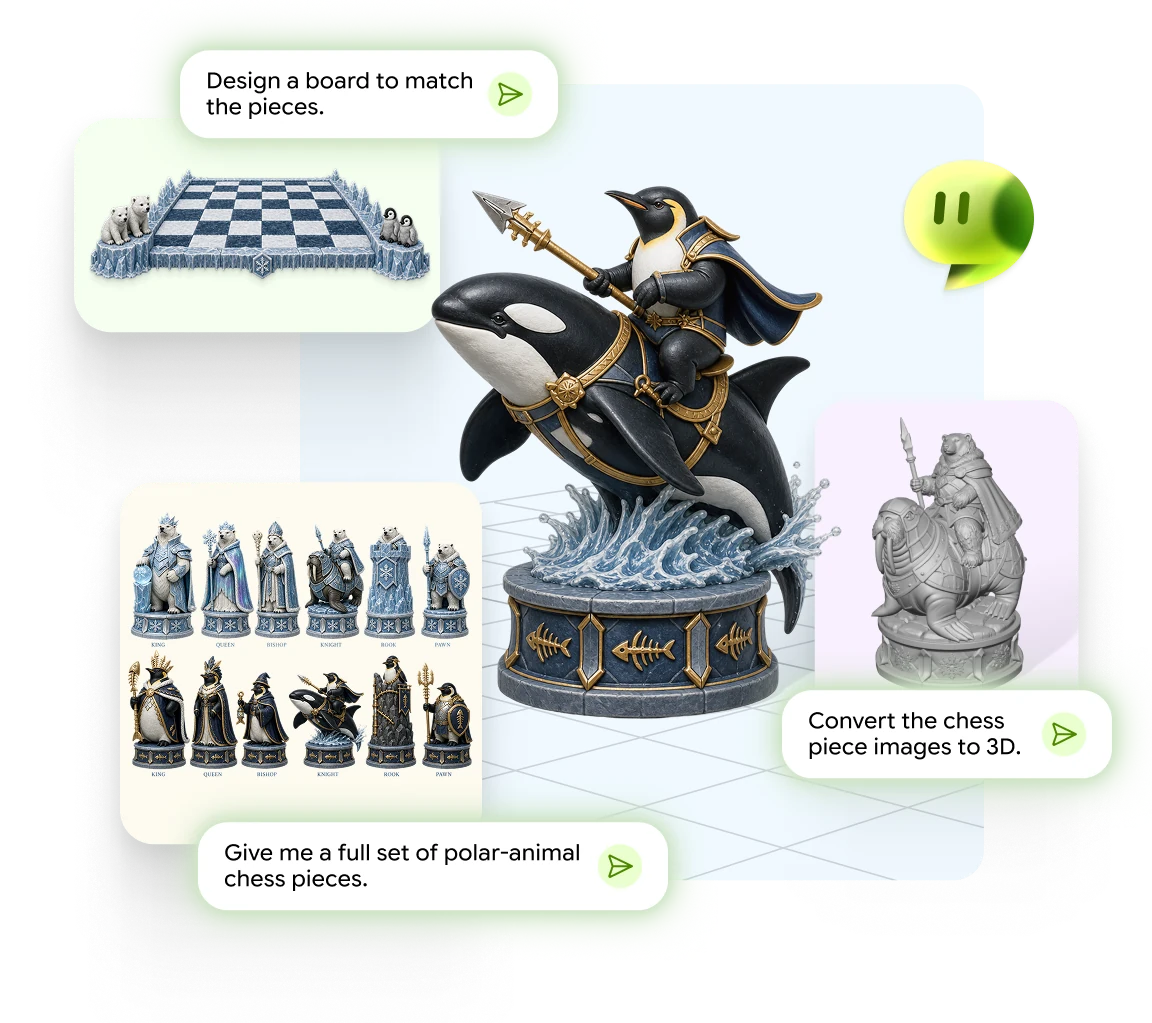
Chat from an idea, photo, or sketch to a print-ready 3D model
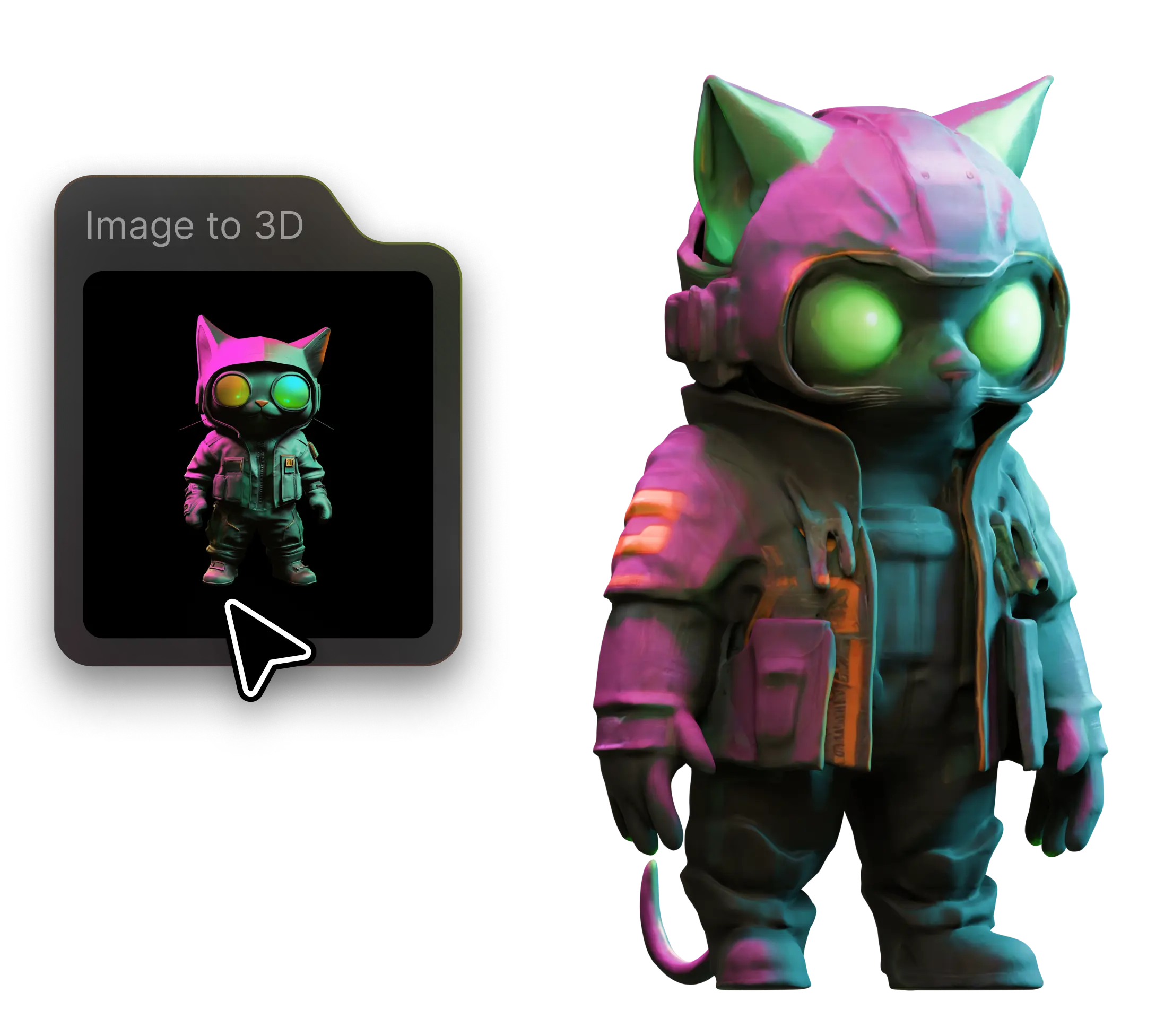
Turn any photo into a detailed 3D model in seconds
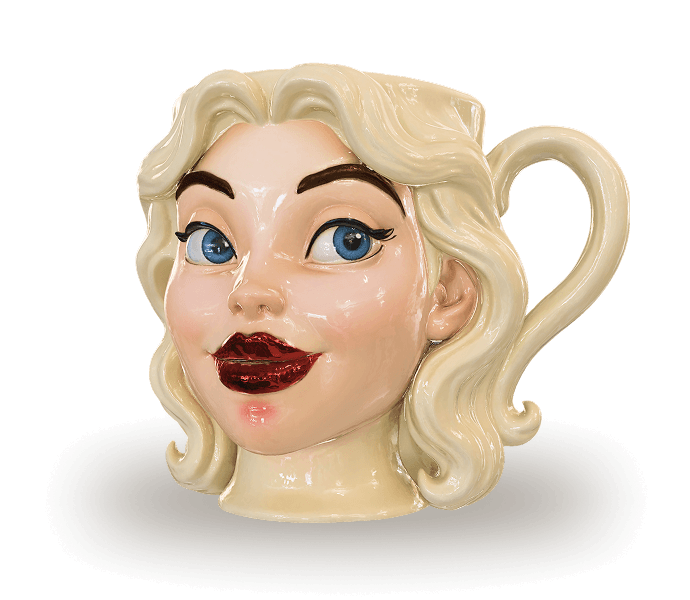
Describe it, generate it - 3D models from text prompts
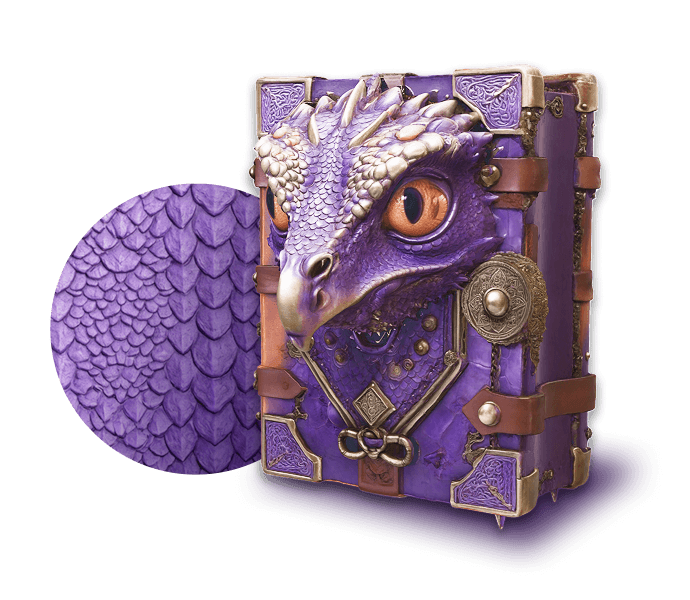
Add realistic PBR textures to any 3D model with AI
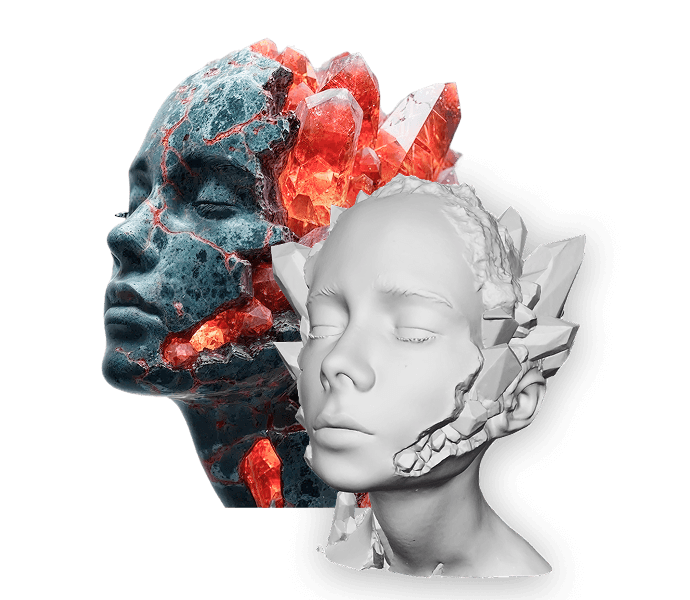
Generate multi-view images optimized for 3D creation
Auto-rig and animate any 3D character in seconds
Fast, free, and secure — convert between OBJ, FBX, STL, GLB, and more right in your browser.