





3D Artists & Designers
Open models from clients and teammates straight in the browser and inspect the mesh from every angle. No Blender, Maya, or ZBrush install required.
Easily open and preview .GLB files online for free. Preview 3D models and animations in your browser with no software install required. High-quality, fast loading, and secure GLB viewer.
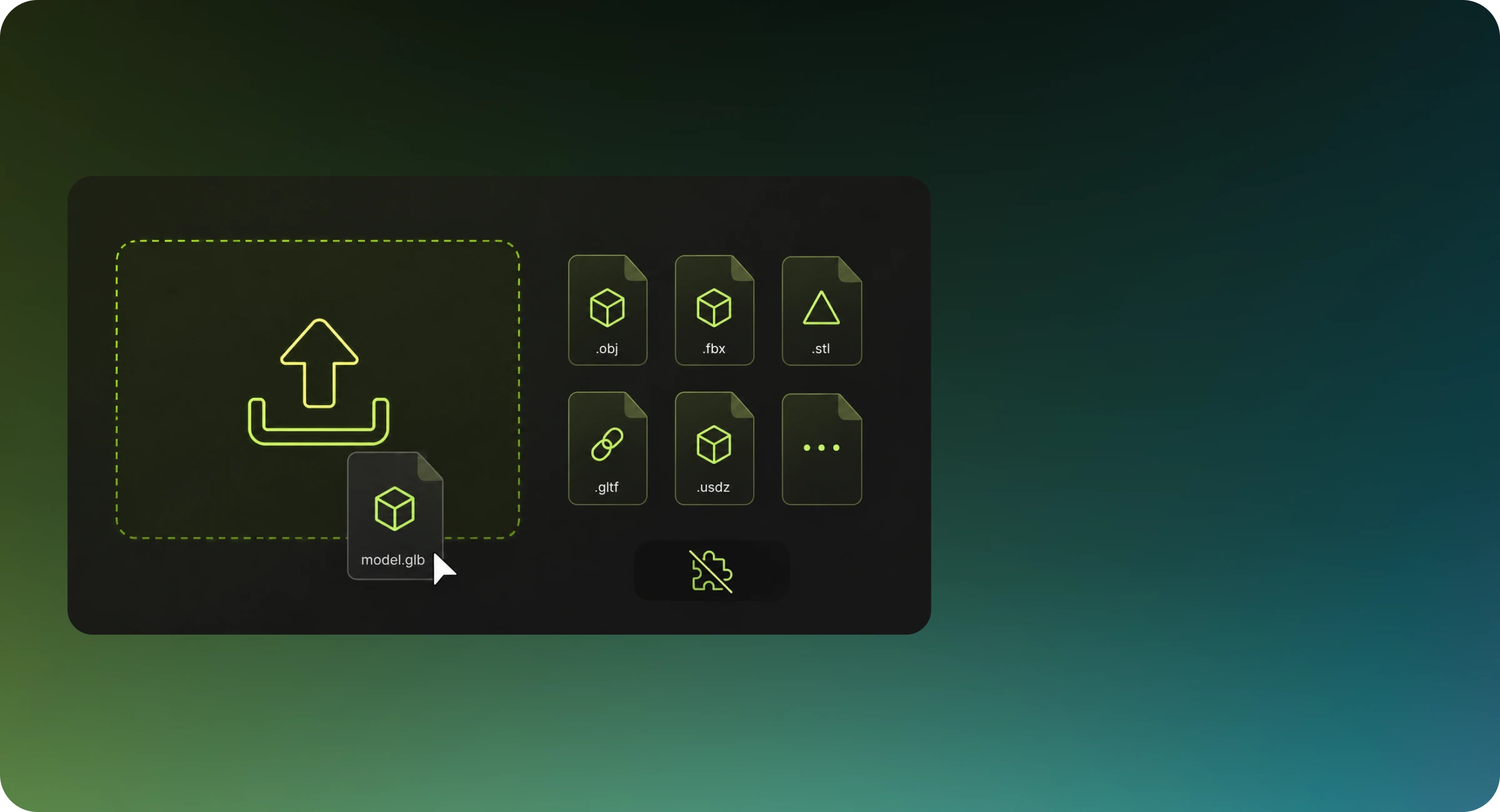
View industry-standard 3D formats including OBJ, STL, GLTF, GLB, FBX, USDZ, and more directly in your browser. No installation needed — instantly open and inspect any 3D file.
Access professional-grade 3D viewing technology at zero cost. Preview, inspect, and share 3D models with no subscription or account required — empowering students, indie developers, and professional studios alike.
View your 3D designs on desktops, tablets, and smartphones. Our responsive viewer ensures consistent quality whether you’re in the office, on-site, or on the move.

Your intellectual property remains secure. Files are processed at client side and will never leave your browser or uploaded to our server, ensuring complete confidentiality.
From game studios to print farms, anyone can open a GLB file in Meshy and inspect it from every angle without installing 3D software.
Open models from clients and teammates straight in the browser and inspect the mesh from every angle. No Blender, Maya, or ZBrush install required.
Check geometry, and materials where the format carries them, before an asset goes into Unity or Unreal. Catch broken exports early.
Preview STL, OBJ, and 3MF files before slicing to confirm orientation, scale, and surface detail, and spot mesh problems that would waste filament.
Review product models for configurators, 3D ads, and AR try-on experiences in the browser, and approve assets with no 3D tool installed.
Four steps take your GLB file from upload to orbiting on screen, each tuned for interactive frame rates.
An optimized loader for the format decodes your file, reading the exact geometry plus, where the format carries them, scene hierarchy, materials, and animation tracks.
Meshes are rebuilt into a unified scene graph. Vertex data is packed for the GPU, and multi-part objects keep their original structure and transforms.
Materials and textures supported by each format are loaded for display, while formats without material data receive a clean neutral default so surfaces stay readable.
The model is drawn in real time with WebGL, so you can orbit, zoom, and inspect every detail right away.
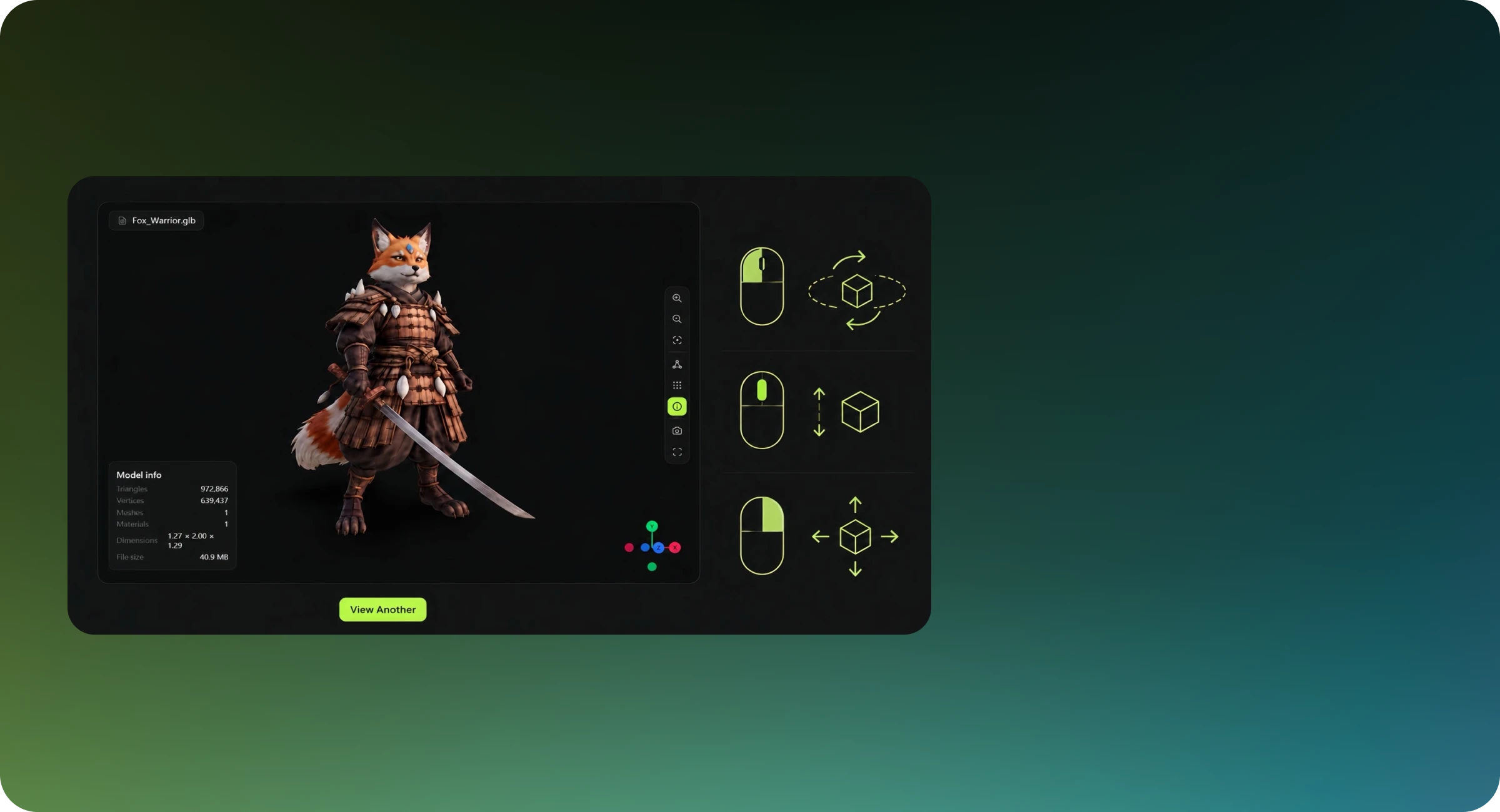
Meshy's GLB viewer lets you inspect 3D models instantly in your browser — no software installation, no account required. Rotate, zoom, and pan around your model to check geometry, proportions, and surface quality before committing it to a pipeline. Whether you're reviewing assets from a client, validating an AI-generated model, or doing a quick sanity check before export, Meshy gives you a clean, fast preview with zero friction.
Yes. The viewer parses your file locally in your browser — no 3D file is uploaded to Meshy servers at any point in the viewing flow. If you're working with sensitive or proprietary models, see our Privacy Policy for full details.
Yes. Meshy's 3D viewer is fully browser-based and works on iOS, Android, and tablet devices without any app installation. For the best experience on mobile, use an up-to-date version of Chrome or Safari. Very large or high-polygon models may load more slowly on mobile hardware — if performance feels sluggish, try a decimated version of the file.
Texture support depends on how the file is structured. GLB files that embed textures directly will display materials and colors correctly in the viewer. For formats that reference textures externally, you may see an untextured grey model — in this case, pack your textures into the file before uploading. Animation support varies by format; check the viewer toolbar to see if timeline controls appear after loading your file. Not happy with how your model looks? Use Meshy's AI Texture Generator to apply new surface materials directly in the editor.
There are a few common causes: 1. The file may be corrupted — try opening it in another application first to confirm it's valid 2. External texture or material references may be missing, resulting in a blank or grey appearance — pack your textures into the file before uploading to avoid this 3. The model may have inverted normals, making faces appear invisible from the camera's perspective 4. Very large files may time out on slower connections — try a simplified or decimated version
The viewer renders your model in real time using <webgl>WebGL</webgl>, which may display lighting and shading differently from offline renderers like Blender Cycles or V-Ray. Geometry, UV layout, and polygon structure remain unchanged — what you see reflects the actual mesh data in your file.
Meshy's 3D viewer opens 20 file formats. GLB, GLTF, FBX, USDZ, 3MF, DAE, and VRM keep their materials and textures when those resources are stored inside the uploaded file. GLB, GLTF, FBX, and DAE also carry animation clips and play them back. STL, OBJ, PLY, and DXF are read as geometry only — STL and PLY render untextured, OBJ opens without its companion .mtl file, and DXF needs 3D faces rather than flat 2D drawings. VOX renders with its voxel palette colors. STEP, STP, IGES, IGS, IFC, and 3DM are CAD and BIM formats, converted to a triangle mesh on load with per-face colors but no parametric surfaces. 3DS keeps its material colors but references texture images by filename, so those may not load. GCODE renders as toolpath lines rather than a solid model. If your format isn't listed, convert it to GLB or OBJ first with Meshy's 3D File Converter, then open the result in the viewer.
The viewer accurately represents your model's geometry, UV coordinates, and embedded materials. Real-time WebGL rendering does not replicate path-traced lighting or physically accurate shading, so the preview may differ from a final render. For a close approximation of final output, ensure your textures use PBR-compatible maps (base color, roughness, metalness, normal) and are correctly embedded in the file before uploading. For more on how different formats handle PBR materials, see our 3D file format guide.
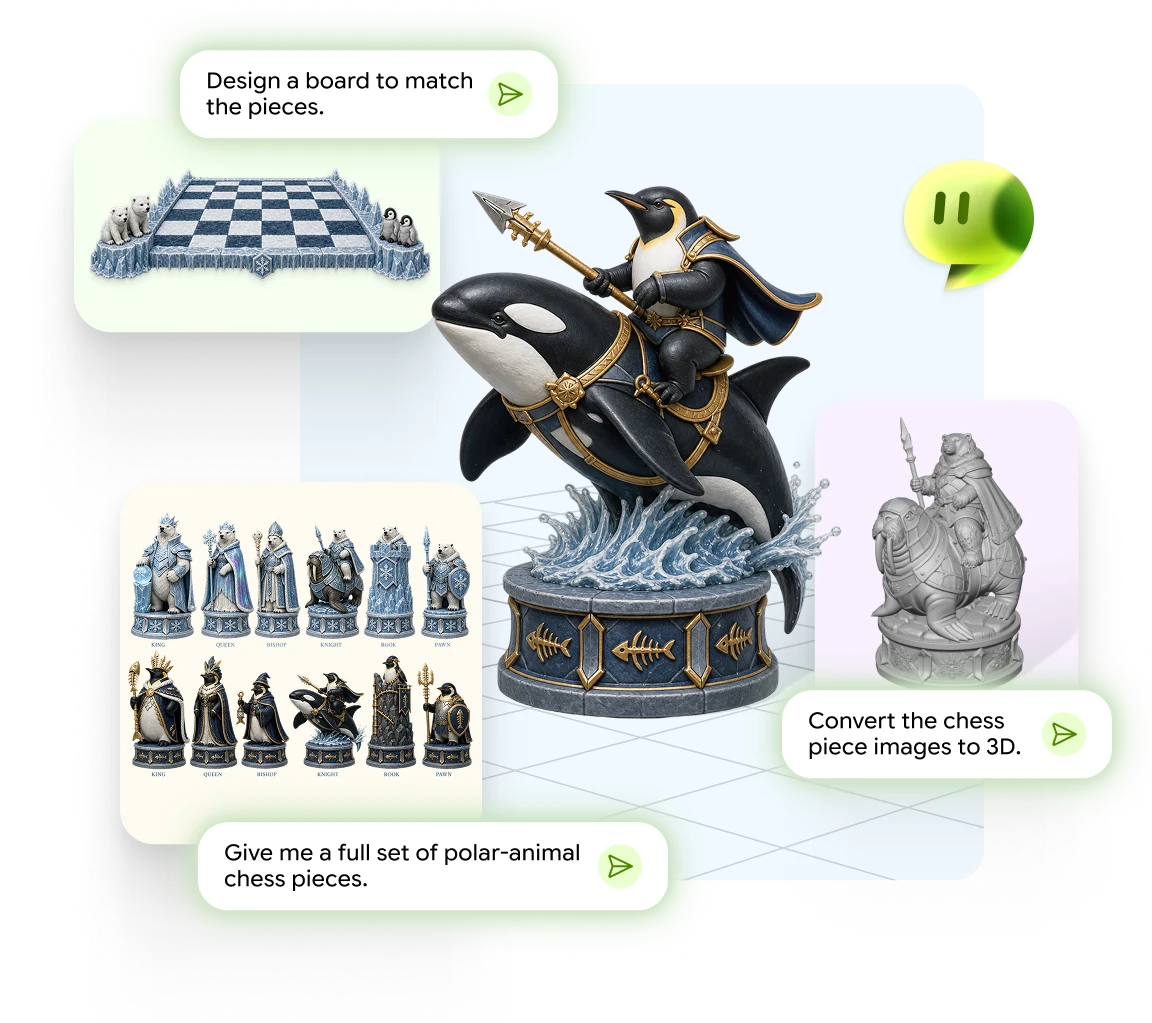
Chat from an idea, photo, or sketch to a print-ready 3D model
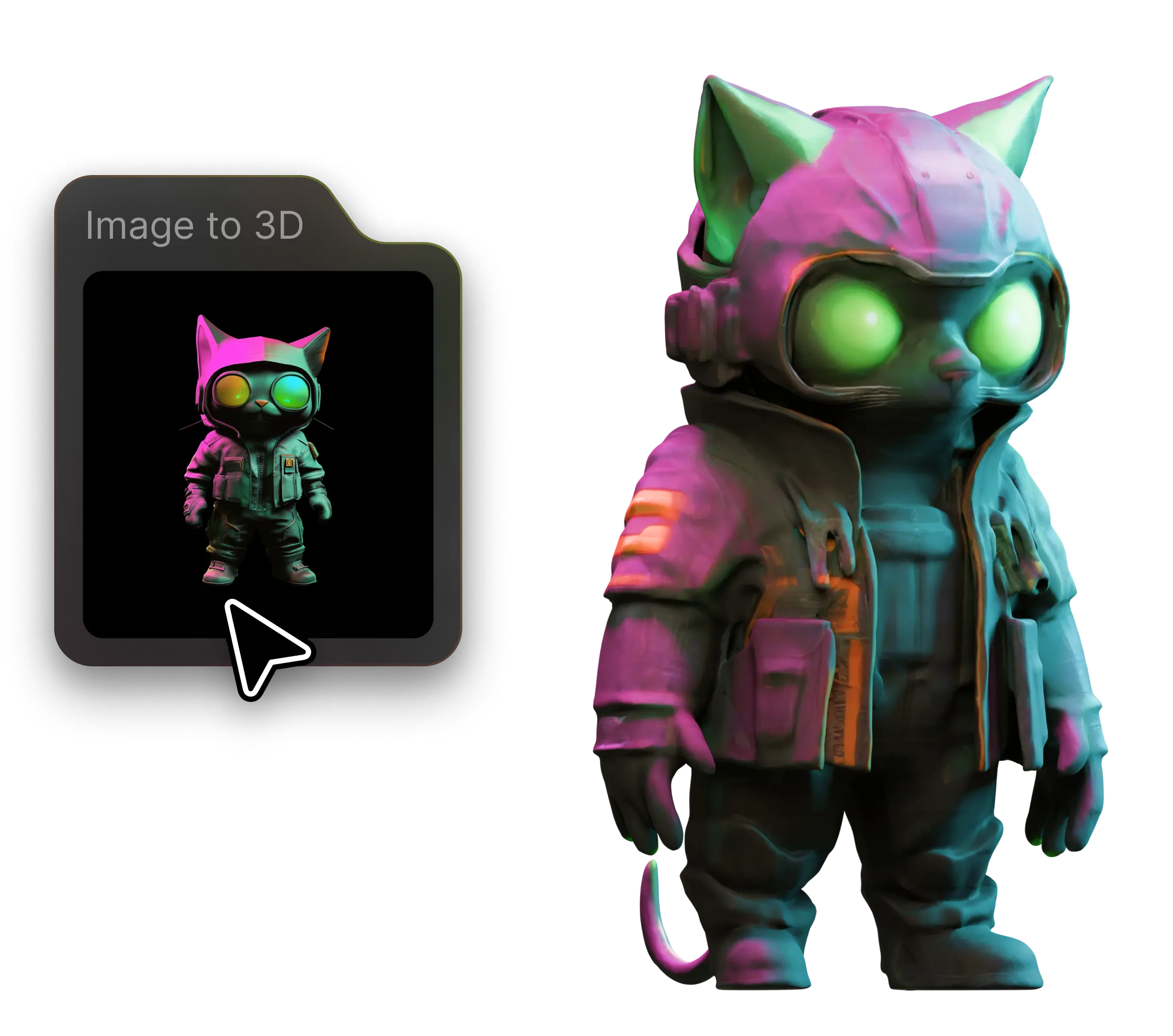
Turn any photo into a detailed 3D model in seconds

Describe it, generate it - 3D models from text prompts
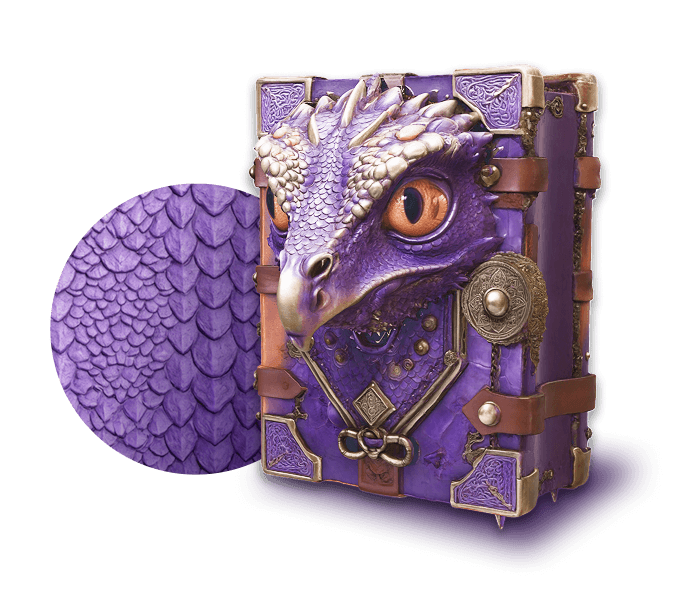
Add realistic PBR textures to any 3D model with AI
Generate multi-view images optimized for 3D creation
Auto-rig and animate any 3D character in seconds
Fast, free, and private — open and inspect GLB, FBX, STL, OBJ, and more right in your browser.