FOR 3D CREATORS

AI 3D Animation Workflow: From Model to Motion

Meshy runs the entire 3D animation pipeline in one place: generate or import a character, auto-rig it in seconds, apply motion from a 600+ clip library, and export animation-ready FBX or GLB to Unity, Unreal, Blender, and Godot — no multi-tool pipeline, no manual rigging.
FOR 3D CREATORS

Every Stage of 3D Animation, in One Workflow

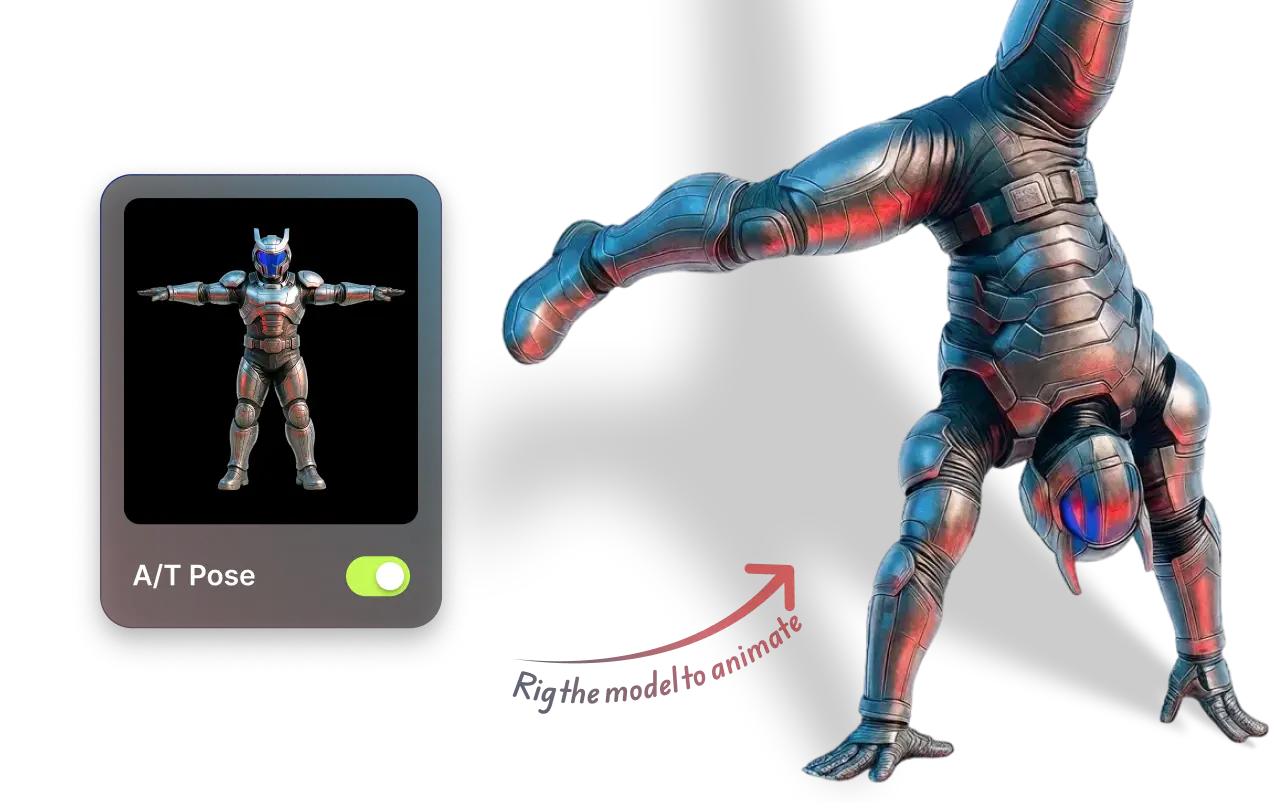
Rig Humanoids & Quadrupeds in a Few Clicks

Rig Humanoids & Quadrupeds in a Few Clicks

Skip manual bone setup and complex IK — instantly rig both humanoid and quadruped characters with a simple drag-and-drop workflow.
600+ Motion Presets, Ready to Apply

600+ Motion Presets, Ready to Apply

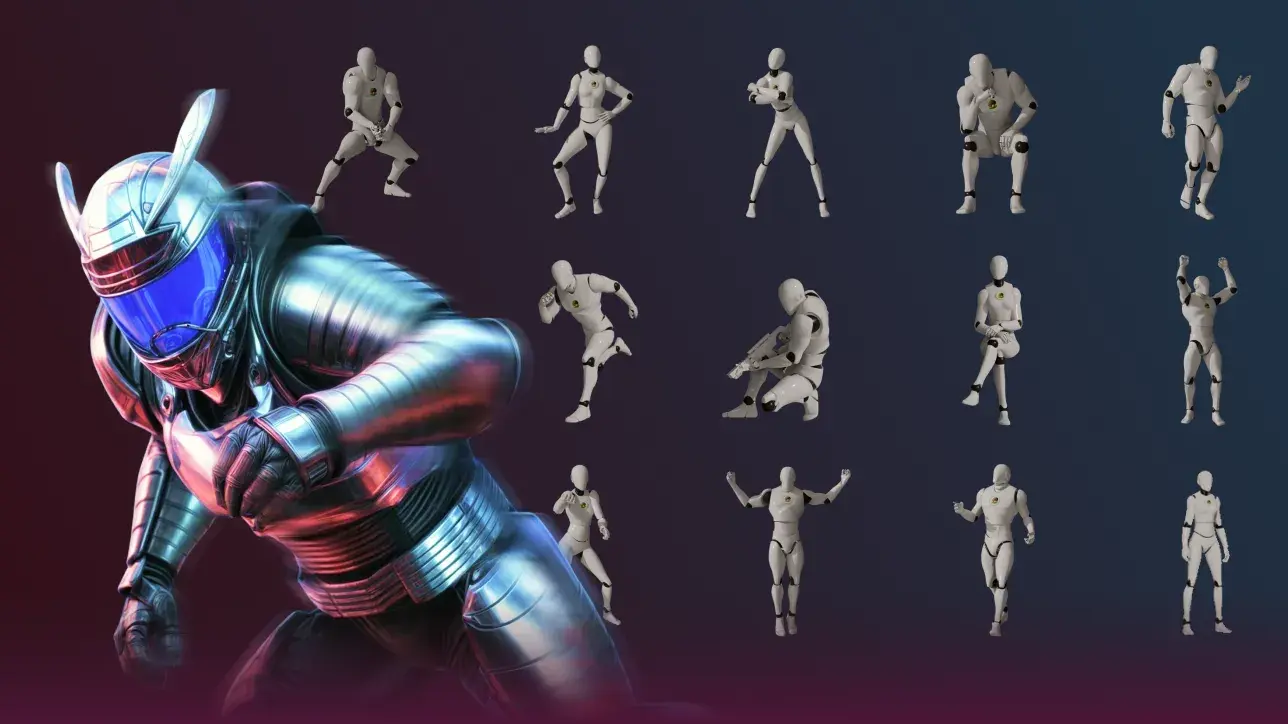
Bring your characters to life using Meshy’s 600+ built-in motion presets — walk, run, attack — without external 3D animation software.

Seamless Integration into Your 3D Animation Pipeline

Seamless Integration into Your 3D Animation Pipeline

Export animated FBX or GLB files ready for Unity, Unreal, Blender, or Godot — with models and animations intact, no manual export or conversion hassles.

How to Make a 3D Animation in 4 Steps

Meshy prompt box generating a 3D animation character from the prompt "a stylized fantasy knight in silver armor, A-pose"

AI-Powered Features for 3D Animation

Streamlined Character Animation Workflow

Streamlined Character Animation Workflow

Meshy supports Humanoids & Quadrupeds character rigging & animations, no matter if the model is uploaded by you or generated by Meshy.
Easy Rigging for Humanoids & Quadrupeds

Easy Rigging for Humanoids & Quadrupeds

Select humanoid or quadruped — Meshy auto-detects the skeleton and assigns a full rig automatically, no joint marking or weight painting needed.
Extensive Motion Library

Extensive Motion Library

Meshy’s Extensive Animation Library offers a robust collection of 600+ animation presets—including walk cycles, idle poses, and combat actions—that can be seamlessly applied to common humanoid or quadruped characters, whether generated within Meshy or imported from other sources.
Text or Image‑Driven 3D Model Creation

Text or Image‑Driven 3D Model Creation

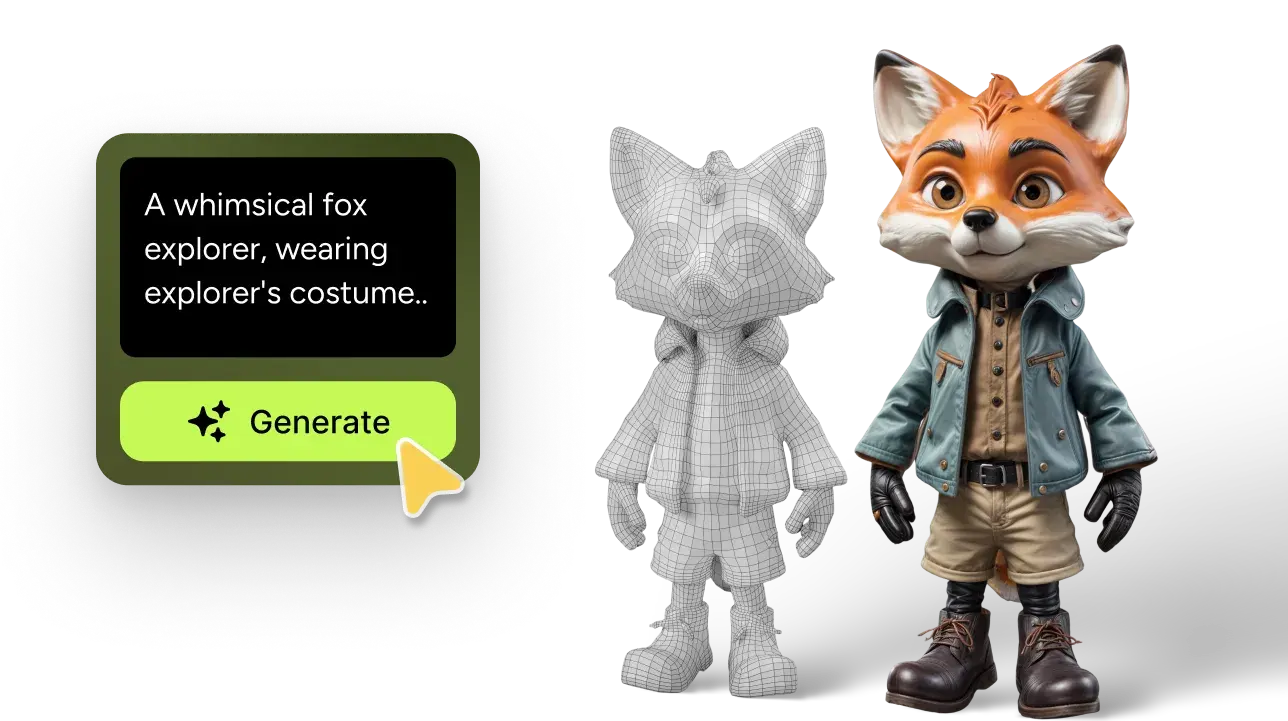
Generate characters for animation using simple text prompts or concept art images.
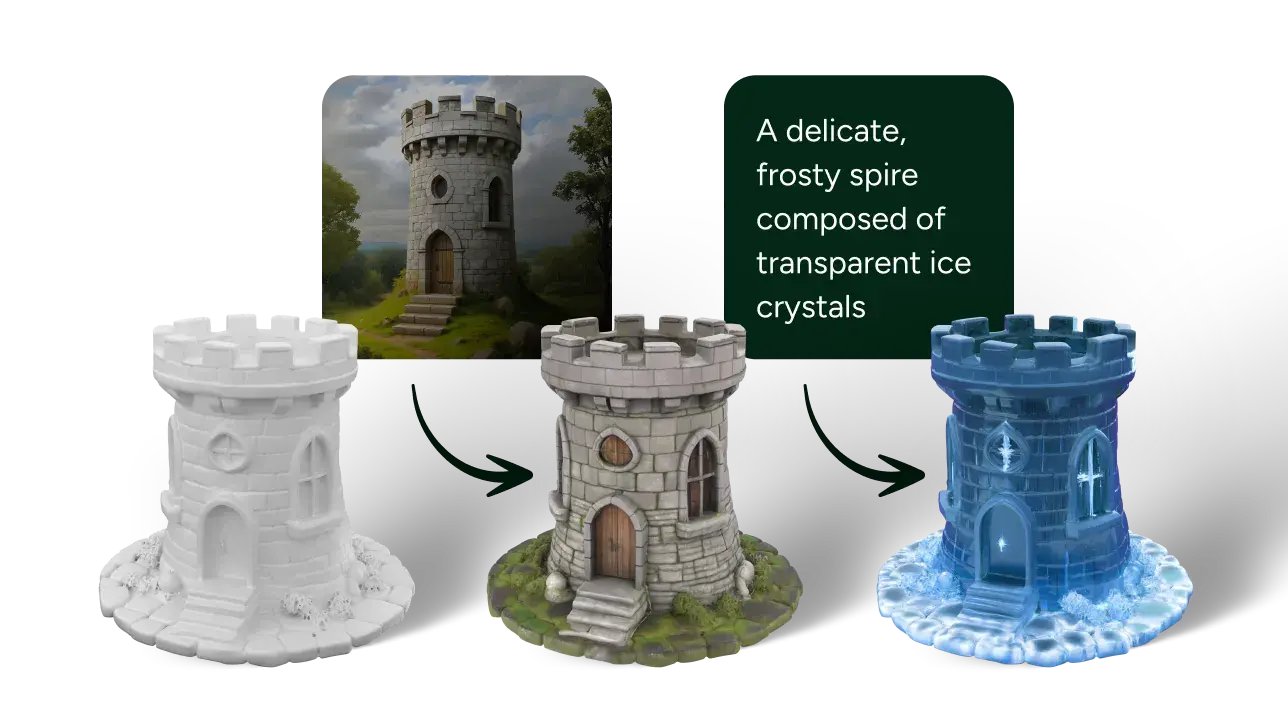
AI Texturing & PBR Texture Support

AI Texturing & PBR Texture Support

Generate studio-quality PBR textures instantly from text or image inputs, delivering ready-to-use, realistic materials for your animation pipeline without manual UV or shader setup.
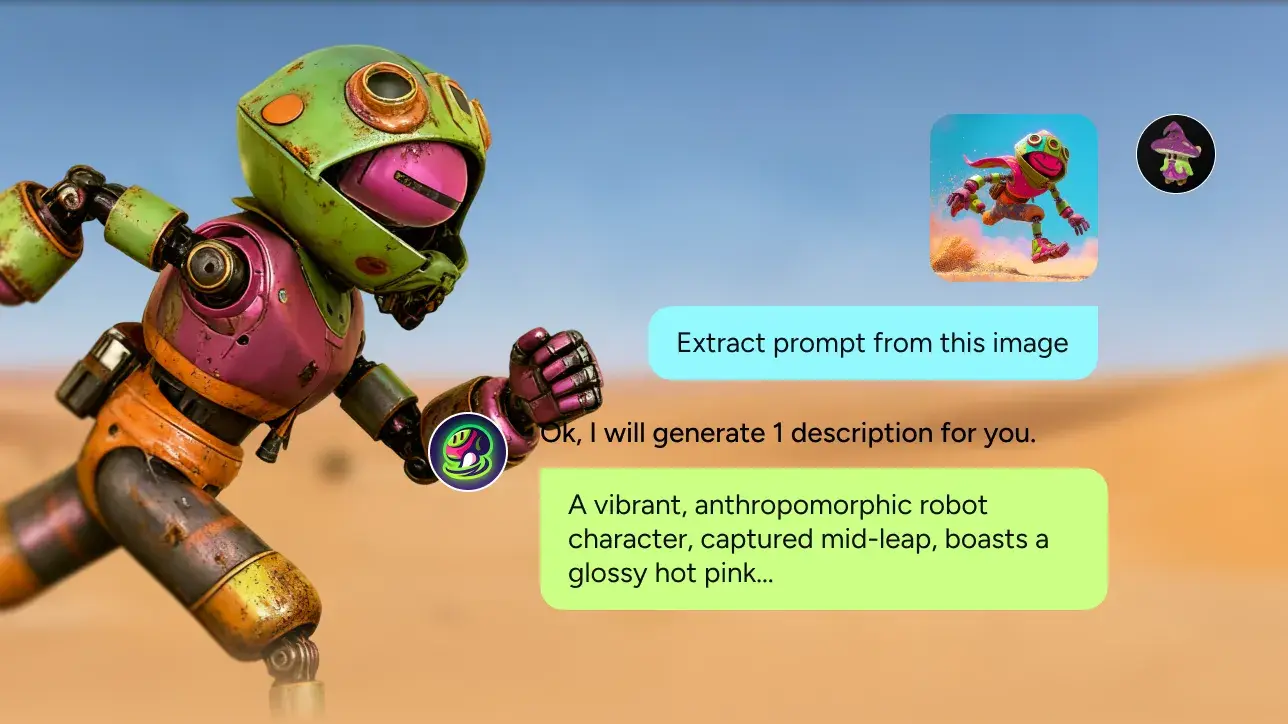
AI Prompt Assistance for Optimal Model Generation

AI Prompt Assistance for Optimal Model Generation

Meshy's AI prompt assistance optimizes your text prompts, and helps you define character styles (realistic, cartoon, sculpture, or voxel) and poses (A-pose, T-pose, and more), perfect for subsequent rigging and animating processes.
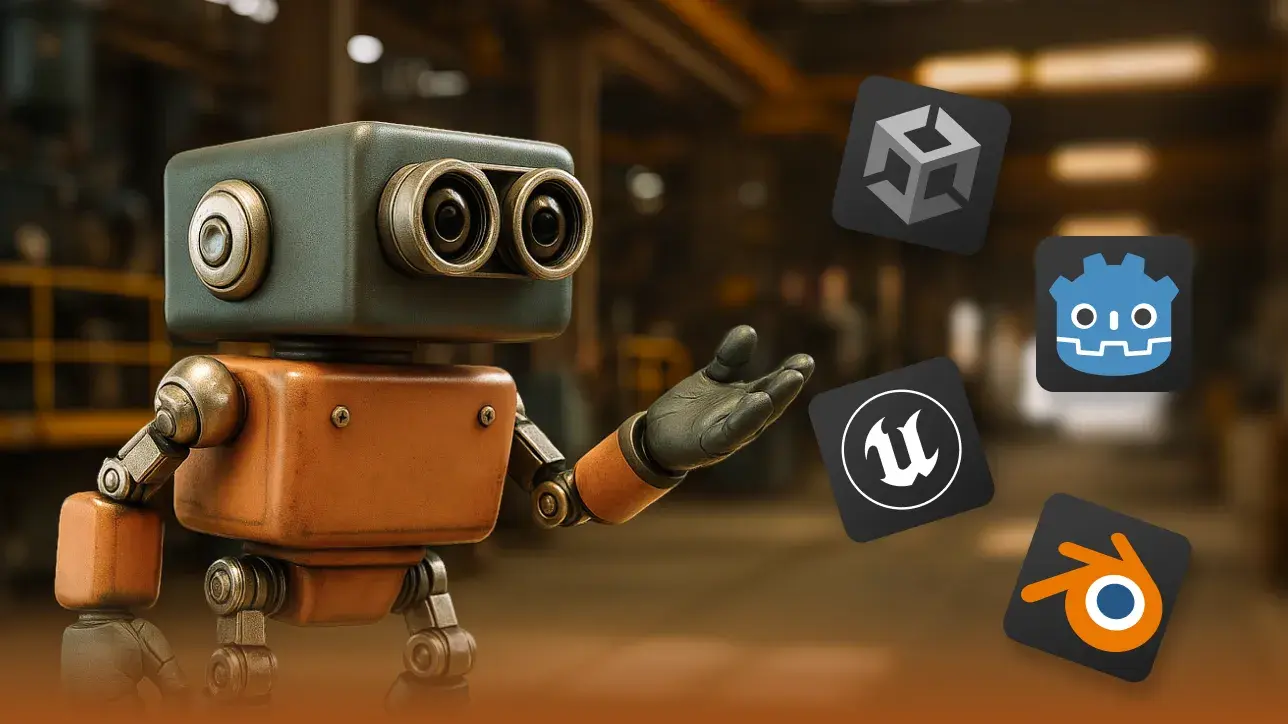
Engine‑Ready Export Formats

Engine‑Ready Export Formats

Download animated FBX or GLB files compatible with Unity, Unreal, Blender, Godot—no conversion headaches.
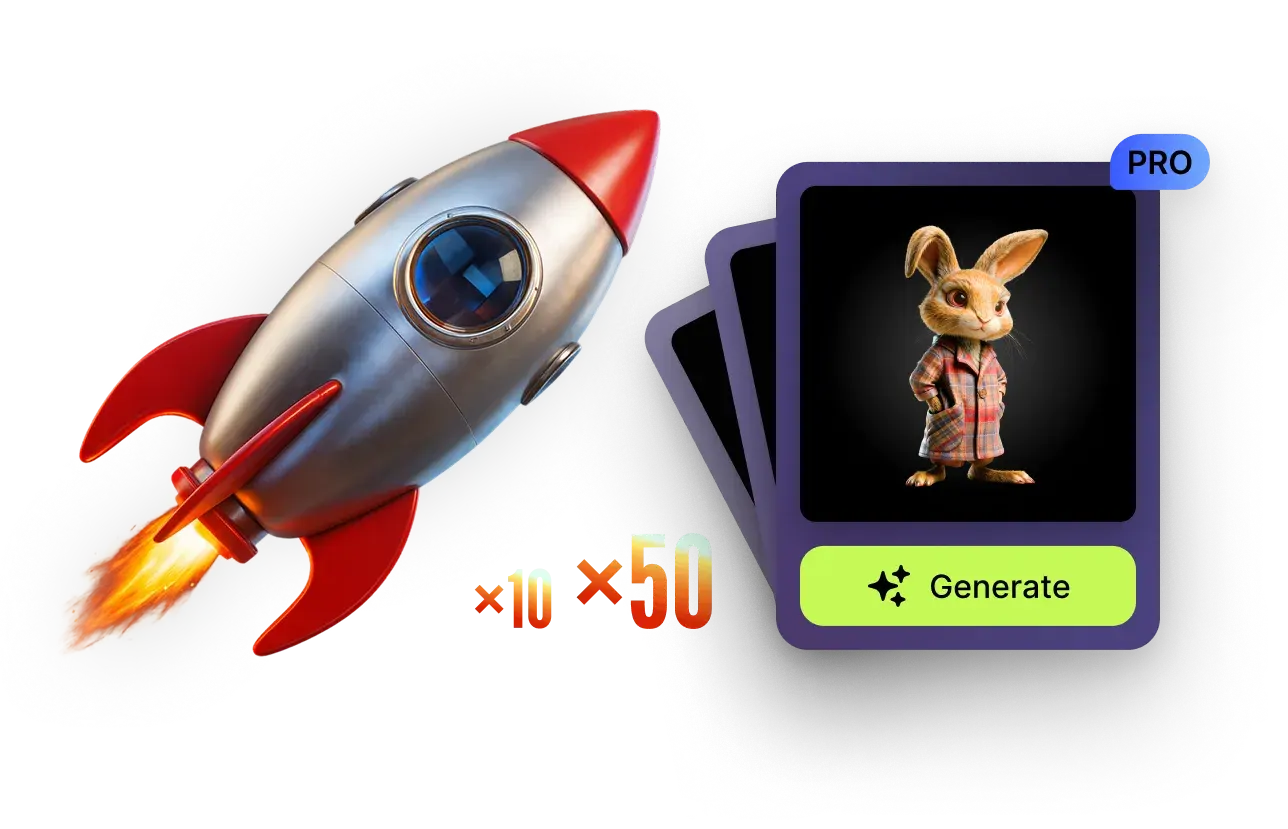
Accelerate Asset Production with Concurrent Generation

Accelerate Asset Production with Concurrent Generation

Meshy’s paid plans run multiple generation tasks in parallel — 10 concurrent tasks on Pro, with Studio and Enterprise supporting higher concurrency — enabling rapid mass production of 3D assets, textures, and animations.
Enterprise-Grade Collaboration & Control for Game Studios

Enterprise-Grade Collaboration & Control for Game Studios

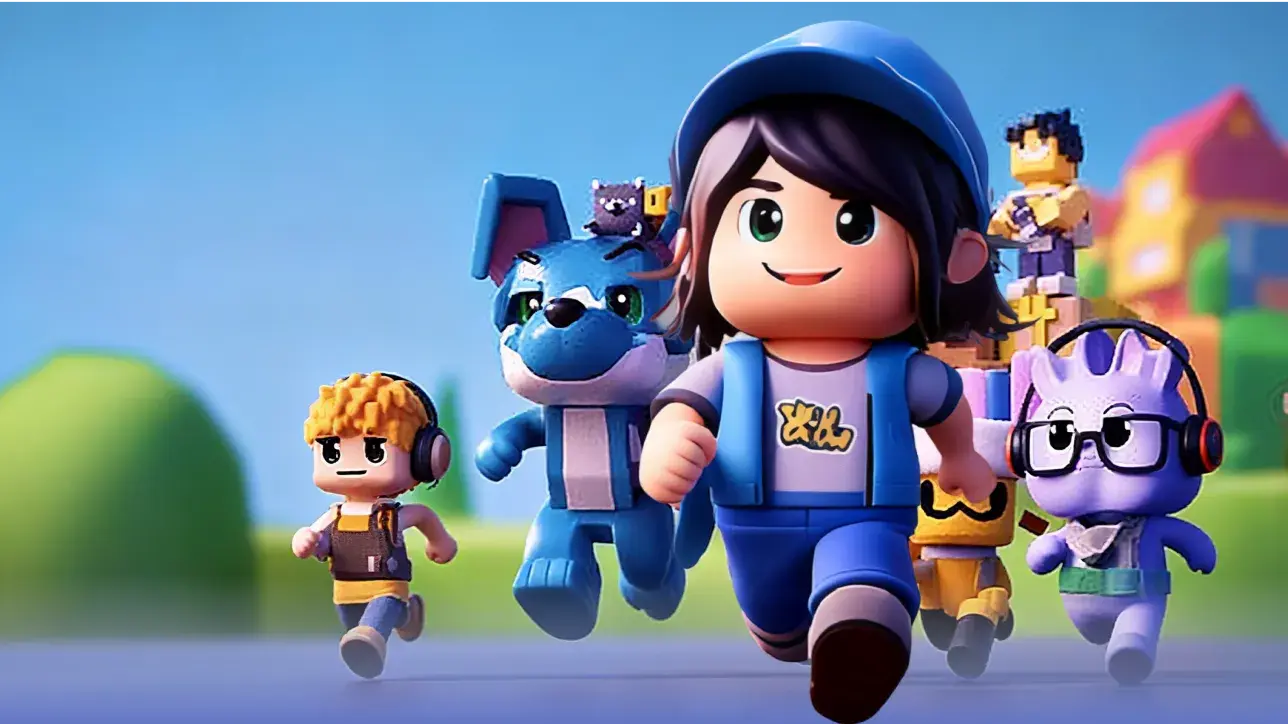
Meshy's enterprise offerings are crafted to support game development studios with robust security, streamlined collaboration, and efficient asset management. Features include SAML Single Sign-On (SSO) for secure and centralized user authentication, multiple team and workspace management for organized project coordination, and access to the Community Model API for leveraging a vast library of community-generated assets.

What Is the 3D Animation Workflow? Stages Explained

The 3D animation workflow is the sequence that turns an idea into a moving 3D character. A traditional pipeline runs modeling → texturing → rigging → animation → export/rendering. Meshy compresses the first four into one AI workflow:

Modeling

where the character takes shape. Traditionally sculpted by hand in Blender or ZBrush; with Meshy you start from a text prompt, an image, or an existing mesh.

Texturing

materials and surface detail. Normally UV unwrapping and shader work; Meshy applies PBR textures automatically.

Rigging

building the skeleton that makes a mesh animatable. The stage that traditionally costs hours of bone placement and weight painting; Meshy detects the body plan and rigs it for you.

Animation

driving the rig with motion. Instead of keyframing or mocap sessions, retarget presets from a motion library.

Export / Rendering

hand off FBX/GLB to your engine; final rendering stays in your game engine or DCC tool.

Rendering happens in your game engine or DCC tool — everything up to it stays in one browser tab.
Testimonials

Loved by 3D creators worldwide

Frequently Asked Questions

The core stages are modeling, texturing, rigging, animation, and export/rendering. With Meshy, you generate or import the model, auto-texture and auto-rig it, apply motion from a 600+ library, and export FBX/GLB — final rendering then happens in your engine.

Generate a character from a text prompt or concept image — or upload your own model — then rig and animate it, all in the browser. AI Prompt Helper suggests style and pose keywords (like T-pose) to include in your prompt.

Yes. Skip manual bone setup, IK, and weight painting entirely — simply select whether your character is humanoid or quadruped, and Meshy's Auto-Rig assigns a full skeleton in the browser automatically, with no joint marking required.

Choose from a built-in motion library — walk cycles, idle poses, combat actions, and more — applied to humanoid or quadruped characters in a few clicks, with no external animation software. Free accounts include 20+ presets; paid plans unlock 600+ (humanoids have the widest selection).

Beginners can skip modeling, rigging, and keyframing: generate a character from a prompt, let Meshy auto-rig it, pick a preset motion, and export — no prior 3D or animation experience needed.

Yes. Download animated FBX or GLB files with models and animations intact — ready for Unity, Unreal, Blender, and Godot, with no manual export or conversion. On Pro and above, you can also push directly via the Meshy DCC bridge.

Yes. Upload your model and apply motions from Meshy's animation library — 20+ on the free plan, 600+ on paid plans — to bring existing assets to life.

Yes. Free-plan assets are CC BY 4.0 (use and sell with attribution, and they're public); the Pro plan and above grant full private ownership with no attribution — ship your animated characters in any game or project.

3D, On Command

Contact Sales