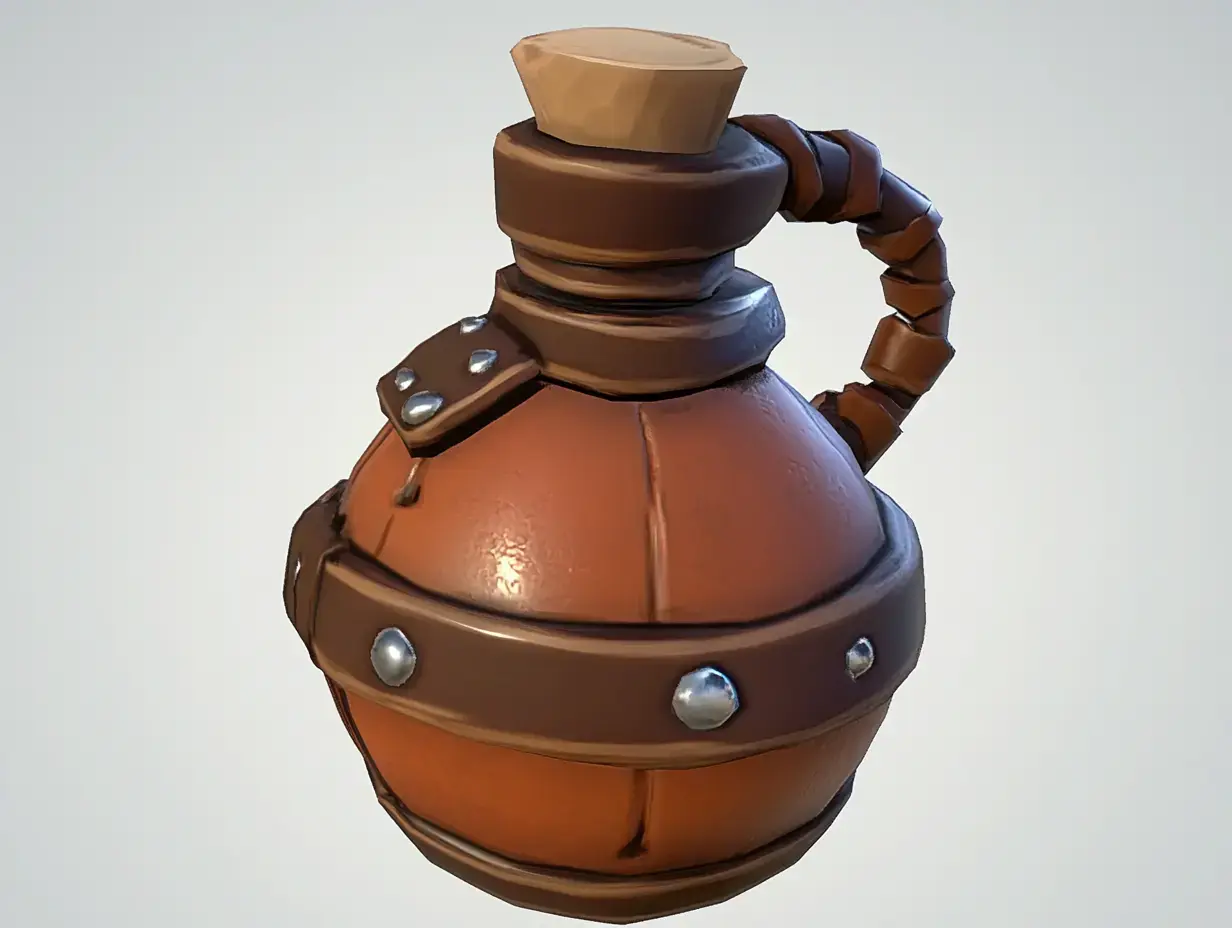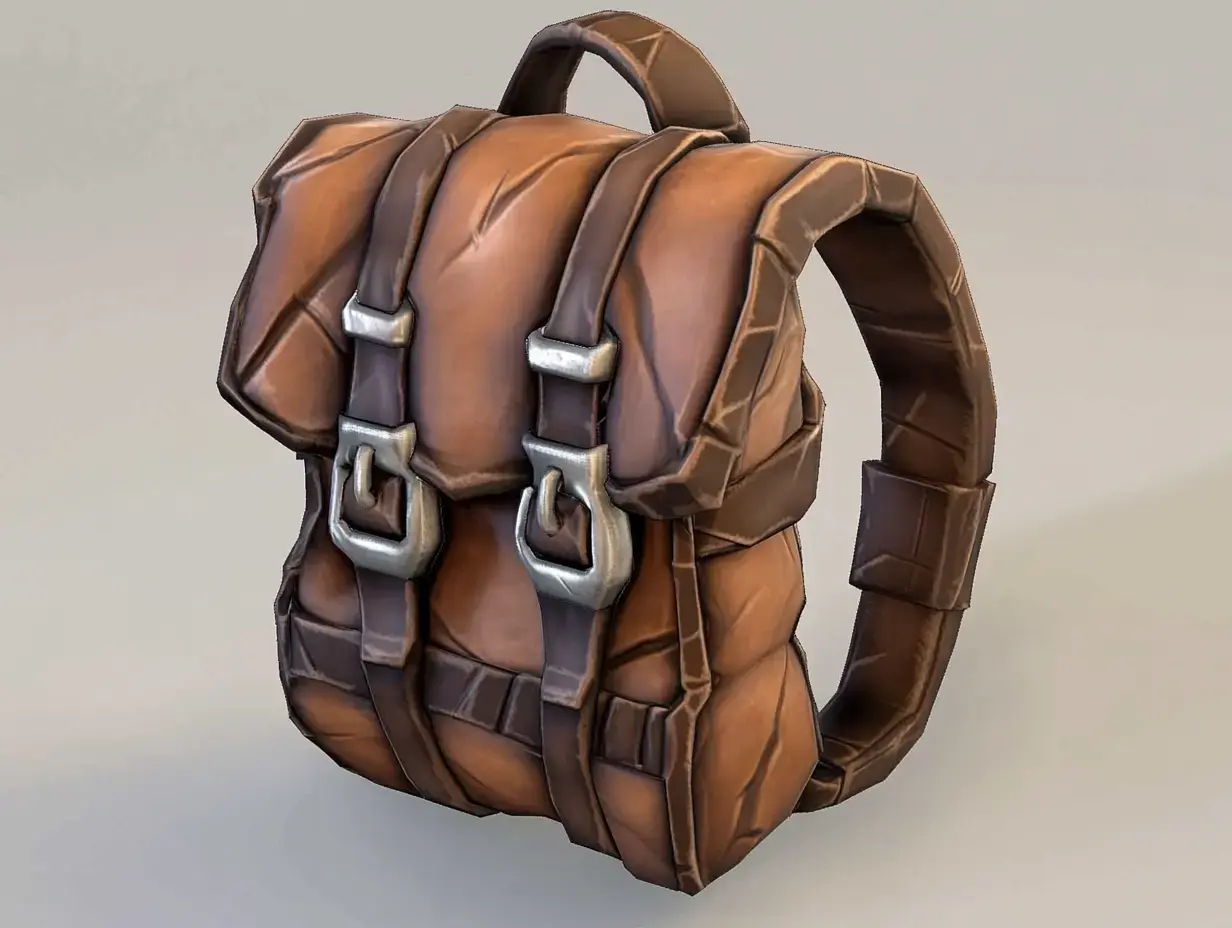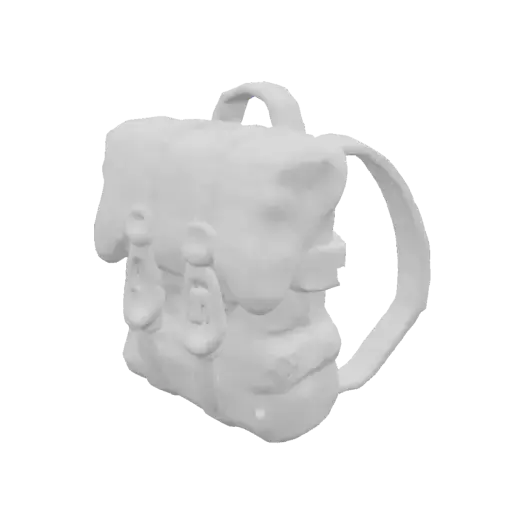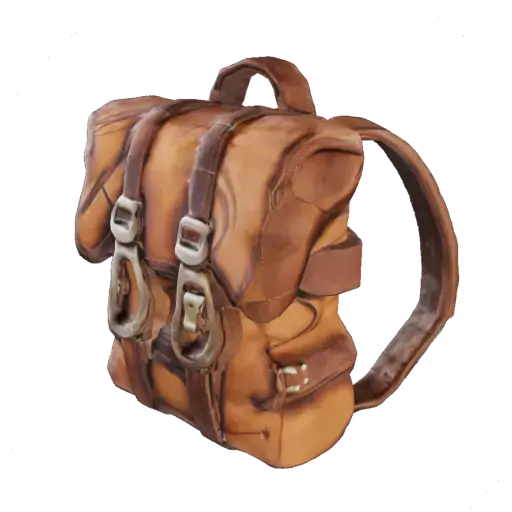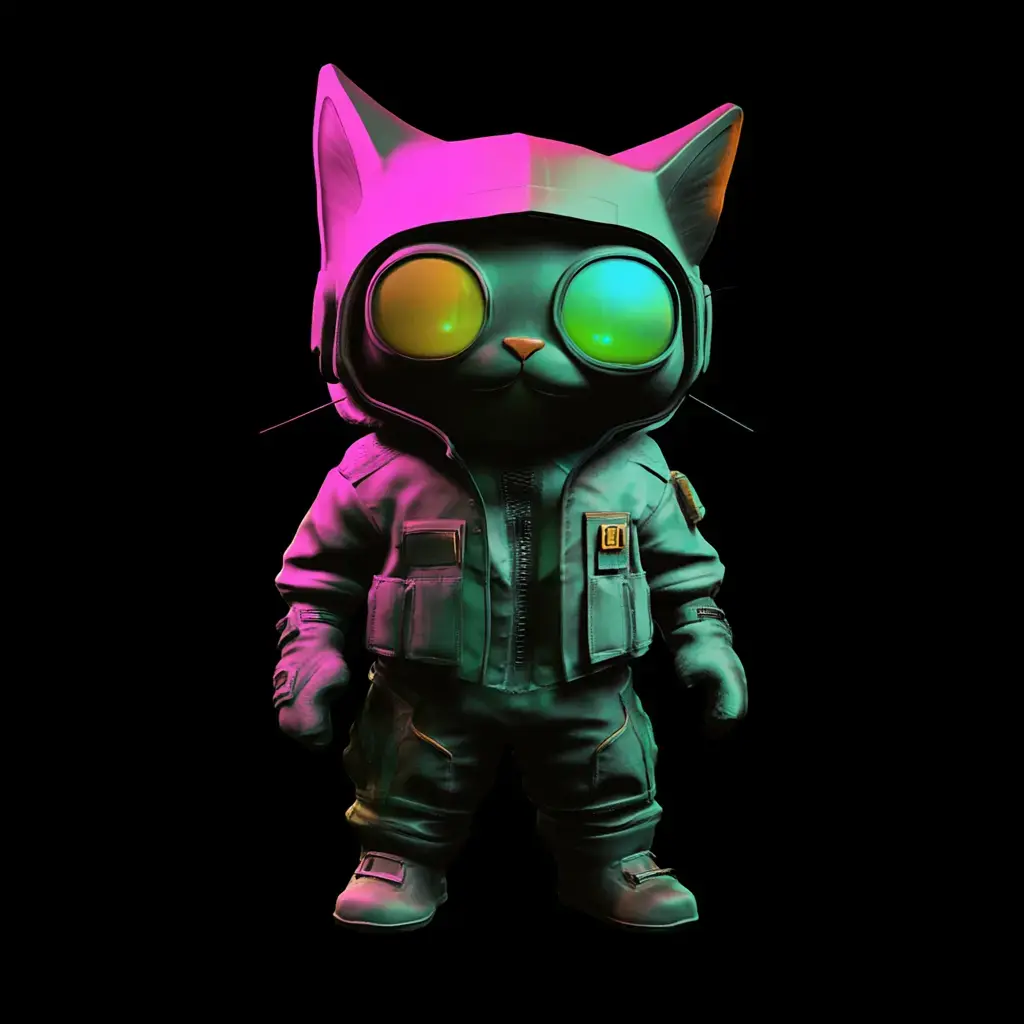
Image to 3D
Convert Image (2D) to 3D Model in a Minute
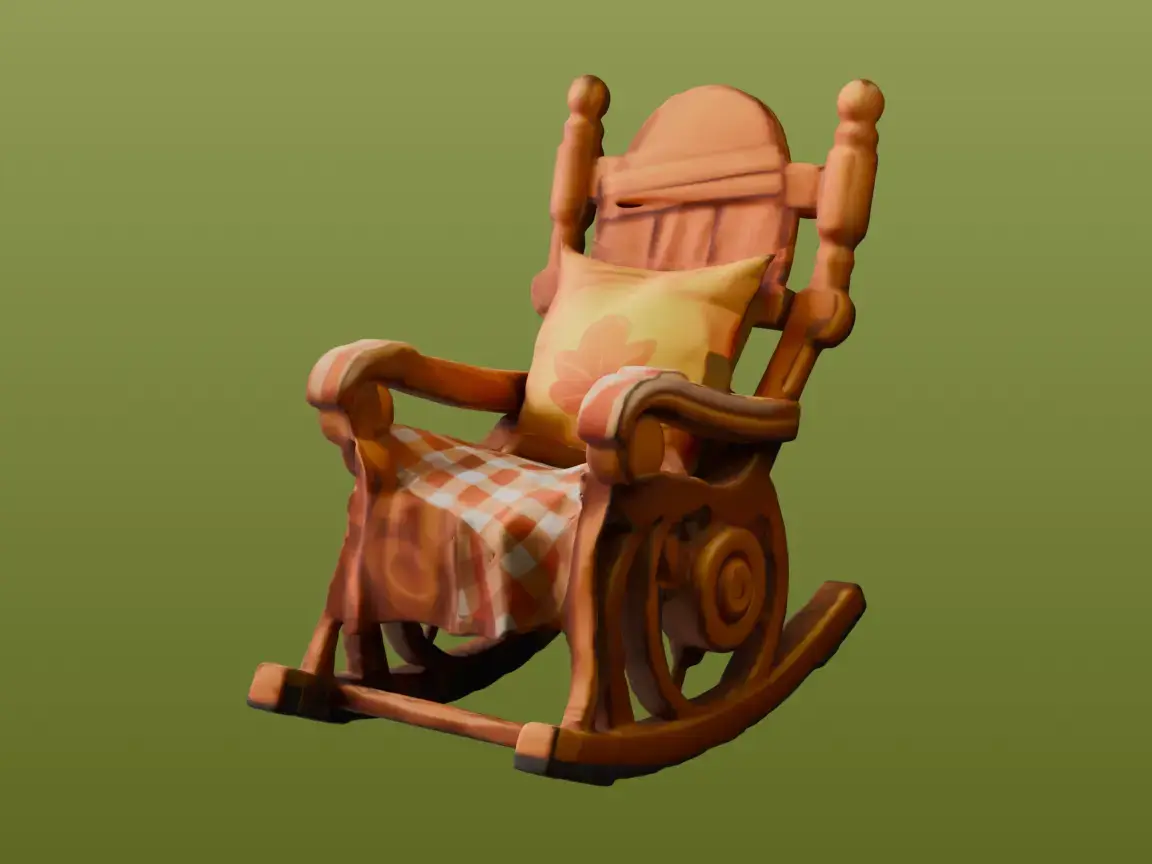
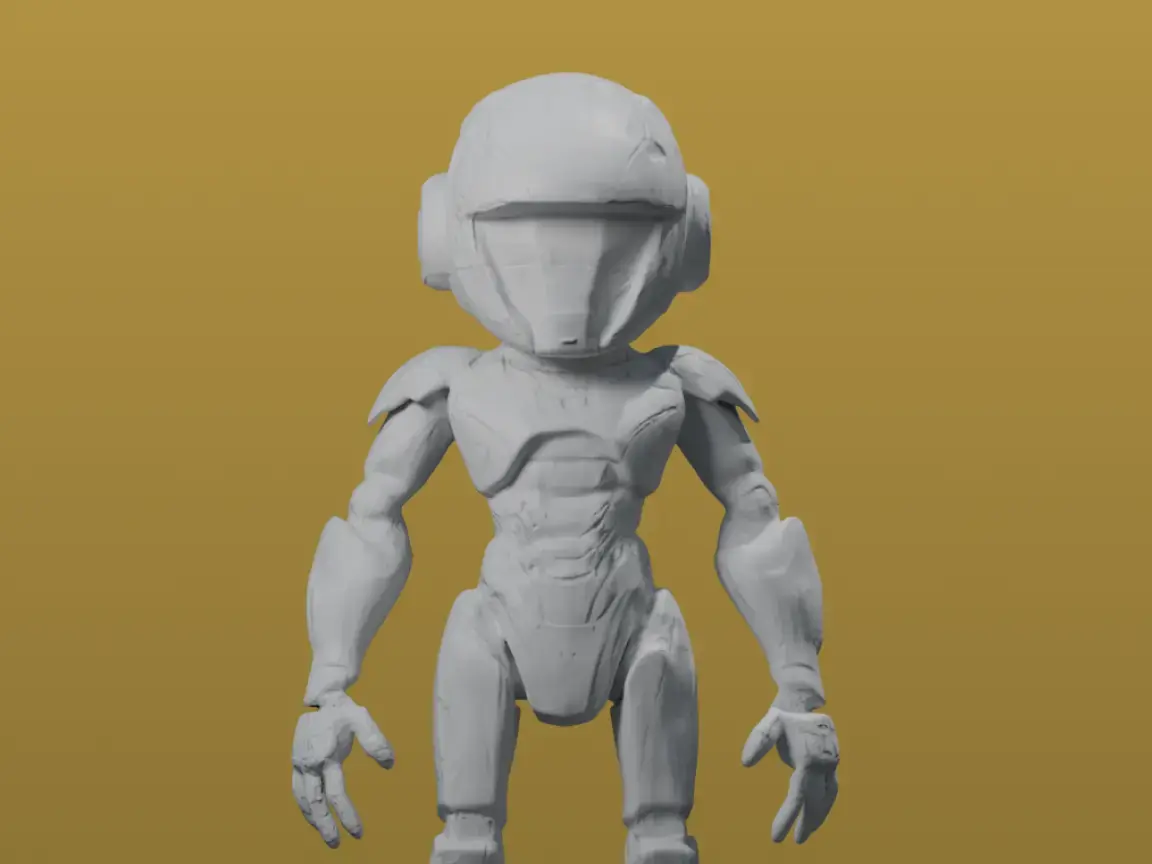
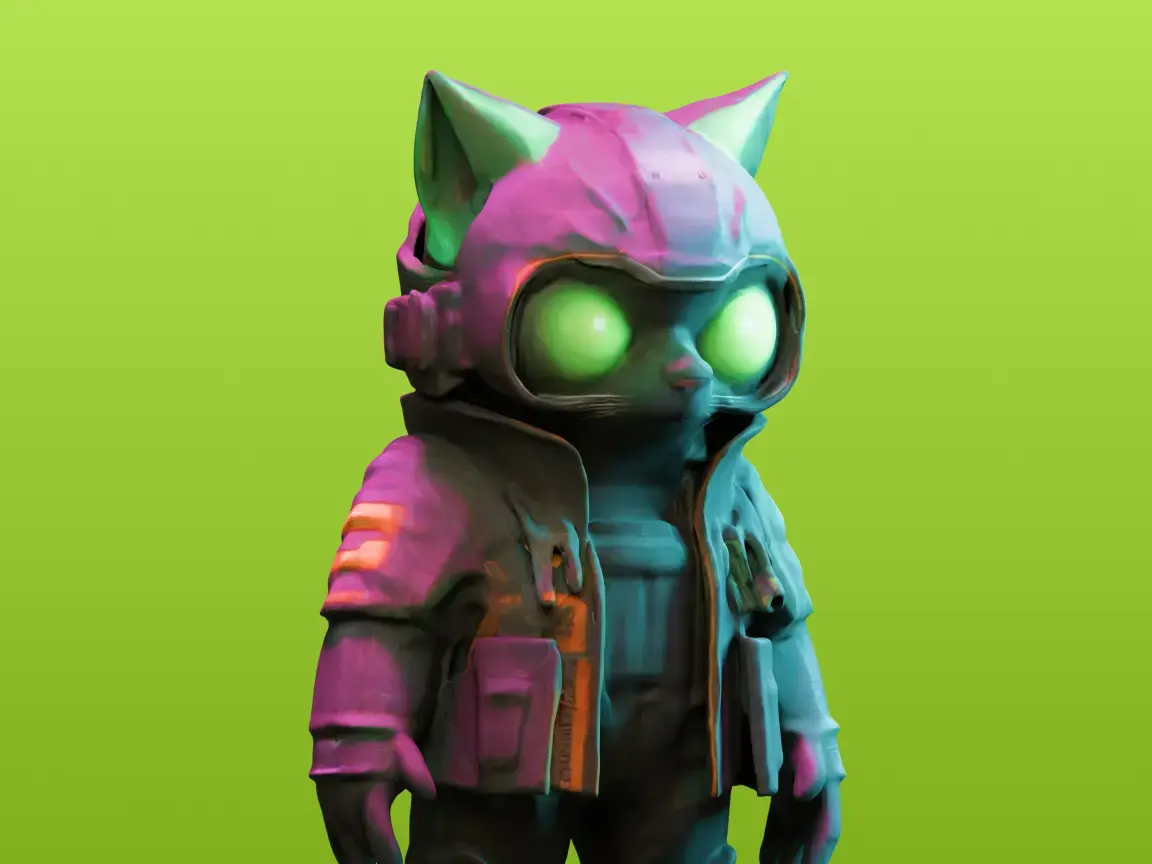
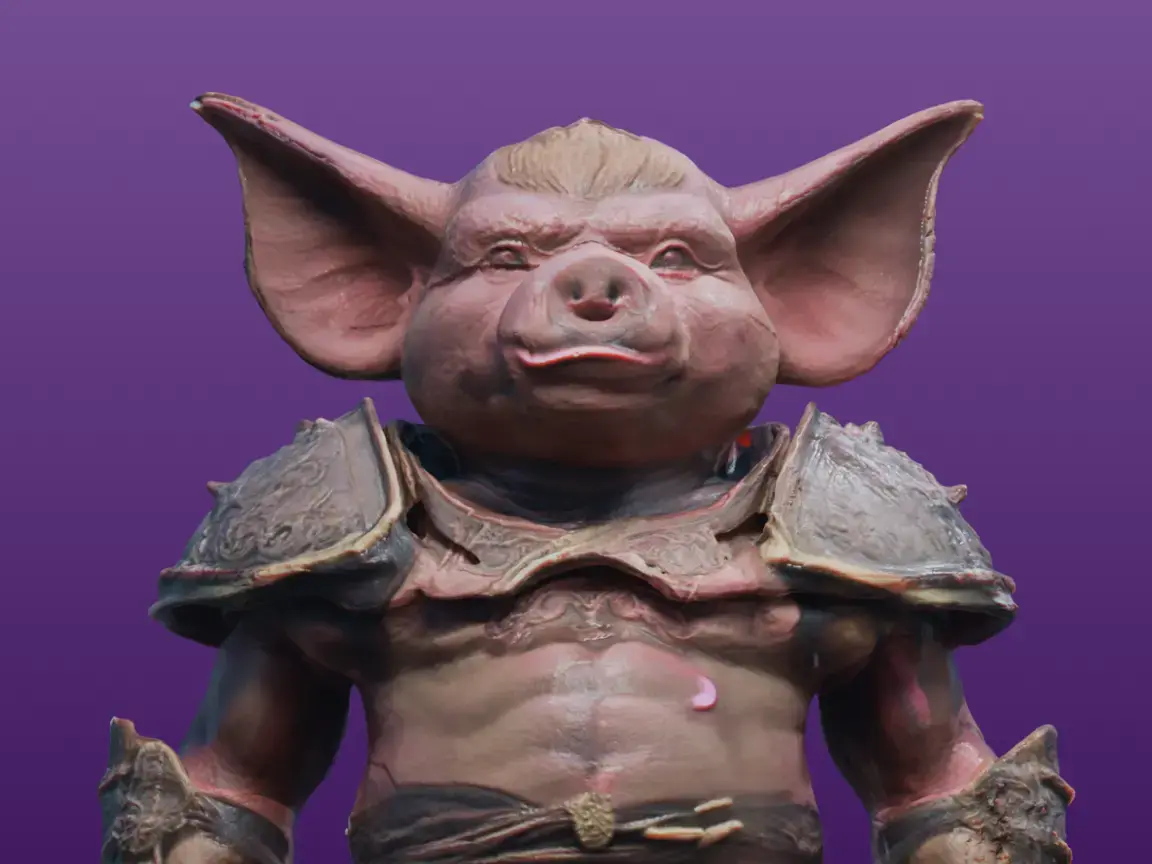
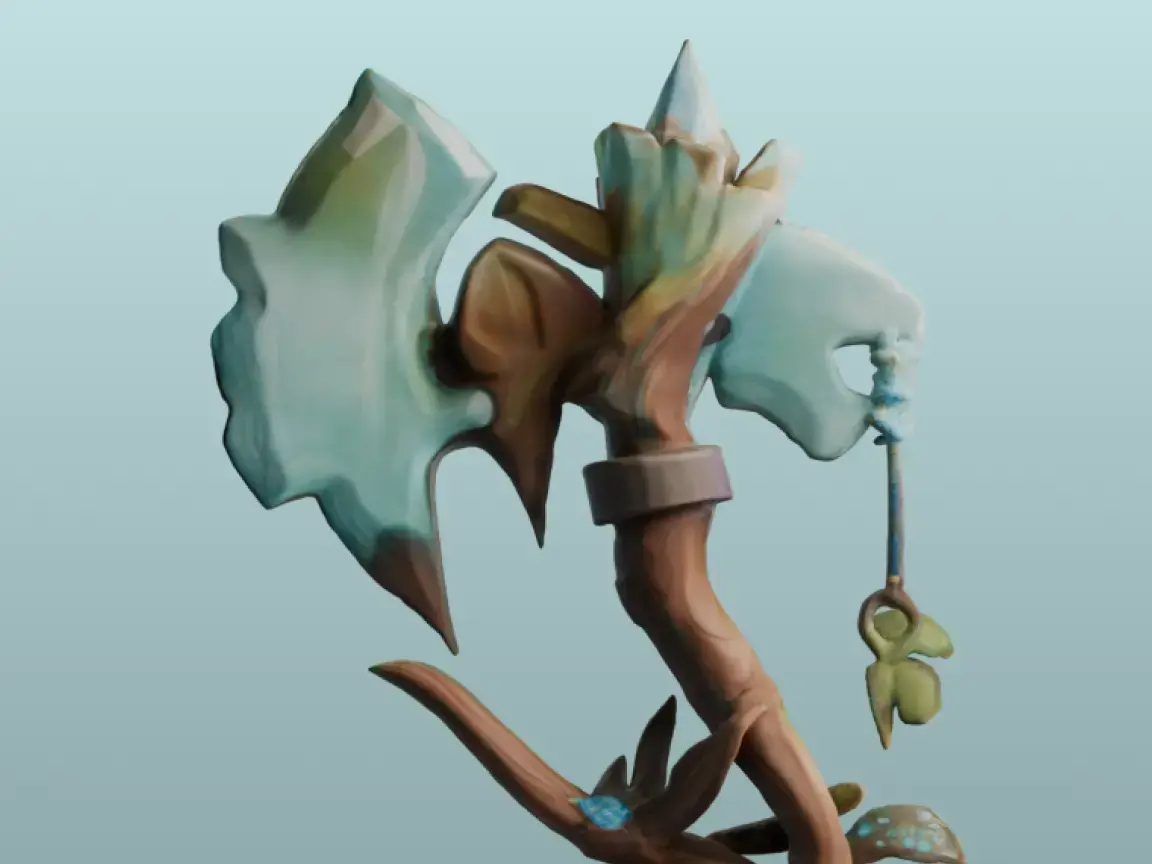
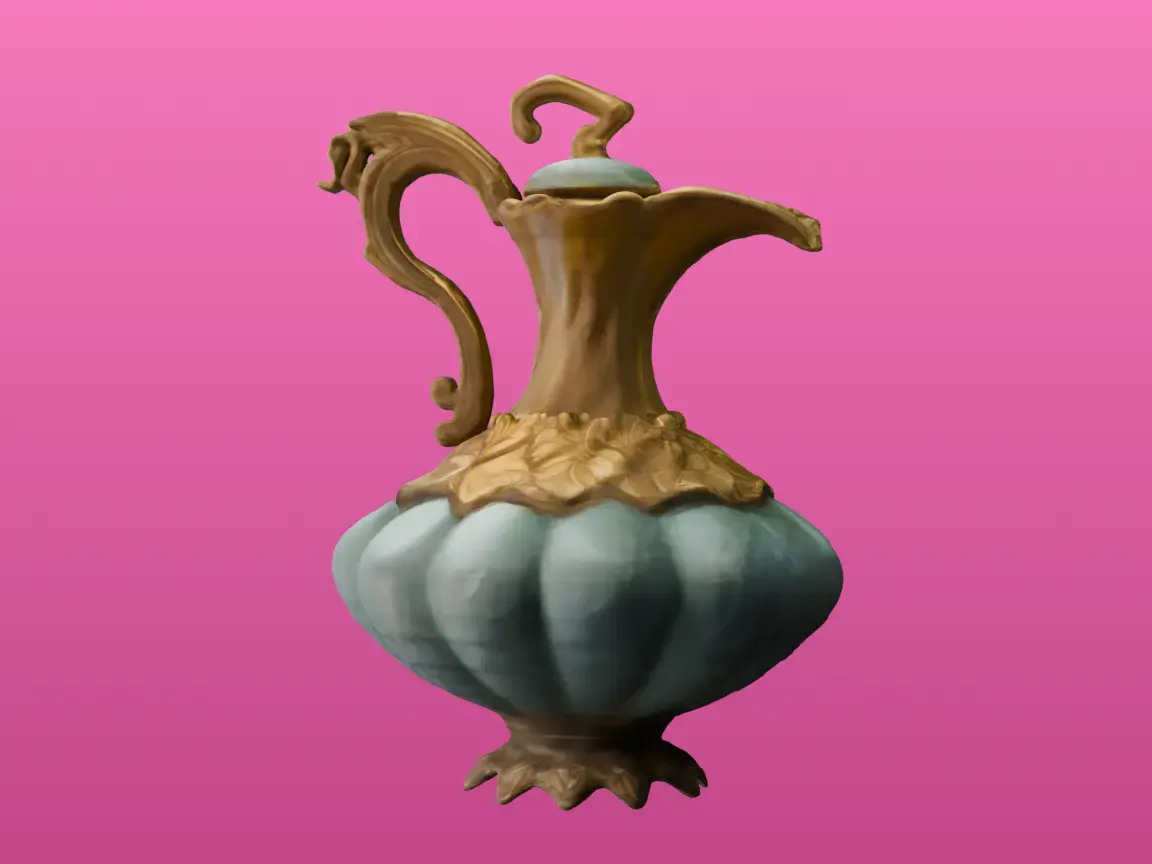
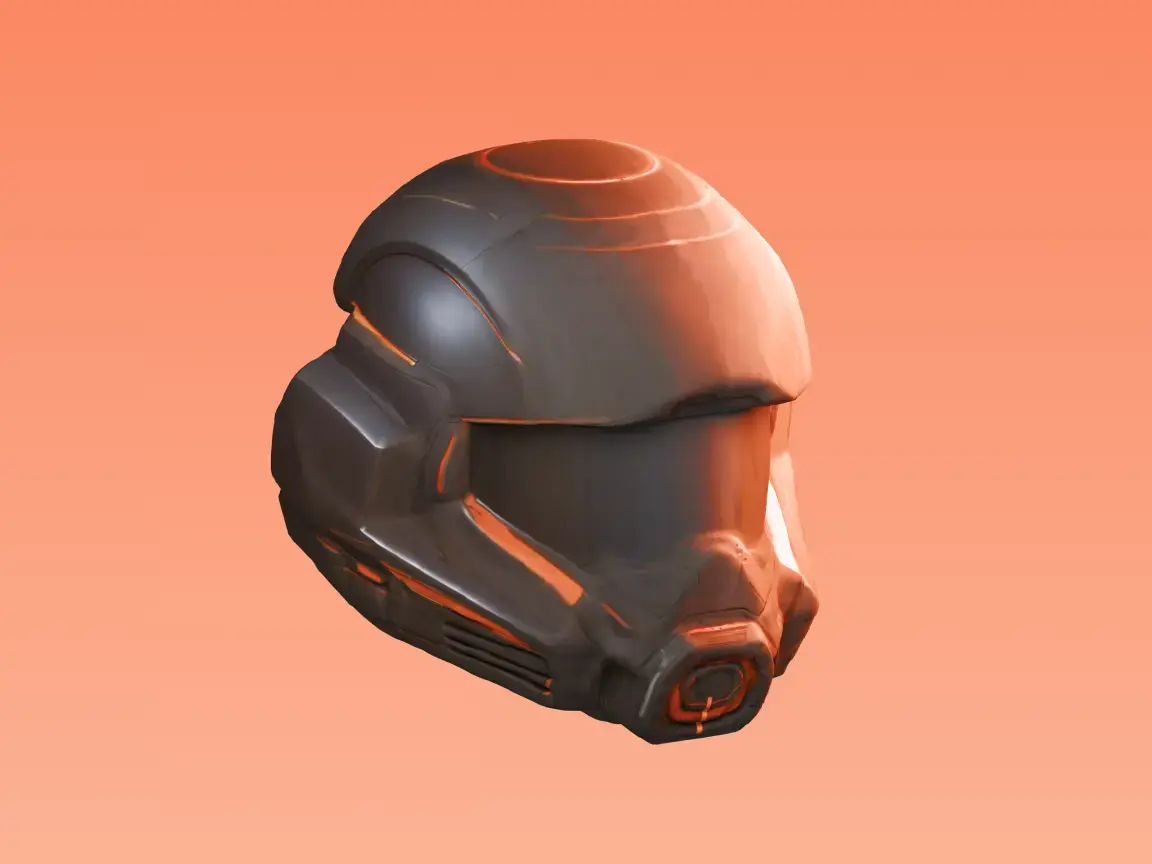
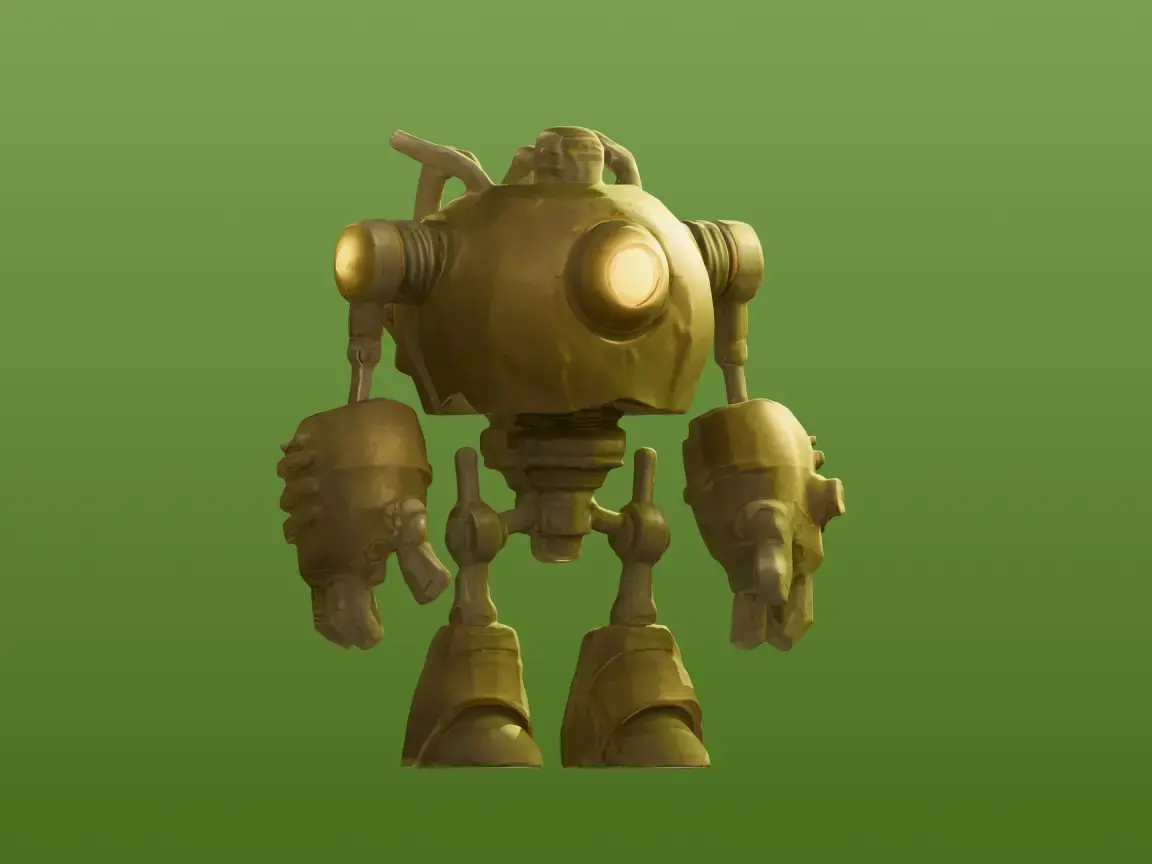
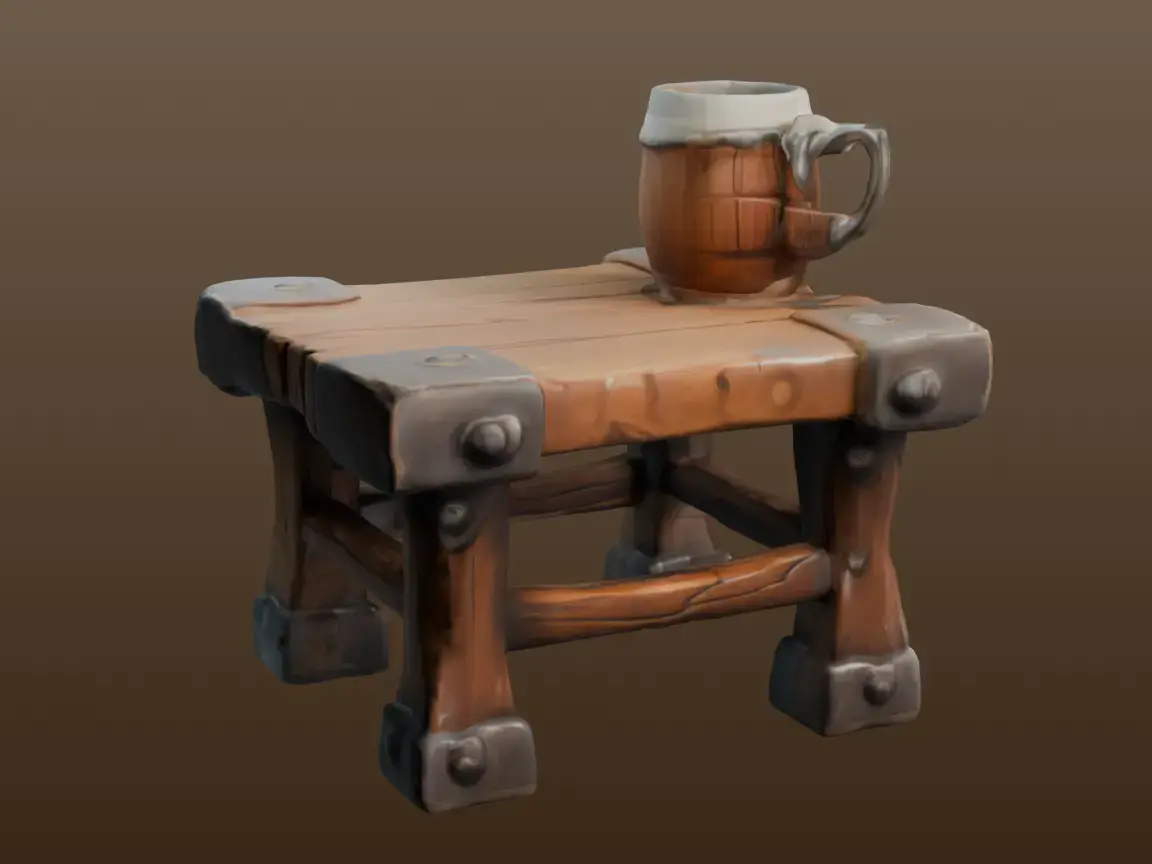
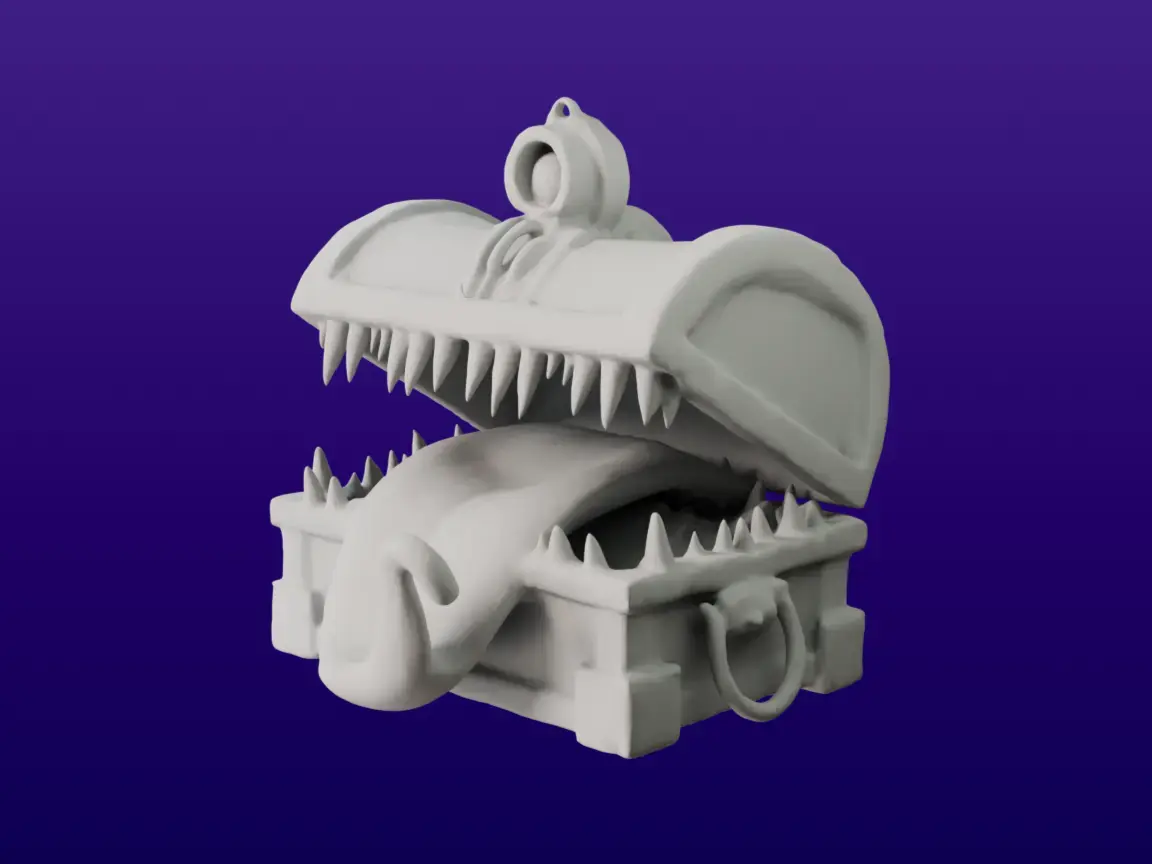
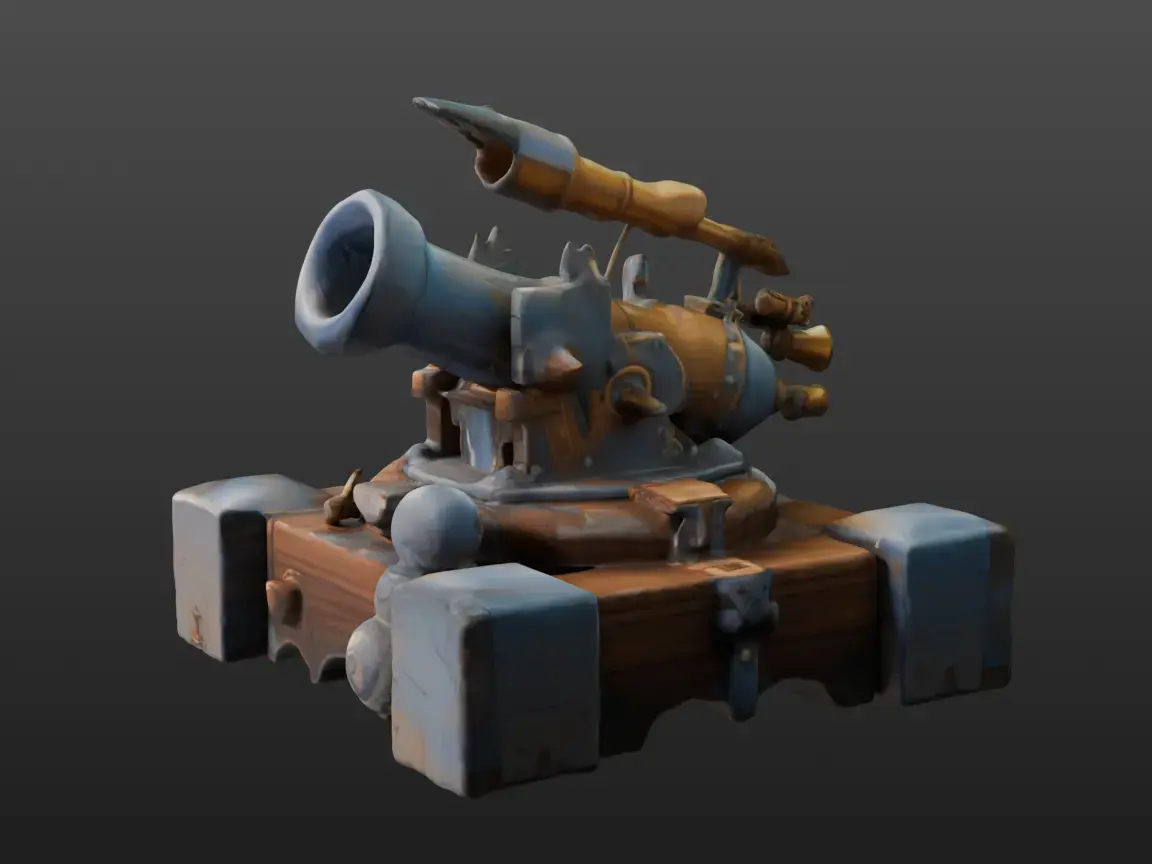
Generate 3D models from images online with high fidelity and ready to use for prototyping, gaming, and 3D printing. No expertise required, No Software to Download.
Choose 2D image
Choose 2D image
How to Convert an Image to a 3D Model
A simple three-step process to convert any image into a high-fidelity 3D model in about one minute.
- 01
Upload Your Image
Drag and drop a PNG, JPG, or WebP image (up to 20 MB) into Meshy's Image to 3D tool.
ImageDrag and drop image here to uploadSupported image format: .png / .jpg / .jpeg / .webpMax image size: 20MBNameAdventurer's BackpackAI ModelMeshy 7Generate - 02
Generate Your 3D Model
Click Generate and Meshy turns your image into a fully textured 3D model in about a minute.
Search my generation...FiltersDate Created
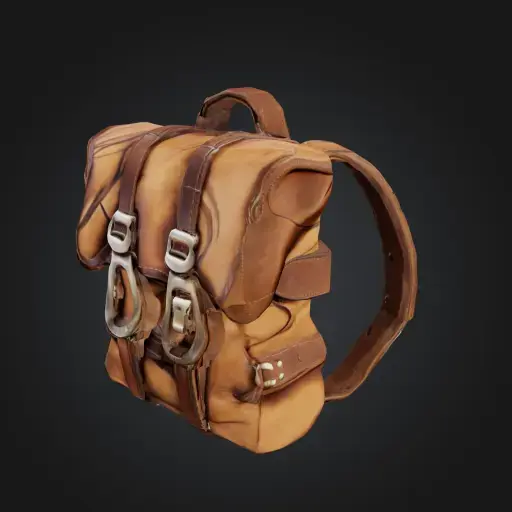
Generating...23%x4Adventurer's Backpack2 minutes ago
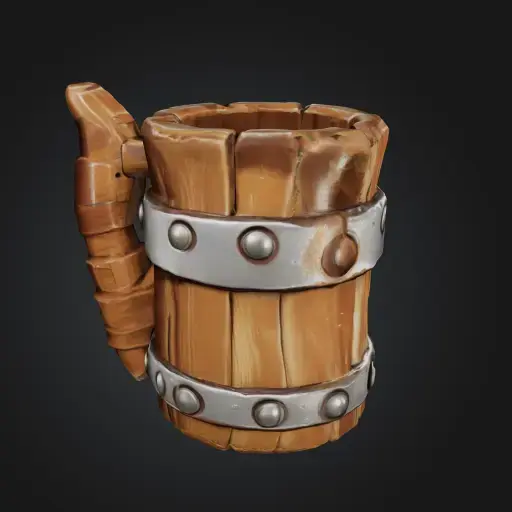
Wooden Tankard7 minutes ago
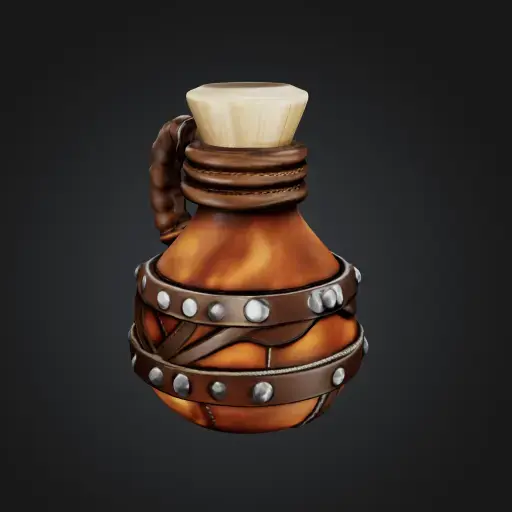
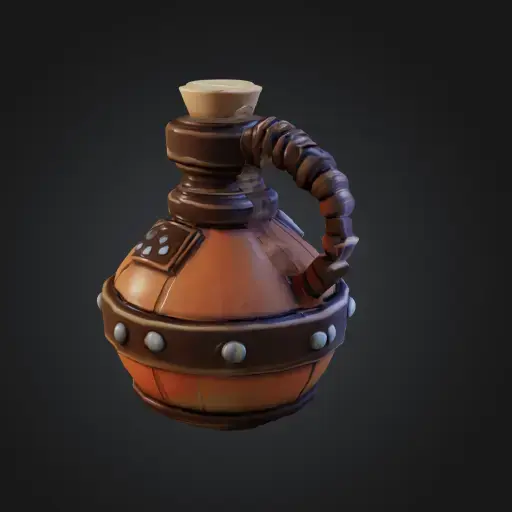
Potion Flask11 minutes ago
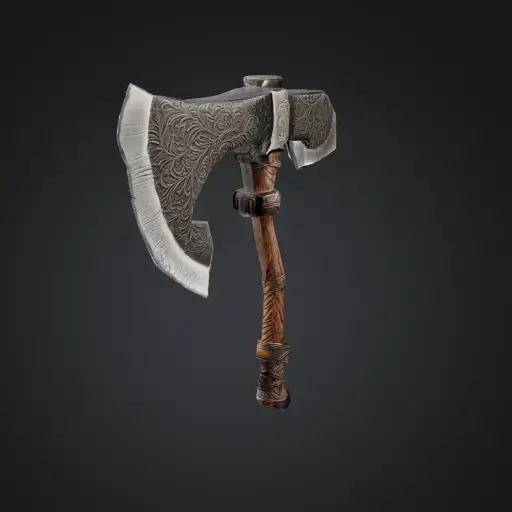
Large Stone Axe17 minutes ago
Adventurer’s Flask22 minutes ago
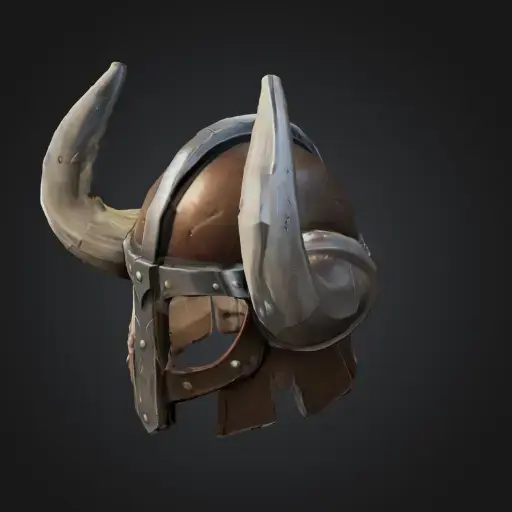
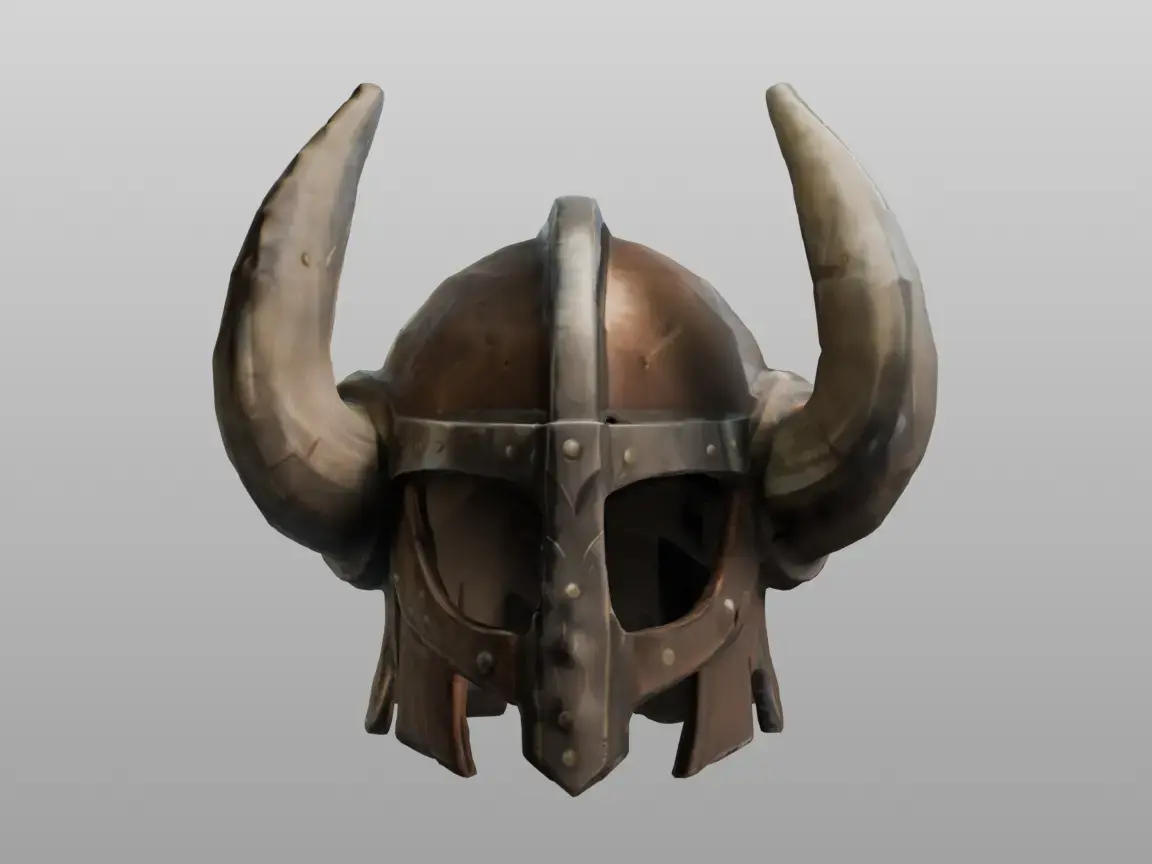
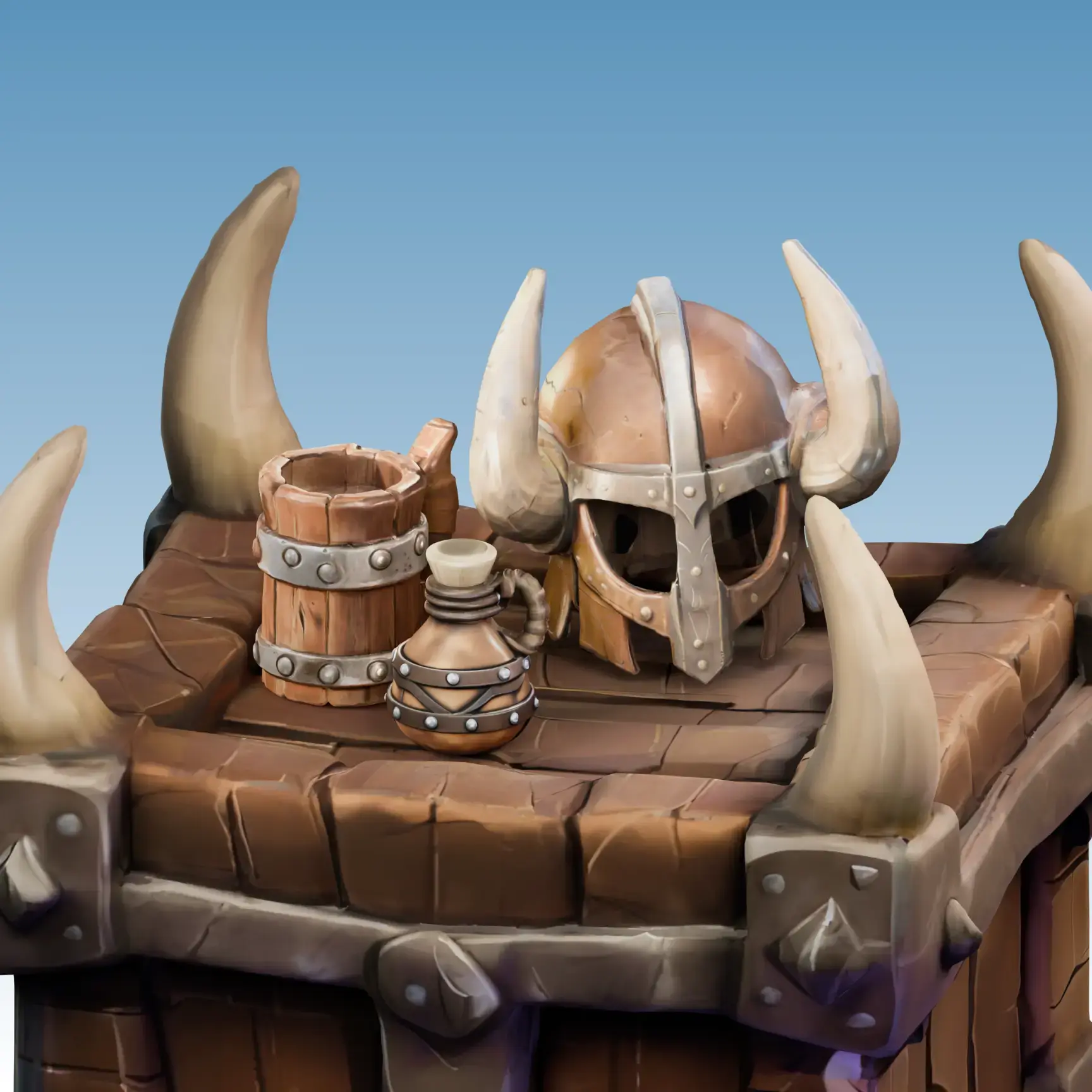
Viking Helm25 minutes ago10Records per page1 of 12 - 03
Download & Use
Download your 3D model in FBX, OBJ, GLB, USDZ, STL, BLEND, 3MF, or DXF for any 3D workflow.
DownloadMeshTriangleQuadReduce Polygons0.75Format.fbx.obj.glb.usdz.stl.blendDownload
Why Creators Choose Meshy's Image to 3D
Single Image to 3D
Upload one photo and Meshy generates a fully textured 3D model in about a minute. Choose from multiple AI model versions (Meshy 5, 6, or the latest Meshy 7) to balance speed and quality. Enable Image Enhancement for cleaner input, or turn on Multi-view to let the AI automatically generate multiple angles for more accurate reconstruction — no 3D expertise needed.
Multiple Images to 3D
Need to convert an entire catalog at once? Upload up to 10 images in Batch mode and bulk-generate separate 3D models for each one — saving hours of repetitive work. Ideal for e-commerce product libraries, game asset batches, or rapid concept-to-3D pipelines.
Any Format, Ready to Use
Export to GLB, OBJ, FBX, STL, USDZ and more. Every file works straight out of the box — no conversion, no re-import friction.
No Software, No Setup
Everything runs in your browser. No download, no plugin, no learning curve — generate your first 3D model in under a minute.
High-Fidelity Mesh Output
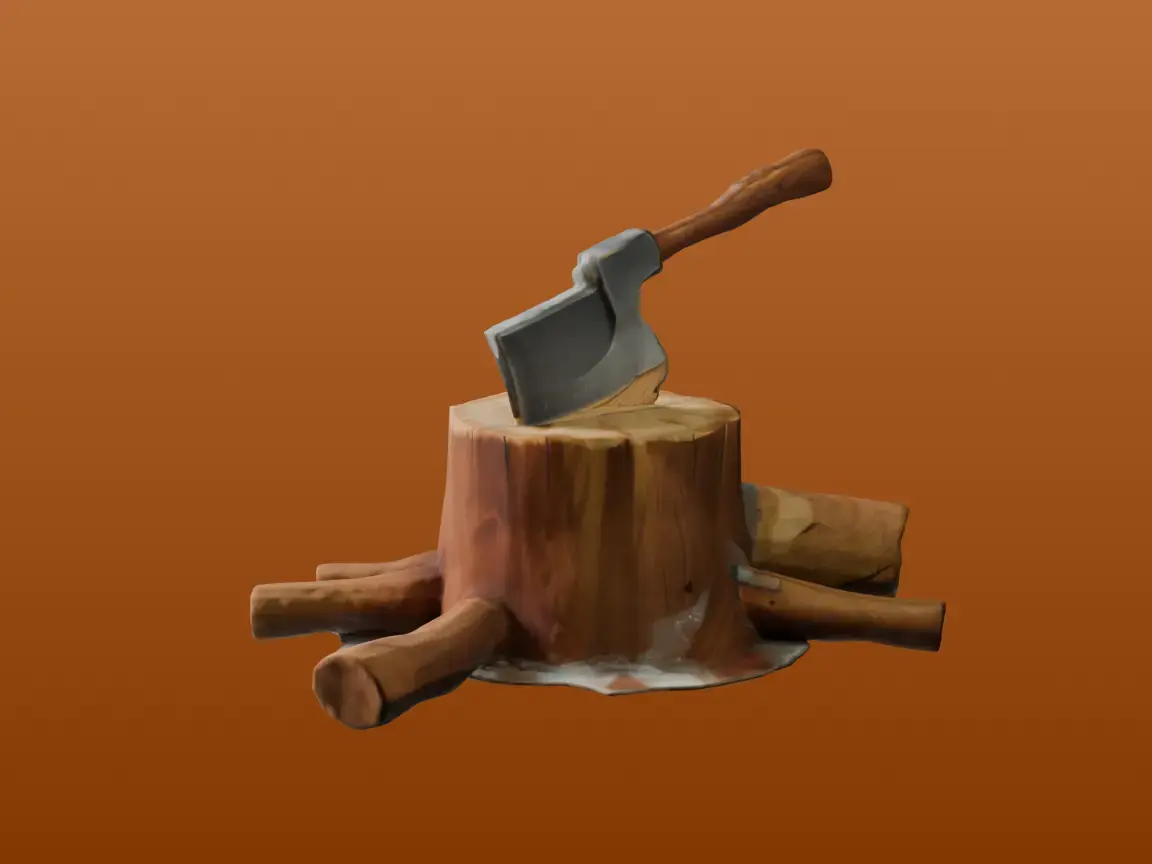
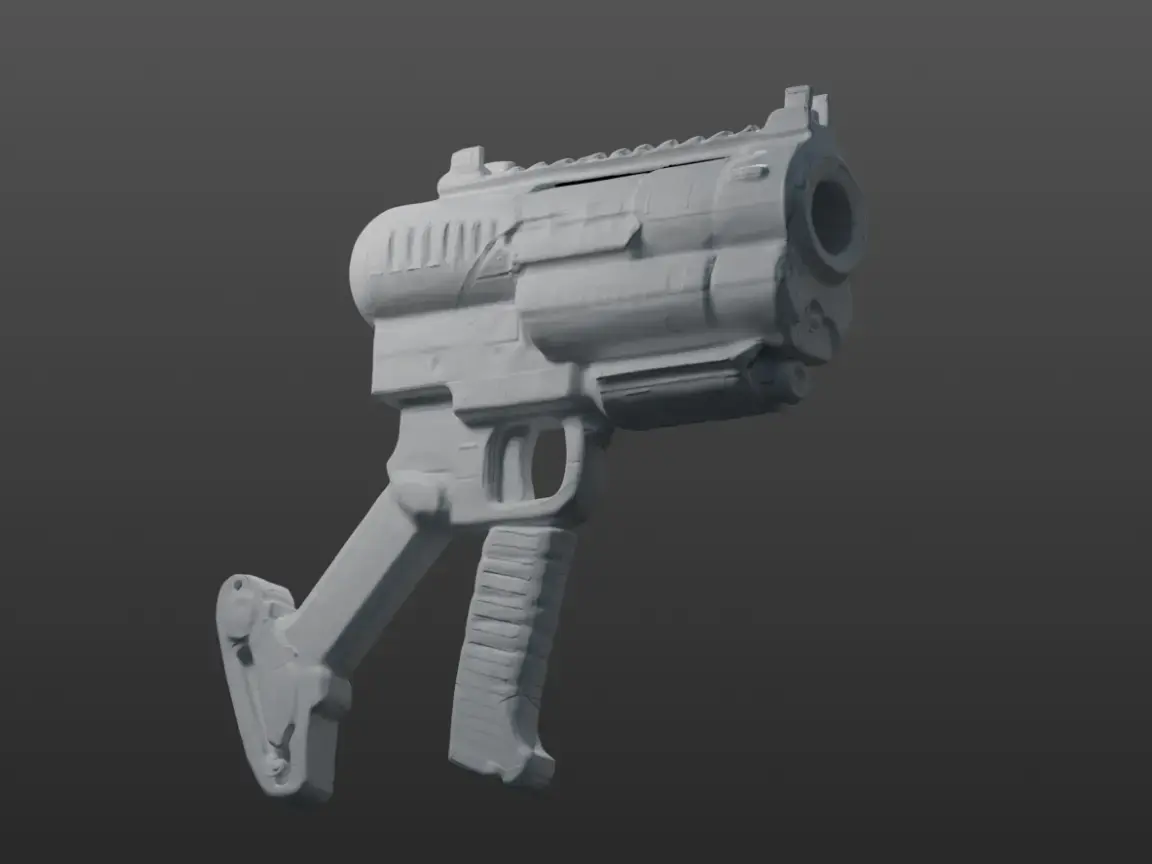
Meshy captures every detail from your image — sharp edges, accurate proportions, and rich surface detail. Generated models can reach nearly 600K faces for maximum fidelity. Use the 3D viewer's Wireframe overlay and Statistics panel to inspect mesh quality, then Remesh to optimize polygon counts for your target platform.
PBR-Ready Textures Included
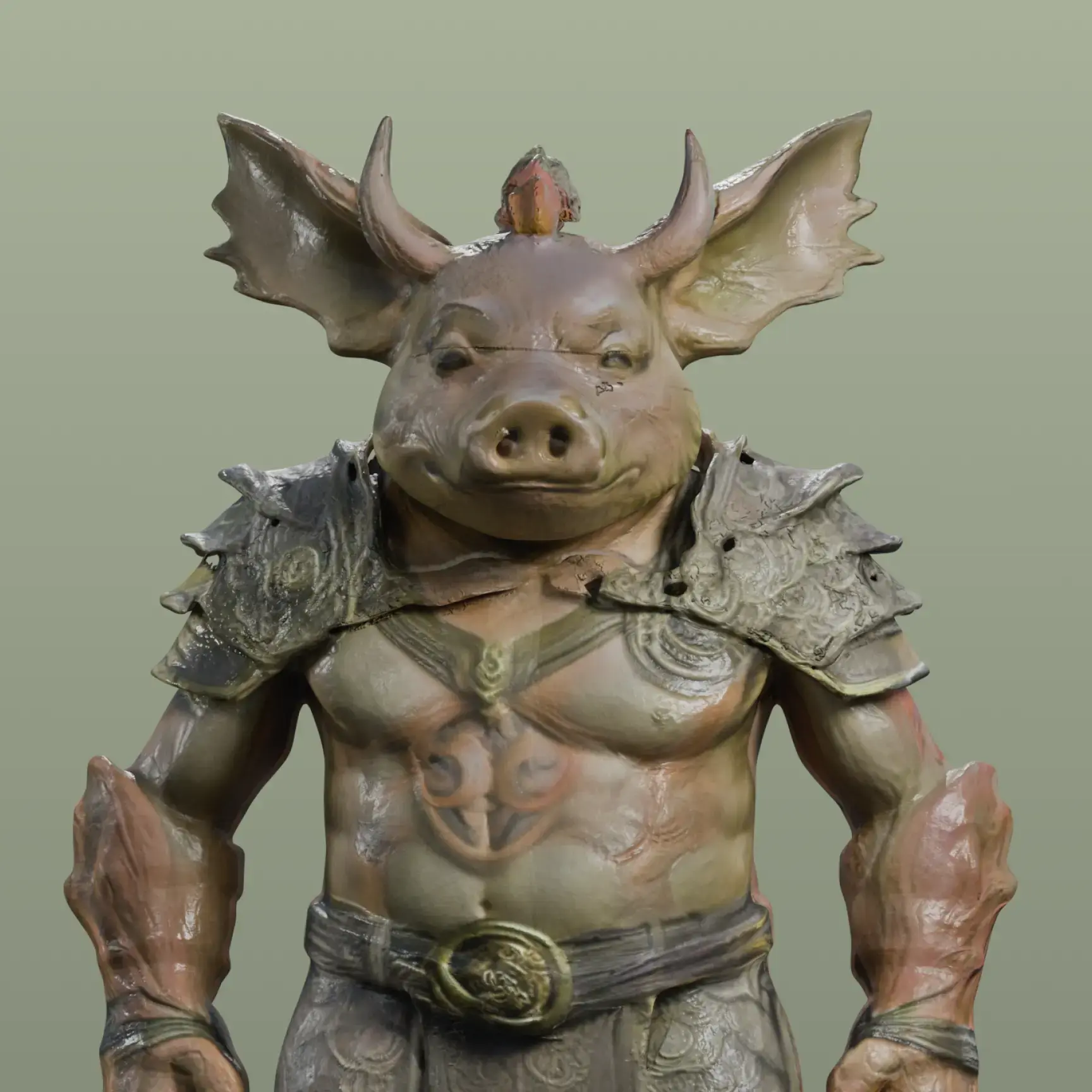
Every generated model comes with production-ready PBR texture maps — Diffuse, Roughness, Metallic, and Normal. Use the built-in Texture tool to refine materials directly in the 3D viewer, then export assets that look stunning in any game engine or 3D renderer right out of the box.
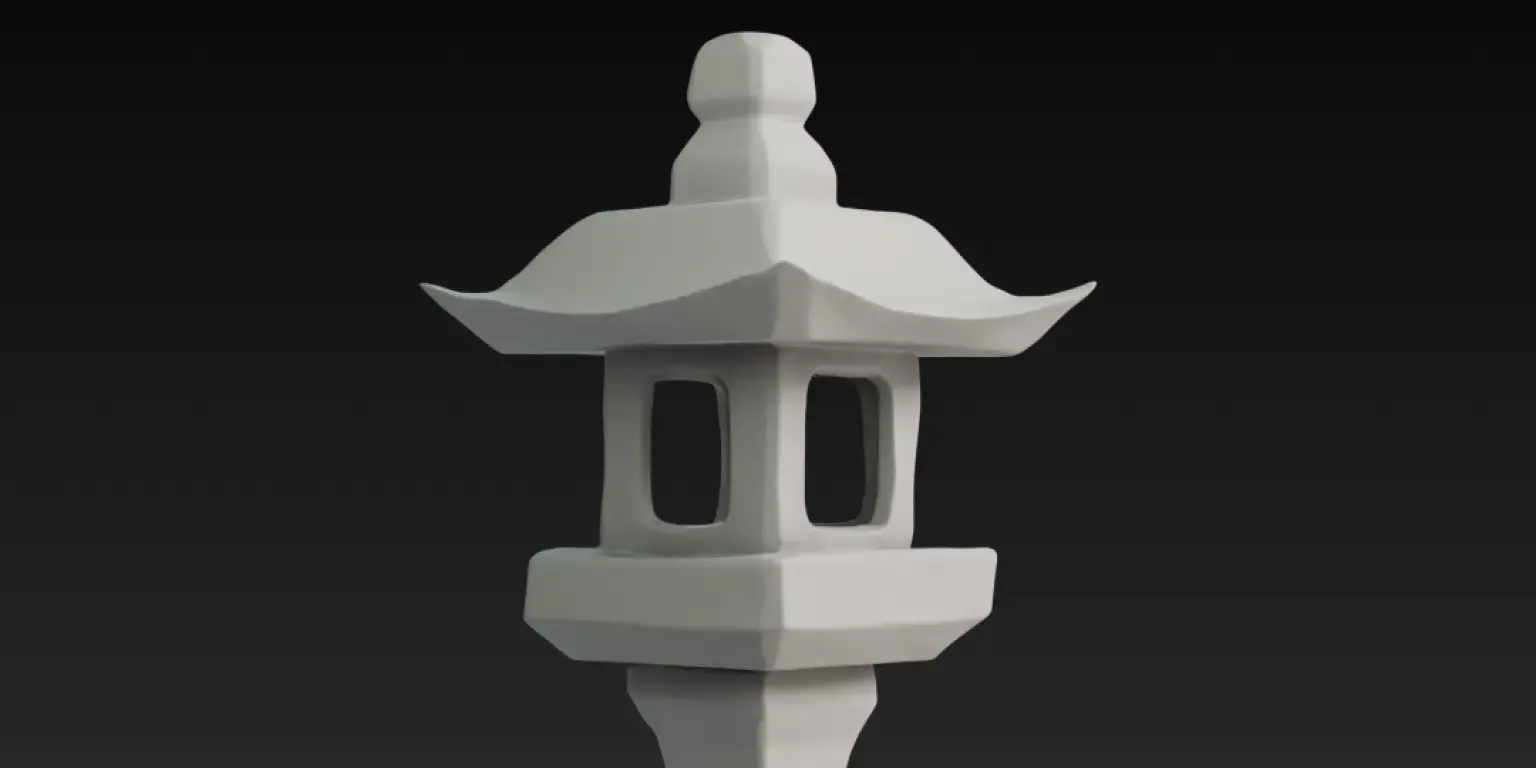
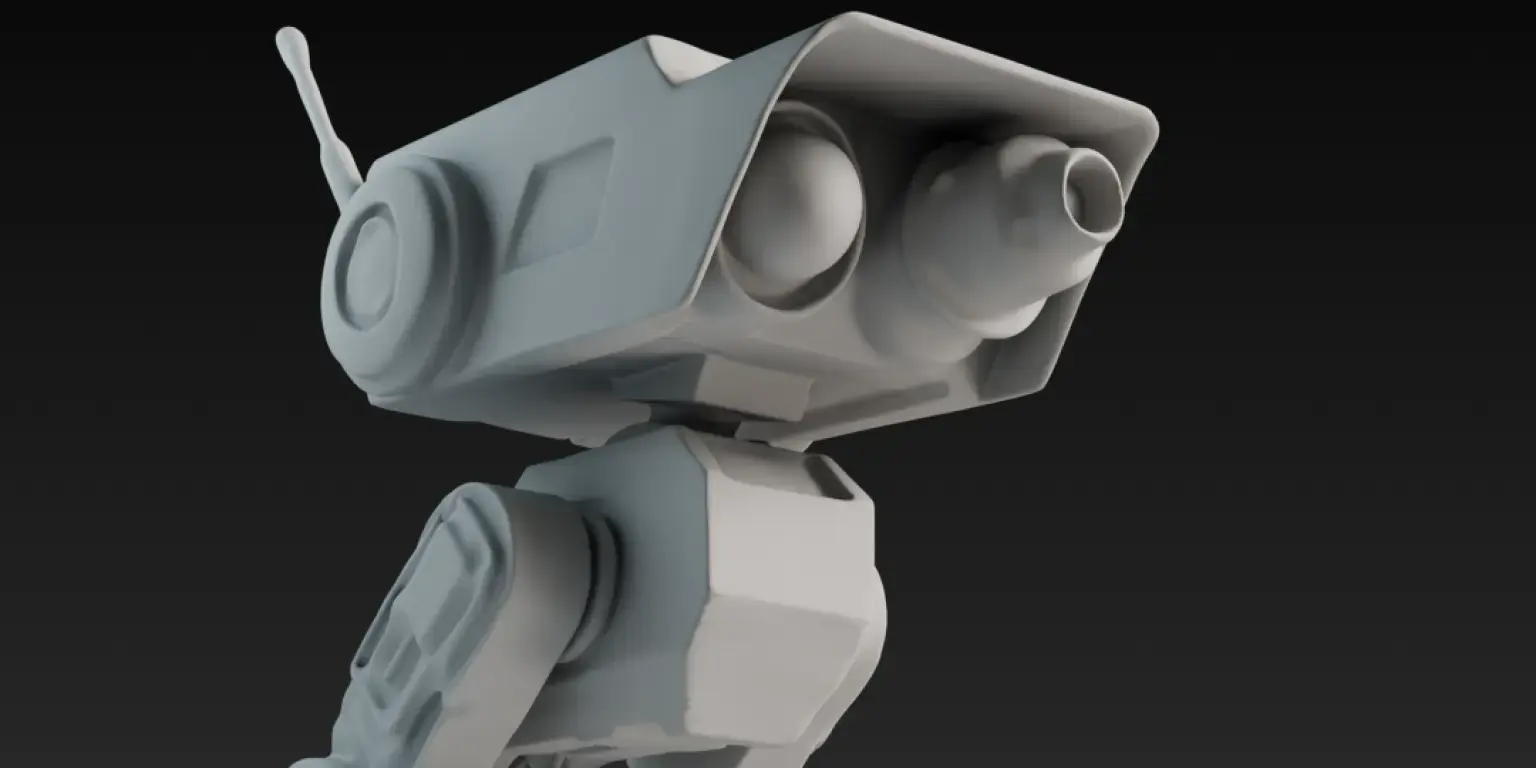
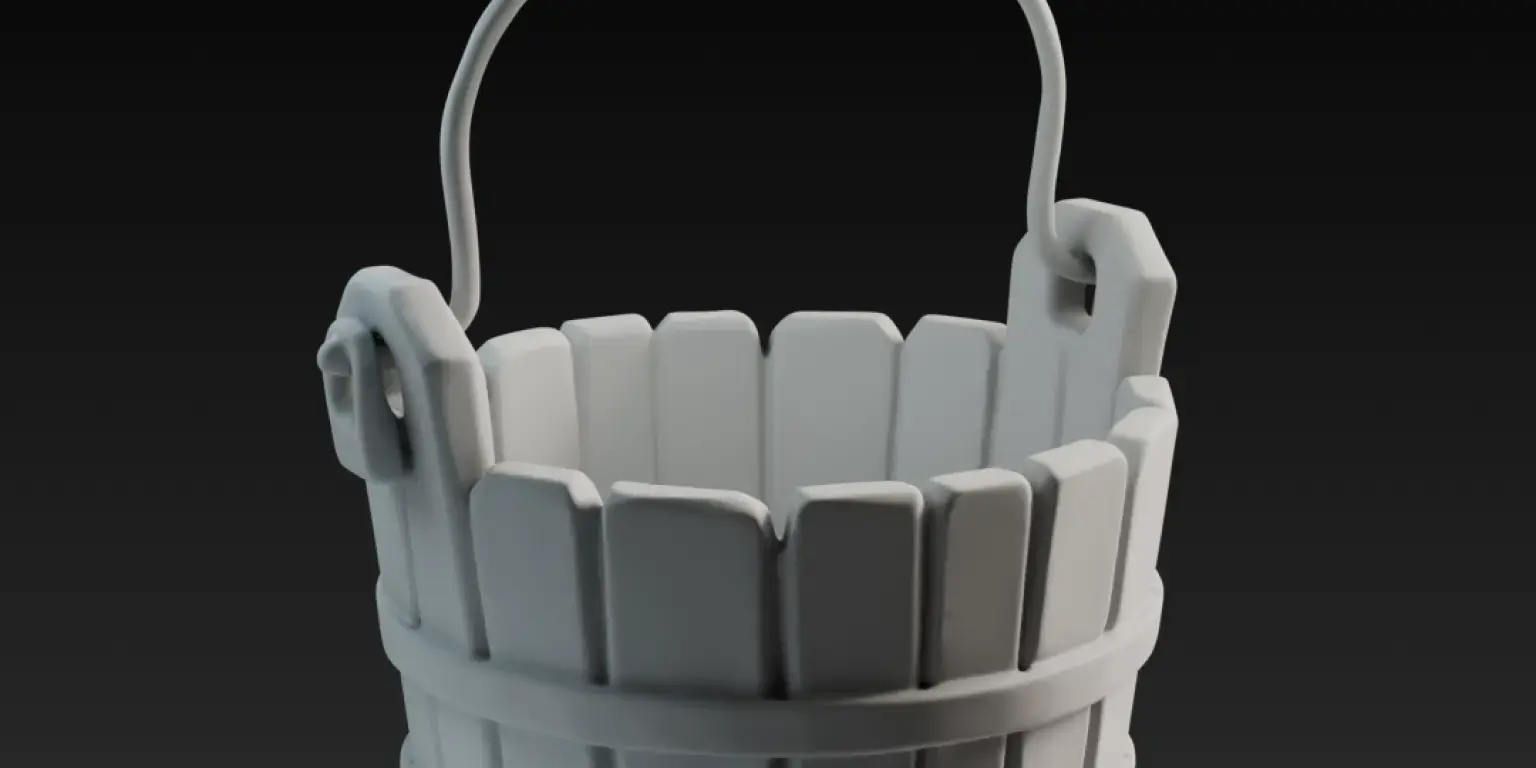
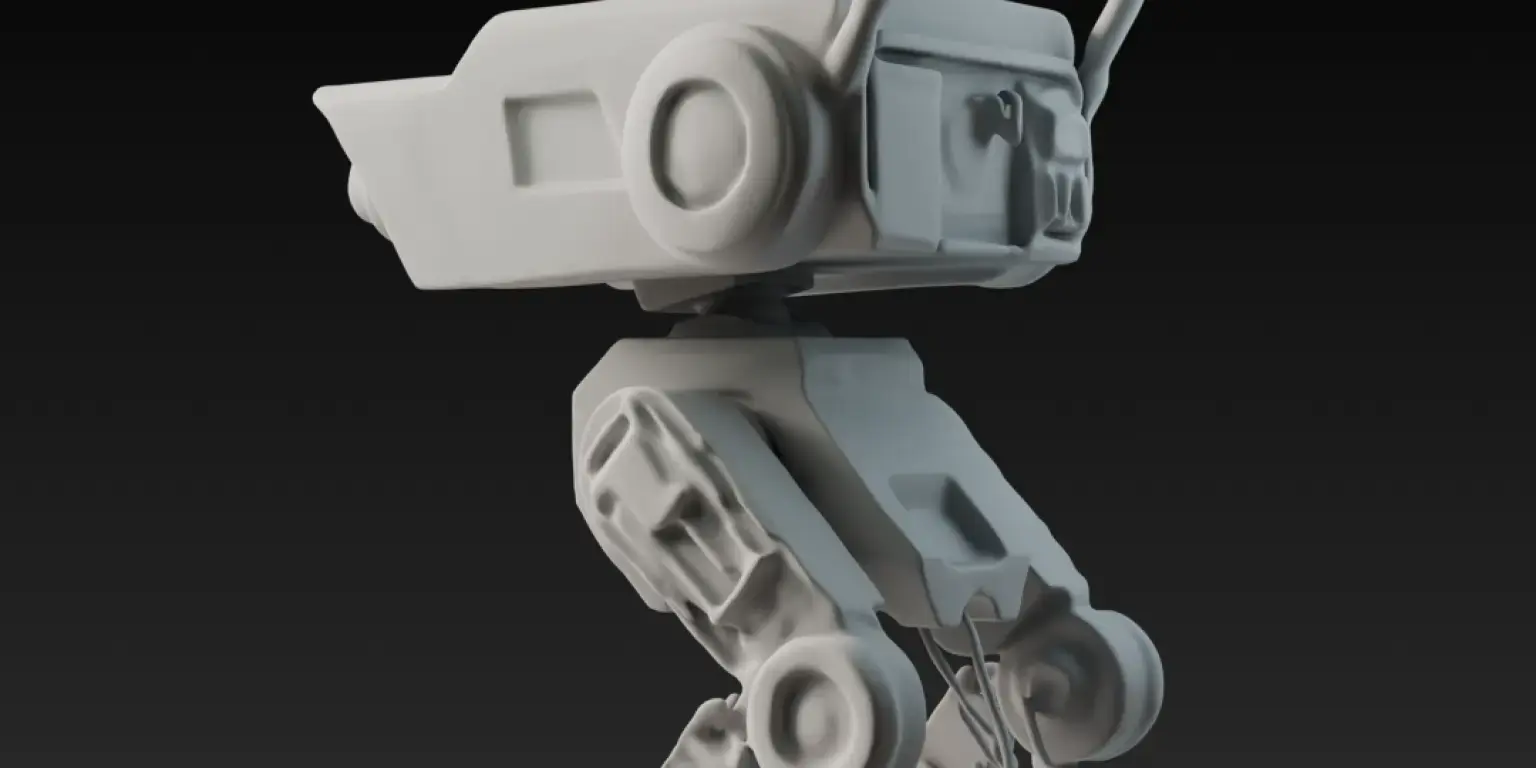
Sharp and Well-Defined Edges
Bring your creations to life with sharp, clear edges that add depth and realism, ensuring every detail is captured with stunning clarity and precision.
Built for Every 3D Workflow

Game Development
Generate game-ready 3D assets from concept art or reference photos in seconds — no manual modeling required. Smart Topology produces optimized low-poly wireframes for real-time performance, and direct integration with Unity, Unreal Engine, Blender, Godot, and Maya means your assets are engine-ready on export. Whether you're an indie developer prototyping mechanics or a studio building production assets, image-to-3D cuts your asset pipeline from days to minutes.

Product Prototyping
Turn product photos into detailed 3D models for visualization, pitch decks, or stakeholder design review. Upload a single product image and get a fully textured 3D model you can rotate, inspect, and share with your team — all before committing to manufacturing. Export as GLB, OBJ, or USDZ for use in CAD workflows, presentation tools, or interactive product configurators.

3D Printing
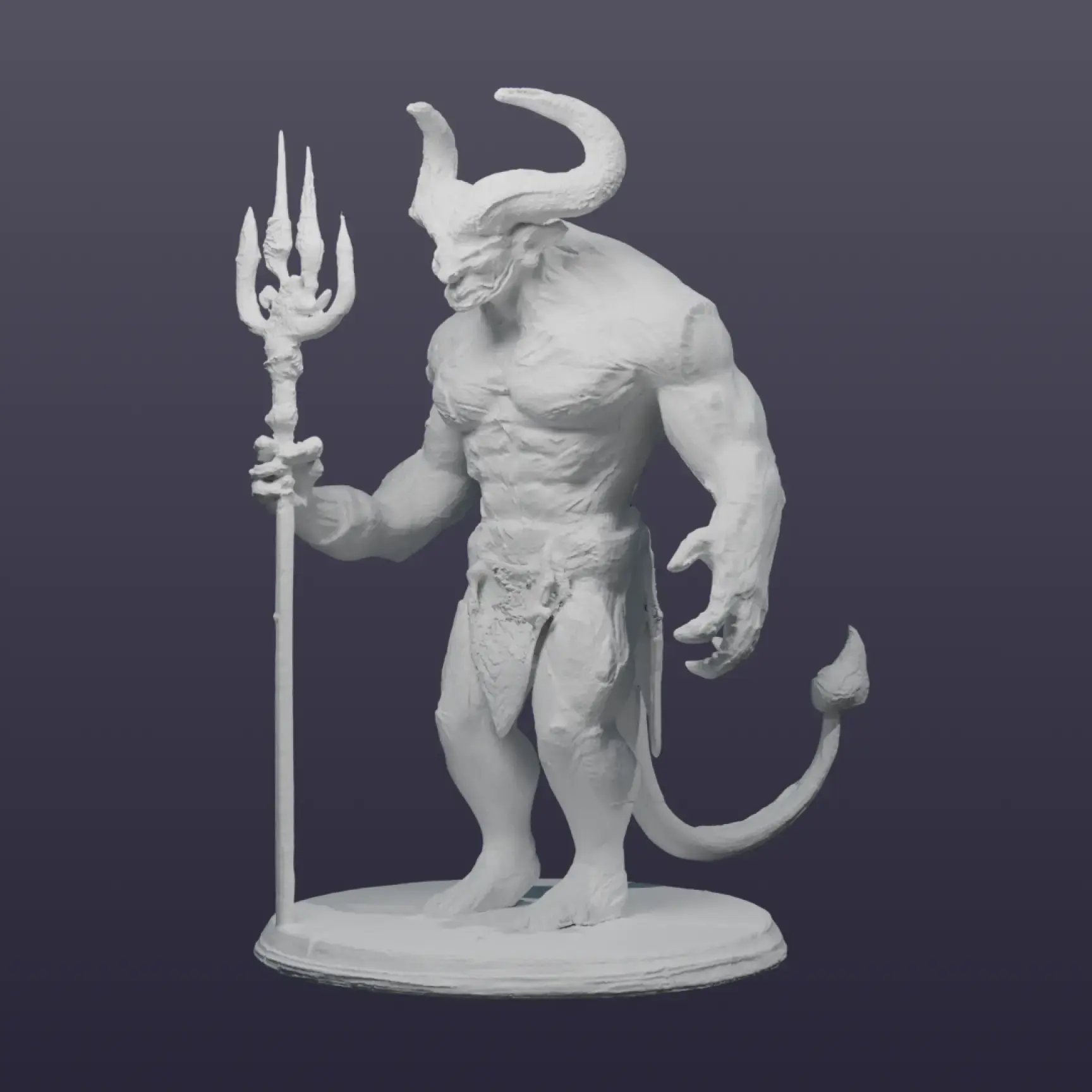
Convert any image into a print-ready 3D file with a 97% slicer pass rate. Download as STL, 3MF, or OBJ and print directly on your FDM or resin printer. Meshy integrates with Bambu Studio, OrcaSlicer, Creality Print, and other popular slicers — so you go from photo to physical object without touching traditional modeling software. Ideal for custom figurines, product prototypes, educational models, and personalized gifts.

AR & VR
Create lightweight, optimized 3D assets ready for immersive AR and VR experiences. Export as USDZ for Apple AR Quick Look or GLB for WebXR and Android — with PBR textures that react realistically to real-world lighting. Use the Smart Remesh tool to dial in polygon counts that balance visual quality with real-time performance on mobile devices and headsets.
Loved by 12,000,000+ Creators Worldwide
Related Use Cases


E-commerce

Toy design

![3D Model File Formats: Types, Extensions, Use Cases [& More]](https://cdn.meshy.ai/landing-assets/blog/3d-file-formats/3d-file-formats-cover.webp)
![How to Make 3D Printer Models or Files Easily? [Step by Step]](https://cdn.meshy.ai/landing-assets/blog/how-to-make-3d-models-for-printing/how-to-make-3d-models-for-printing-cover.webp)
![How to Turn 2D Drawing (or Sketch) into 3D Model [5 Ways]](https://cdn.meshy.ai/landing-assets/blog/sketch-to-3d/sketch-to-3d-cover.webp)