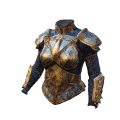
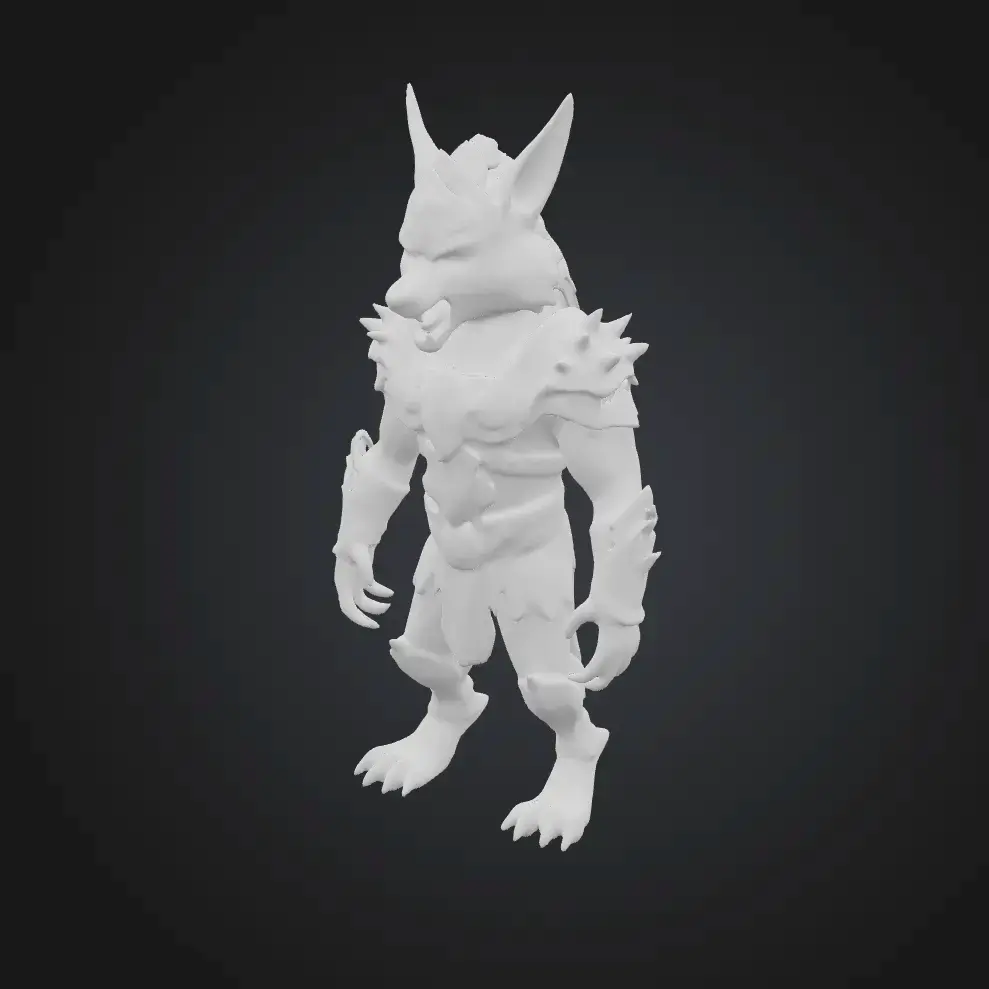
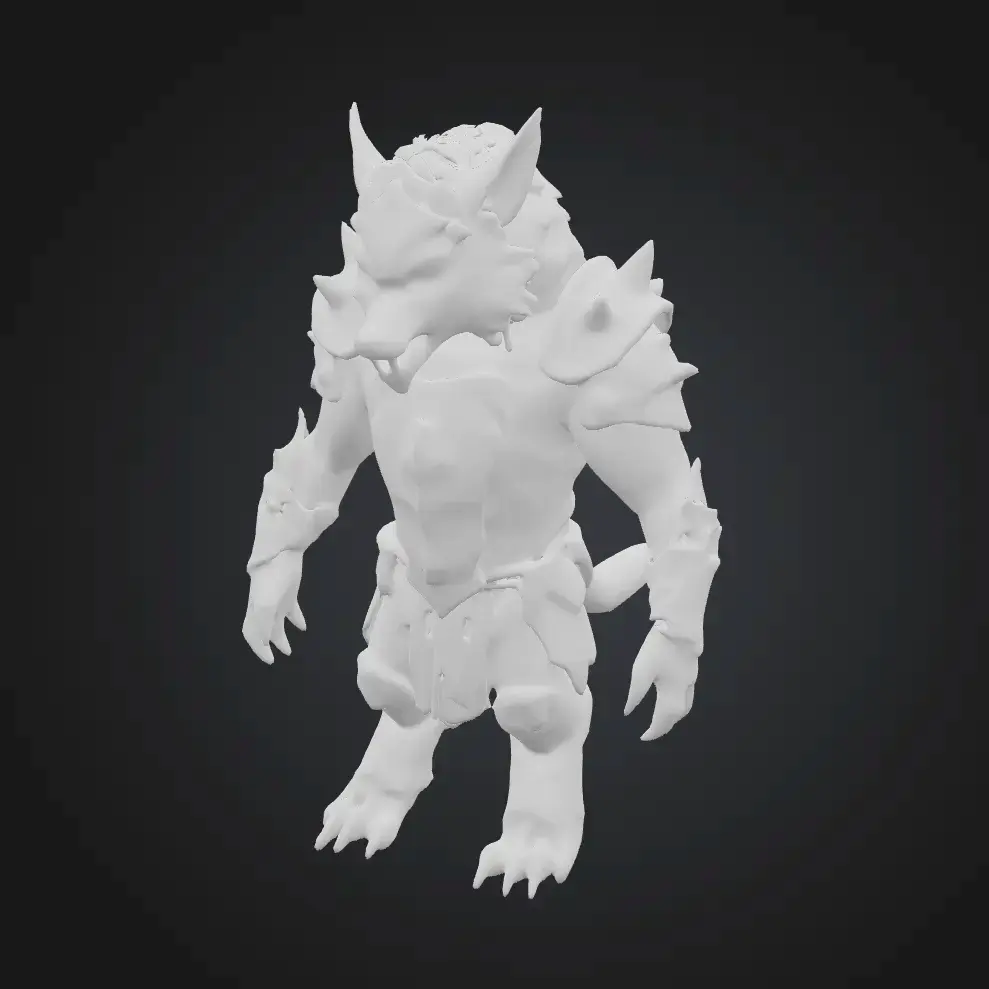
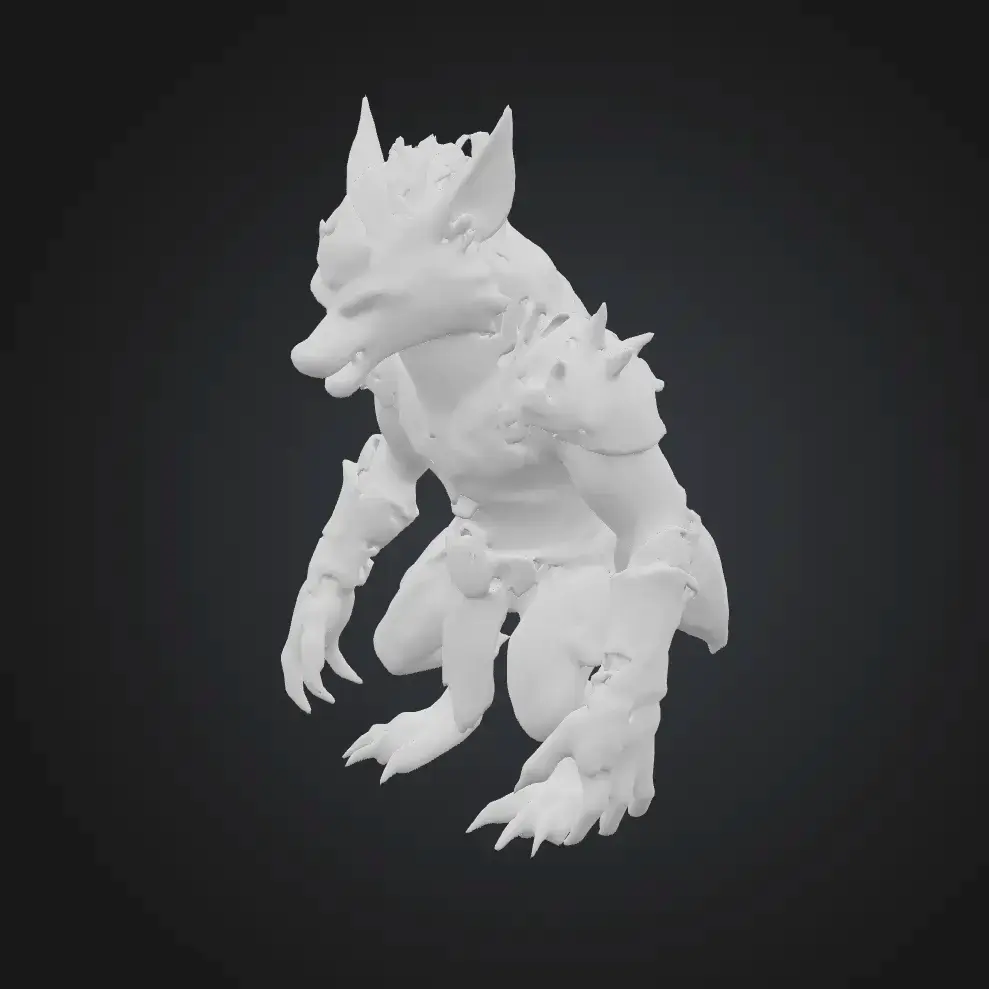
Text to 3D
Generate 3D Model from Text in a Minute
Create 3D models from text with high fidelity. No expertise required, No Software to Download.
Prompts
How to Convert Text to 3D Model
Here is a simple three-step process to turn text into a high-fidelity 3D model easily.

Write Your Prompt
Describe your 3D object in natural language — up to 800 characters in any language. Include shape, style, material, and context for best results. Then fine-tune your generation settings: choose an AI Model (Meshy 4, 5, or 6), pick a Model Type (Standard for high-detail or Low Poly for game-ready meshes), set Pose (None, A-Pose, T-Pose, or Custom), and select the Number of Generations to produce multiple variations at once. Each generation costs 20 credits.

Generate Your 3D Model
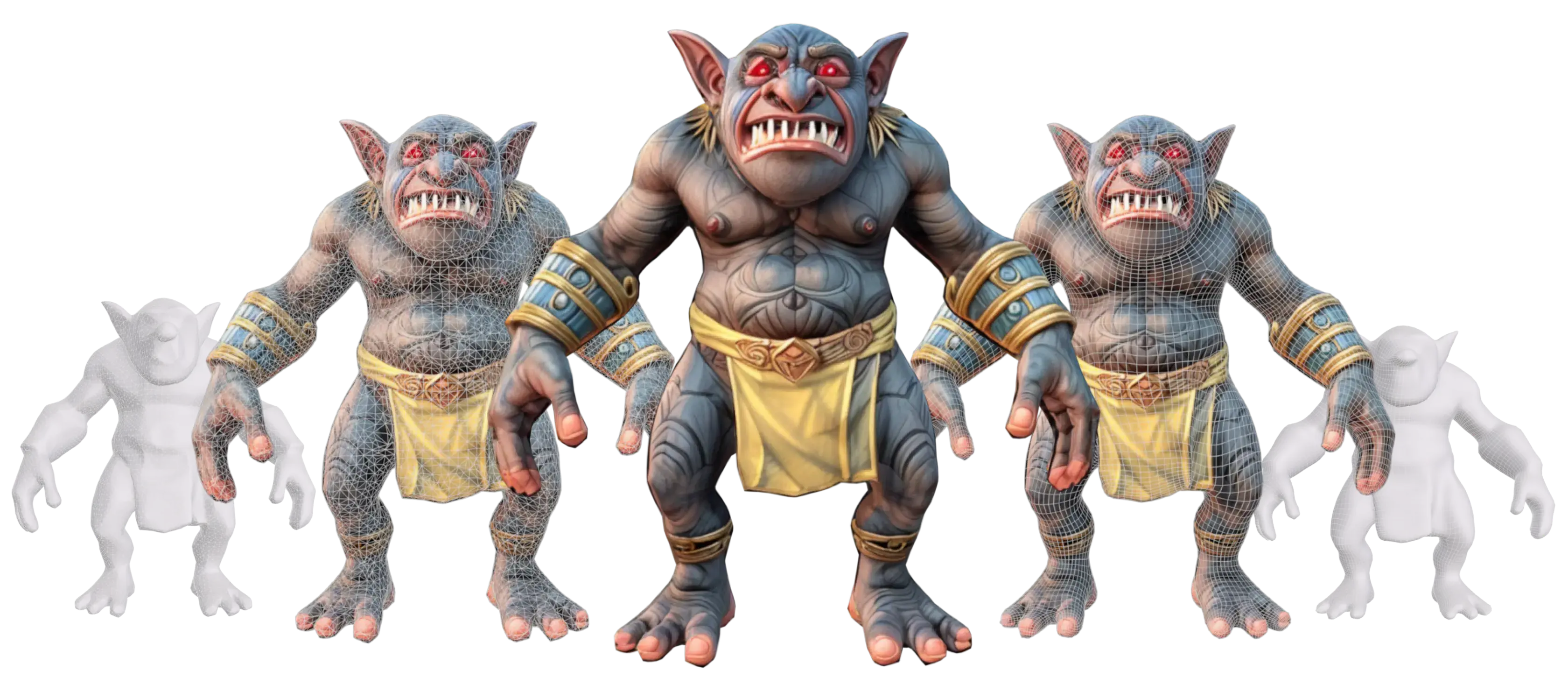
Meshy's AI interprets your prompt and generates a detailed 3D mesh with PBR textures — typically in about 1 minute. Meshy 6 (default) delivers the highest fidelity with up to ~600K faces. Preview your model instantly in the built-in 3D Viewer with real-time Statistics (Topology, Face count, Vertex count) and a Printability check that flags issues before you send to a slicer.

Download & Use
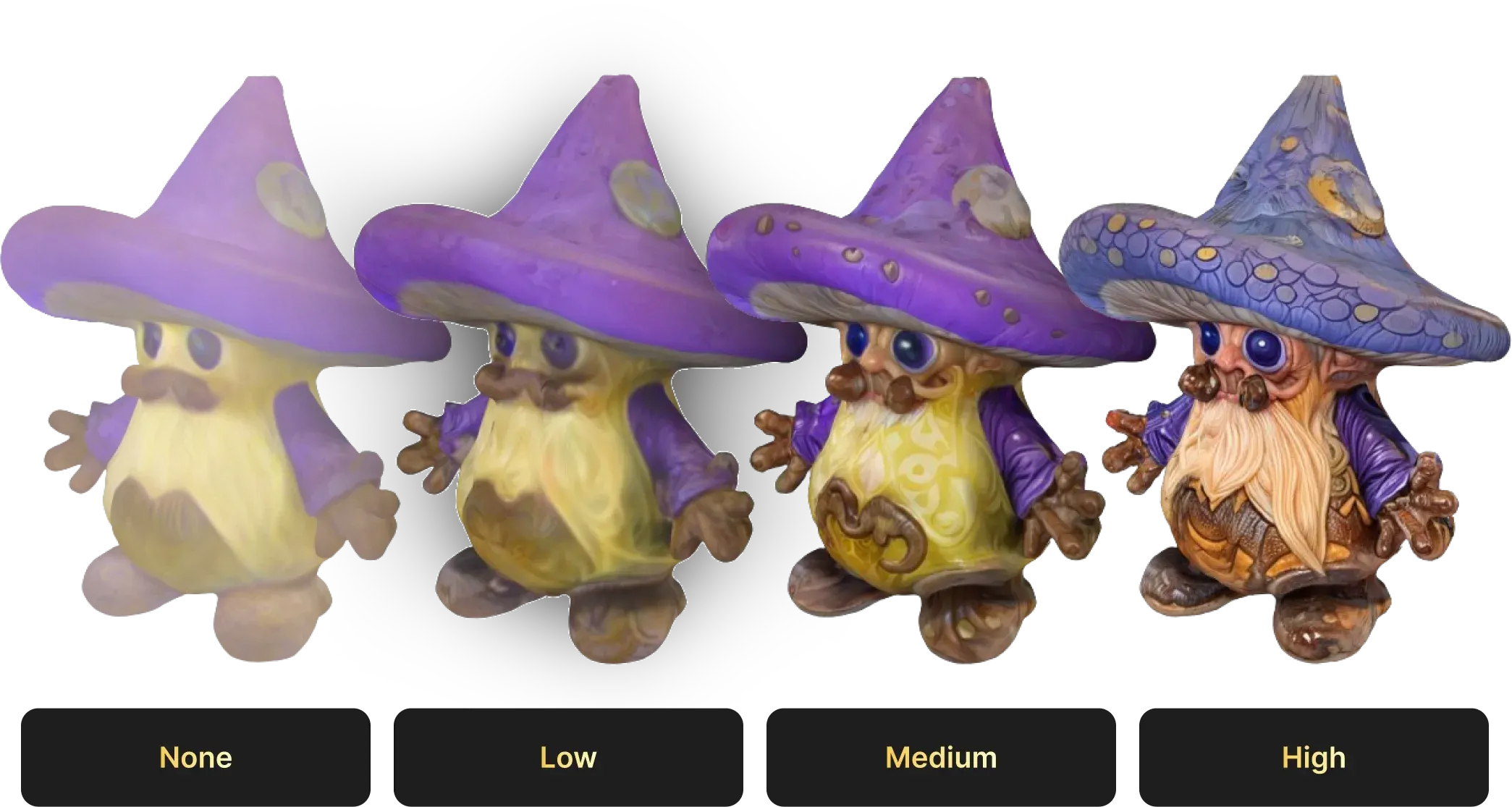
Inspect your model with the 3D Viewer — toggle Auto Rotate, Wireframe overlay, Grid, and Statistics to evaluate mesh quality from every angle. Refine further with built-in post-generation tools: apply AI Texture for custom surface detail, use Remesh to optimize topology, or run Printability and send directly to Print. When ready, export in 8 formats (FBX, OBJ, GLB, USDZ, STL, BLEND, 3MF, DXF) and plug straight into Blender, Unity, Unreal, or your preferred 3D pipeline.
Why Meshy's Text to 3D Leads the Industry
Text Prompt to 3D
Type any description and Meshy's AI turns it into a textured 3D model in about a minute. Choose from three generations of AI — Meshy 4, 5, or 6 (latest, default) — each offering progressively higher fidelity and detail. Perfect for rapid ideation, game asset prototyping, and concept visualization — no modeling skills needed.
Style & Detail Control
Go beyond style descriptors — control geometry and rigging from the start. Choose Model Type (Standard for high-detail assets, Low Poly for real-time game meshes), set a Pose (A-Pose, T-Pose, or Custom) to get animation-ready output, and generate multiple variations in a single batch. The more specific your prompt + settings, the closer Meshy gets to your vision on the first try.
Any Format, Ready to Use
Export to GLB, OBJ, FBX, STL, USDZ and more. Files work straight out of the box — no extra conversion steps needed.
No Software, No Setup
Everything runs in your browser. No download, no plugin, no 3D experience required — just describe and generate.
Rapid Iteration & Refinement
Not satisfied with the first result? Tweak your prompt, switch AI model versions, or toggle Low Poly mode and regenerate in about a minute. After generation, inspect with the 3D Viewer (Wireframe, Statistics, Printability), apply AI Texture for new surface detail, or use Remesh to optimize topology — all without leaving Meshy.
Multilingual Prompt Support
Describe your 3D model in your preferred language — up to 800 characters per prompt. Meshy understands English, Spanish, French, Chinese, Japanese, and many more, so creators worldwide can generate 3D assets without language barriers or translation steps.
Diverse, Fast, and High-quality
Meshy Text to 3D helps you conceptualize, iterate, and experiment at lightning speed.
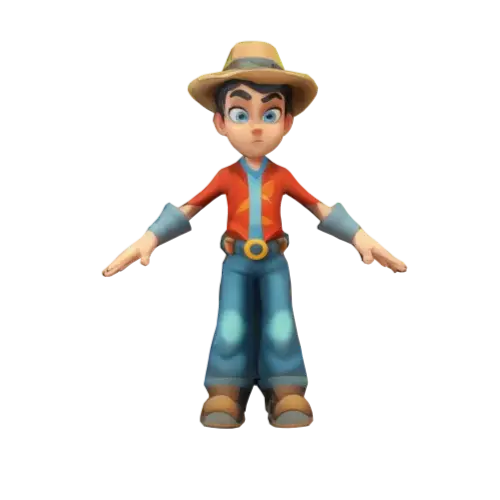
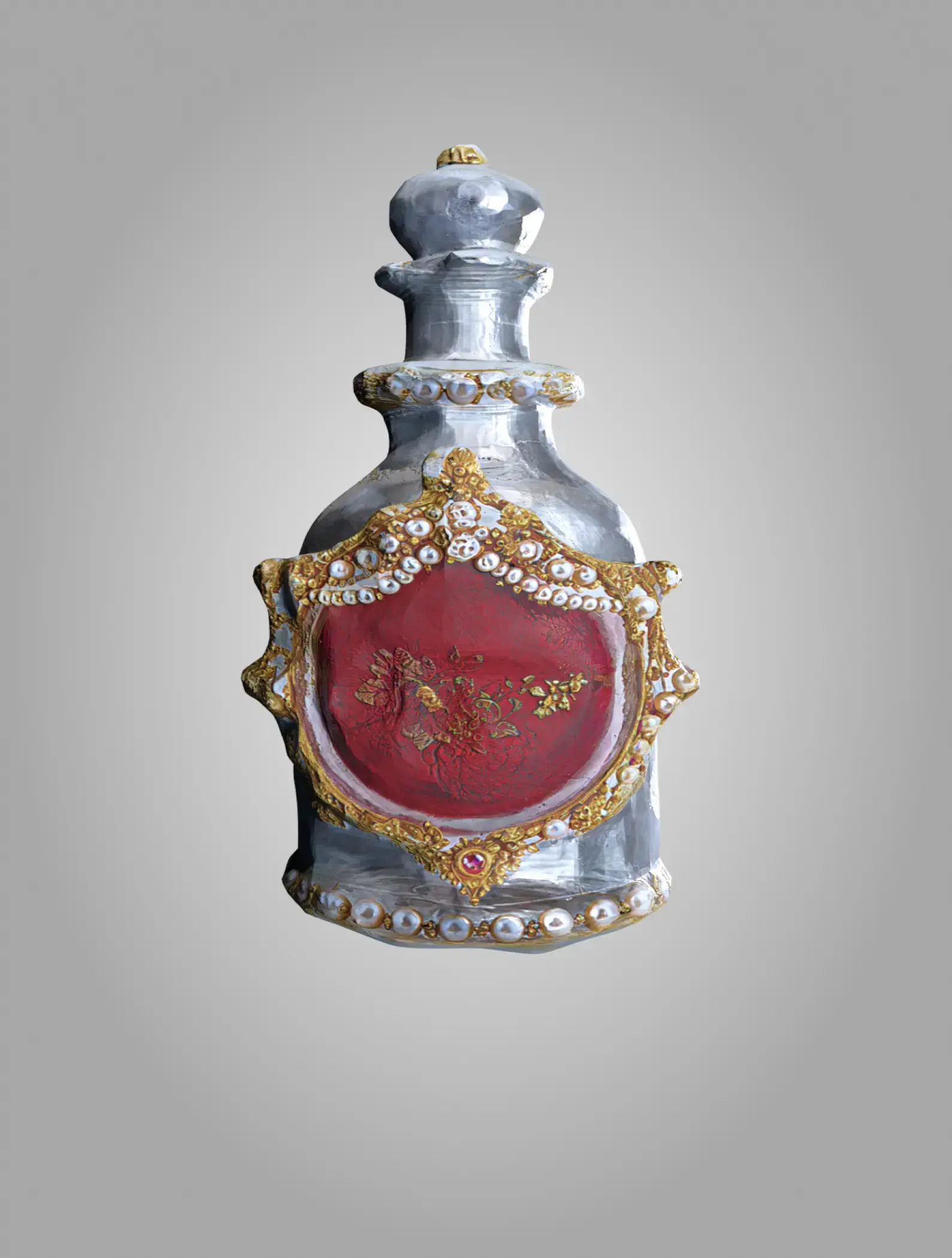
A pixar style boy character game hero, stylized
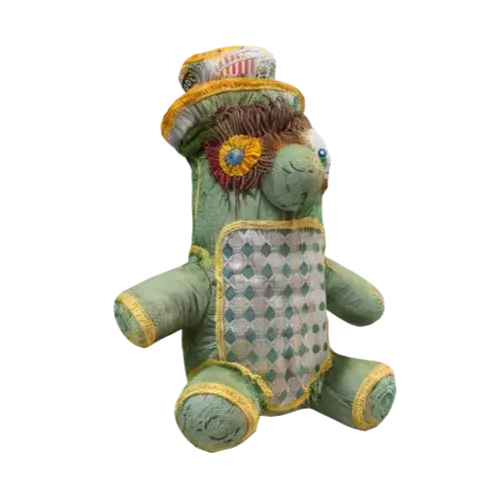
Skinny angry greenskeeper plushie
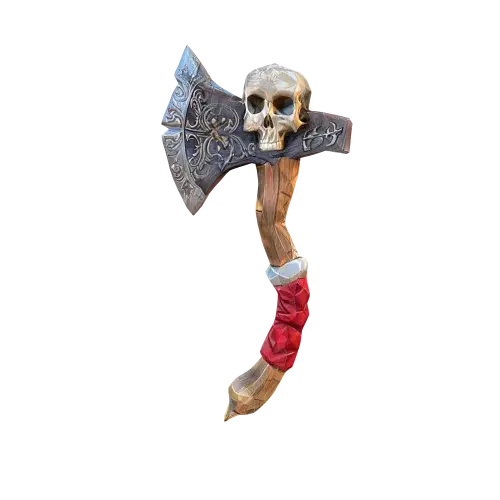
A pirate axe with a skull and cross bone in the hilt high quality low poly game asset
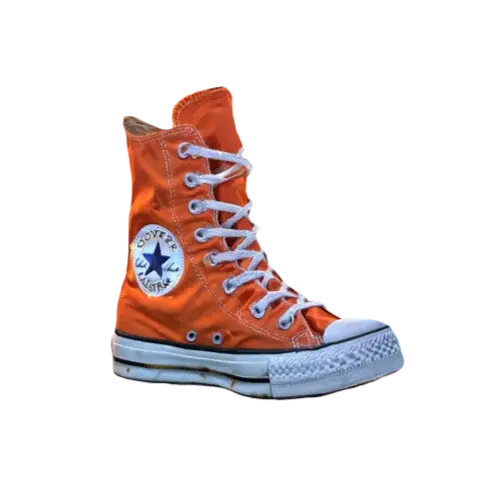
Knee high converse all star shoes, orange coloring
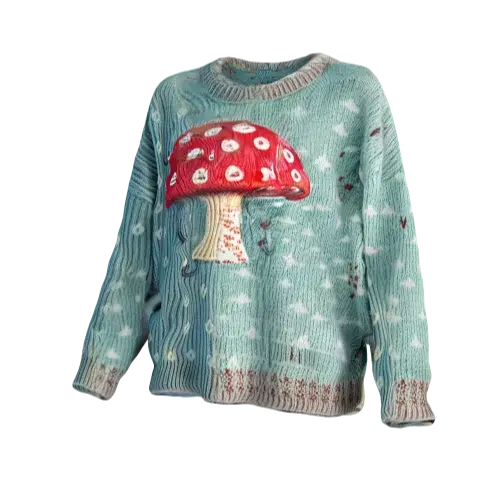
Cozy sweater with stylish mushroom pattern
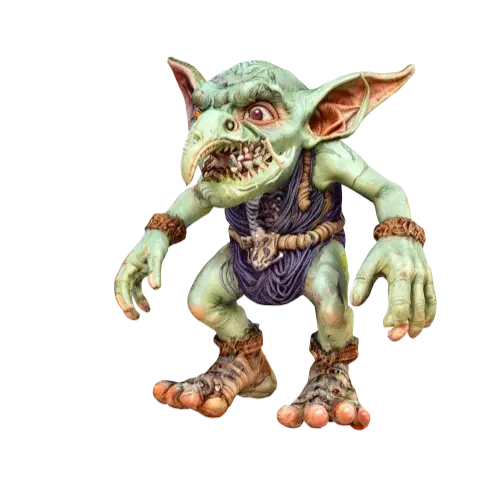
Noise goblin,Highly detailed
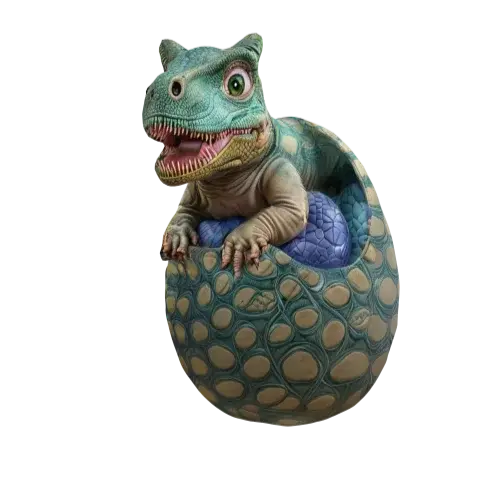
A dinosaur cub sitting in a dinosaur egg,Highly detailed
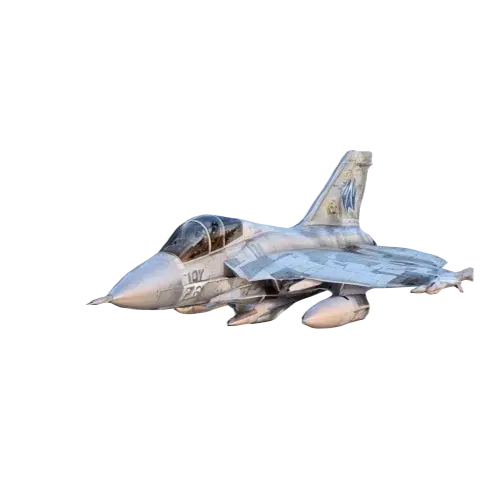
Fighter jet,Ultra Realistic
Various Art Styles
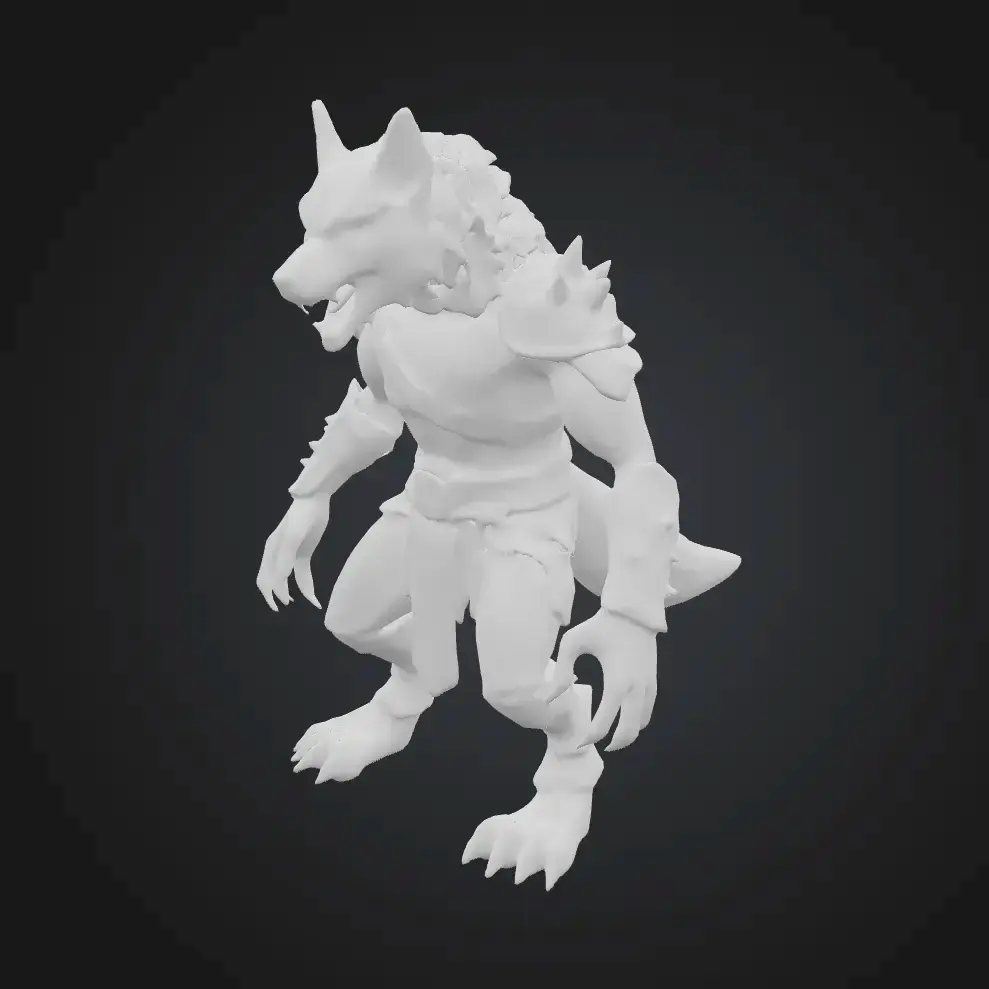
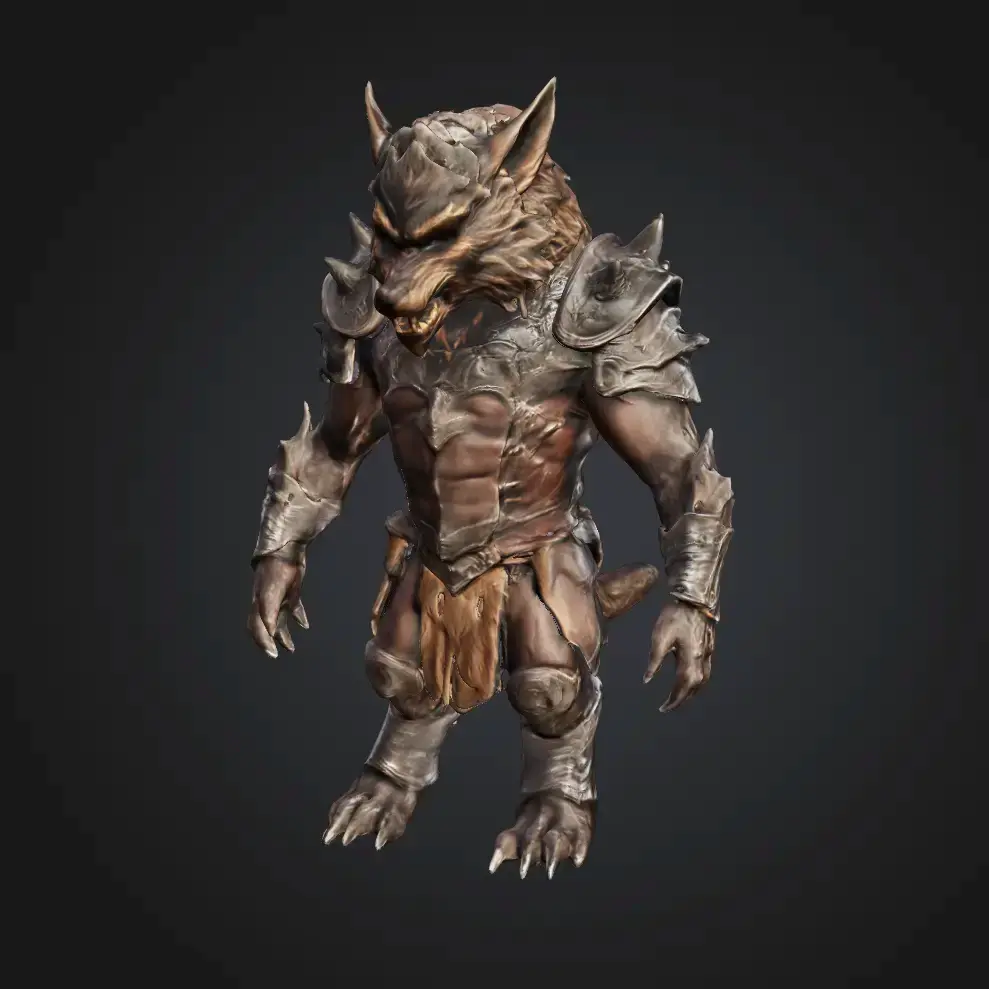
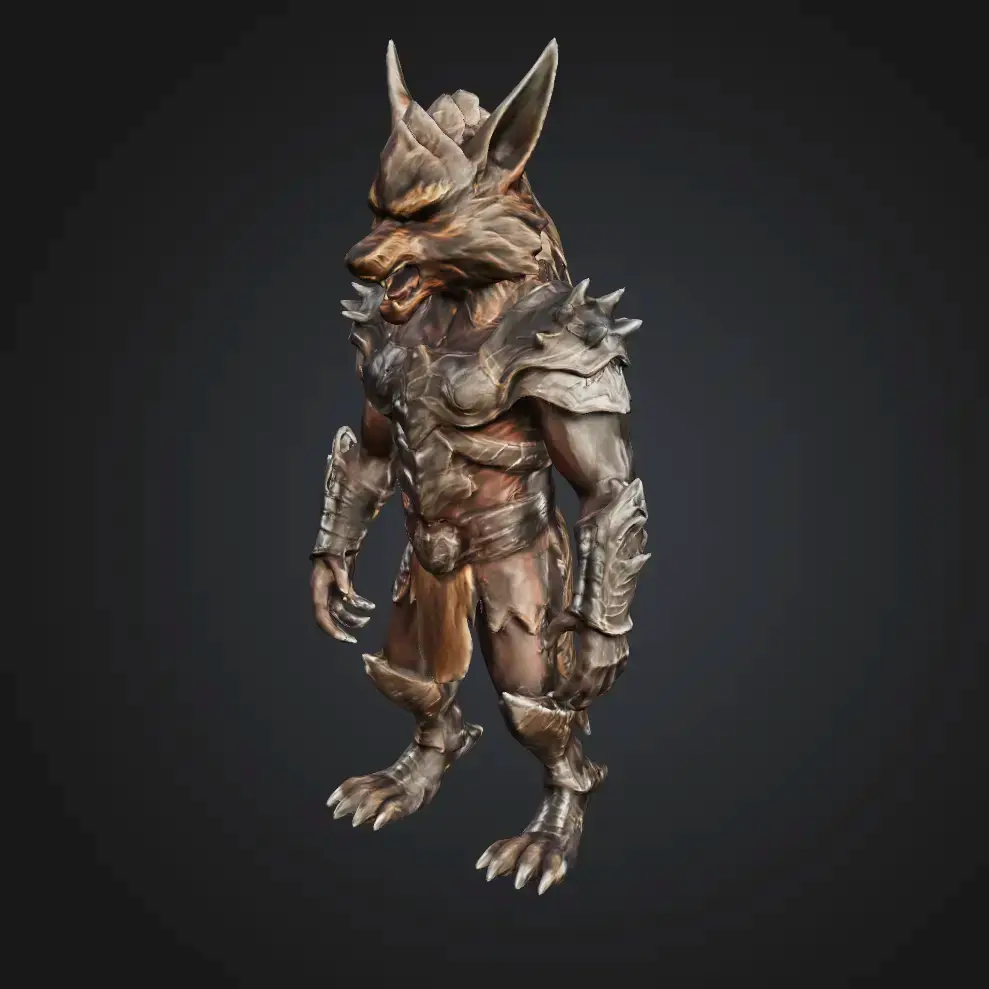
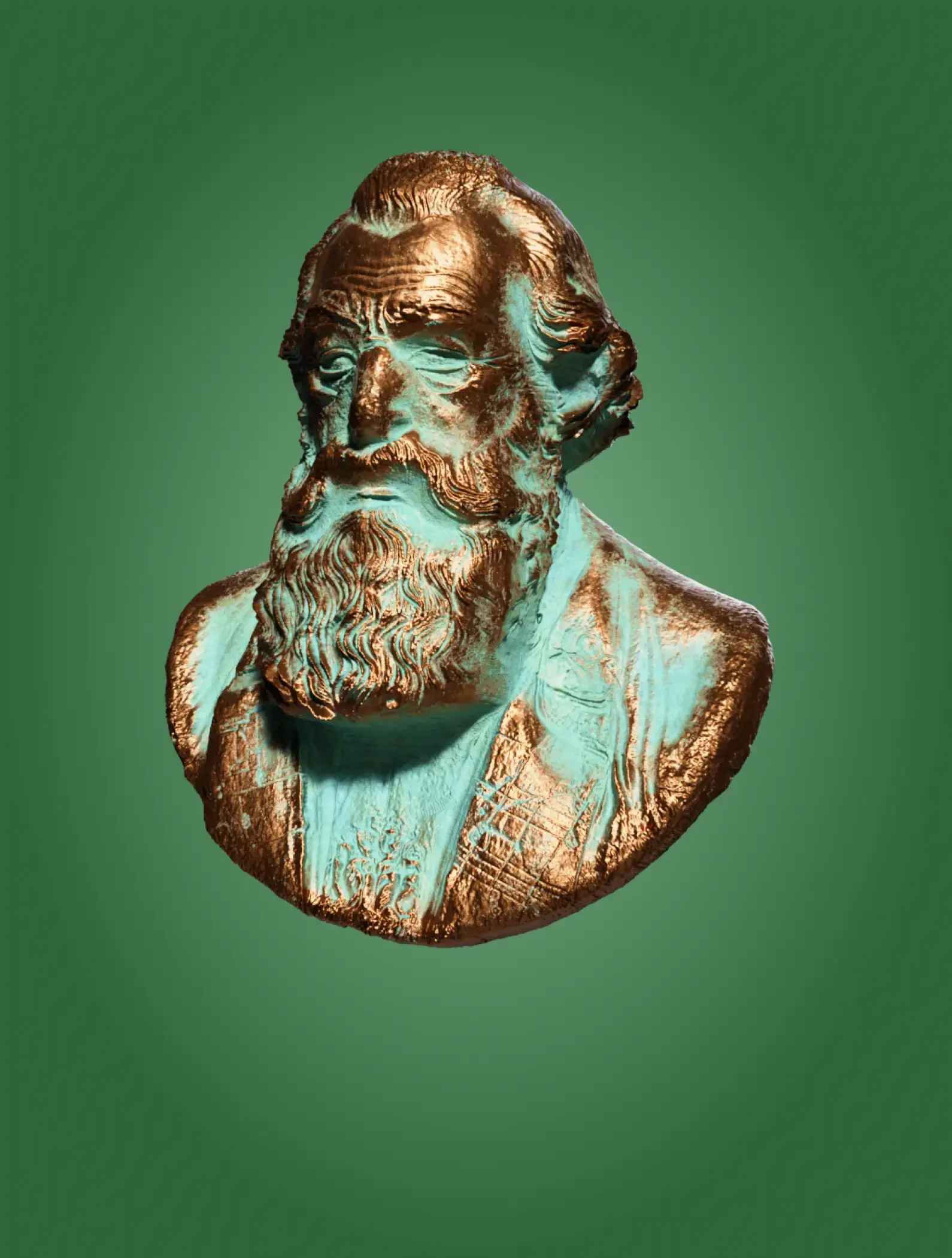
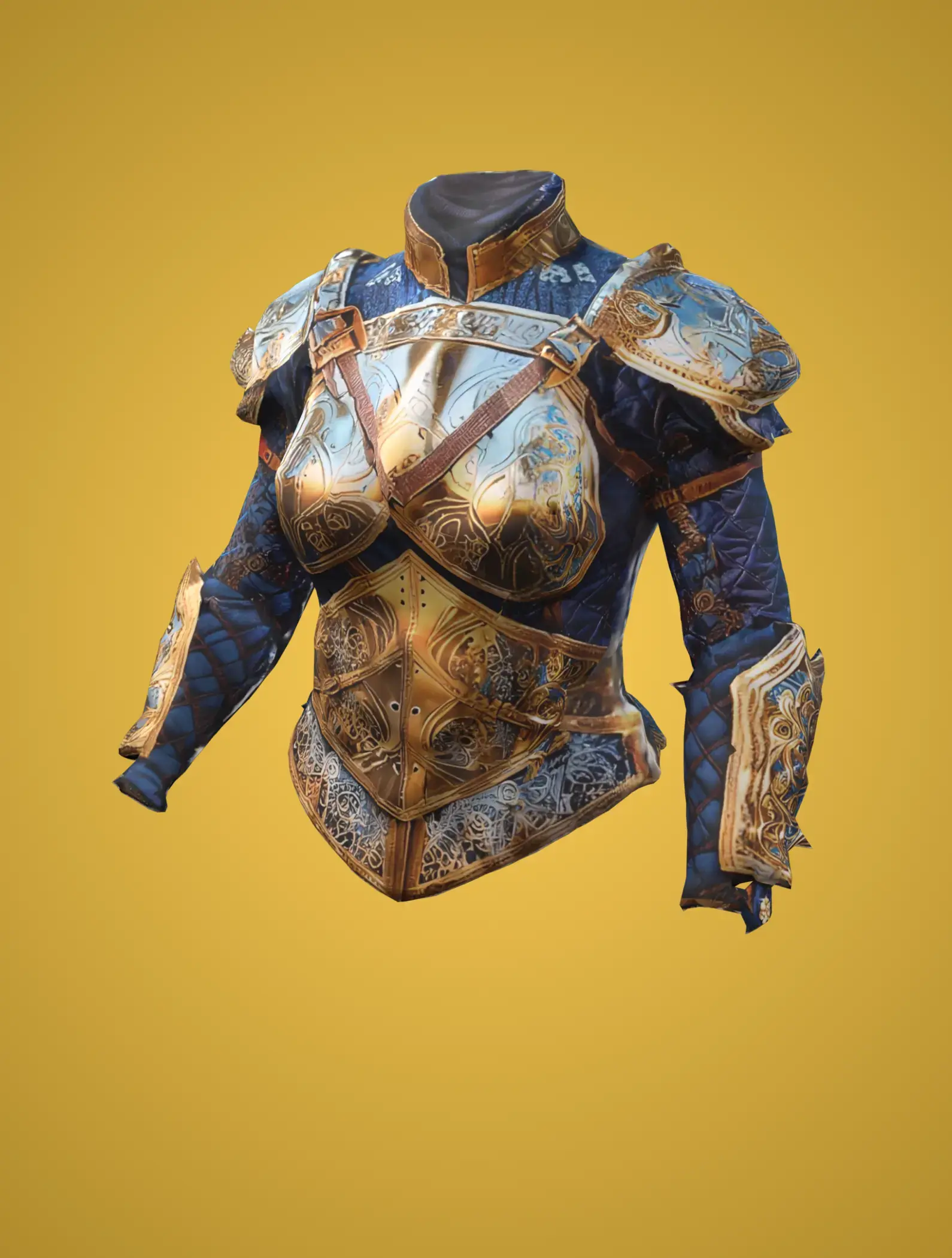
Meshy offers popular art styles, including Realistic, Cartoon, Low Poly, and Voxel, with more coming soon.
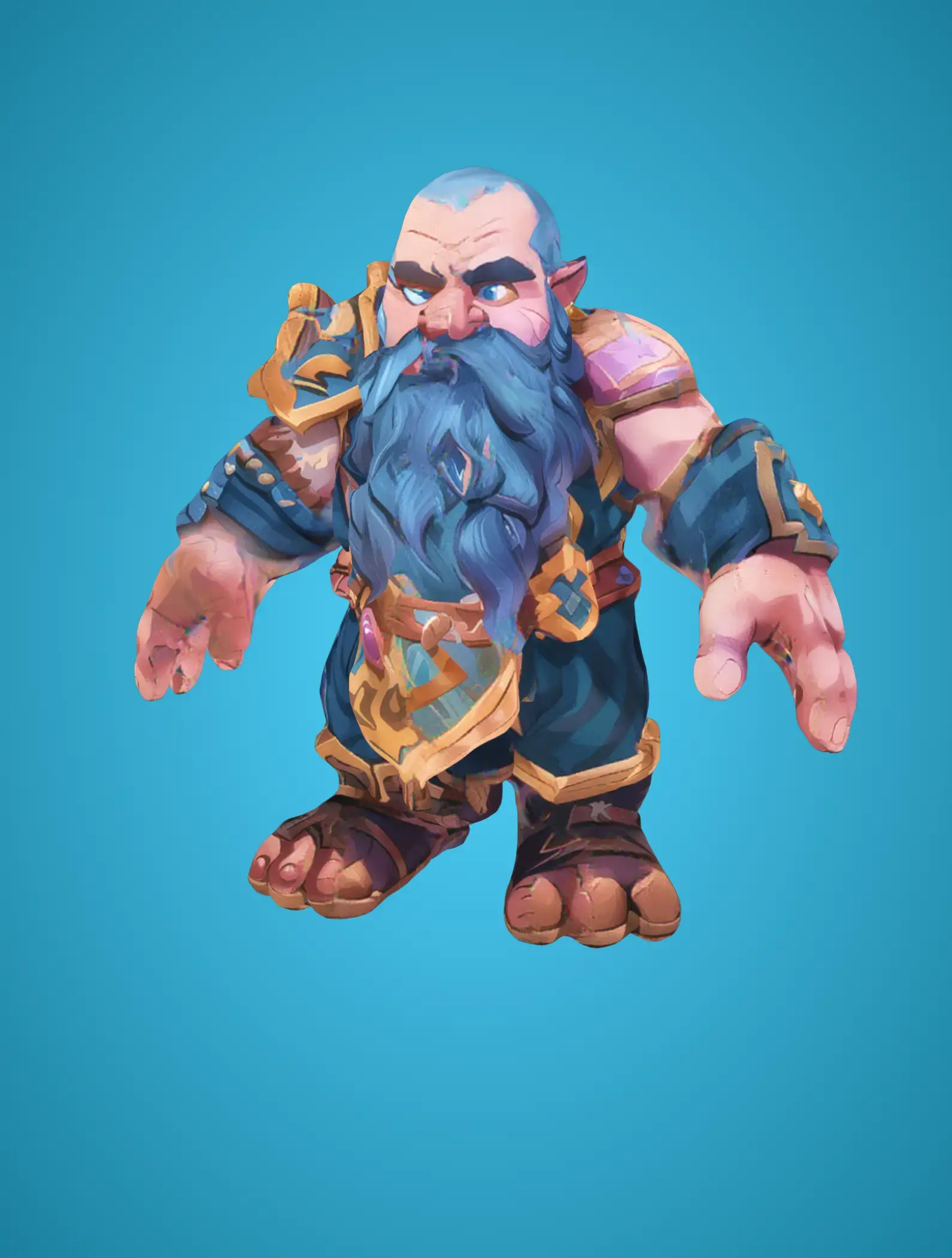
Cartoon

Realistic

Sculpture

PBR
Built for Every 3D Workflow

Game Development
Prototype game assets from text descriptions in seconds — characters, weapons, props, and environments. Meshy's Low Poly Mode outputs optimized wireframes ready for real-time engines, and direct export to Unity, Unreal Engine, Blender, and Godot means zero friction in your pipeline. Ideal for indie developers who need to iterate fast and studios building large asset libraries without scaling their modeling team.

Concept Art & Ideation
Visualize 3D concepts without touching modeling software — just describe your idea and explore it from every angle. Perfect for creative directors and concept artists who need to quickly evaluate silhouettes, proportions, and spatial relationships before committing to full production. Generate four variations per prompt and refine until your vision takes shape.

Product Design
Generate 3D product concepts from text briefs for rapid design iteration and stakeholder presentations. Describe materials, dimensions, and style — Meshy produces a textured 3D model you can rotate, inspect, and share in minutes. Export as GLB or OBJ for use in CAD tools, product configurators, or investor pitch decks.

3D Printing
Describe your object, generate it, download as STL or 3MF, and send it straight to your printer. Meshy achieves a 97% slicer pass rate and integrates with Bambu Studio, OrcaSlicer, Creality Print, and more. Whether you're creating custom figurines, replacement parts, or educational models, text-to-3D eliminates the need for any modeling expertise.
Loved by 12,000,000+ Creators Worldwide
Related Use Cases


AI 3D tools for Roblox

Toy design


![How to Create 3D Models for Games [Step by Step]](https://cdn.meshy.ai/landing-assets/blog/3d-modeling-for-games/3d-modeling-for-games-cover.webp)