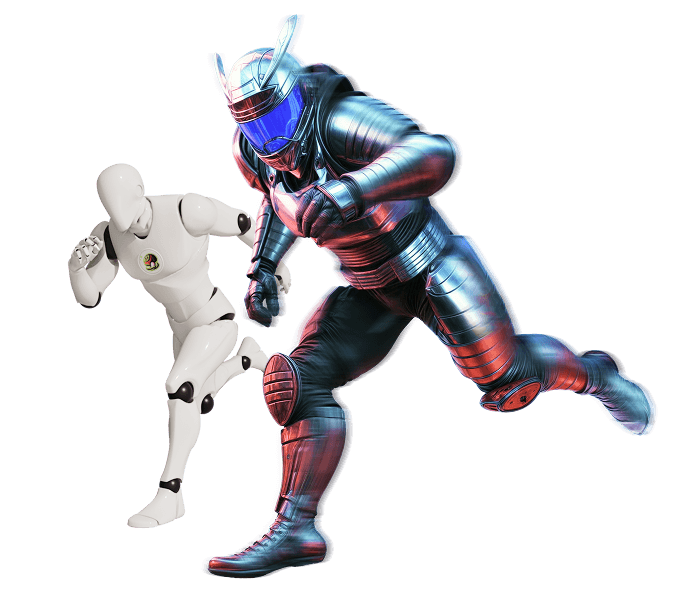
OBJ Converter

Convert OBJ files into any popular 3D format, or turn another 3D file into OBJ. Everything runs in your browser, so there is no upload, no login, and no software to install.

What You Get with Meshy's 3D Model Converter

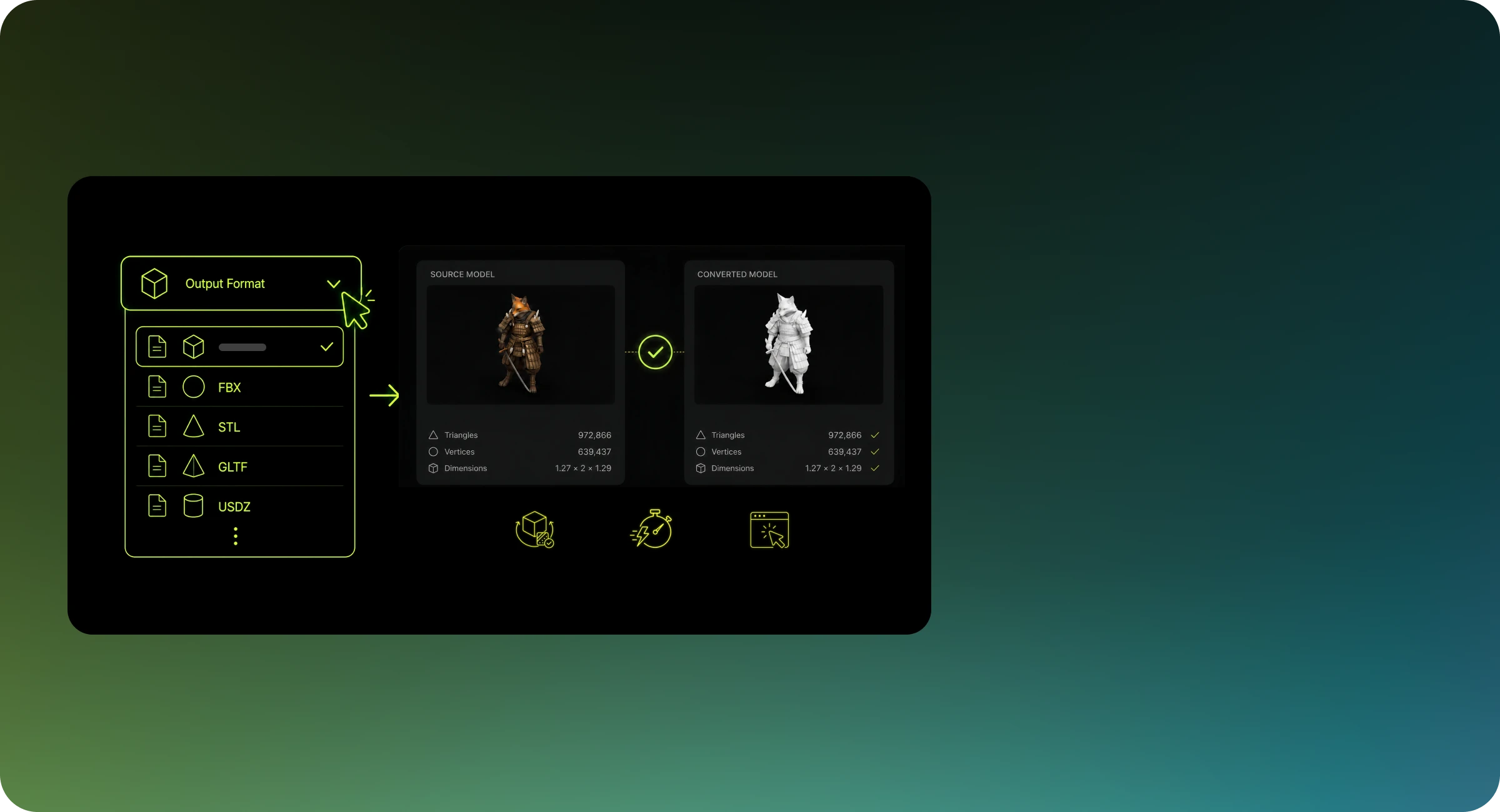
All Major 3D Formats

Convert between OBJ, FBX, STL, GLB, GLTF, USDZ, 3MF, PLY and more — the format set that covers games, printing, AR/VR and product visualization pipelines.
Geometry & Texture Fidelity

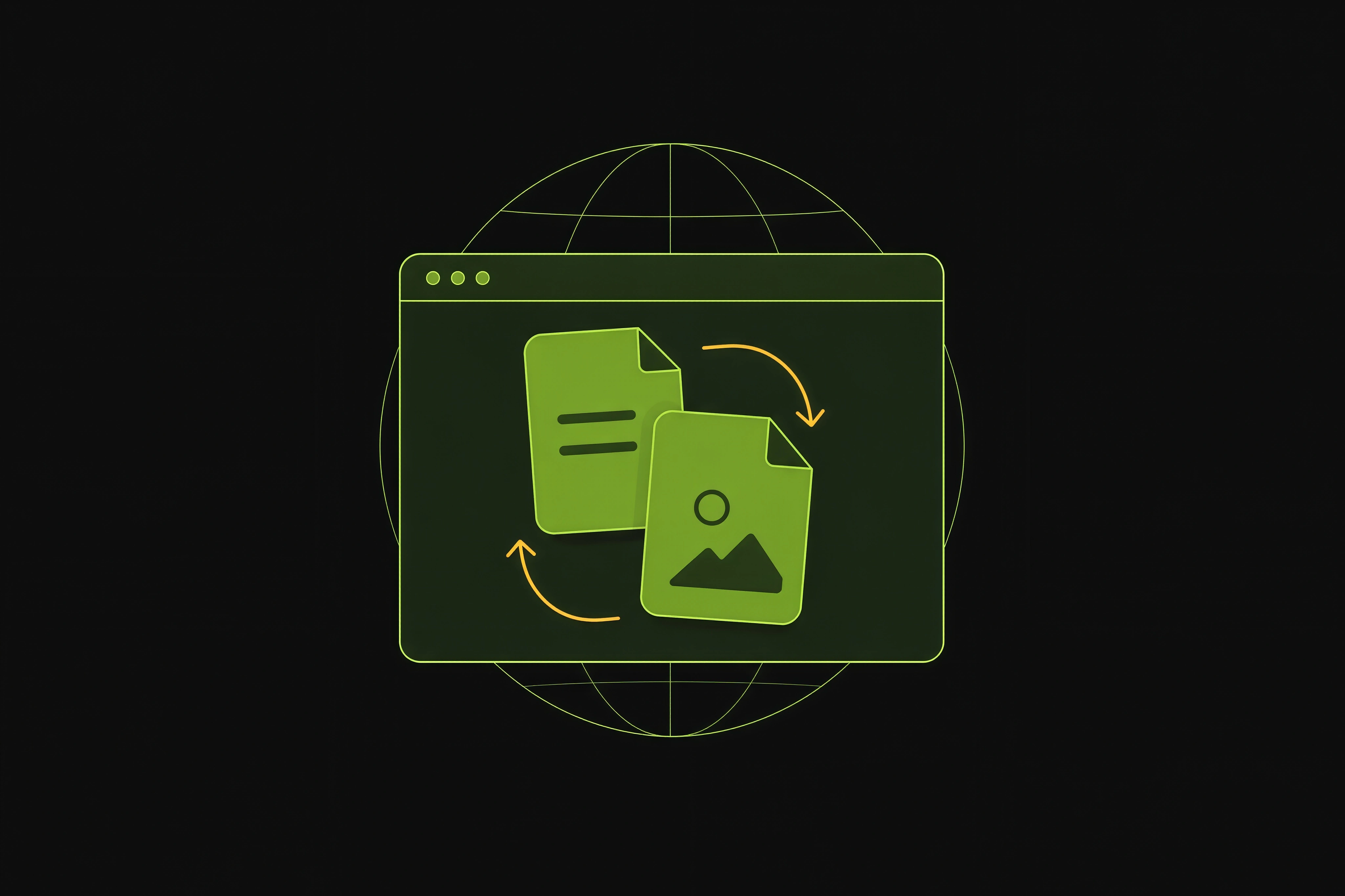
Meshes keep their geometry, normals, UVs and material colors through conversion. GLB and GLTF round-trips preserve textures so your asset looks the same in every engine.

No Install, No Signup

Everything runs in the browser. Upload a model, pick a target format, download the result — no software, no account, no upload queue.

Everything You Need to Convert 3D Files

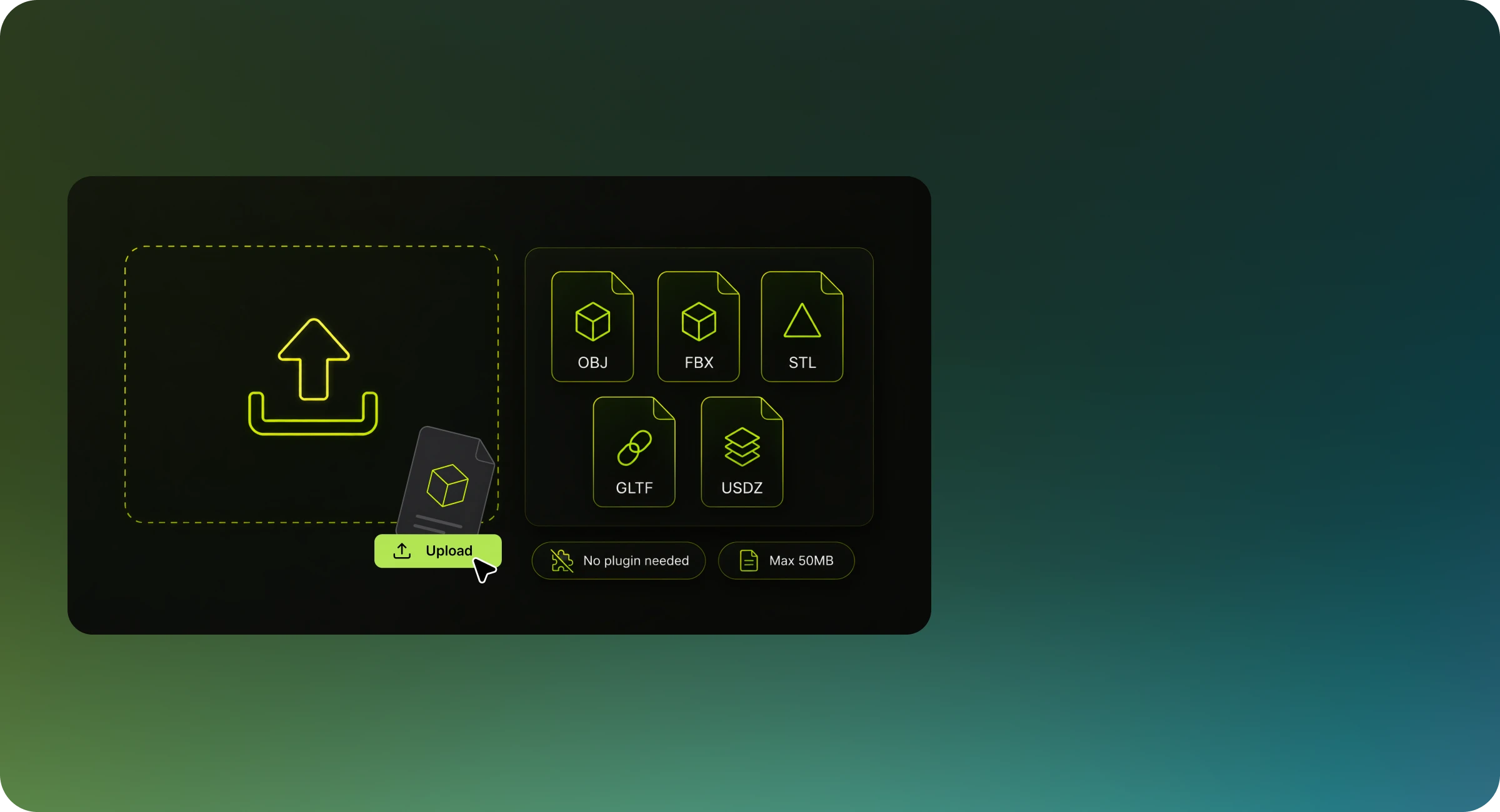
Popular file formats support

Work seamlessly with industry-standard formats including OBJ, USDZ, STL, GLTF, and more. Eliminate compatibility barriers between different 3D applications with comprehensive format conversion options.

Popular file formats support
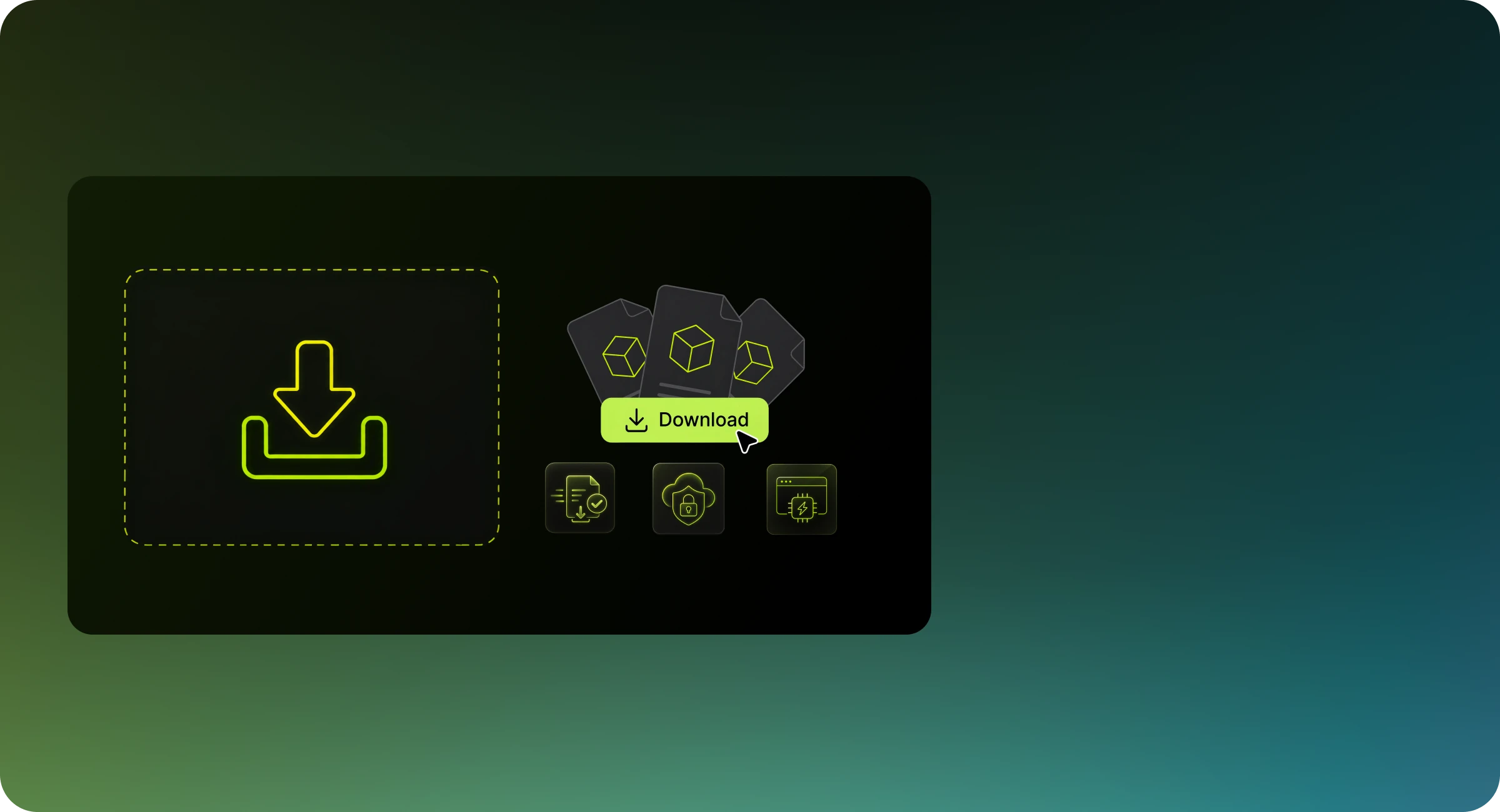
No login & download required

No login & download required

Convert files instantly in your browser without software installation or account creation. Upload your 3D asset, select your output format, and transform your model with zero unnecessary steps.

Free to all 3D creators

Access professional-grade conversion technology at zero cost. We’ve removed financial barriers to empower students, indie developers, hobbyists, and professional studios with enterprise-level 3D conversion tools.

Free to all 3D creators
Insanely fast

Insanely fast

Transform complex models in seconds rather than minutes with our optimized algorithms. Experience conversion speeds up to 10× faster than traditional desktop applications, accelerating your production workflow.

Privacy protection

Your intellectual property remains secure. Files are processed at client side and will never leave your browser or uploaded to our server, ensuring complete confidentiality.

Privacy protection

About the OBJ File Format

The .obj file format was developed by Wavefront Technologies in the 1980s for its Advanced Visualizer software and is now one of the most universally supported 3D formats in existence. An OBJ file is human-readable text listing vertices, texture coordinates, normals, and faces, while material definitions live in a separate .mtl file alongside it. It carries no animation and no scene graph, which keeps it simple, verbose, and readable by practically every 3D application ever written.

Developer
Wavefront Technologies
Based On
Wavefront OBJ geometry + companion MTL material library
Common Software
Blender, Maya, 3ds Max, ZBrush, Cinema 4D

What Survives Conversion to OBJ

Every 3D format carries a different slice of a scene. This is exactly what Meshy's converter writes into a OBJ file, and what it leaves behind.

Model dataResult
Mesh geometryPreserved
UV coordinatesPreserved
Materials and texturesPartial
Animation and riggingDropped
Vertex colorsDropped

Meshy writes a standalone .obj carrying UVs and per-face material group names, but no companion .mtl file, so material definitions and texture links do not travel with it. Reassign materials in your target application, or pick GLB or FBX when you need the appearance data to arrive in a single file.

Who Converts 3D Models with Meshy?

3D Printing Hobbyists

Turn game rips, downloaded models, or CAD exports into STL for your slicer — swap FBX to STL without learning a DCC tool.

Game Developers

Convert assets between engine-friendly formats: OBJ to GLB for web builds, FBX to GLTF for runtime loading, without breaking materials.

E-commerce & Product Teams

Prepare product models for 3D viewers on storefronts — GLB and USDZ cover every major platform's viewer format.

Architects & Visualizers

Bring CAD and SketchUp models into real-time renderers and AR previews by converting to the formats your toolchain accepts.

How to Convert 3D File Formats

Upload a(an) OBJ File

Frequently Asked Questions

The converter writes a single .obj file with material group names but no companion .mtl, so meshes and UVs arrive intact while material definitions and texture links do not. When materials need to travel with the model, convert to GLB or FBX instead, since both embed everything in one file.

It is plain text, it has been stable since the 1980s, and practically every 3D application reads it. That makes OBJ the safest way to hand a static mesh to an unknown tool, at the cost of no animation, no scene hierarchy, and larger files than a binary format.

Conversion runs entirely in your browser, so the practical ceiling is your device's memory, and the upload box accepts files up to 50 MB. For heavier meshes, thin them out with Meshy's Polygon Reducer first and convert the lighter result.

Start Converting Your 3D Files Now

Fast, free, and secure — convert between OBJ, FBX, STL, GLB, and more right in your browser.