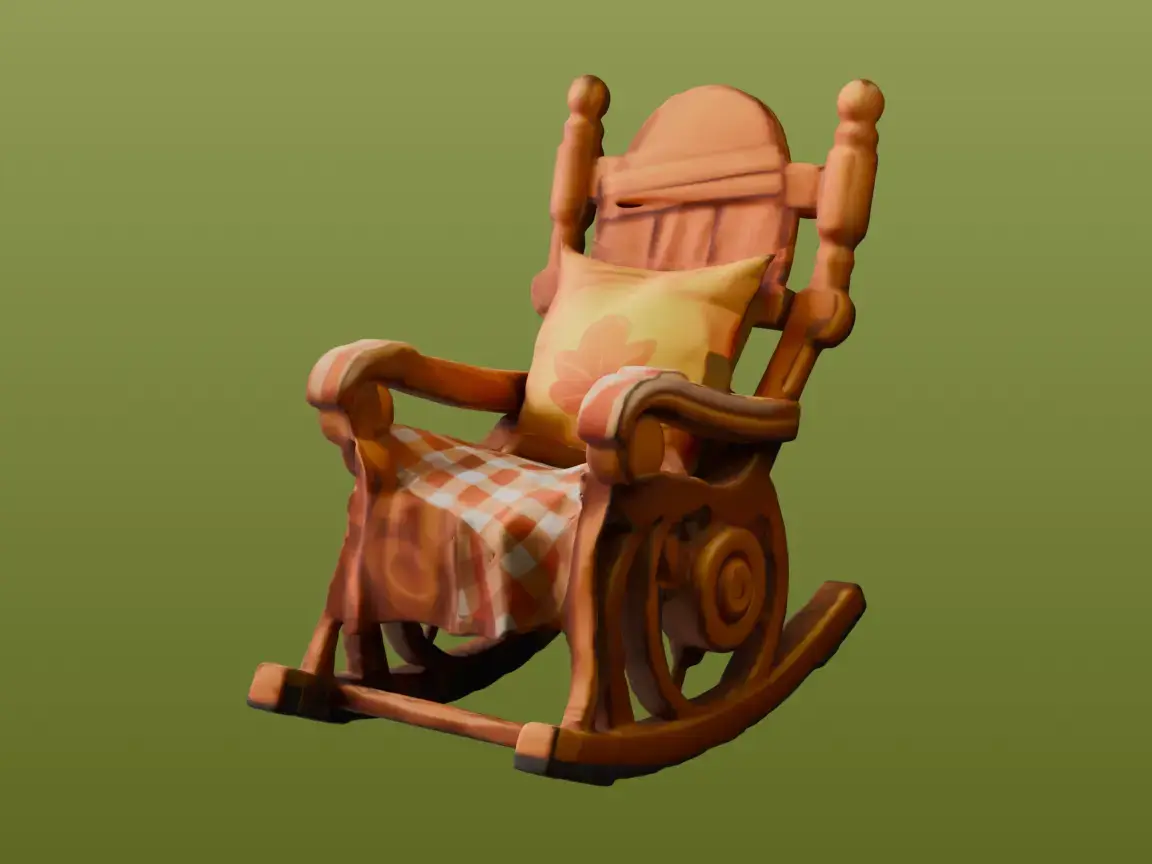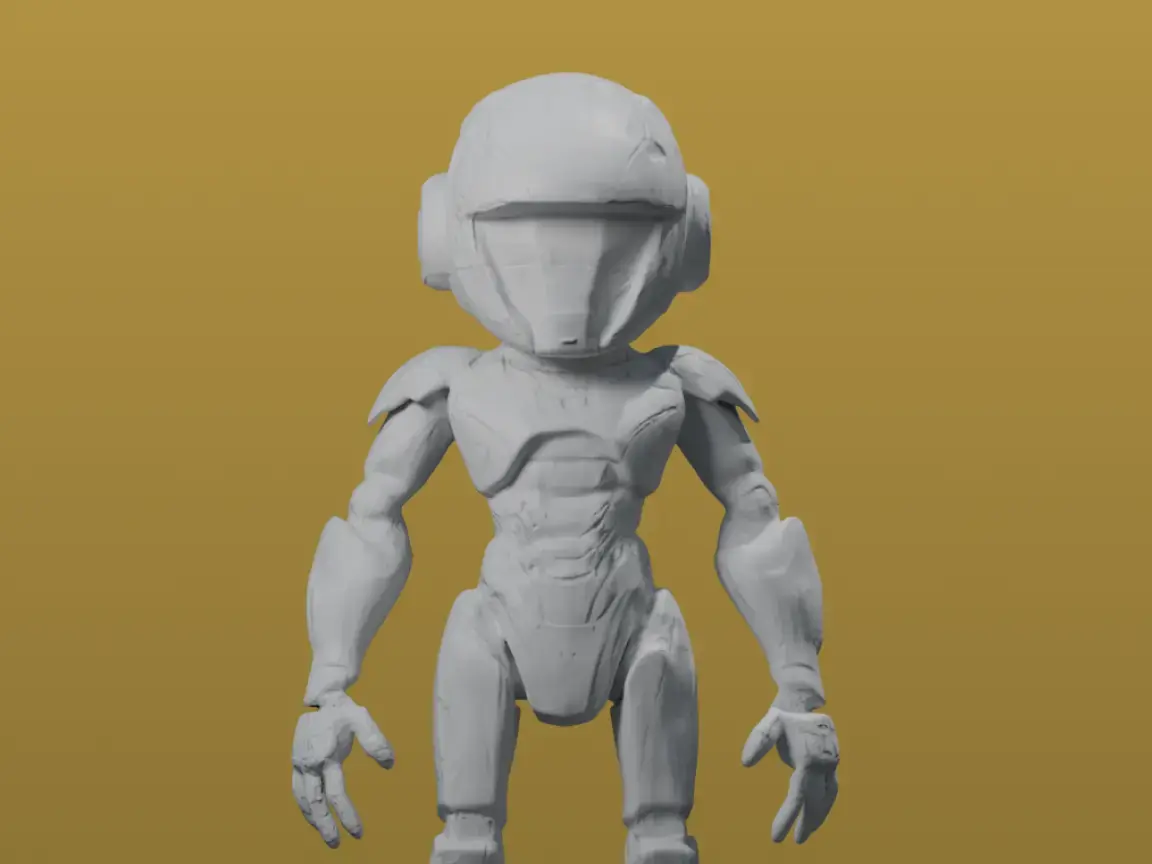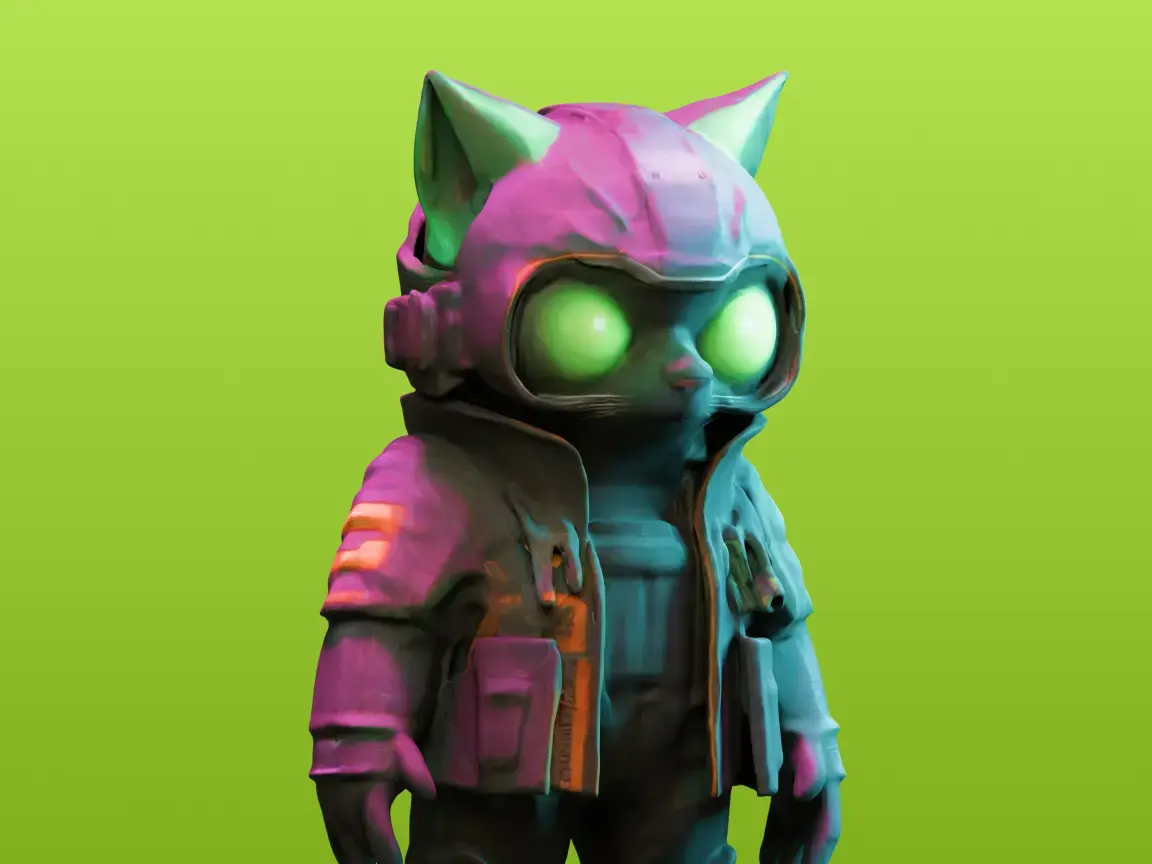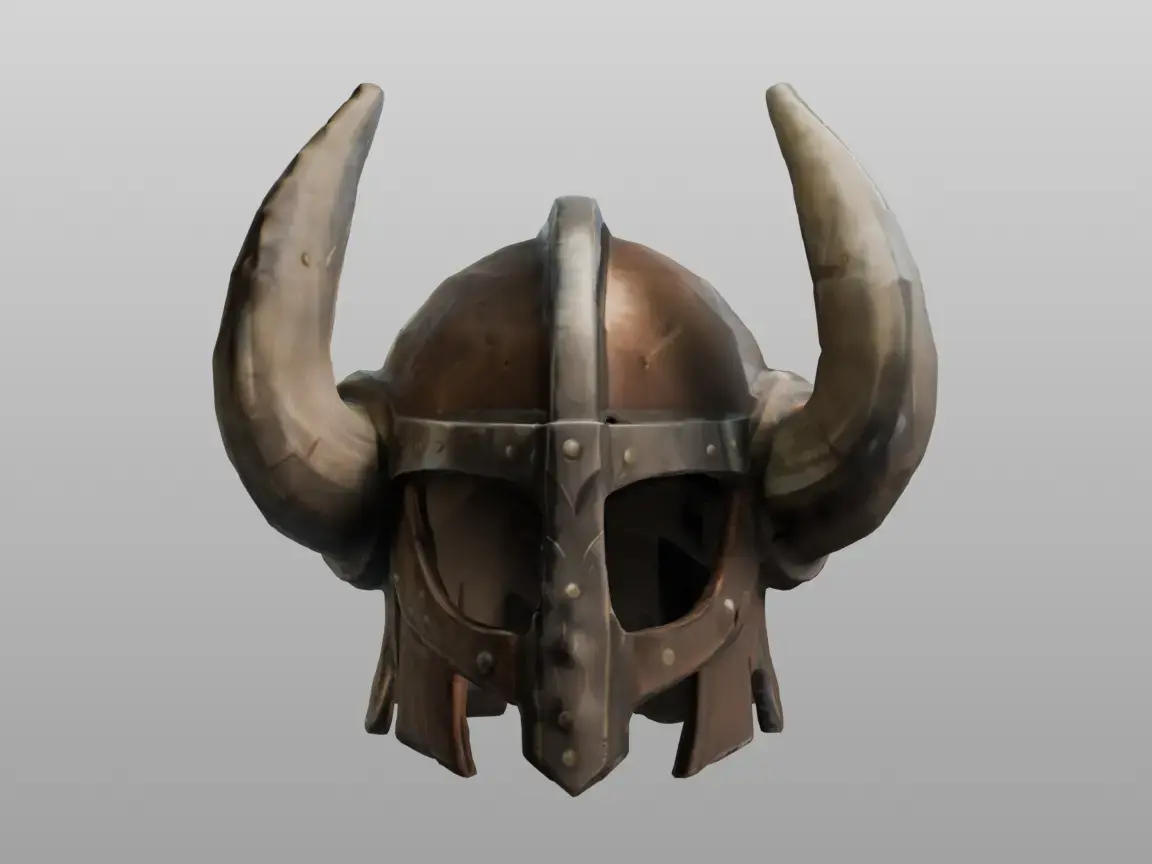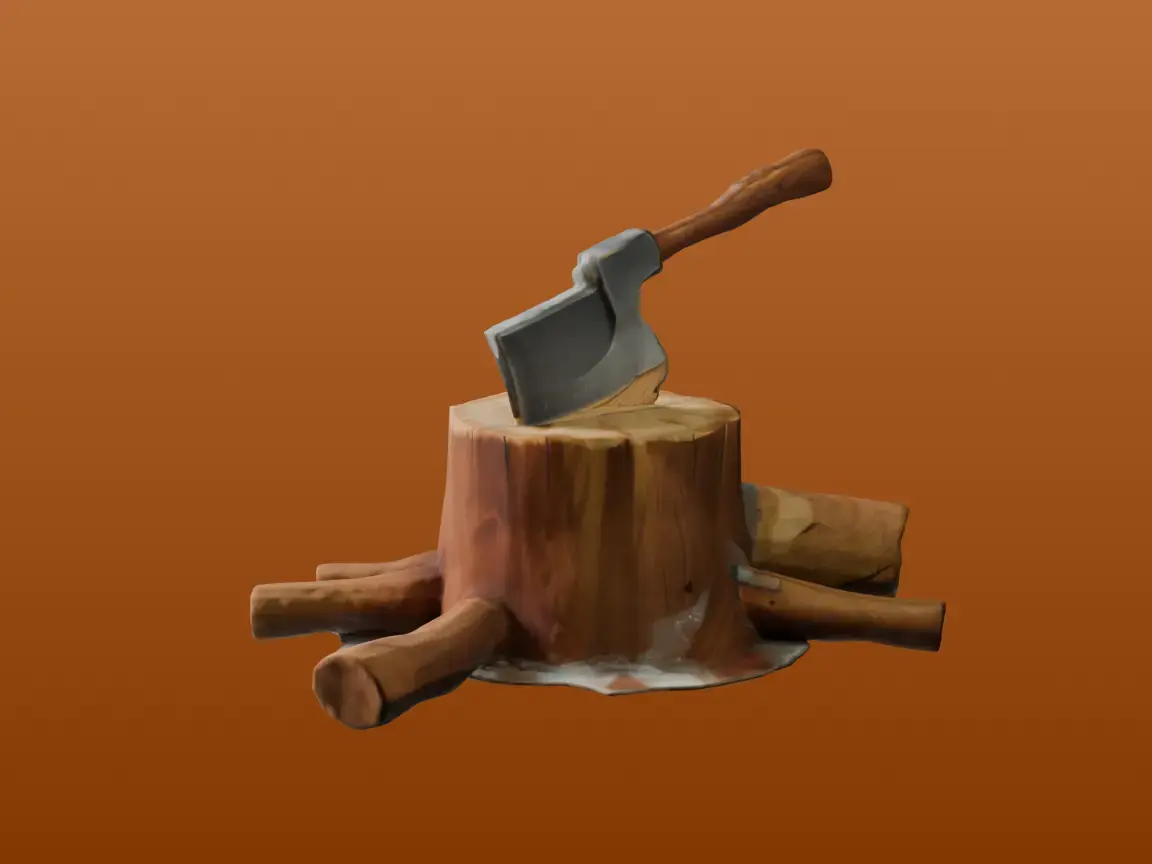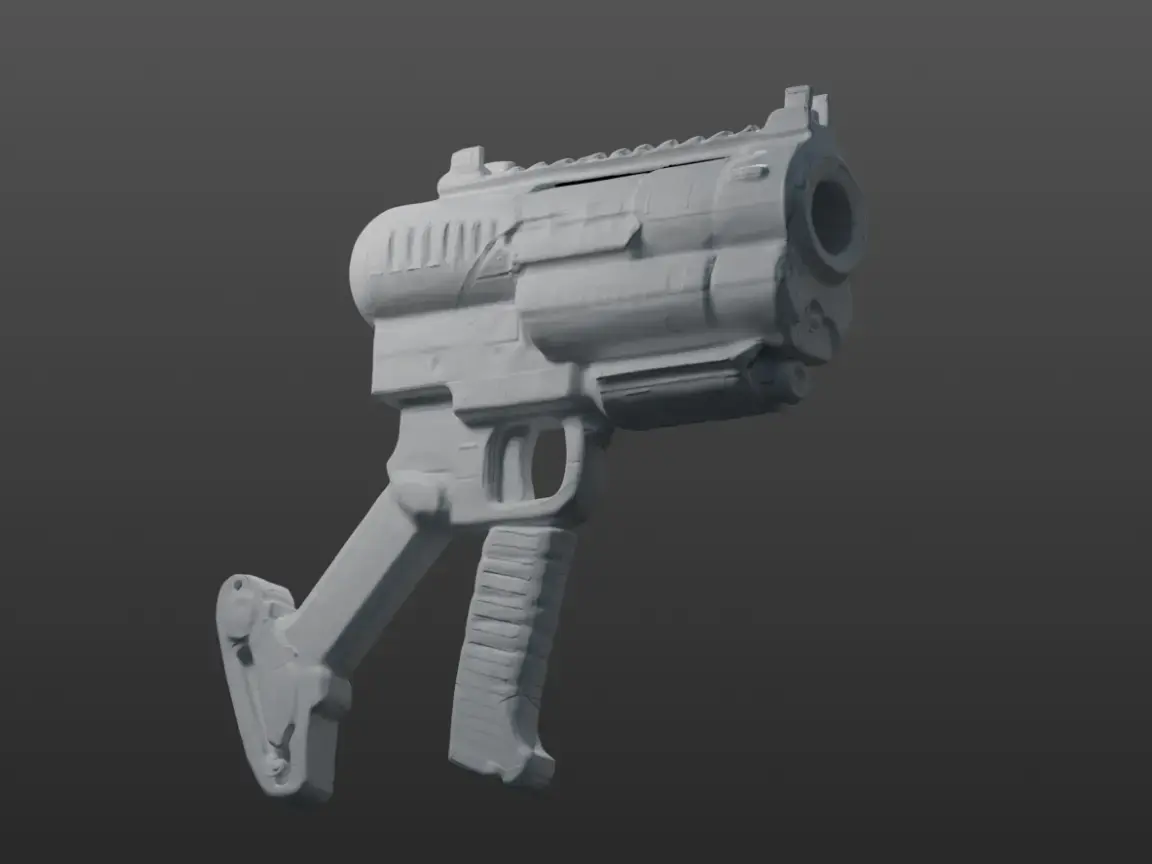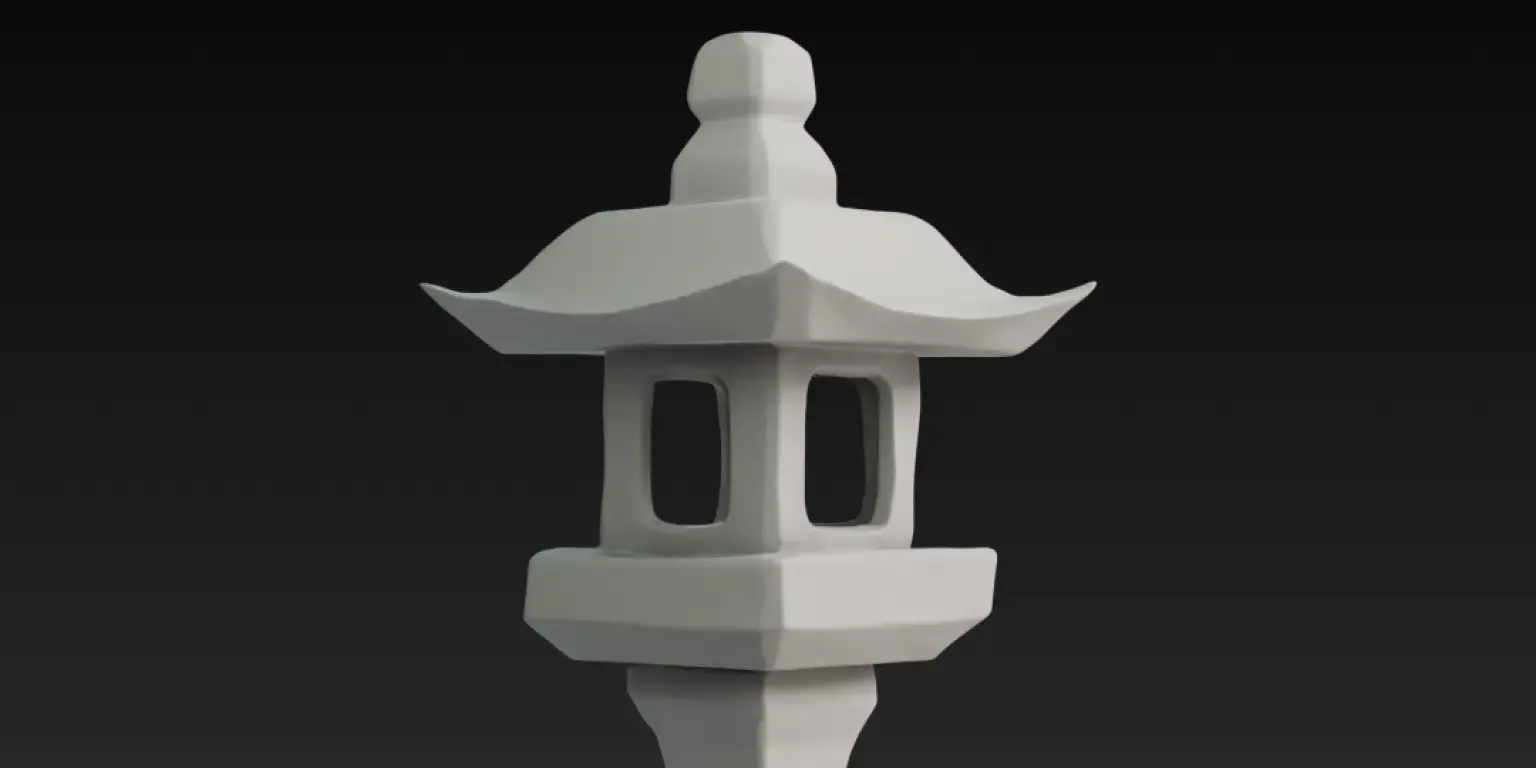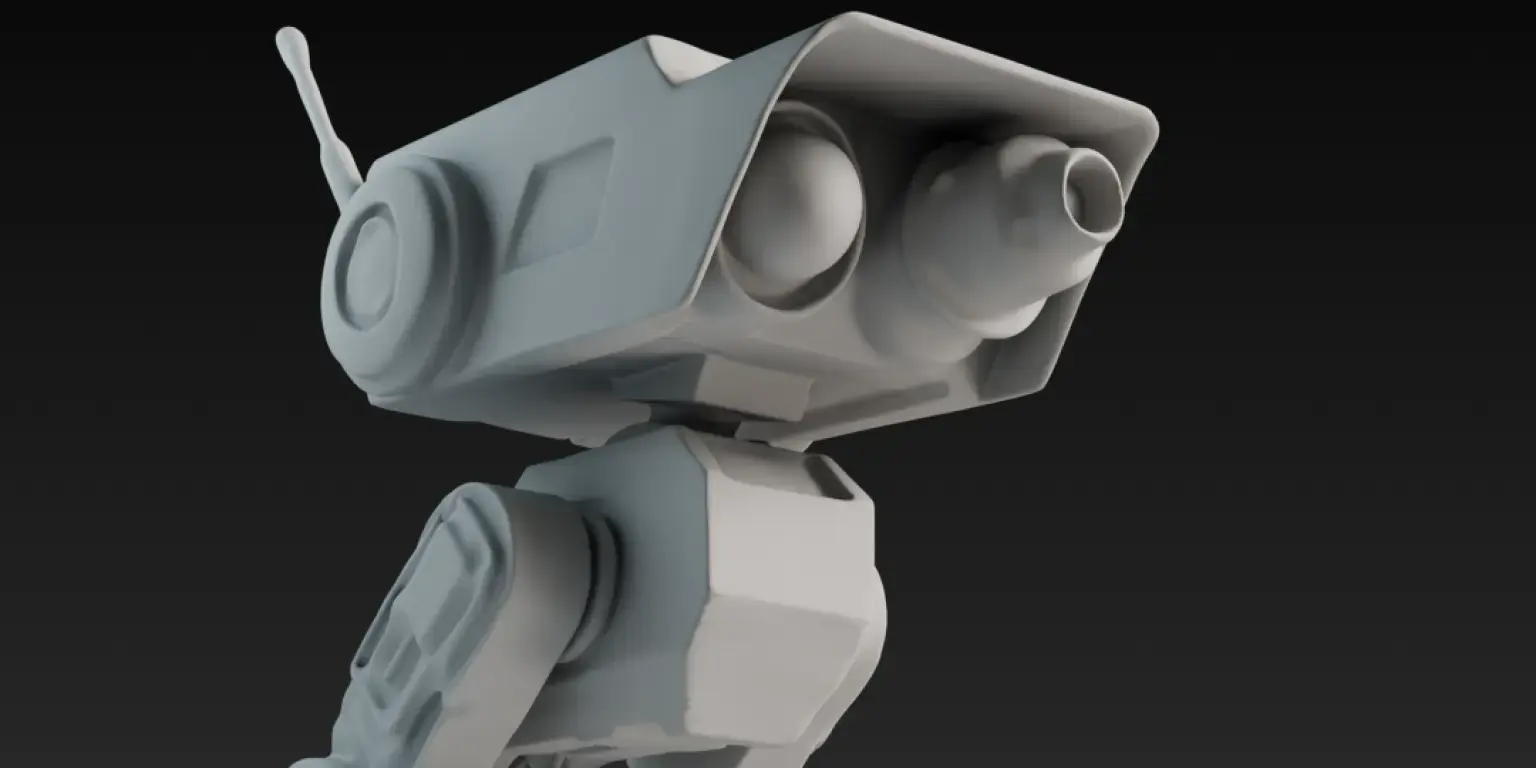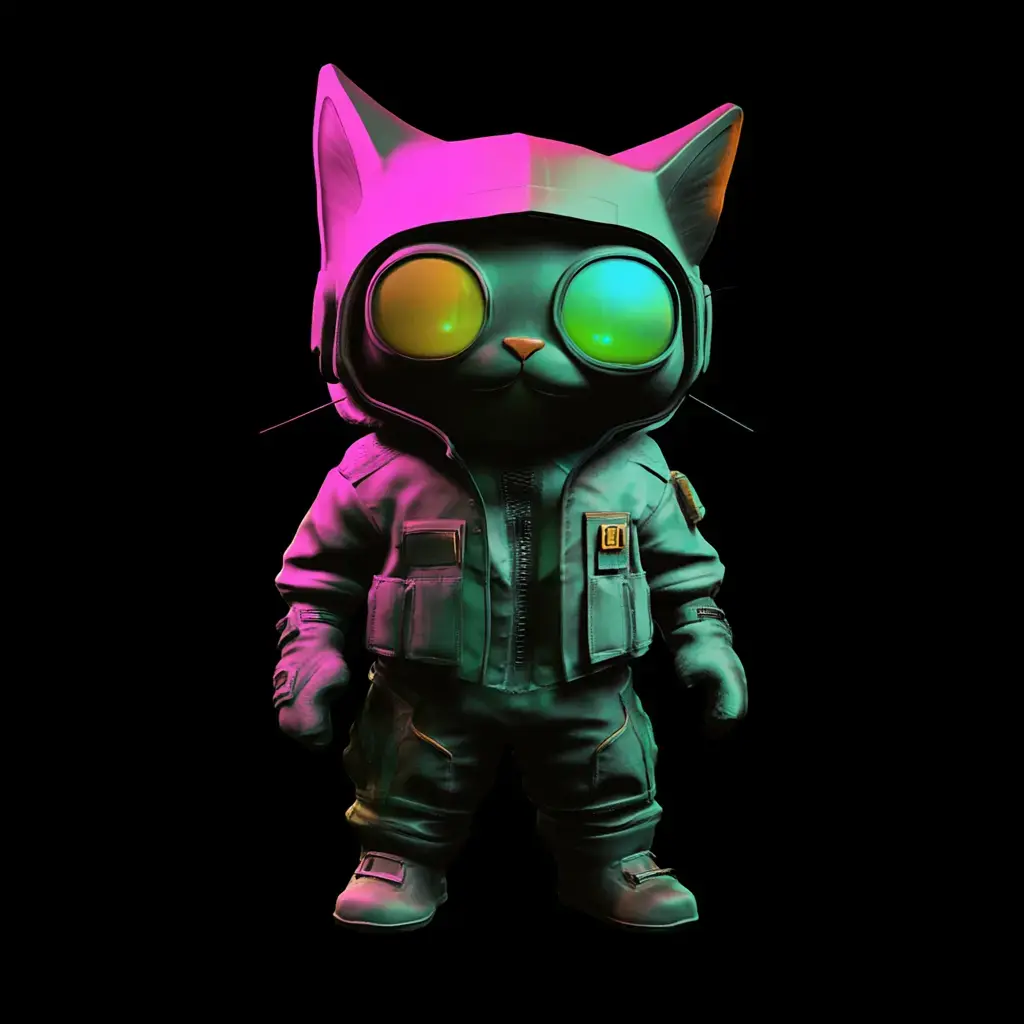
Meshy Features
AI 3D Model Generator for Every Stage of 3D Creation
Six tools, one workspace. Go from text, image, or sketch to a textured, rigged, export-ready 3D model.

3D Agent
Chat from idea, photo, or sketch to a 3D model. Brainstorm concepts in batches, keep styles consistent, then send the winner to texturing, rigging, or print.
Image to 3D
Turn a single photo, or 2–8 views, into a textured 3D model in about a minute. Choose Standard or Low Poly output, and set custom poses for characters.
Text to 3D
Describe it and get a textured 3D model in as little as 45 seconds. Prompt any style, from realistic to cartoon to low poly, and pick your topology.
AI Texturing
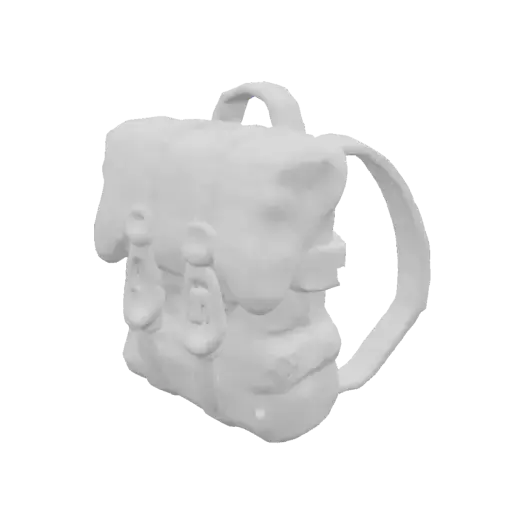
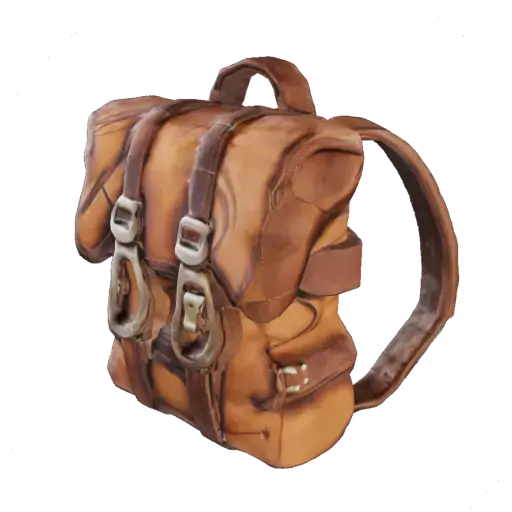
Repaint any model from a text prompt. Generate albedo, normal, roughness, and metallic PBR maps at up to 8K, for Meshy models or your own OBJ, FBX, or GLB files.
AI Image Generator
Concept art built for 3D: clean backgrounds, front or 3/4 views, single subjects. Pick Realistic, Anime, or Chibi style, then send it straight to Image to 3D.
Animation
Auto-rig humanoid or quadruped characters, then pick from 500+ animation presets. Preview in the browser and export FBX or GLB for Unity, Unreal, or Blender.
AI Auto Rigging
Auto-rig humanoid, quadruped, or smart-rig characters in under 30 seconds — full skeleton and skin weights. Export FBX or GLB for Unity, Unreal, or Blender.
Made with Meshy, at Every Stage


Built for Every 3D Workflow


Free Tools for Every 3D Workflow

3D File Converter
Convert common model and image files into production-ready 3D formats online.

Online 3D Viewer
Open, inspect, and preview 3D assets in your browser before importing or sharing.

3D Text Generator
Type, style, and export custom 3D lettering in your browser with no software setup.
See Meshy in Action
How real creators use Meshy in games, classrooms, and studios.

Inside Funkatron: How a Solo Dev Uses Meshy's AI 3D Model Generator to Build a Universe

AI 3D Model Generation for Education: How Thitikorn Transformed Classroom Learning with Meshy AI

How Florida Universitària Cut 3D Previs Time by 90% with Meshy
Frequently asked questions
Meshy's Text to 3D generates a textured 3D model from a written description, with no reference image needed. Image to 3D converts a photo, or 2–8 views of the same object, into a 3D model. Use Text to 3D when you start from an idea, and Image to 3D when you already have a concept image or product photo to match.
Use Meshy's 3D Agent when you want to explore. It brainstorms with you, generates concepts in batches, and keeps styles consistent across a set — useful for filling out a scene or a themed asset pack. If you already know exactly what you want, Text to 3D or Image to 3D gives you a single model faster.
Yes. Meshy's features form a single pipeline: generate a model with the 3D Agent, Text to 3D, or Image to 3D, repaint it with AI Texturing, then rig and animate it with the AI Animation Generator. The AI Image Generator creates concept art you can send straight to Image to 3D, so you can go from idea to animated asset in one place.
Meshy exports GLB, GLTF, FBX, OBJ, STL, USDZ, and 3MF. As a rule of thumb: FBX works best for Unity and Unreal Engine, GLB and GLTF for web and AR, USDZ for iOS AR Quick Look, and STL or 3MF for 3D printing. Every export is UV-unwrapped and ready to drop into your engine or slicer.
Yes, on paid plans. Models generated on Meshy Pro and above come with commercial-use rights and can be used in games, films, 3D prints for sale, and client work. Free-tier outputs are for personal and evaluation use only. Always check the license terms on your current plan before using assets in a commercial project.
No. You describe what you want in plain language or upload a reference image, and Meshy handles modeling, UV unwrapping, and texturing automatically — a detailed 3D model takes 20–30 seconds, texturing about 1 minute. Experienced artists can still refine results by adjusting prompts, remeshing, or exporting to Blender for manual polish.