Free GIF to 3MF Converter

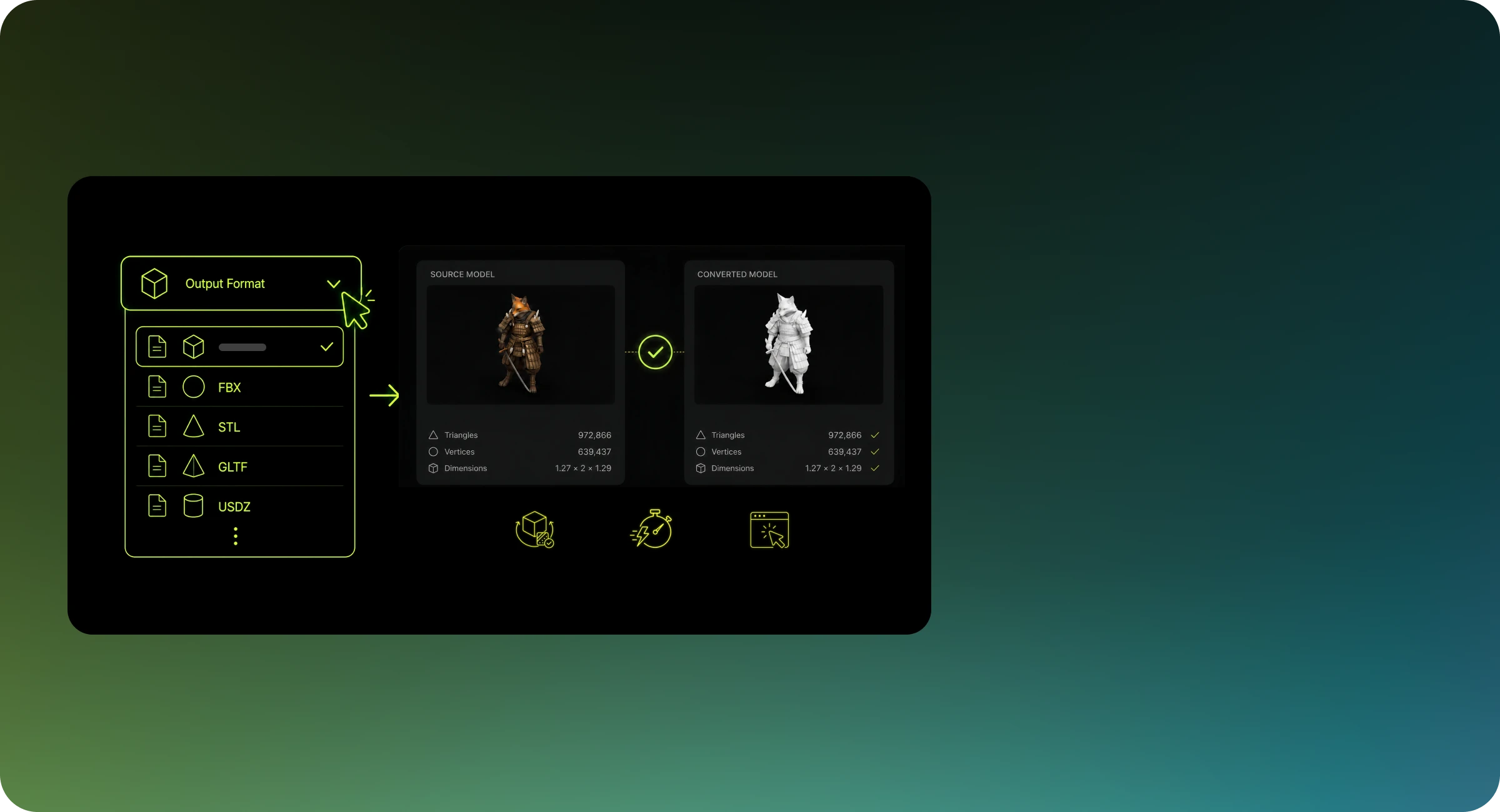
Convert GIF to 3MF online for free with high-quality results. This web based file converter works in your browser with no software download required on your device and produces clean, compatible 3MF files suitable for 3D printing and editing workflows.

What You Get with Meshy's Image to 3D Converter

AI Generates Geometry

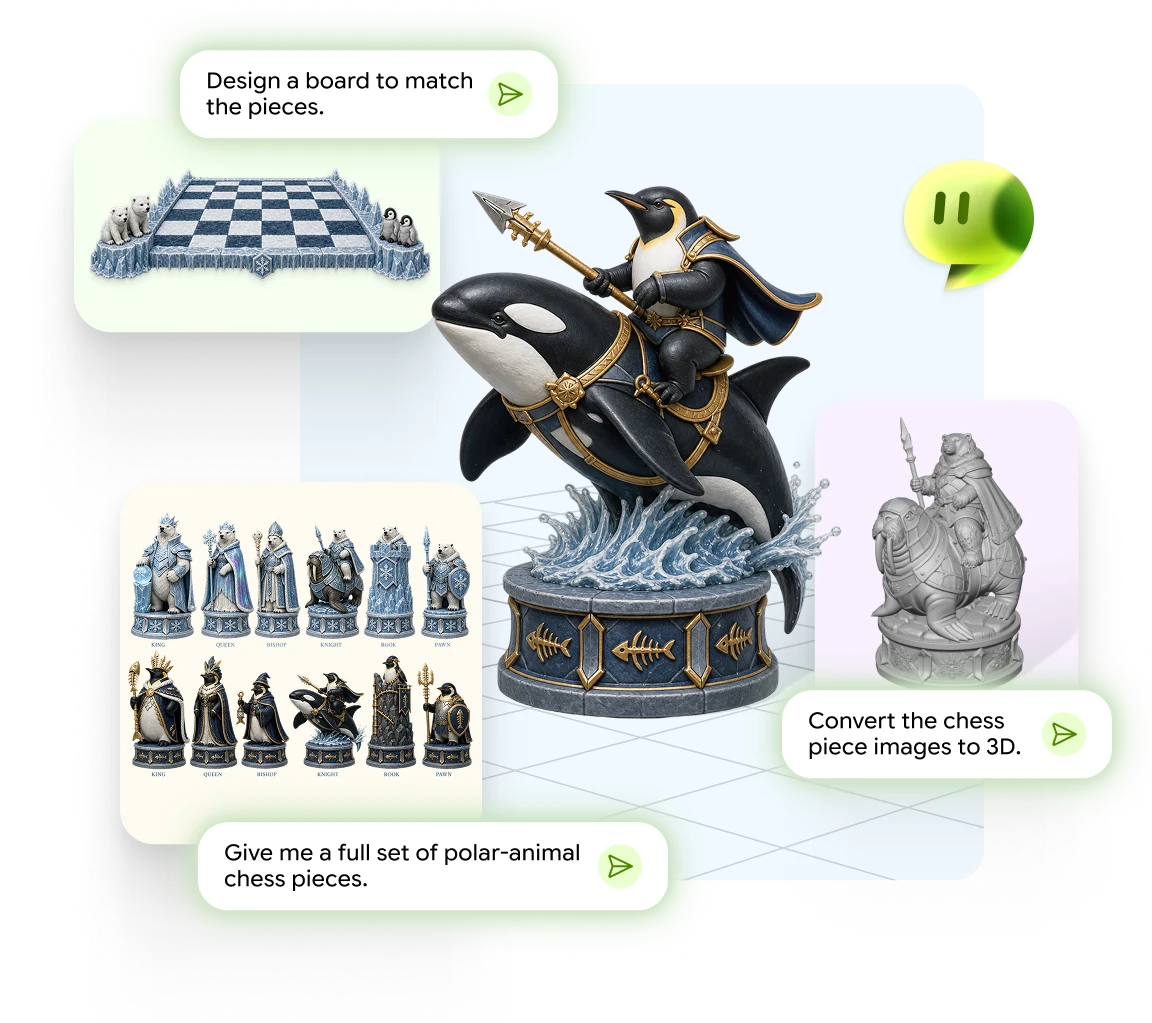
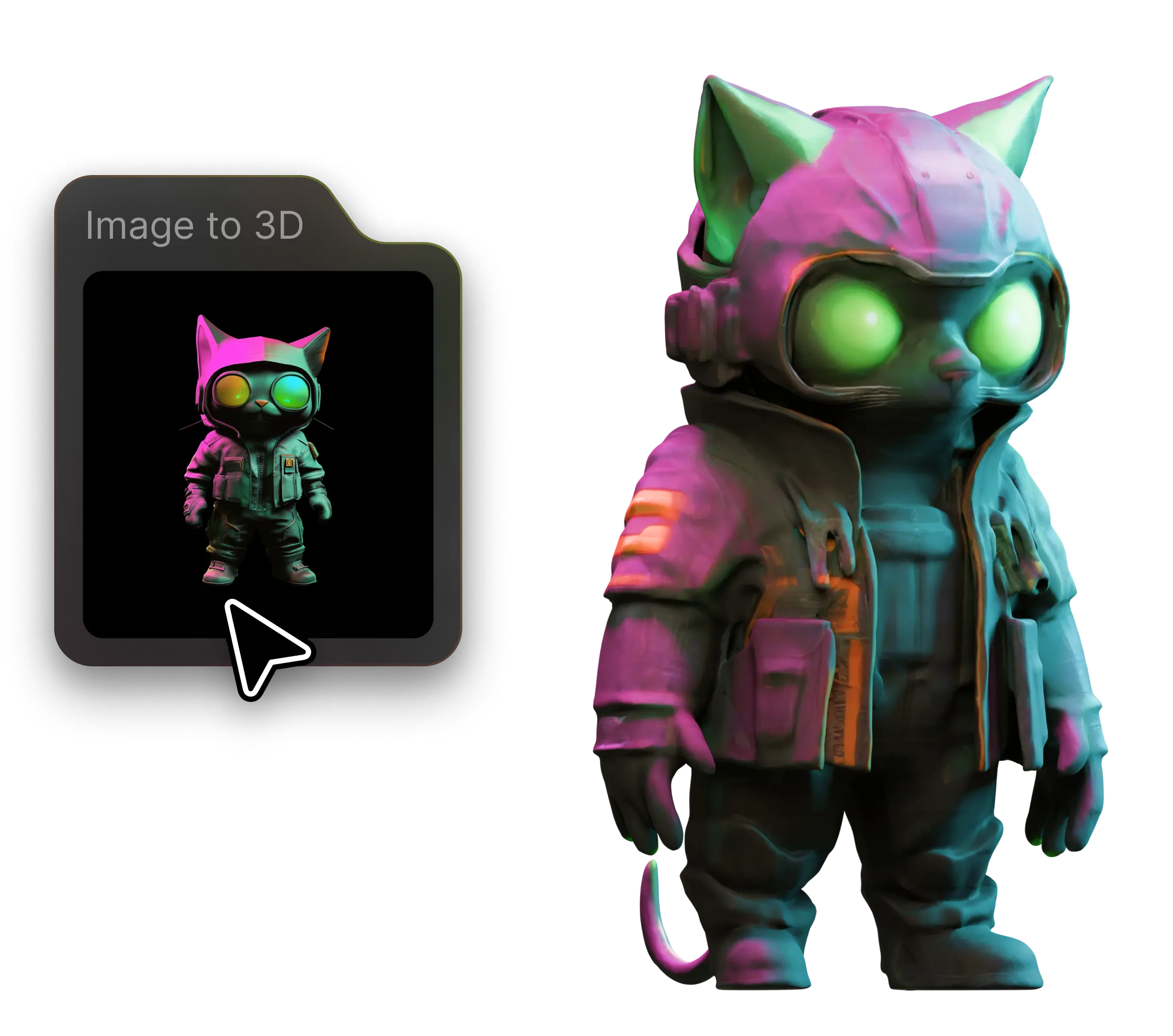
Upload a single JPG, PNG or WEBP and Meshy's AI builds real 3D geometry from it — not a flat extrusion, but a full model with depth and volume.

Wide Range of Styles

Turn photos, concept art, logos and illustrations into 3D with stylized outputs that keep your source's character.

No Install, No Signup

Everything works in the browser: upload an image, the AI generates your model online, and you download a ready-to-use 3D file.

Everything You Need to Convert 3D Files

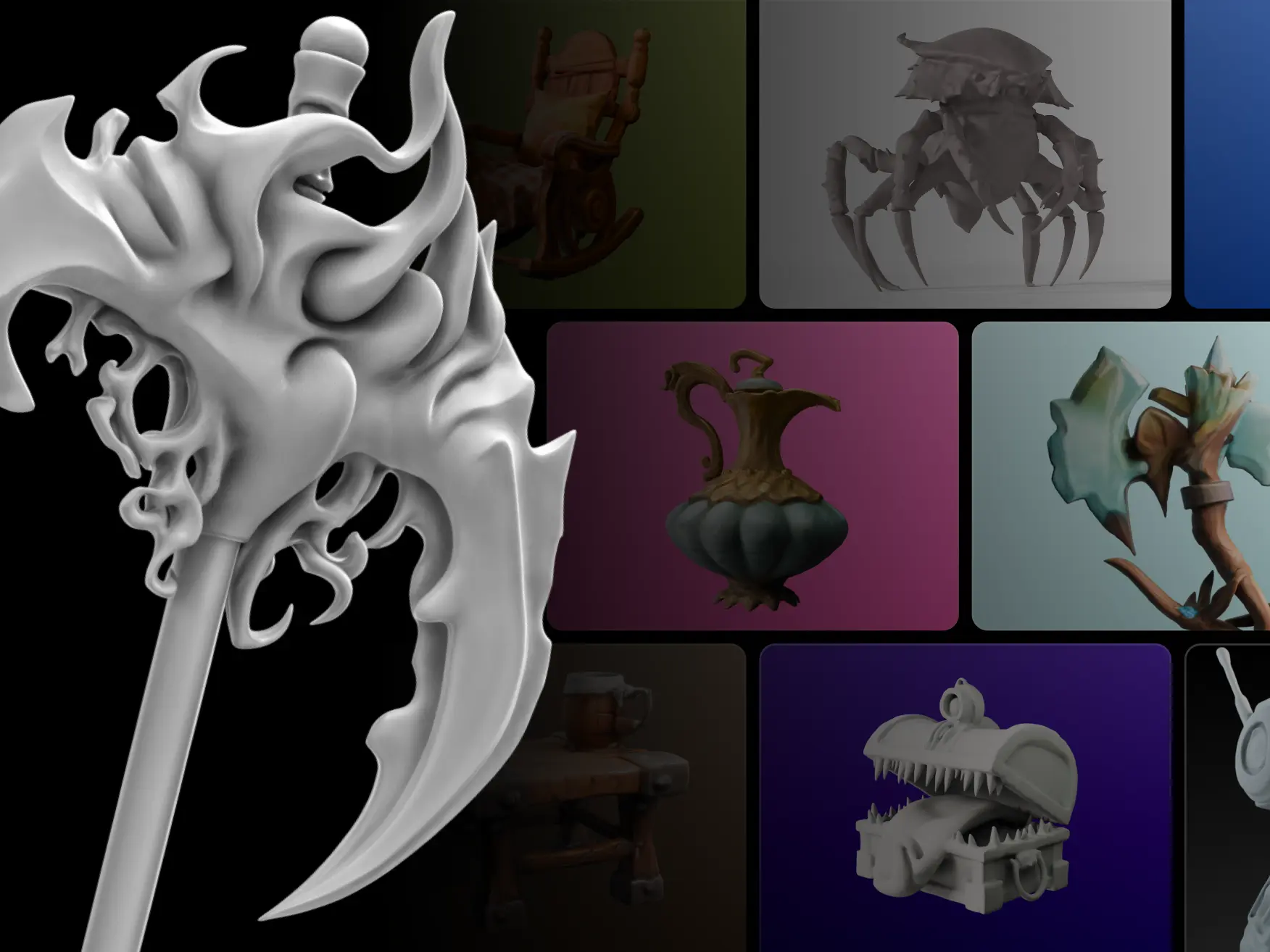
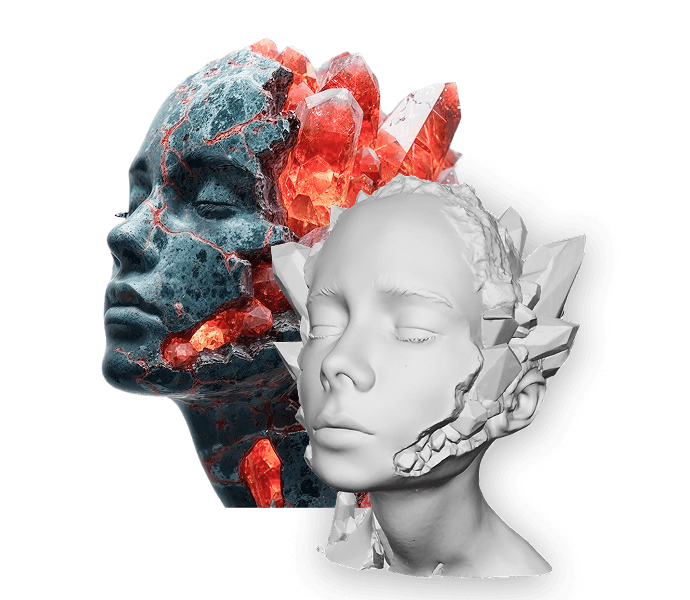
Intricate geometry details

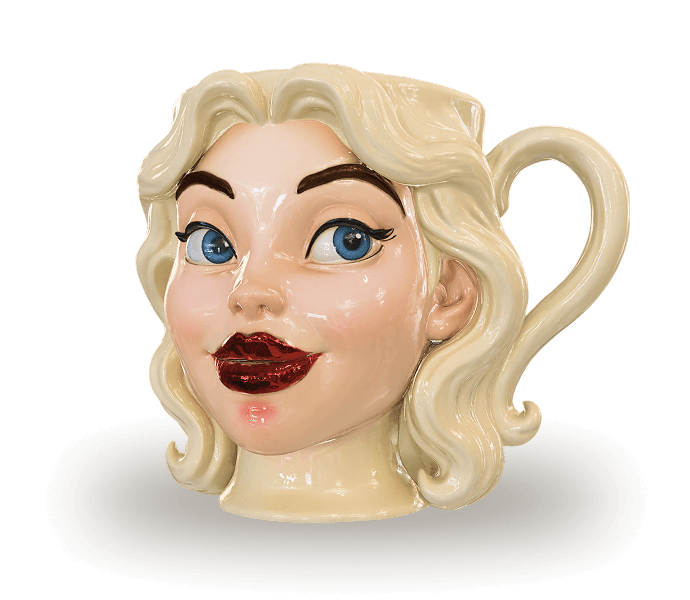
Preserve complex geometric structures during conversion with our AI technology. Experience breathtaking realism with intricate mesh details, ensuring your 3D models maintain the precision of their original 2D images.

Intricate geometry details
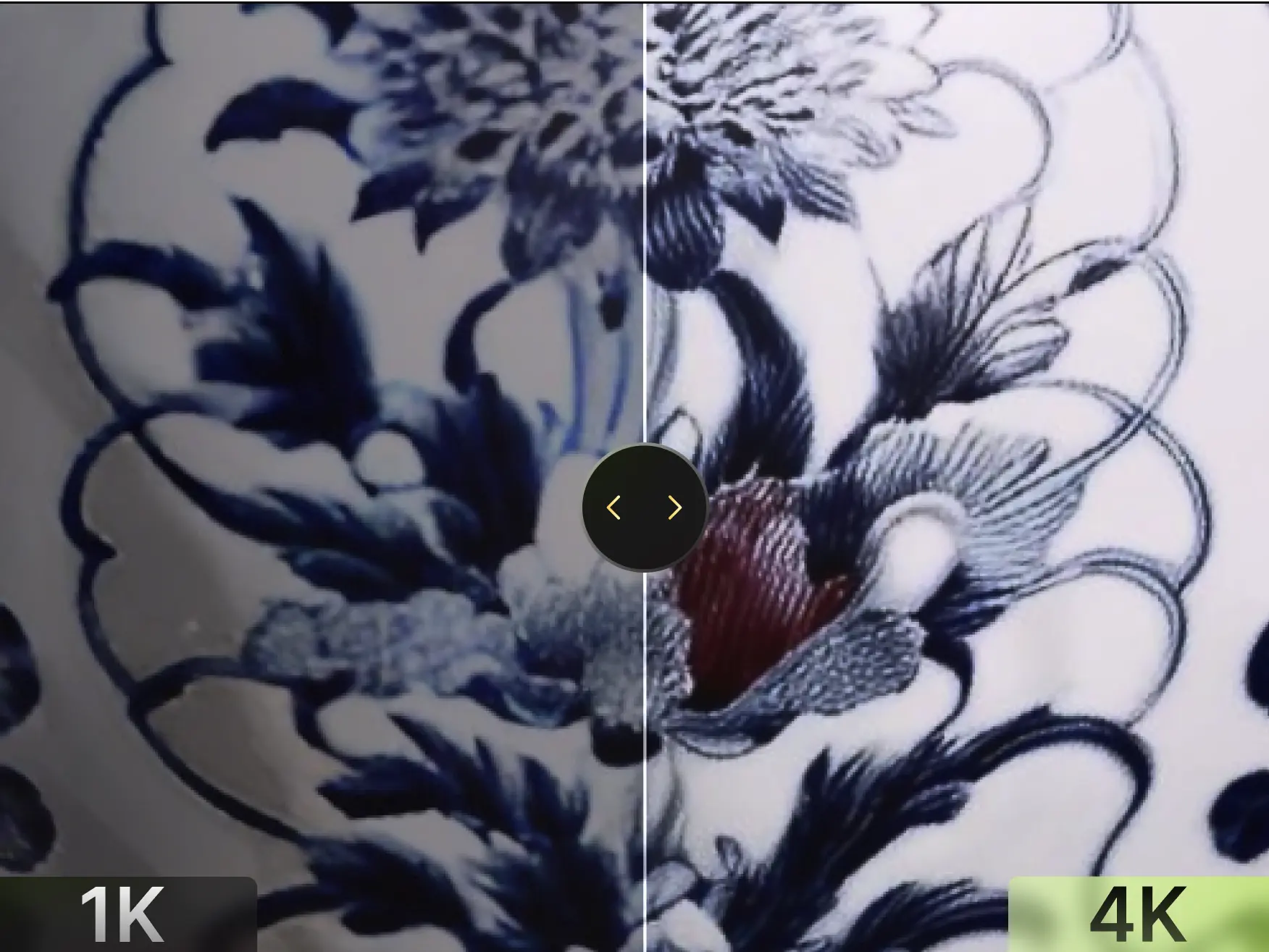
PBR textures built for production

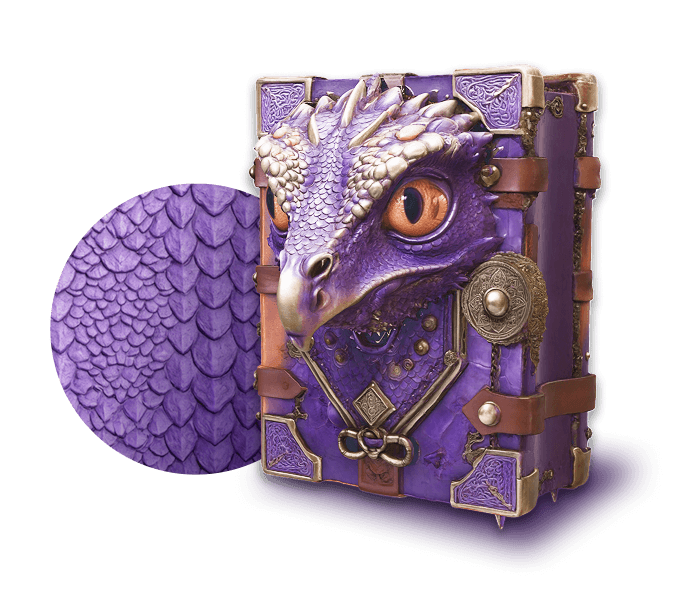
PBR textures built for production

Experience superior de-lit texture processing that separates lighting from albedo map. Enjoy pure, high-fidelity textures with preserved color accuracy that brings your 3D assets to life in any environment.

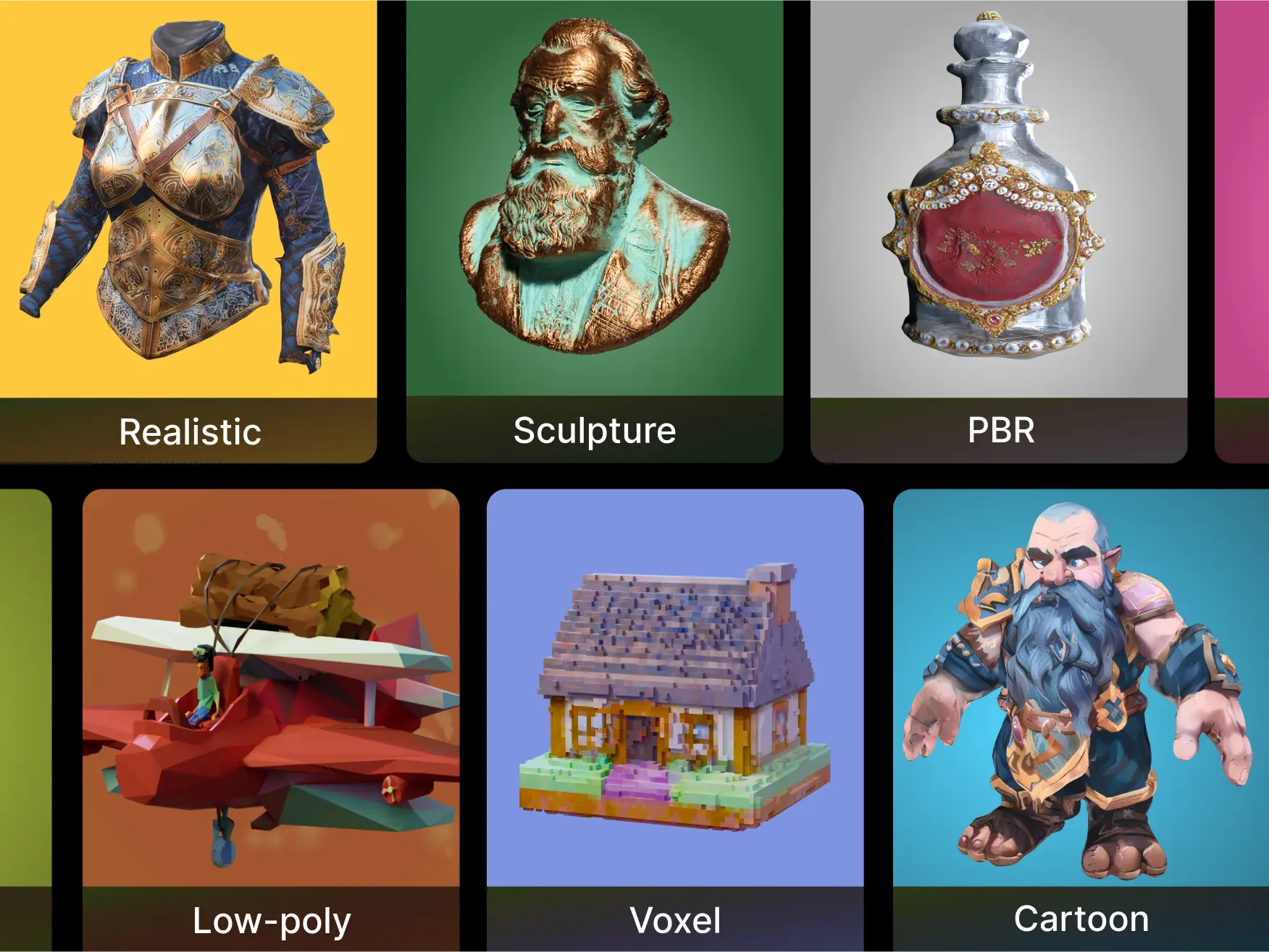
Wide range of styles

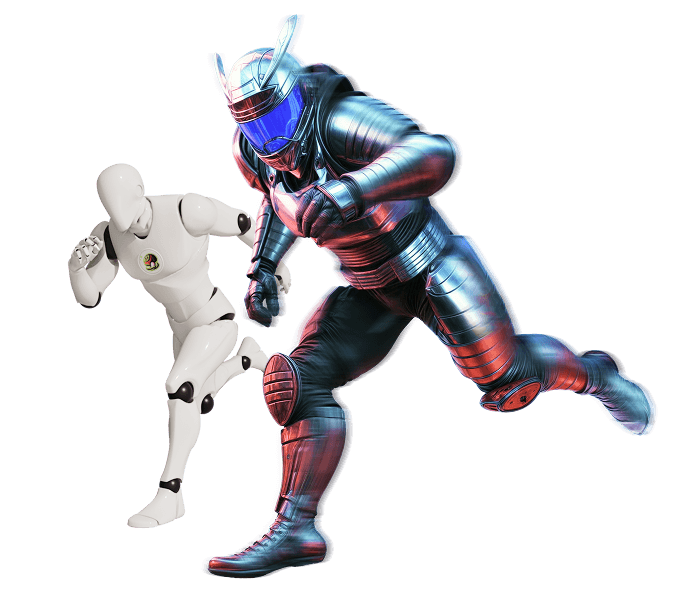
Convert everything from photorealistic characters to stylized props without quality loss. Our versatile tool handles diverse artistic styles, preserving the unique aesthetic of each 3D model regardless of design approach.

Wide range of styles

Who Uses Meshy to Convert to 3MF?

3MF is more than geometry: millimetre units, a build item, and an attached print profile. These are the workflows that move GIF files into it.

Multi-material and Colour Printing

Move past STL's single-material ceiling. 3MF is the container multi-filament slicers expect; you assign colours per part in the slicer.

Print Farms

Prepare parts with explicit millimetre units and a project file that queue software can slice directly.

Bambu Lab and Prusa Users

Export a 3MF that opens in Bambu Studio and PrusaSlicer without format errors, with a default print profile attached.

Industrial Additive Manufacturing

Move production parts into 3MF with consistent millimetre units for downstream build preparation.

Why Choose Meshy for Converting Images to 3D?

Turning an image into 3D usually means hours of manual modeling, a flat 2.5D heightmap, or a photogrammetry rig with dozens of overlapping shots. Meshy's AI builds true geometry from a single image — with volume, texture and editable output in minutes.

Comparison: manual 3D modeling, 2.5D relief converters, photogrammetry apps, and Meshy's AI image to 3D converter.
Manual Modeling
2.5D Relief Tools
Photogrammetry Apps
Meshy
Full 3D model from one image
No
No
No
Yes
No modeling skills needed
No
Yes
No
Yes
Ready in minutes
Hours–days
Yes
Hours–days
Yes
Edit before exporting
Yes
No
Yes
Yes
No software to install
No
Yes
No
Yes
Free to start
Yes
Yes
No
Yes

Columns describe typical tools in each category (e.g. Blender for manual modeling, lithophane-style converters for 2.5D relief, multi-photo apps for photogrammetry); exact capabilities vary by product.

How Meshy Converts GIF to 3MF

Every image source runs the same reconstruction pipeline: analyse the picture, rebuild a mesh, clean it up, then export.

01

Analyse the image

Meshy reads your GIF upload and estimates silhouette, depth cues, and surface detail for the reconstruction.

02

Reconstruct the mesh

A single image is rebuilt into a textured triangle mesh in the cloud rather than converted by a local file parser.

03

Clean up and normalise

Topology is simplified, normals are recomputed, and the model is scaled to suit the 3MF target.

04

Export to 3MF

The finished model is written as 3MF with Meshy 3MF writer, ready to download.

How to Convert GIF to 3MF

Upload a(an) GIF File

Frequently Asked Questions

Meshy's GIF to 3MF converter is built for 3D workflows. It runs entirely in your browser — no installs, no signups required — and preserves geometry, materials, and mesh structure during conversion. Whether you're preparing game assets, 3D printing, or 3D Animation, Meshy handles the format handoff cleanly, so you can stay focused on creating. Not sure which format fits your use case? Check out our 3D file format guide.

Free users can convert one file at a time. Pro users can process multiple files in a single session with faster turnaround. If you need batch conversion for a larger pipeline, check out Meshy's API for programmatic access.

Yes. Your files are processed locally in your browser and are not sent to or stored on external servers. If you're working with sensitive or proprietary models, see our Privacy Policy for full details.

Most GIF to 3MF conversions complete in under 30 seconds. Conversion time depends on file size and mesh complexity. Very large files or models with high polygon counts may take slightly longer. If processing takes more than a few minutes, try reducing the polygon count before uploading.

Before converting, keep these in mind: Data loss between formats — 3MF may not support certain material channels, animation rigs, or metadata present in GIF. Review our 3D file format guide to understand what each format supports before converting. Watertight geometry for 3D printing — If you plan to use the output for 3D printing, check that your model is manifold (watertight) before uploading. External textures — Textures referenced externally in GIF files may need to be packed or re-linked after conversion. Meshy automatically transfers embedded textures, but external texture files require manual processing. Scale units — GIF and 3MF sometimes use different default unit systems. Review your model's scale after conversion, especially if importing into a game engine like Unity or Unreal Engine.

Meshy's converter accurately transfers geometry, face normals, UV coordinates, and basic material properties from GIF to 3MF. Format-specific features that have no equivalent in 3MF will be approximated or omitted. For production-critical assets, we recommend spot-checking the converted file in your target application before integrating it into a larger pipeline.

After downloading your converted file, verify: 1. Geometry is intact with no missing faces or flipped normals 2. Textures and materials are applied correctly 3. Scale and orientation match your target application or engine 4. The file opens without errors in your target software

Yes. Once converted, you can use your 3MF file directly with other Meshy tools — including the AI Texture Generator to apply new surface materials, the 3D Viewer to check your model, and the retopology and remesh features available in the Meshy workspace. The 3MF format is compatible with the full Meshy 3D pipeline.

If your conversion fails, try the following steps: 1. Make sure your GIF file is not corrupted — open it in another application to verify 2. Check that the file is within the 20 MB size limit 3. Remove any non-standard or proprietary data before re-uploading

Start Converting Your 3D Files Now

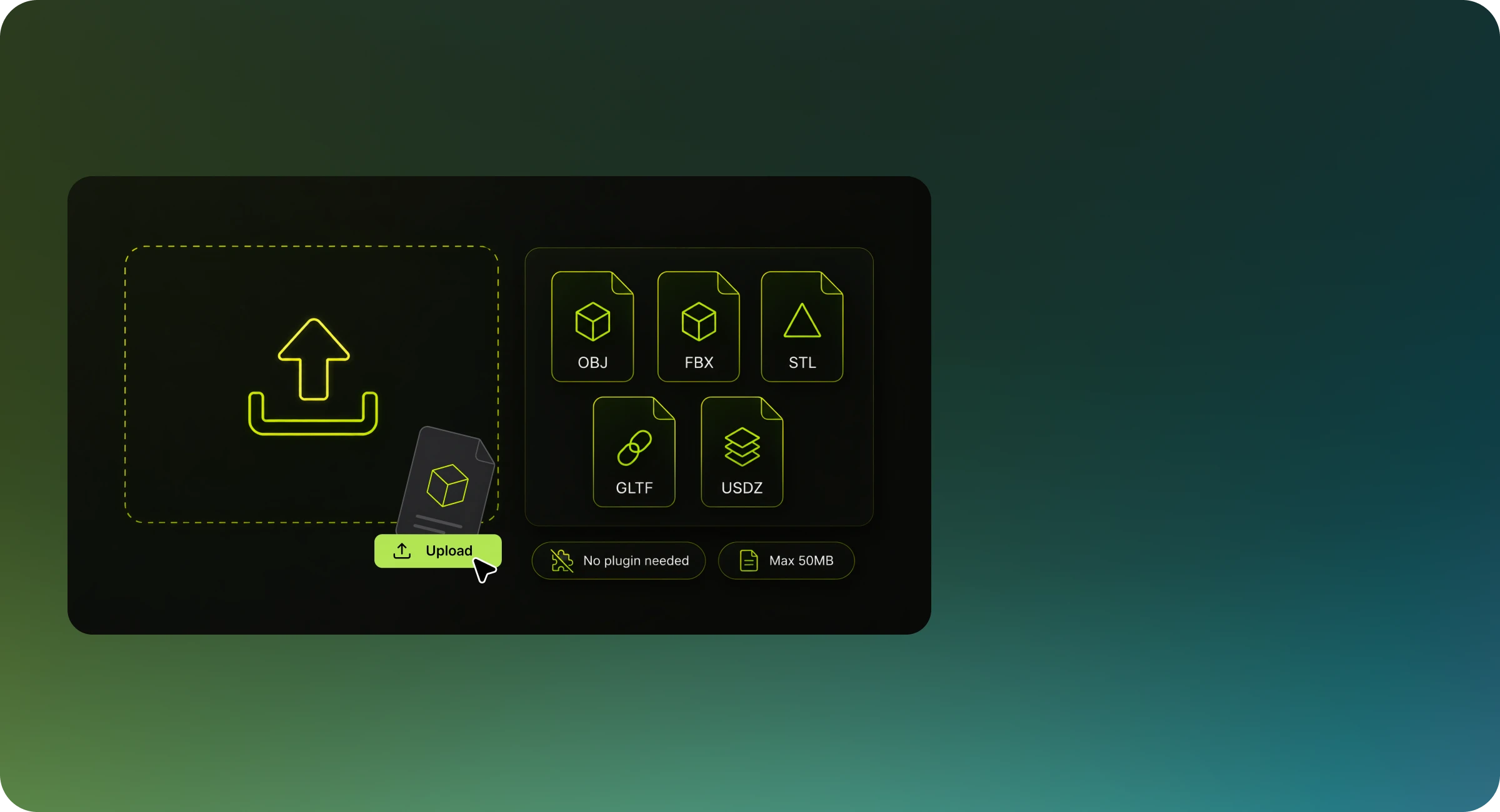
Fast, free, and secure — convert between OBJ, FBX, STL, GLB, and more right in your browser.