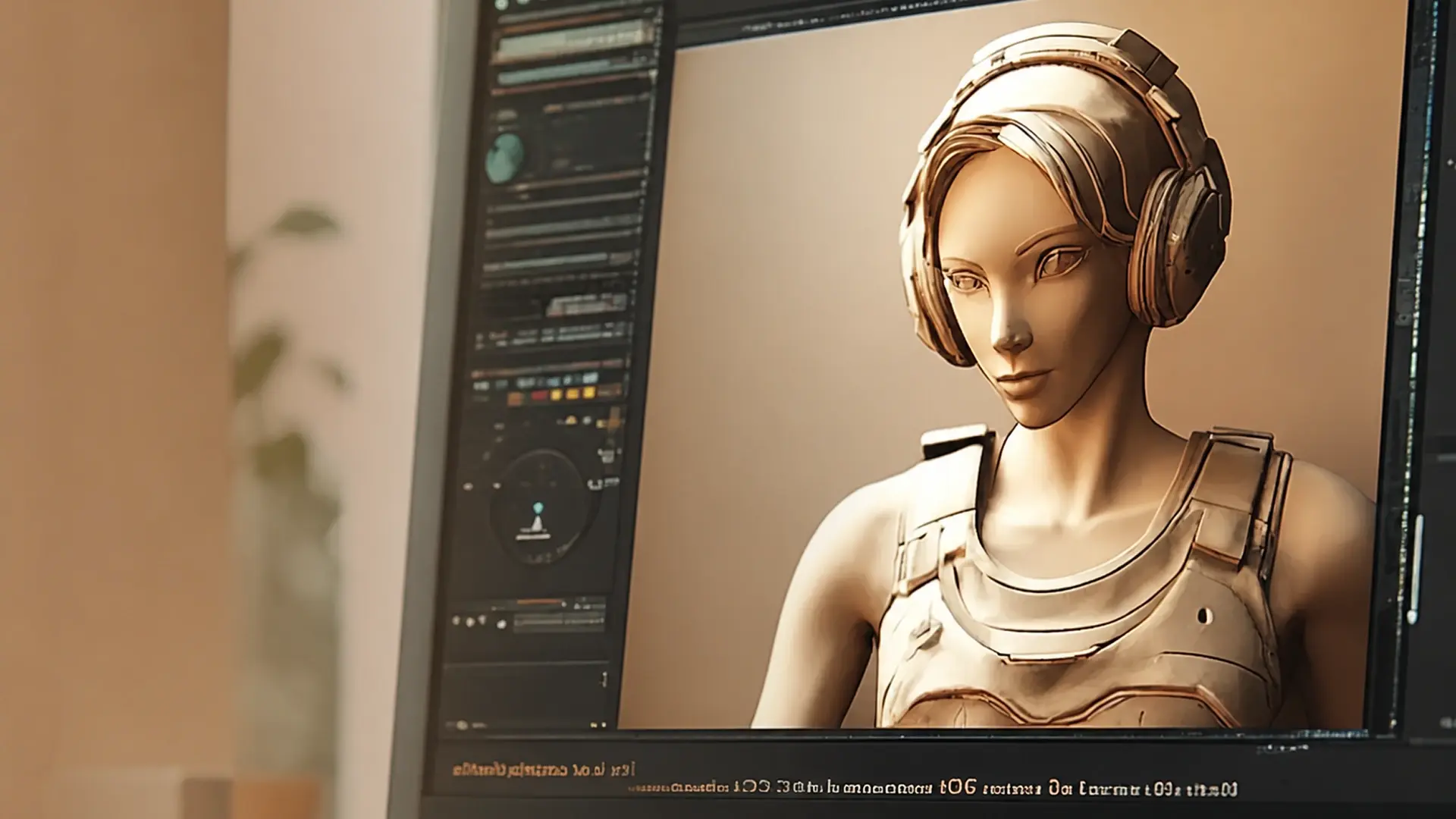
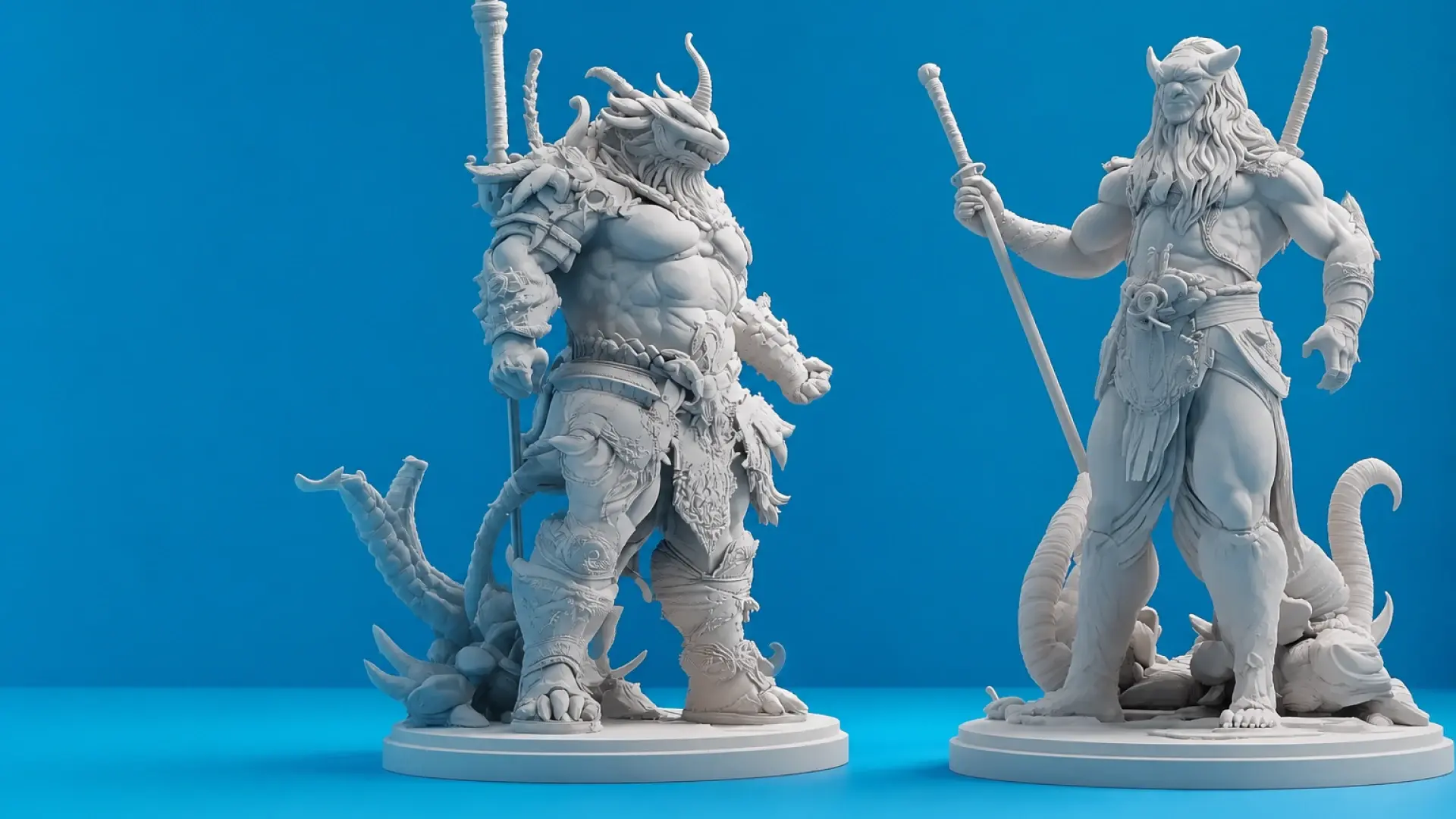
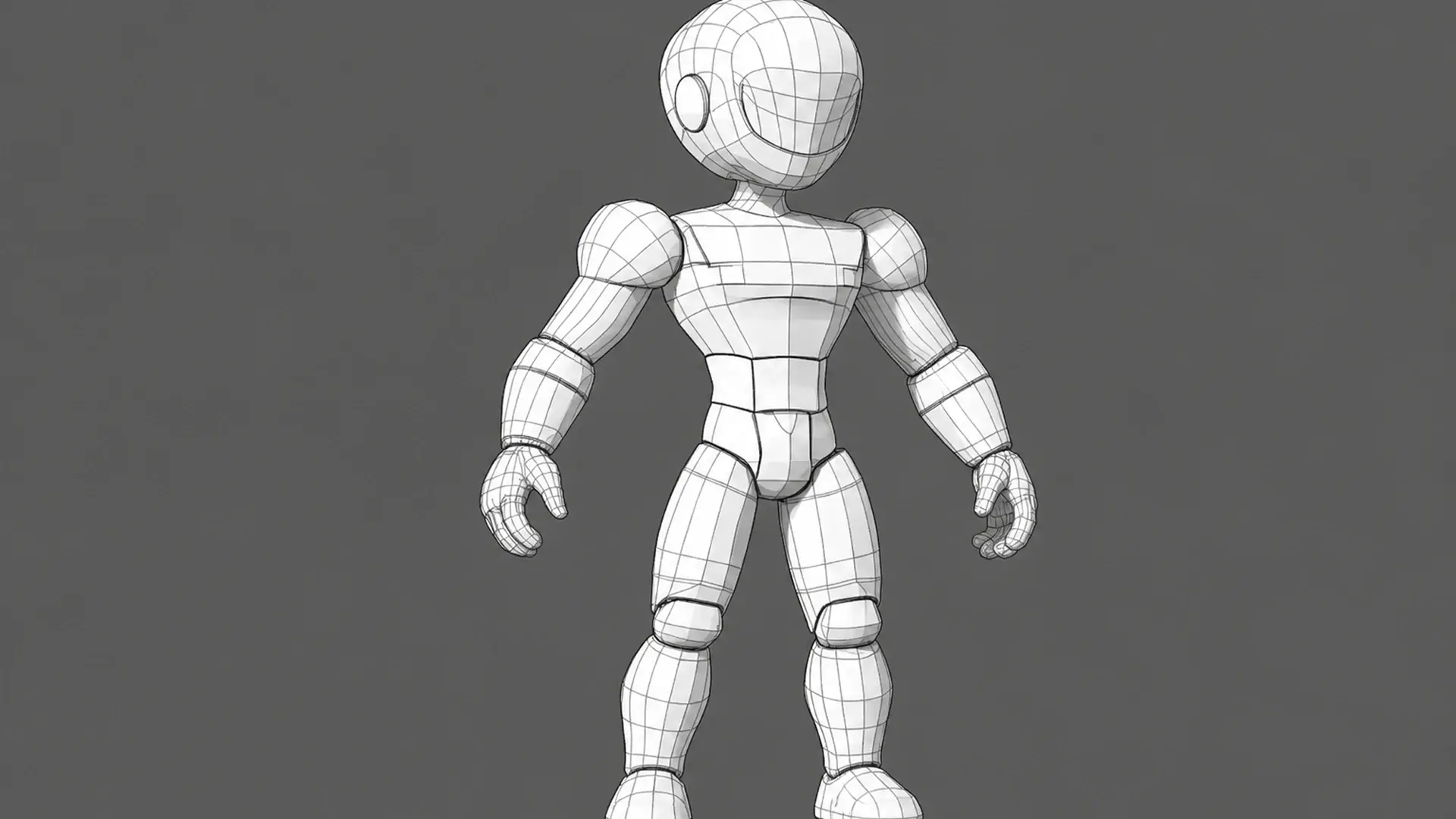
3D mesh topology refers to how a model's vertices, edges, and faces are structured — and when creating 3D models, it's one of the most critical factors influencing the final result.
But what exactly is it, and why does it matter? Poorly structured topology can cause rendering issues, inefficient animations, and problems with 3D printing. Whether you're a game developer, animator, or 3D artist, understanding mesh topology can save time and improve the quality of your work.
This topology guide explains what mesh topology is, its different types, and professional techniques to optimize your 3D models.
3D Mesh Topology Essentials: Types, Advantages, Limitations
What Is Mesh Topology?
3D mesh topology is the arrangement and connectivity of a model's vertices, edges, and faces — the structural layout that determines how efficiently it renders, animates, and deforms. In short, topology in 3D modeling describes not just how many polygons a mesh has, but how those polygons connect to each other. A well-constructed mesh topology ensures smooth deformations, allows for high-quality texturing, and minimizes rendering artifacts.
For instance, in character animation, a clean topology helps achieve fluid movement without distortions. In contrast, poor topology can result in shading problems, inefficient processing, and difficulties in making adjustments, ultimately affecting the model's usability in applications like animation, gaming, and 3D printing.
3 Core Mesh Topology Types
| Mesh Type | Definition | Use Cases | Pros | Cons |
|---|---|---|---|---|
| Triangular Meshes | A mesh composed entirely of triangles, making it highly efficient for rendering. | Used in game engines, VR, and real-time applications where performance is crucial. | Efficient for real-time rendering. Works well in low-poly modeling. Compatible with all rendering engines. | Not ideal for smooth deformations in animation. Can create artifacts when subdivided. |
| Quad Meshes | A mesh composed of four-sided polygons, preferred for organic and animated models. | Used in animation, character modeling, and subdivision workflow. | Smooth deformations for animation. Ideal for sculpting and subdivision. Easier to retopologize and edit. | Requires more careful topology planning. Can be less efficient in some real-time applications. |
| N-gon Meshes | A mesh with polygons that have more than four sides. | Used in hard-surface modeling and CAD-based applications. | Useful for non-deforming surfaces. Can simplify modeling in certain cases. | Can cause rendering and animation issues. Not supported in many game engines and subdivision workflows. |


- Pro Tip: For advanced users, the concepts of full and partial mesh connectivity also apply:
- Use full mesh topology for deformable areas (e.g., character faces).
- Apply partial mesh topology to static objects (e.g., architectural models).
What Are Mesh Topology's Advantages and Disadvantages?
Advantages
- Efficient Rendering & Performance: Well-optimized topology minimizes rendering errors and accelerates processing for real-time applications.
- Animation-Ready Deformations: Proper edge loops ensure natural movement, which is critical for characters and dynamic models.
- Streamlined Workflow: A clean structure simplifies UV mapping, rigging, and iterative edits.
- 3D Printing Reliability: Manifold geometry guarantees error-free prints with precise dimensions.
Disadvantages
- Detail vs. Performance Tradeoff: High-density meshes improve accuracy but increase render/processing loads.
- Downstream Compatibility Risks: Poor topology may introduce rigging challenges or subdivision artifacts.
Application-Specific Topology Requirements
Animation & VFX
For animation and VFX, a quad-dominant topology with well-placed edge loops is essential. Focus on critical areas like facial expressions, where 8-12 edge loops should surround the eyes and mouth. Clean edge flow ensures smooth deformations. Avoid using triangles in deforming areas, as they can cause texture distortion.
Game Development
In game development, hybrid topology is commonly used, with quads for characters and triangles for static assets. For mobile, aim for less than 15k triangles, and for PC/console, aim for 30k -100k triangles. Optimizing for real-time rendering efficiency is key. Avoid excessive polygons in non-essential areas to maintain performance.
3D Printing
For 3D printing, ensure watertight geometry and even polygon distribution. The mesh should have no non-manifold edges, and wall thickness should be at least 2x nozzle diameter. Overhangs greater than 45° require support. Clean topology is crucial to avoid printing issues.
Key Mesh Topology Techniques
Edge Loops
Edge loops are continuous paths of edges that define the structure and deformation of a model. They are essential for smooth deformations, especially around joints and facial expressions, ensuring natural movement in animations.
- Pros: Ensures smooth deformations in animation, allowing characters to move naturally.
- Cons: Poor placement can cause artifacts and unnatural deformations.
Pole Points
Pole points are vertices where more than four edges converge, helping to control geometry flow. Proper placement optimizes topology, but misplaced poles can cause shading issues and deformations.
- Pros: Helps optimize topology and structural flow when placed correctly.
- Cons: Misplaced poles can create shading issues and unpredictable deformations.
Support Loops
Support loops are extra edge loops placed to reinforce sharp features and prevent smoothing during subdivision. They are useful in hard-surface modeling but can increase polygon count if overused.
- Pros: Helps preserve model details such as creases, corners, and sharp edges.
- Cons: Excessive support loops can increase polygon count and make models harder to edit.
Top Mesh Topology Tools Compared
Meshy AI's Smart Topology feature automates much of the manual retopology work above: instead of hand-building edge loops on a dense scan or AI-generated mesh, you generate directly with Smart Topology mode enabled, and Meshy outputs a version with fewer polygons and cleaner, more predictable edge flow, tuned for games, mobile, and real-time use, right alongside the high-detail Standard mode for printing and rendering. It's the fastest route from a rough idea to a mesh that's actually ready to rig, animate, or drop into a real-time engine.
| Tool | Key Features | Best For | Learning Curve | Pricing |
|---|---|---|---|---|
| Meshy AI | AI retopology (Smart Topology), Auto-UV mapping, batch processing | Fast prototyping, AI-driven automation | Beginner | Freemium |
| Blender | RetopoFlow 4, Mesh Analysis tools | Indie developers, hobbyists | Moderate | Free |
| ZBrush | ZRemesher 4.0, Dynamesh, high-detail sculpting | Character artists, digital sculptors | Advanced | ~$40/month |
| Maya | Quad Draw, Modeling Toolkit, industry-standard workflows | Film/VFX studios, AAA game developers | Expert | $255/month |
Conclusion
Mastering mesh topology is crucial for creating high quality 3D models. Using the right tools, like Meshy AI for automation or Blender for indie development, can optimize workflow and improve results. Applying proper topology ensures smoother animations, better rendering, and error-free 3D prints.
Frequently Asked Questions
What is good topology for a 3D model?
Good 3D model topology means quads (not triangles) in deforming areas, clean edge loops around joints and facial features, no non-manifold geometry, and a polygon count matched to your use case, lean for real-time or mobile, higher for film or 3D printing. In short, solid 3D modeling topology prioritizes clean, predictable geometry over raw polygon count.
What is the best mesh topology for animation?
Quad meshes are preferred for animation because they allow smoother deformations and predictable subdivisions, making them ideal for character rigging and facial expressions.
How does poor mesh topology affect rendering performance?
Bad topology can cause shading artifacts, inefficient rendering, and increased computational load, which can negatively impact both real-time applications (like games) and high-quality renders.
How do I fix a messy mesh topology?
Use retopology tools like ZRemesher (ZBrush), Blender's Remesh Modifier, or AI-driven solutions like Meshy AI to optimize and clean up the model efficiently.
What is the ideal mesh topology for 3D printing?
A watertight mesh with even polygon distribution ensures successful 3D prints without structural issues. Avoid non-manifold geometry and overlapping faces, and ensure consistent wall thickness.
How does AI improve mesh topology?
AI-driven tools like Meshy AI can automate retopology, ensuring clean edge flow, optimized polycount, and efficient UV mapping, saving time in the 3D modeling workflow. Meshy's Smart Topology mode, specifically, generates a lower-poly, cleaner-edge-flow version of a model directly, tuned for games and real-time use, without a separate manual retopology pass.