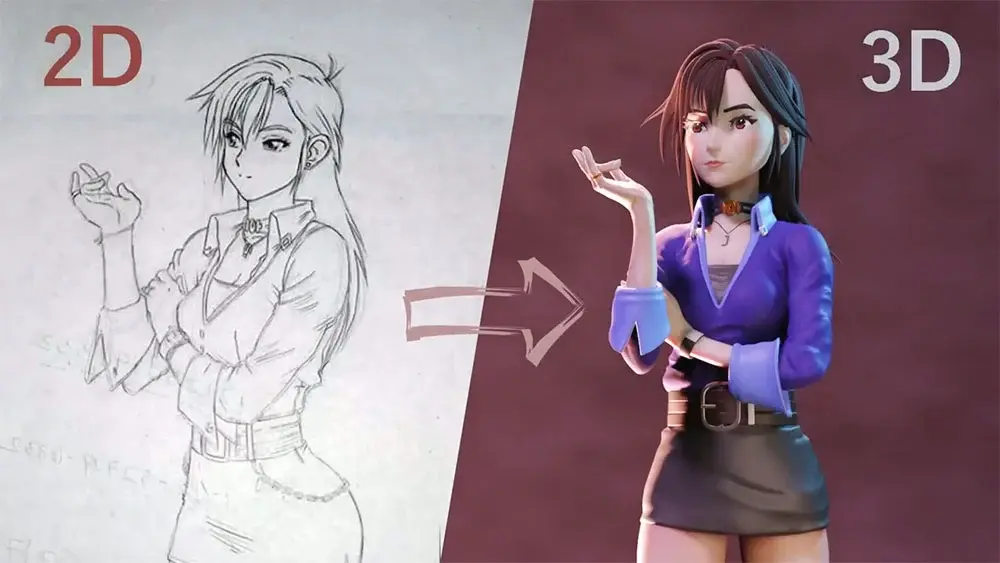
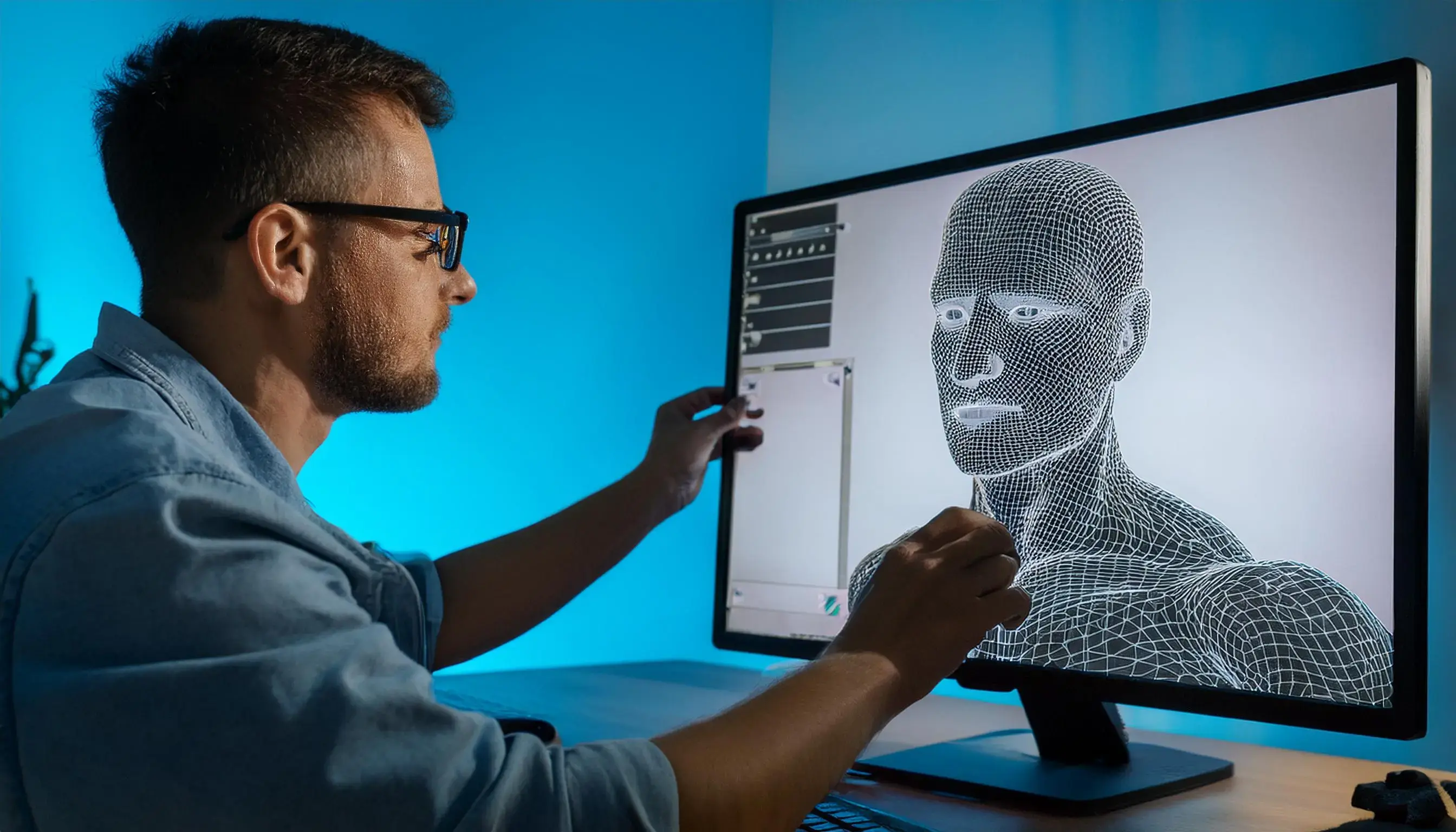
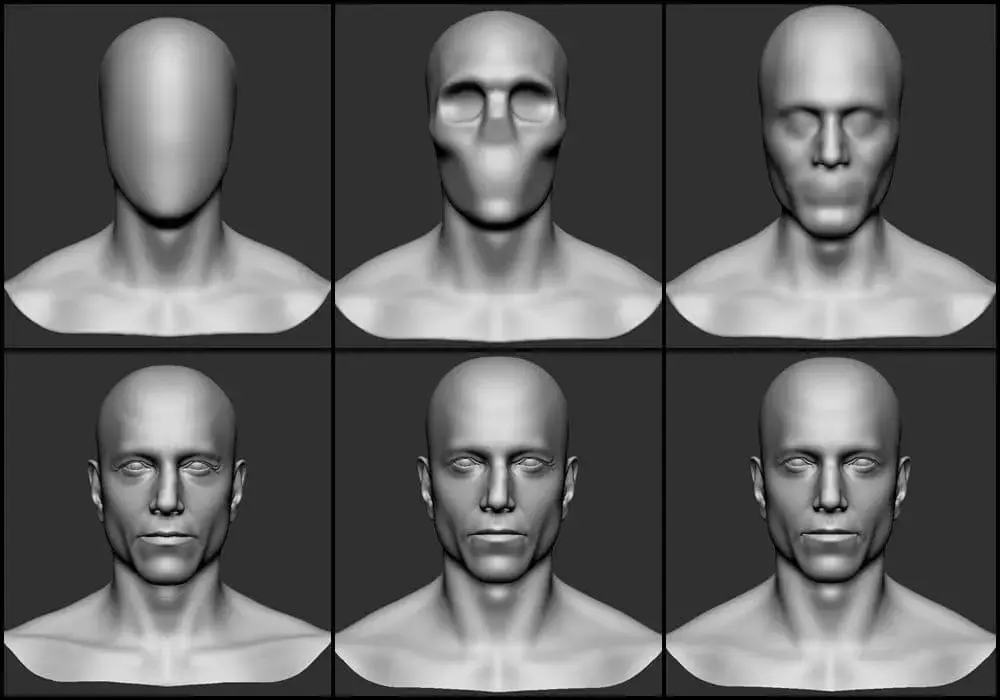
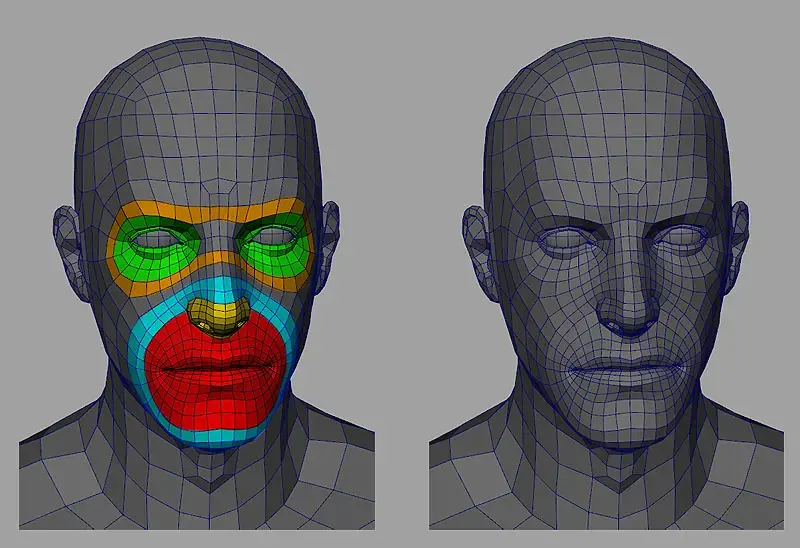
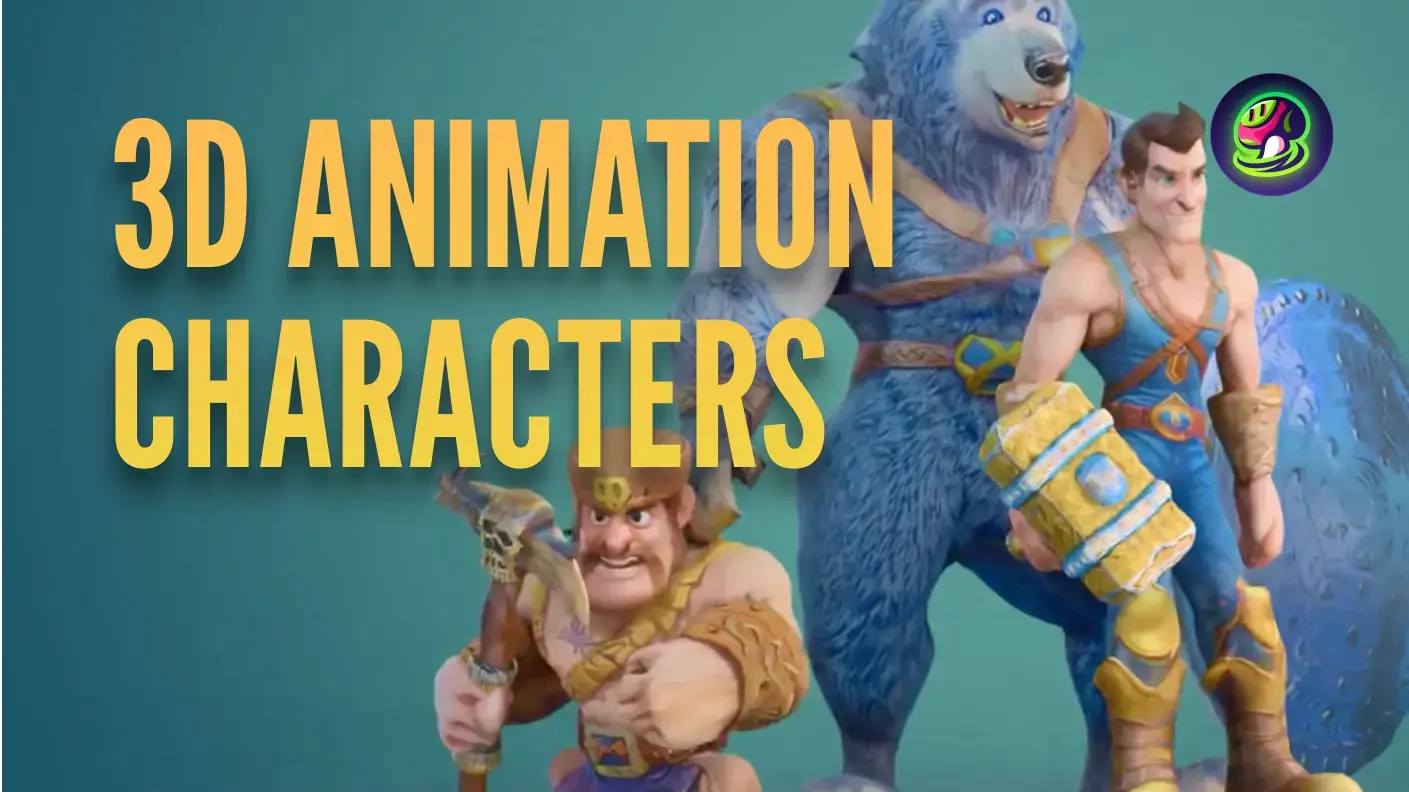
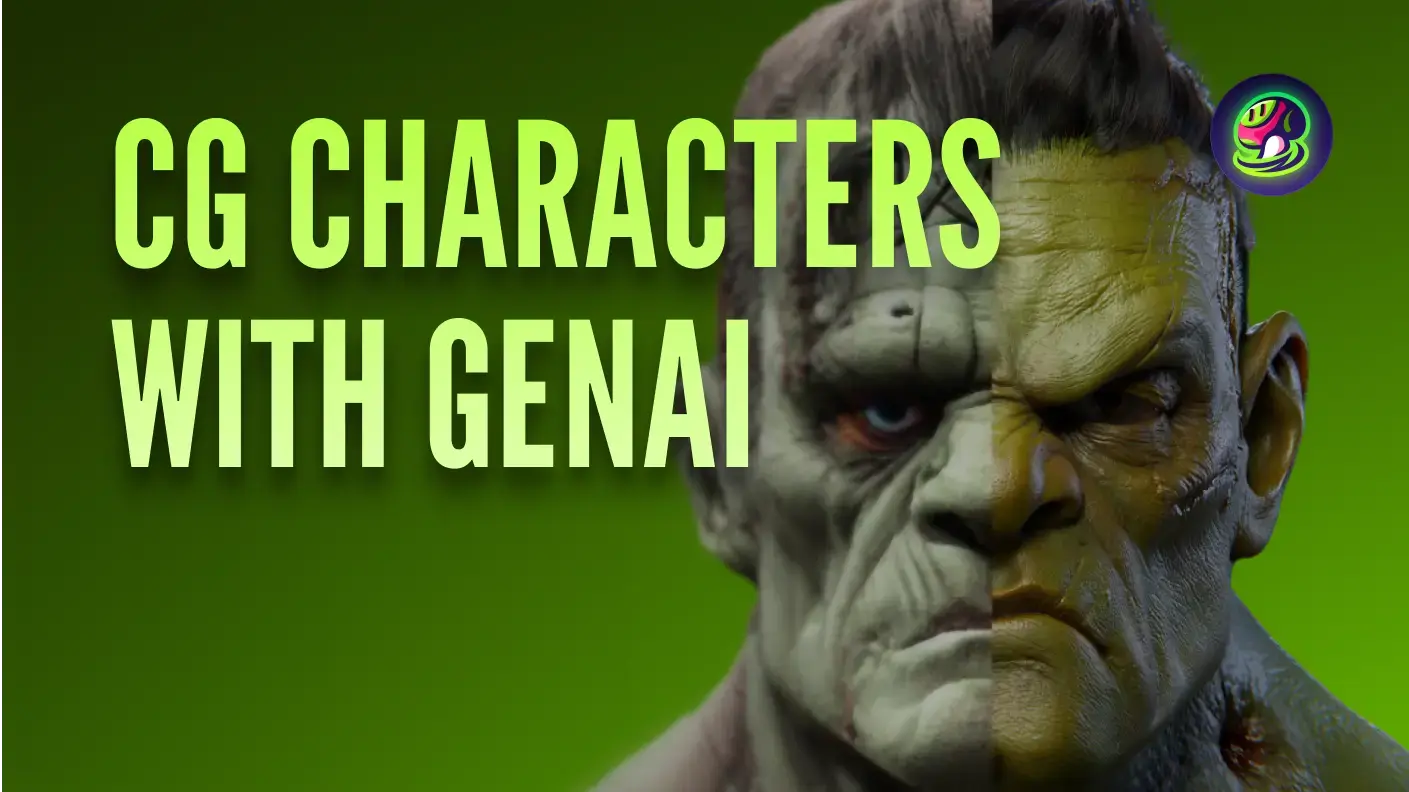
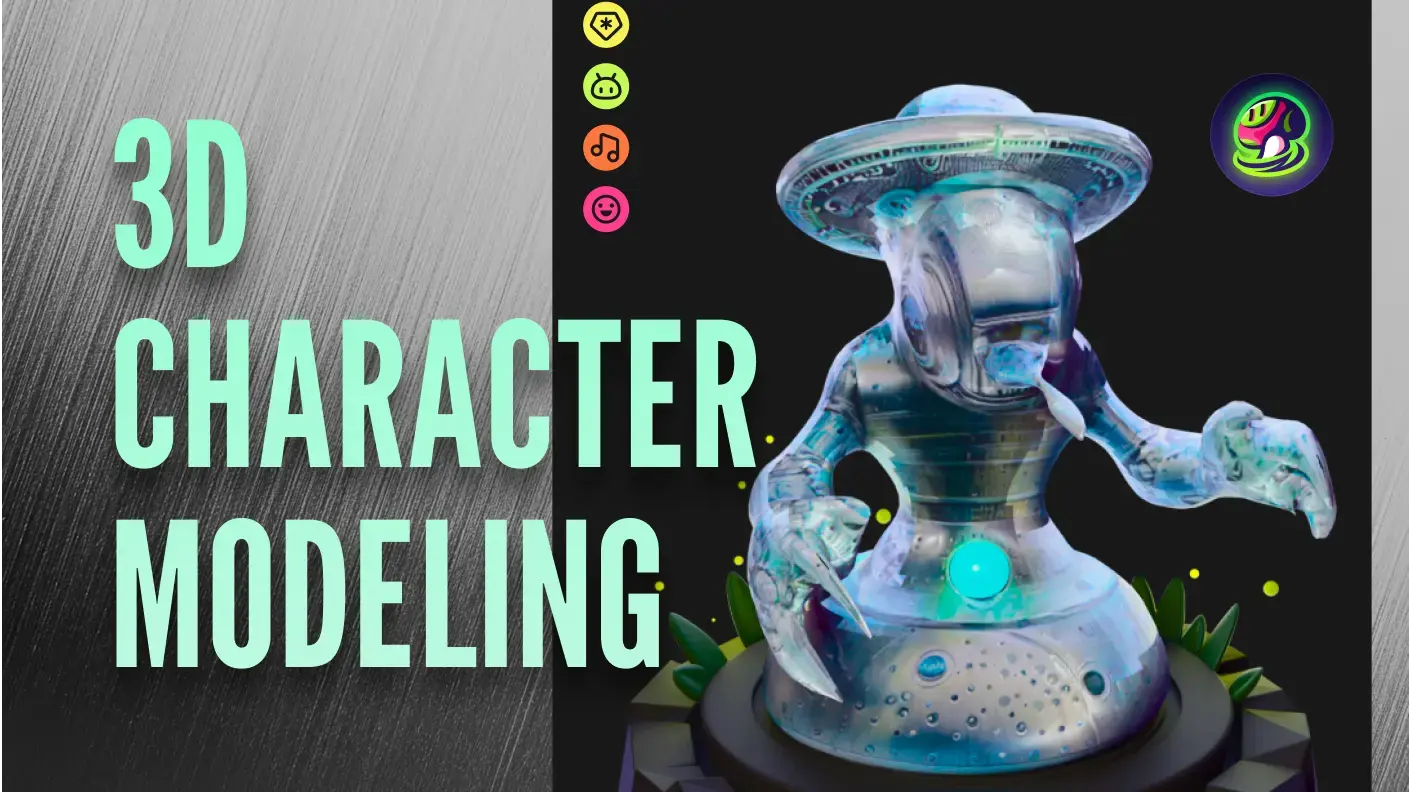
TL;DR The best 3D character creator depends on your use case. For a free all-in-one solution, Blender covers the full pipeline. For AI-powered speed, Meshy generates rigged characters from text or images in minutes. For photorealism, MetaHuman Creator and ZBrush lead in their respective areas. For animation, Maya is the industry standard. If you're looking for other best free 3D character creator, VRoid Studio, and Mixamo all deliver without any cost. This guide reviews 10 tools with features, pricing, and pros/cons to help you find the right fit.
Whether you're searching for the best tools for character design or a dedicated 3D character creator, here's how the top 10 compare. Finding the best 3D character creator isn’t just about comparing features. It’s about choosing the right tool for the kind of work you actually need to do.
The problem is that most 3D character creator software is built for very different purposes. Some tools focus on AI generation, others on sculpting, animation, or ready-made assets. On paper, they can look similar, but in practice they solve completely different problems. That’s what makes choosing the right one so confusing.
To make this easier, we looked at how each tool performs in real workflows, from modeling speed and output quality to rigging, ease of use, and overall value. This guide breaks down the best 3D character design software by use case, so you can quickly find the tool that fits your workflow.
Quick Summary: Best 3D Character Creator Software
Not all 3D character creator software serves the same purpose. Here’s a quick way to narrow down your options based on what you need:
- For fast concept creation, AI tools like Meshy generate 3D characters from text or images in minutes.
- For realistic human characters, MetaHuman Creator and Character Creator focus on lifelike detail and customization.
- For stylized or artistic characters, Blender and ZBrush give you full control over sculpting and design.
- For animation and rigging, Maya and Mixamo help bring characters to life quickly.
- For beginners seeking the best free 3D character creator, VRoid Studio and Daz 3D offer simpler, guided workflows.
Our Rating reflects overall recommendation for the tool's target audience, weighing output quality, ease of use, and value for money.
What Is the Best Overall 3D Character Creator Software?
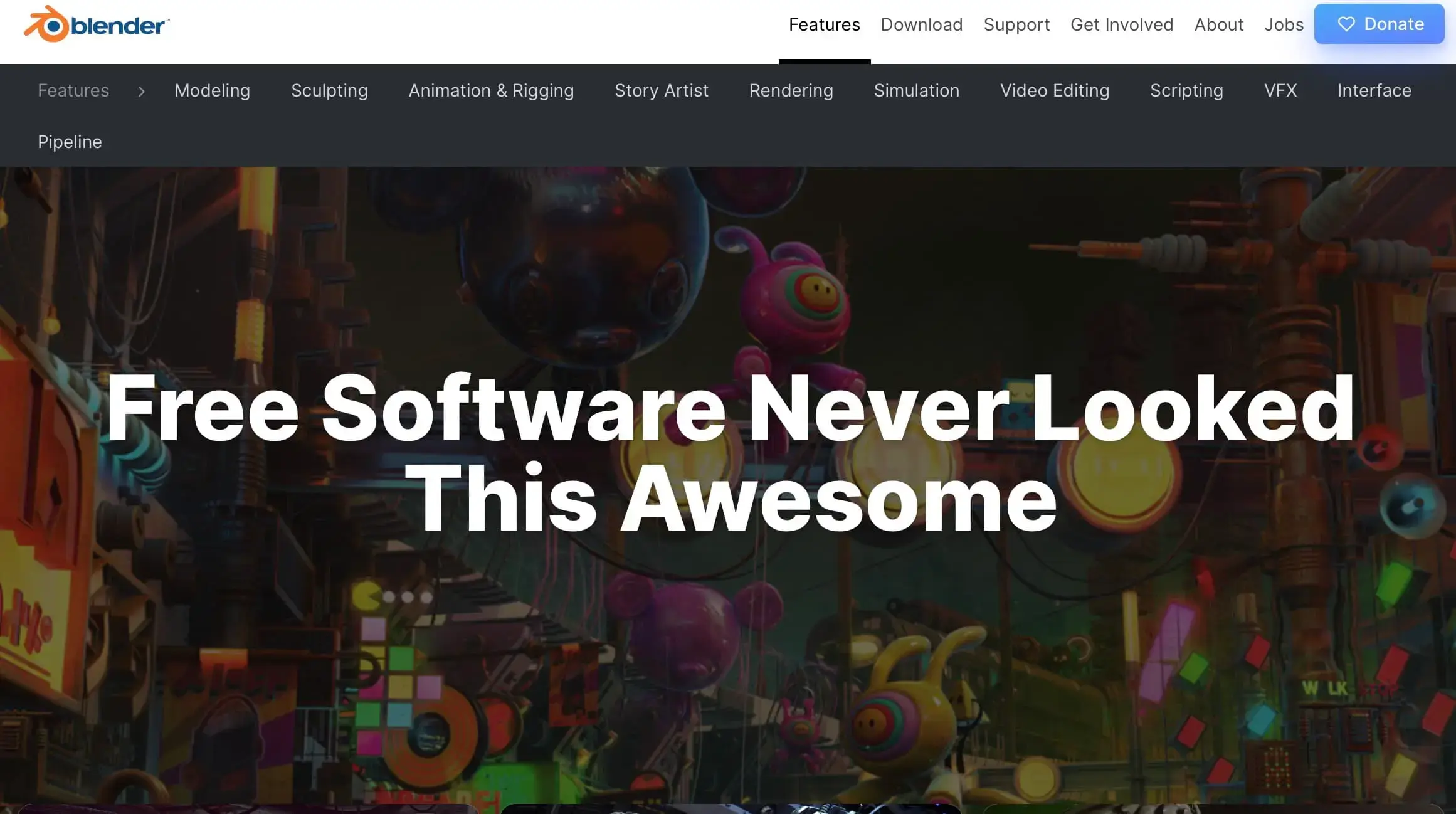
Blender
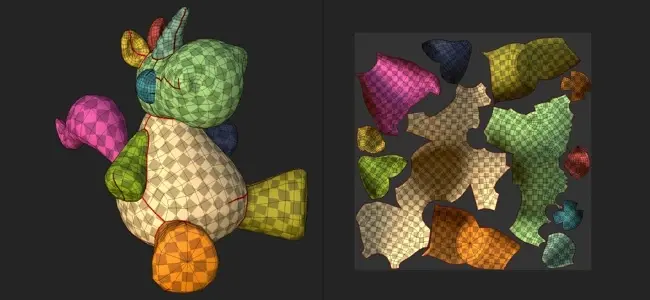
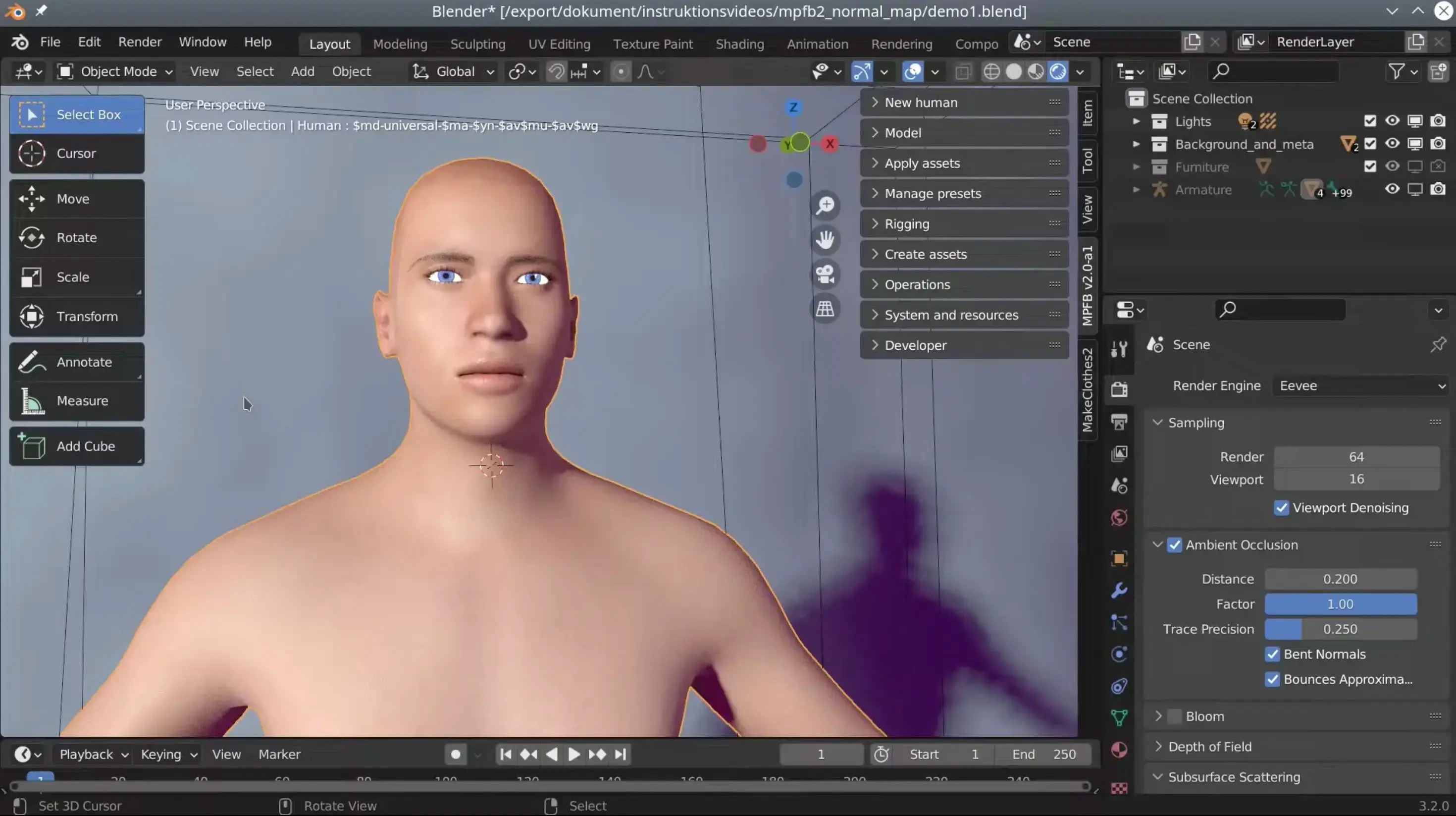
Blender is a free, open-source 3D creation suite that covers the entire character pipeline in a single application. Where other tools require you to jump between separate software for sculpting, rigging, and rendering, Blender keeps everything in one project file. That unified workflow is its real advantage for character creators, especially individuals and small teams who can't afford or don't want to manage a multi-tool pipeline. The add-on ecosystem effectively lets the community build specialized character tools on top of Blender, and the user base is large enough that almost any problem you'll run into already has a solution documented somewhere.
![]()
What sets it apart: The definitive 3D character design software free of charge, and the only tool on this list where you can model, sculpt, rig, animate, and render a character without paying anything or opening a second application.
Key Features:
- Sculpting with 20+ built-in brushes, Dynamic Topology, and Multires support
- Cycles (production path tracer) and Eevee (real-time) renderers in the same project
- Armature rigging with IK/FK, constraints, and weight painting
- Shape Keys for facial animation, NLA Editor for non-linear animation
- Geometry Nodes for procedural hair, accessories, and detail scattering
- Python API and community add-ons like Auto-Rig Pro and MB-Lab
Pros:
- Free for all use including commercial projects, with no feature gating
- No need to purchase additional software to complete a character
- Massive community, tutorials, and shared assets
- Cross-platform (Win / Mac / Linux)
- Frequently updated with production-tested features
Cons:
- Steep learning curve for beginners
- Interface can feel overwhelming at first
- Performance slows with very complex scenes
Pricing: Free (open source)
Platforms: Windows, macOS, Linux
Rating: ~4.6/5 (G2, over 300 reviews)
What Is the Best 3D Character Creator for AI and Rapid Asset Creation?
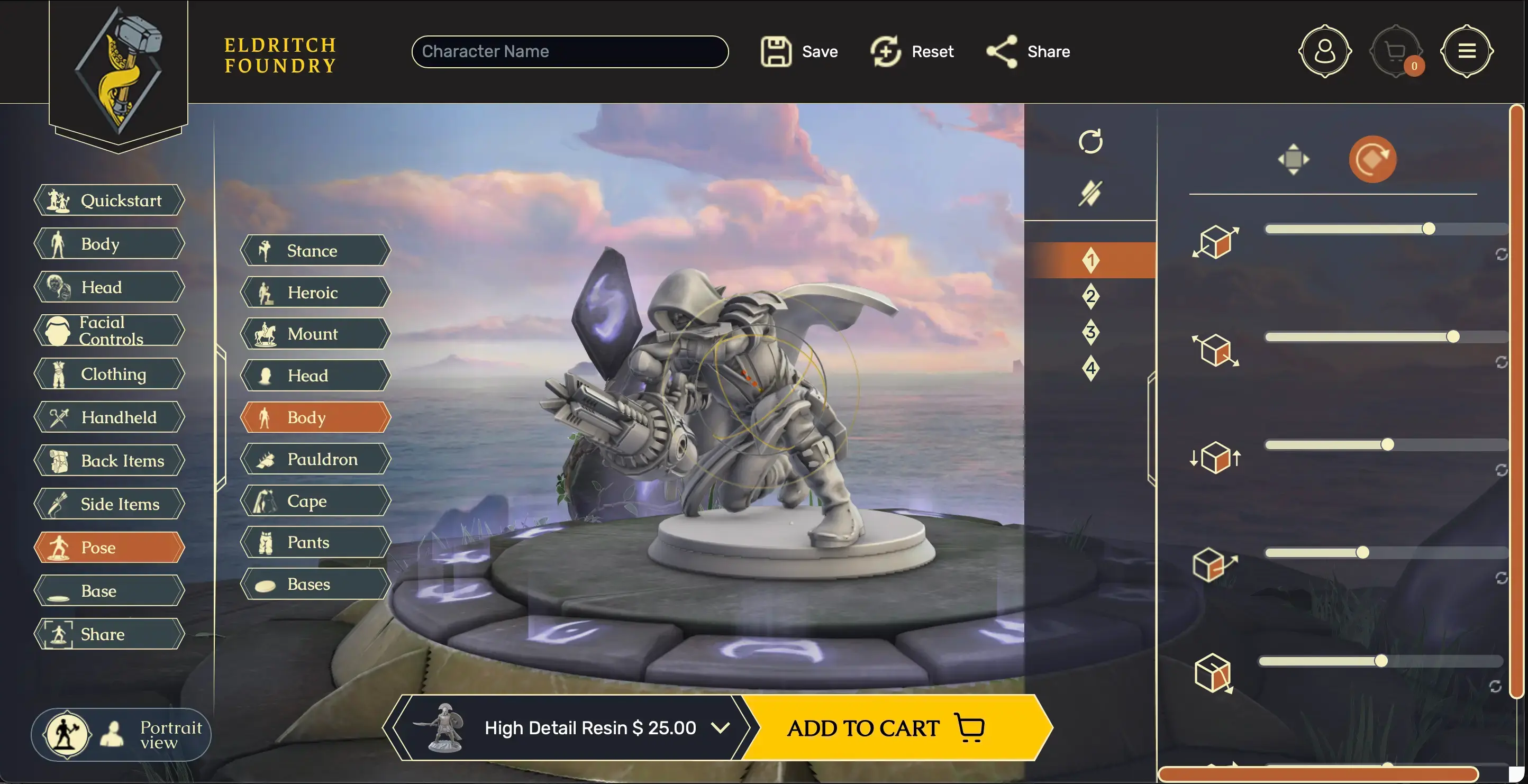
Meshy AI
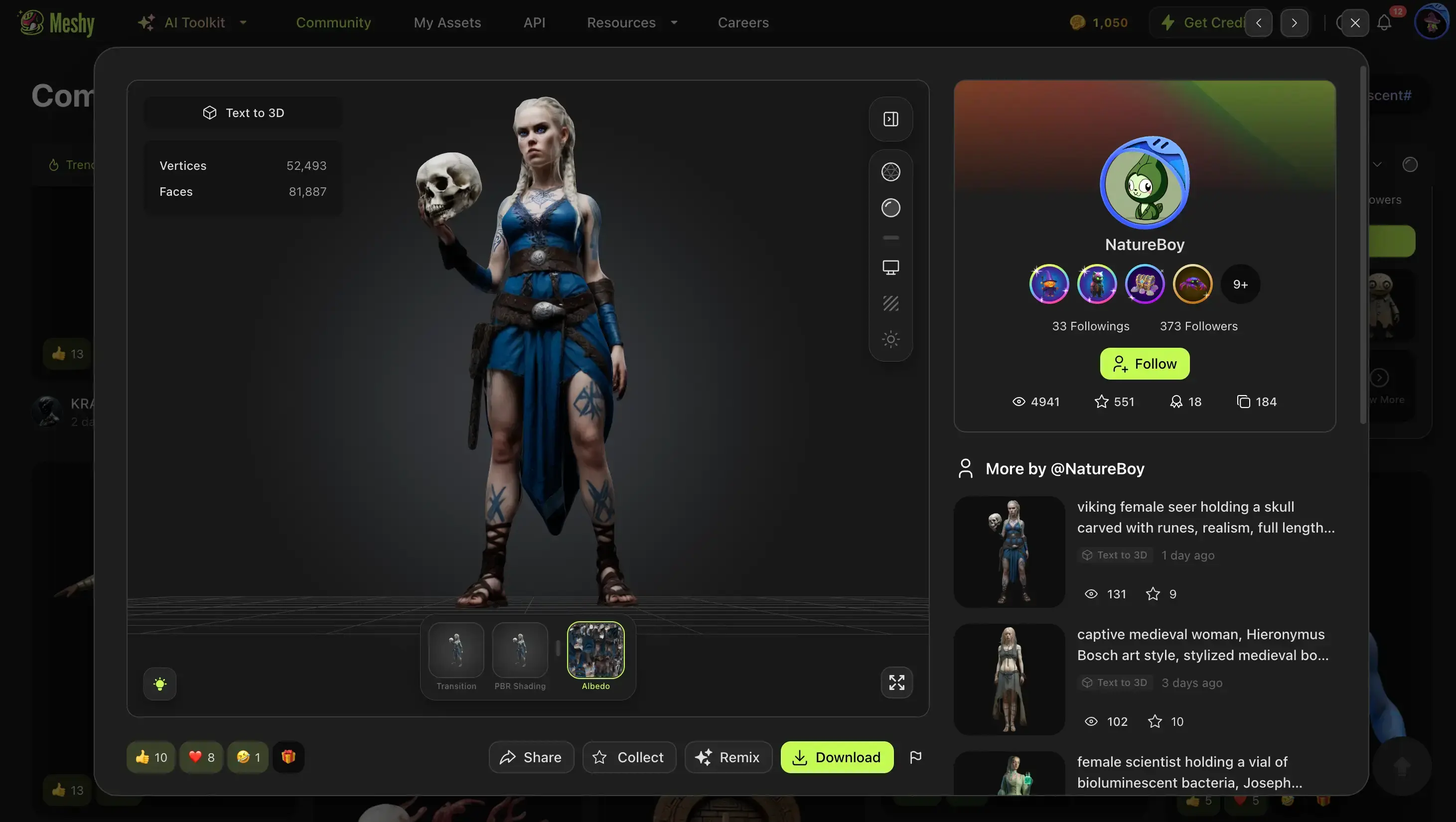
Meshy is an AI-powered 3D generation platform that turns text prompts and reference images into textured 3D models. In our testing, uploading a concept art image returned a usable asset in under a minute, and the Image-to-3D results were surprisingly close to the source. For indie game developers, the real value is the full pipeline compression: a 2D sketch can go from flat image to rigged, animated character in under ten minutes. That makes it one of the best AI 3D character creator options for small teams who need production-ready characters without a dedicated 3D artist.
![]()
What sets it apart: Eliminates the modeling stage entirely. You go from a text description or image to a production-ready 3D asset without touching a polygon. Beyond generation, Meshy backs this up with an active creator community where you can browse thousands of character models shared by other users, so you're never starting from a blank canvas.
Key Features:
- Text-to-3D and Image-to-3D with Meshy-6 refined geometry
- AI texturing with PBR materials
- Auto-rigging and 586+ animation presets
- Low Poly Mode for game-engine-ready assets
- Multi-color 3D printing export (3MF format)
- API with interactive playground, plus plugins for Blender, Unity, Unreal, Godot, Maya, and 3ds Max
Pros:
- Usable results from day one, even with zero 3D background
- Broad export formats (FBX, OBJ, USDZ, GLB, STL, BLEND)
- 3+ million active creators with a growing character model library you can browse and remix
- Free tier available with no credit card required
Cons:
- AI-generated models may need manual cleanup for production
- Less precise control than traditional sculpting
- Output consistency varies with complex prompts
Pricing: Free tier (100 credits/month); Pro — see current pricing
Platforms: Web-based (any OS)
Rating: ~4.8/5 (G2 , over 2300 reviews); ~4.7/5 (Trustpilot, over 2100 reviews)
MetaHuman Creator
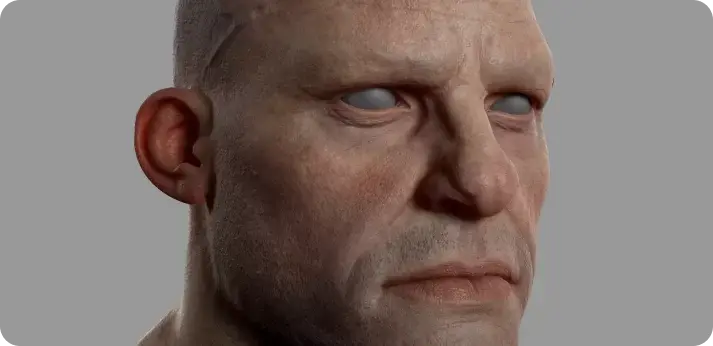
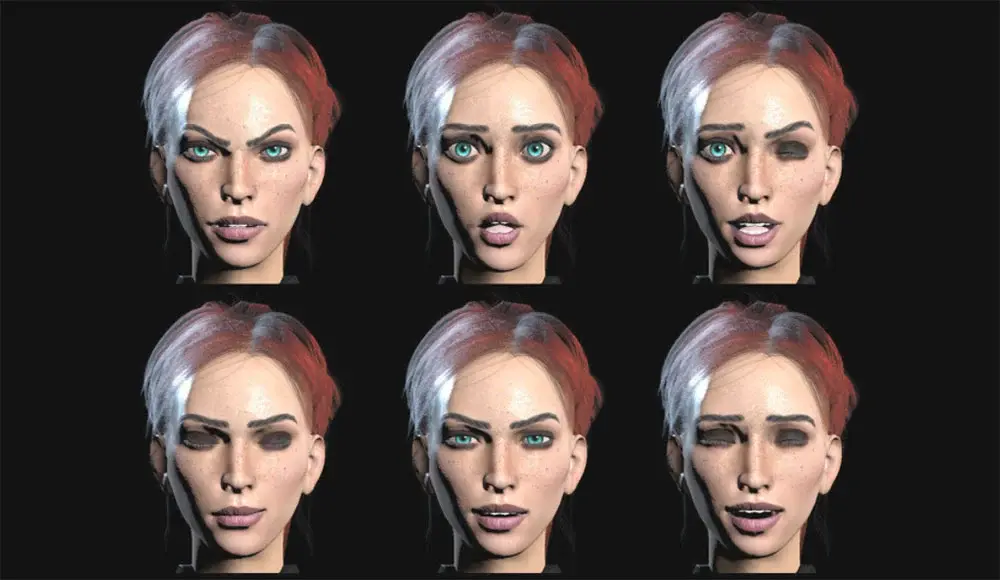
MetaHuman Creator is Epic Games' cloud-based tool for generating photorealistic digital humans. It compresses what traditionally takes weeks of character artist work into a session of minutes: blend between facial presets, drag control points to sculpt features, and customize hair, skin, and clothing. The latest release, integrated into UE 5.6, removed the previous Unreal-only restriction, so MetaHuman characters can now be used in any engine or DCC application.
![]()
What sets it apart: The highest level of human realism available from any free character tool, output fully rigged and animation-ready.
Key Features:
- Cloud-based face blending and sculpting
- MetaHuman Animator for iPhone-based facial capture
- Mesh to MetaHuman conversion
- Fully rigged output with hair and clothing
- Plugins for Maya and Houdini
- Cross-engine licensing (no longer Unreal-only)
Pros:
- Free under UE license (under $1M revenue)
- Film-quality human characters in minutes, not weeks
- Strong facial animation pipeline with iPhone capture
- Expanding cross-platform and cross-engine support
Cons:
- Limited to realistic humans only (no stylized or fantasy characters)
- Requires Unreal Engine ecosystem familiarity
- High-end hardware recommended
- Cloud-dependent
Pricing: Free (included with Unreal Engine license; standard terms above $1M revenue)
Platforms: Web-based creator + Unreal Engine (Win / macOS)
What Is the Best 3D Character Creator for Professional Artists?
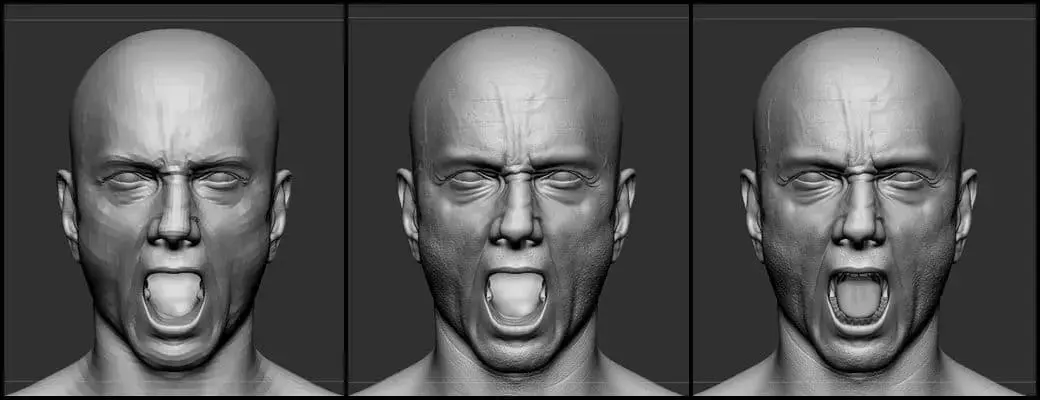
ZBrush
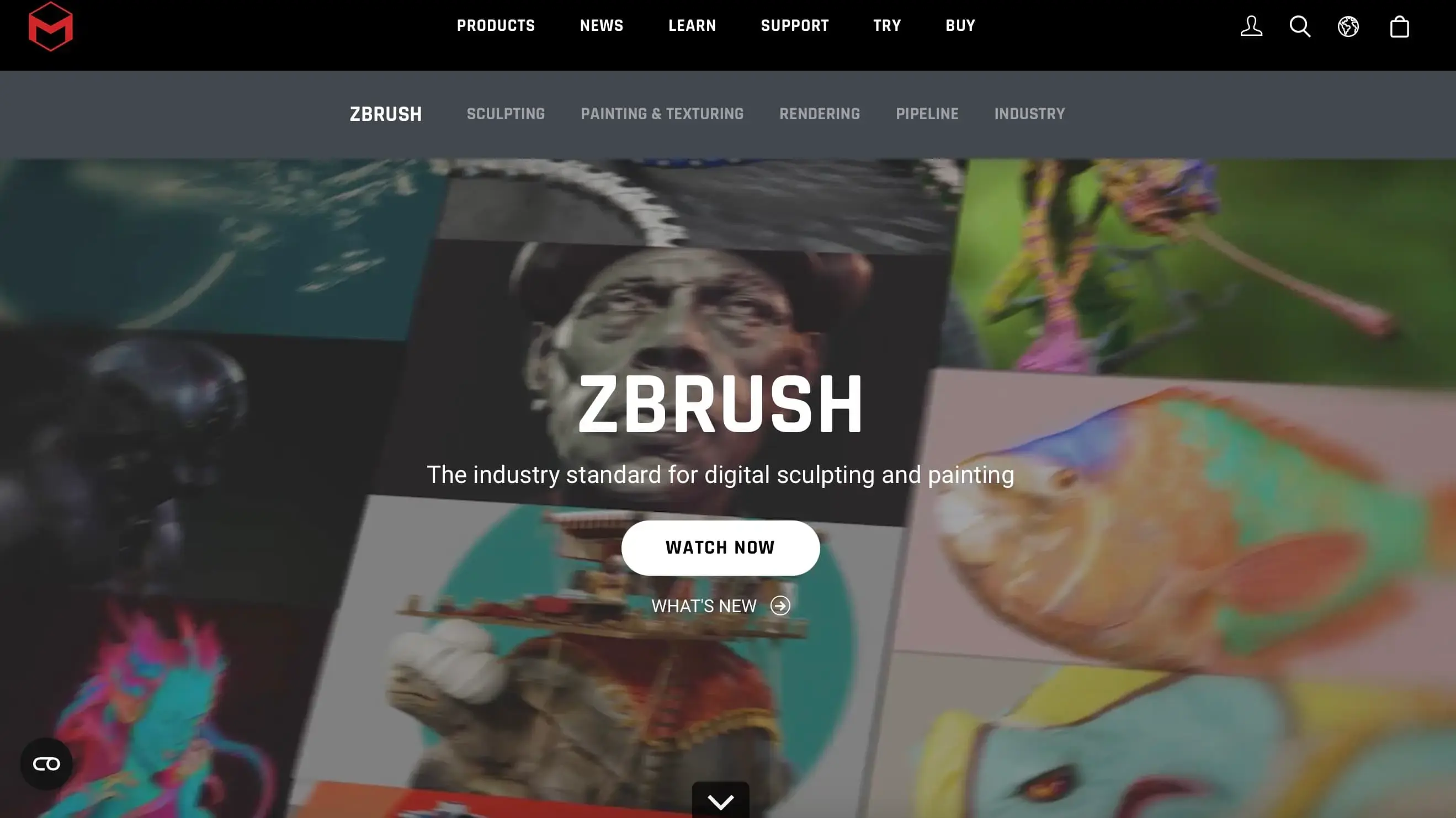
ZBrush is an industry-standard 3D character modeling software used across film and AAA game studios. Its workflow feels closer to shaping real clay than editing polygons, which suits artists who think in organic forms. You can push surface detail to any level you need, from skin texture to armor engravings, without worrying about mesh density slowing you down. One important caveat: ZBrush handles sculpting only. Rigging, animation, and rendering require a companion tool like Maya or Blender.
![]()
What sets it apart: Smoothly handles tens of millions of polygons where other tools stall, making it the performance benchmark for high-detail character sculpting.
Key Features:
- High-polygon sculpting with DynaMesh
- ZRemesher for automatic retopology
- Extensive brush and alpha library
- Polypaint for vertex-level painting
- GoZ bridge to other 3D apps
- Fibermesh for hair and fur
Pros:
- Industry standard for organic character sculpting in film and games
- Clay-like workflow with intuitive brush-based interaction
- Strong learning community and tutorial ecosystem
- Excellent automatic retopology with ZRemesher
Cons:
- Steep learning curve with a unique, non-standard interface
- No rigging or animation, requires companion tools
- Subscription pricing
Pricing: Subscription-based
Platforms: Windows, macOS
Rating: ~4.7/5 (G2 , over 100 reviews)
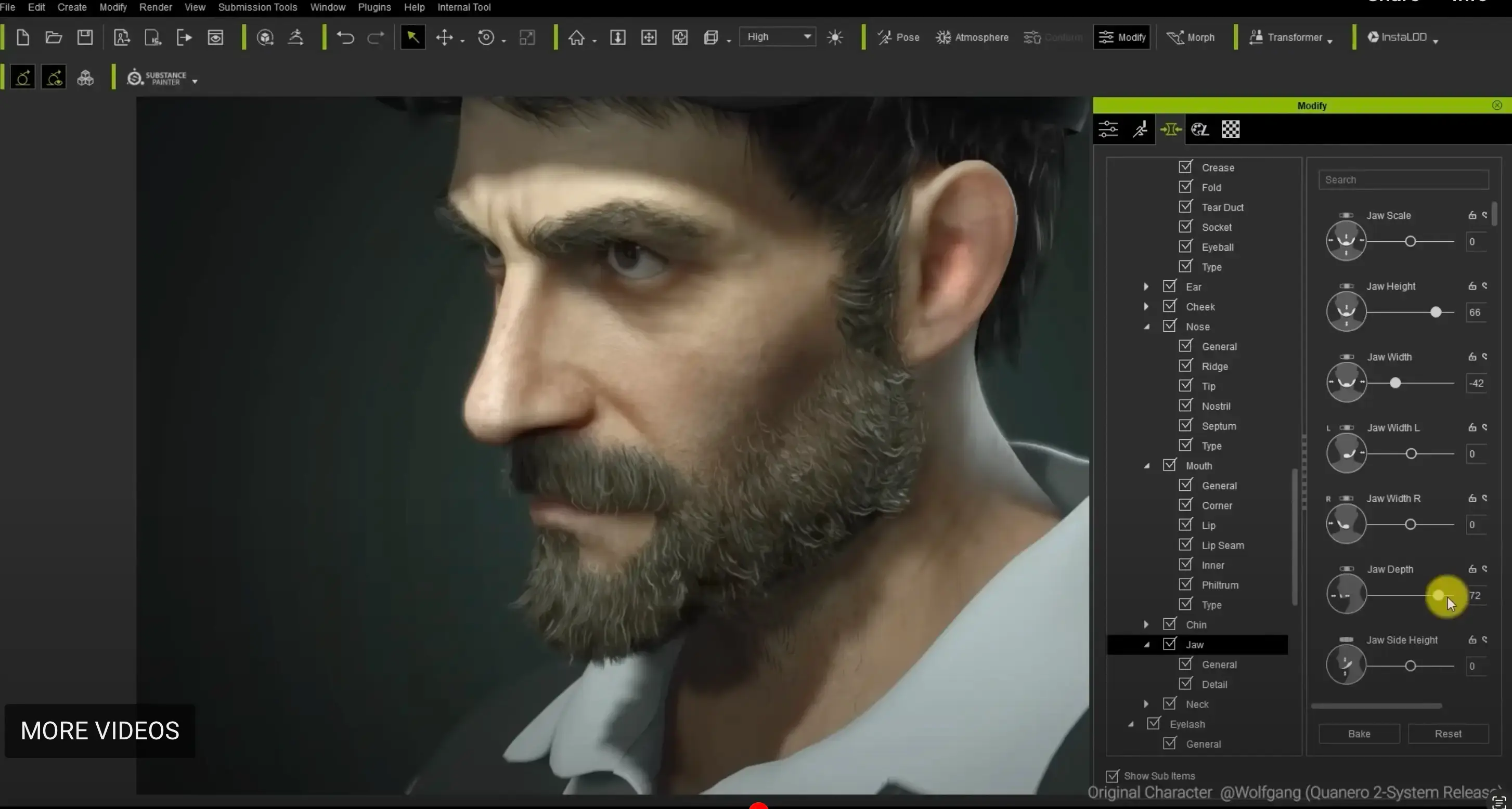
Reallusion Character Creator
Reallusion Character Creator is a component-based 3D character design software built around assembly rather than freeform sculpting. Instead of shaping a character from scratch, you combine and adjust pre-built components, then dress and style from an extensive asset library. This makes it especially efficient for teams that need to produce many visually distinct, realistic characters under tight deadlines, without requiring dedicated character artists.
![]()
What sets it apart: Designed for batch production of unique realistic characters, with a photo-to-3D head pipeline and direct animation integration that eliminates third-party tools.
Key Features:
- Morph-based character customization
- SkinGen shader system
- Extensive clothing and accessory library
- Headshot photo-to-3D conversion
- iClone animation integration
- Export to major engines and DCC tools
Pros:
- Dramatically faster than sculpting for realistic humanoid characters
- Deep asset marketplace for clothing, hair, and accessories
- Seamless pipeline to iClone for animation
- Supports export to Unreal, Unity, Blender, and Maya
Cons:
- Full capability requires paid licenses plus additional asset purchases
- Windows only
- Less creative freedom than sculpting from scratch
Pricing: Free trial; From ~$299
Platforms: Windows
What Is the Best 3D Animated Character Design Software?
Autodesk Maya
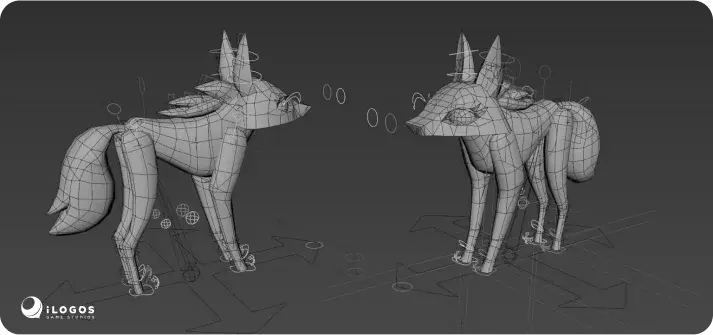
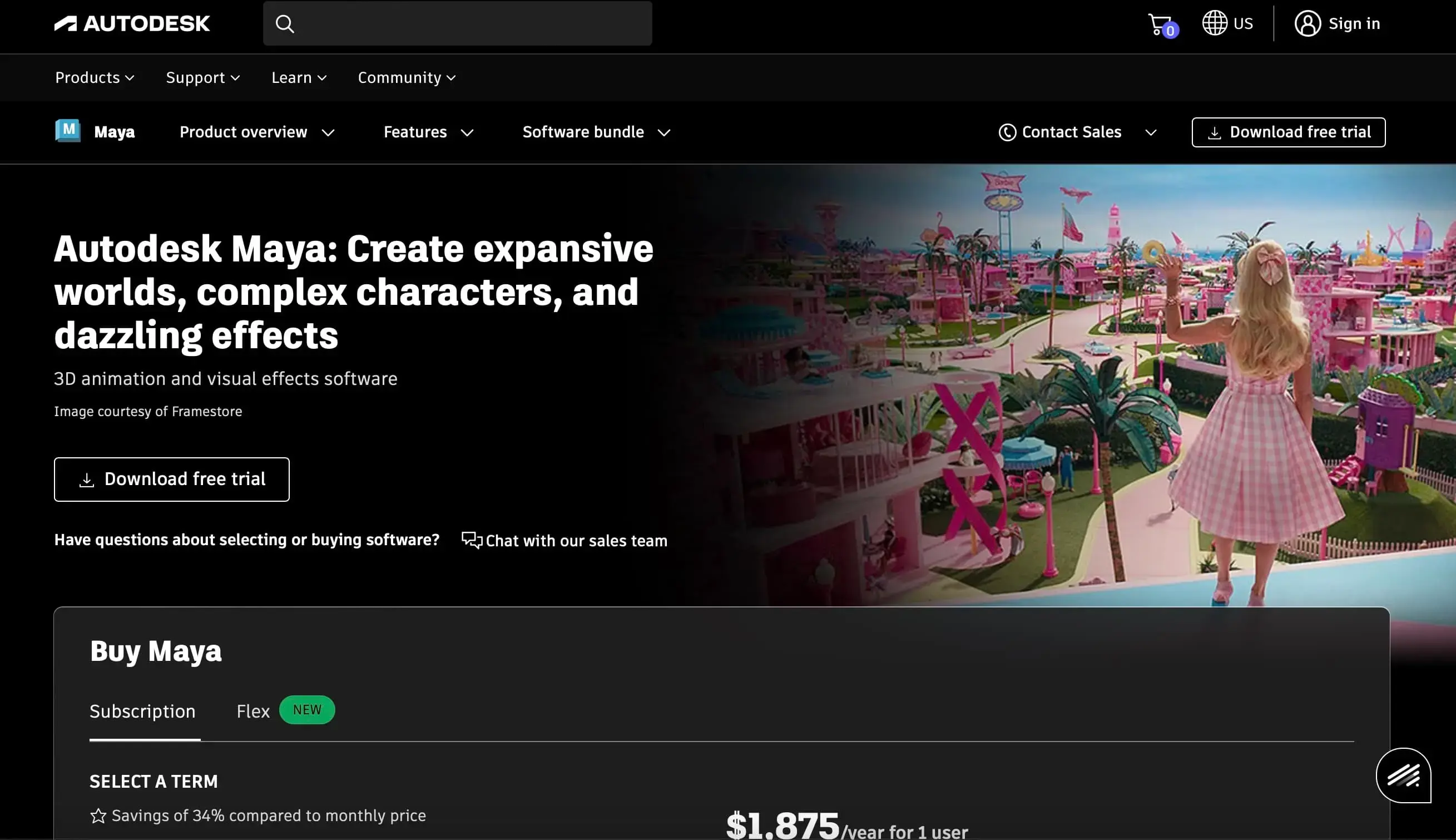
Autodesk Maya is widely regarded as the best 3D animated character design software in film and AAA game production. Most major studios build their character pipelines around it, which means learning Maya also means learning the industry's shared language for rigging and animation. Its toolset covers the full range from simple keyframed motion to complex facial performances driven by motion capture. The trade-off is real: the subscription cost and learning investment are both significant, and only justified if your output demands match what Maya delivers.
![]()
What sets it apart: The deepest rigging and animation toolset available, and the most widely adopted standard in professional film and game studios.
Key Features:
- HumanIK rigging system
- Advanced keyframe and procedural animation
- Bifrost physics simulation (hair, cloth, fluid)
- Arnold renderer
- MEL/Python scripting
- Extensive plugin ecosystem
Pros:
- Industry-shared pipeline standard (skills transfer directly to studio jobs)
- Handles everything from simple walk cycles to full facial performance capture
- Massive third-party plugin and script ecosystem
- Strong simulation features for hair, cloth, and fluids
Cons:
- Expensive subscription
- Steep learning curve
- Resource-intensive
- Overkill for simple or indie projects
Pricing: ~$255/month (subscription)
Platforms: Windows, macOS, Linux
Rating: ~4.3/5 (G2, ~300+ reviews)
Mixamo
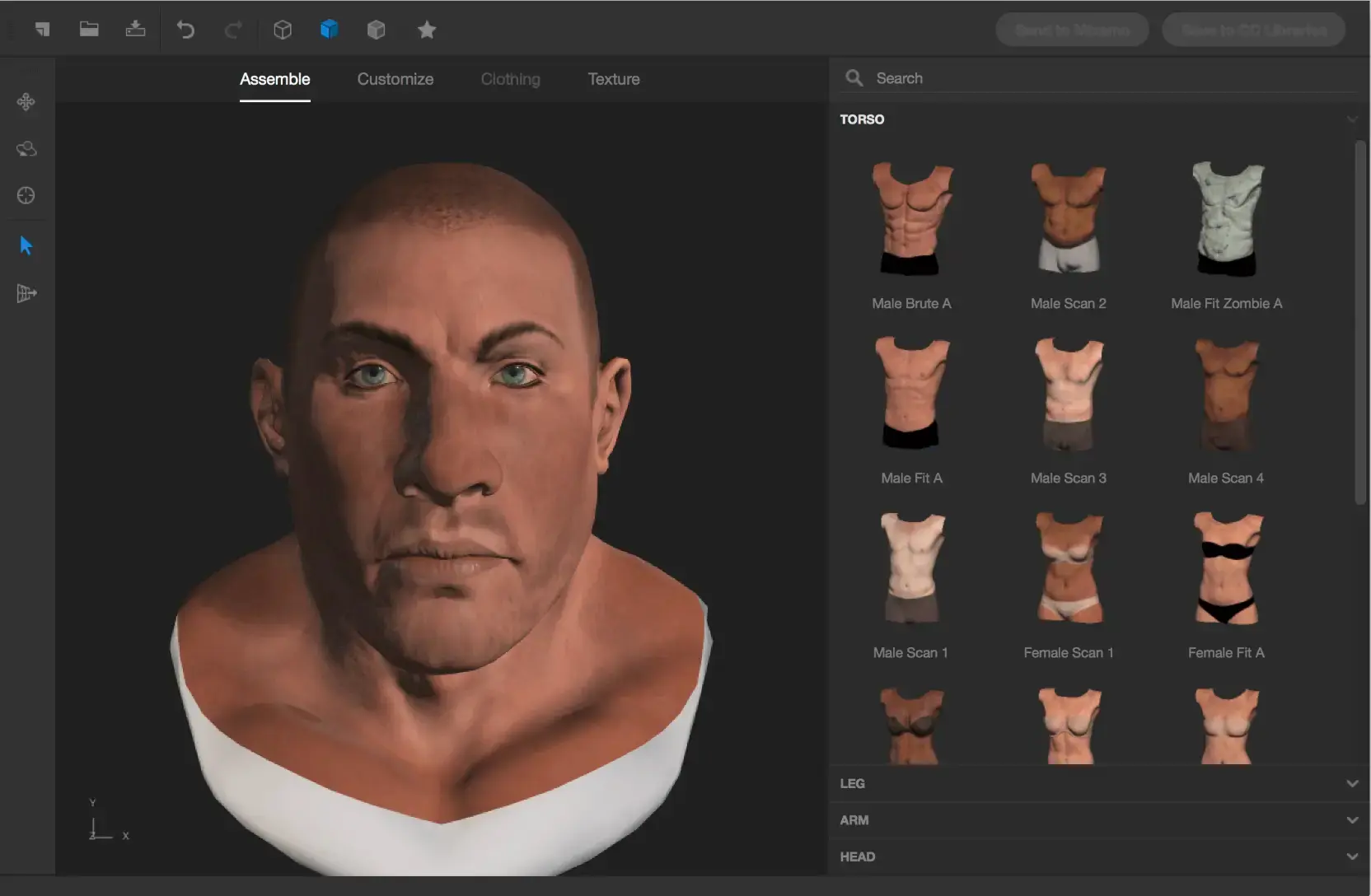
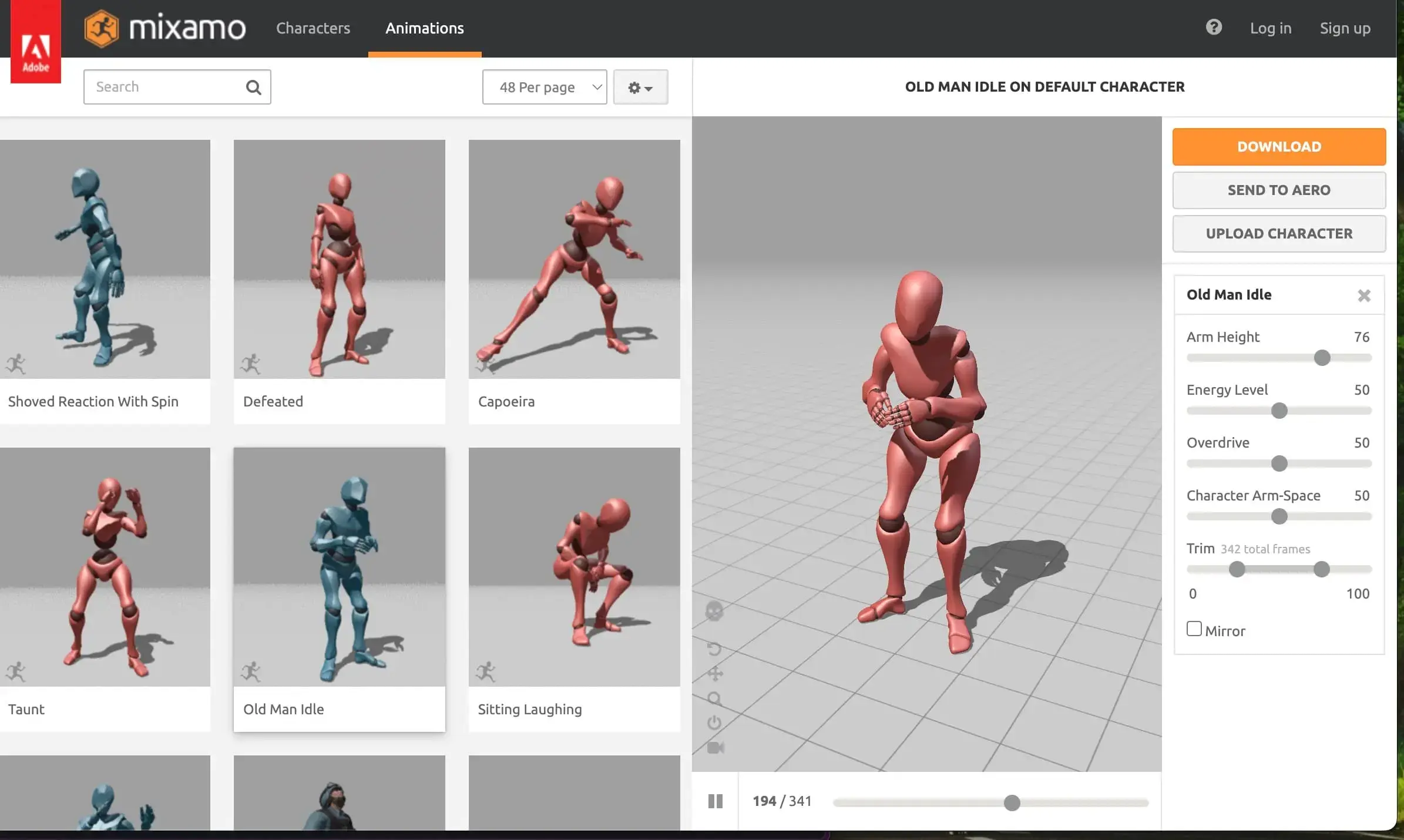
Mixamo is Adobe's browser-based tool that does exactly two things: auto-rigs any uploaded humanoid mesh, and applies motion-capture animation clips from a library of thousands. It turns what is traditionally the most time-consuming technical step in the character pipeline into an upload-click-download process. It's not a modeling tool. It's a dedicated rigging and animation layer designed to pair with whatever you build your characters in.
![]()
What sets it apart: Reduces character rigging from a multi-day technical task to a single automated step, with no installation or cost.
Key Features:
- Automatic rigging from uploaded meshes
- Thousands of free motion-capture animation clips
- Browser-based with no installation
- FBX export
- Works with models from any source
Pros:
- Free with no account restrictions or credit limits
- Works with models from any source (Blender, Meshy, Daz 3D, ZBrush, etc.)
- Thousands of production-quality motion capture clips
- Browser-based, no download or setup needed
Cons:
- No modeling or sculpting
- Limited rig customization
- Pre-made clips only (no custom authoring)
- Library hasn't seen major updates recently
Pricing: Free
Platforms: Web-based
Rating: ~4.9/5 (G2, ~8 reviews)
What Is the Best Budget-Friendly or Free 3D Character Creator?
Daz 3D
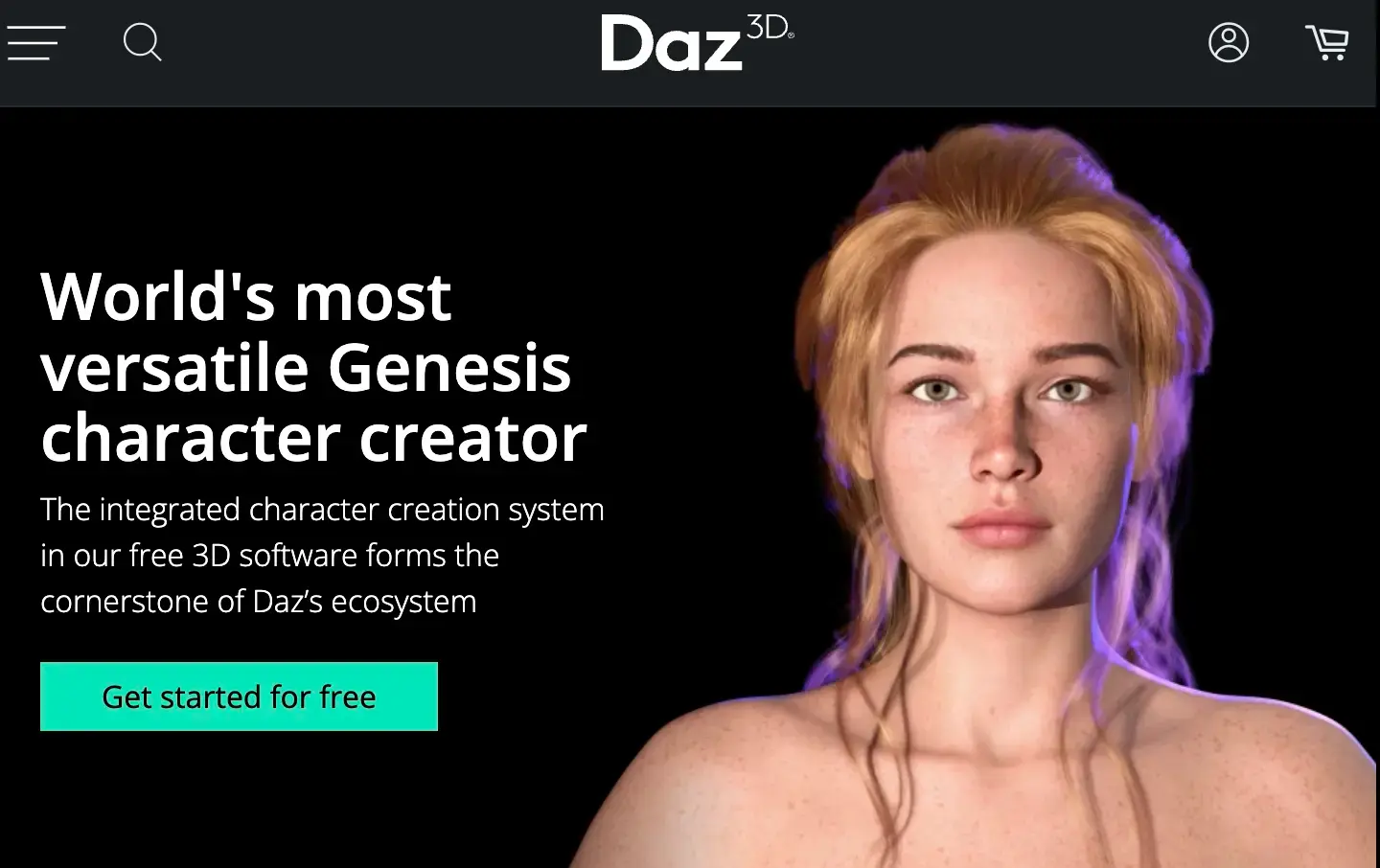
Daz 3D is a free character application built around a marketplace-first workflow. Instead of modeling from scratch, you browse a massive library of characters, clothing, poses, and environments, then customize through sliders and combine assets into scenes. The rendering quality is photorealistic out of the box, which makes it strong for illustration, concept art, and visual storytelling. If your goal is game-ready assets, expect to do additional topology work in external tools.
![]()
What sets it apart: The largest character asset marketplace in the 3D industry, paired with a free application that produces photorealistic renders without manual lighting or shader setup.
Key Features:
- Free Daz Studio application
- Genesis 8/9 character platform with morph sliders
- Nvidia Iray rendering
- dForce physics for cloth and hair
- Massive marketplace of characters, clothing, props, and environments
Pros:
- Free to start with no feature restrictions in the base app
- Thousands of purchasable characters, clothing, and environments
- Photorealistic output with minimal technical setup
- Active marketplace community constantly adding new assets
Cons:
- Premium assets can add up fast
- Limited standalone modeling
- Not ideal for game-ready output without extra tools
- Learning curve for advanced features
Pricing: Free (Daz Studio); premium assets vary
Platforms: Windows, macOS
Rating: ~4.2/5 (G2, ~14 reviews)
VRoid Studio
VRoid Studio is a free 3D character maker by Pixiv, purpose-built for anime-style avatars. The creation process feels more like drawing than 3D modeling: you sketch hair, paint textures directly on the model, and adjust proportions with sliders. Output is in VRM format, broadly supported across VTubing platforms and VR/AR apps. The trade-off is clear: it handles anime aesthetics and nothing else. If your project needs realism or non-anime stylization, this isn't the tool.
![]()
What sets it apart: The only dedicated anime 3D character design software free to use, with a drawing-based workflow that requires zero 3D modeling experience.
Key Features:
- Slider-based face and body customization
- Brush-based hair modeling with per-strand physics
- Real-time texture painting on 3D model
- VRM export
- Apple Pencil support on iPad
- Extensive preset library
- Cross-device model transfer
Pros:
- All features unlocked at no cost, including commercial use
- Intuitive enough for first-time 3D users
- Ideal for VTuber avatars and anime game characters
- Available on Win, Mac, and iPad
Cons:
- Anime style only, not suitable for realistic or non-anime characters
- VRM format limits compatibility with traditional pipelines
- No built-in animation tools
Pricing: Free Platforms: Windows, macOS, iPad Rating: 94% positive on Steam (2,750+ reviews)
MakeHuman
MakeHuman is a free, open-source tool designed to do one thing: generate a usable human base mesh quickly. You set high-level parameters and get an anatomically reasonable starting model in minutes, then export it to Blender or other 3D modeling software for the actual character work. It's not a complete character creator. It's the first step in a pipeline, replacing the time you'd otherwise spend blocking out a human form from scratch.
![]()
What sets it apart: Purpose-built to generate anatomically accurate human base meshes that feed directly into sculpting and rigging tools.
Key Features:
- Parametric human generation (age, gender, ethnicity, body proportions)
- Clothing and hair presets
- Export to OBJ, FBX, and directly to Blender
- Open-source with community add-ons
Pros:
- Free and open source with no usage restrictions
- Fastest path to a proportionally correct human starting model
- Exports to popular formats and directly to Blender
- Community add-ons for additional body types and clothing
Cons:
- Human characters only
- Basic rigging, no animation
- Dated interface
- Limited variety compared to Daz 3D
Pricing: Free
Platforms: Windows, macOS, Linux
Rating: ~4.2/5 (G2, ~11 reviews)
What Key Factors Should You Consider When Choosing 3D Character Design Software?
- Skill level. Choosing the right 3D character design software starts with honest self-assessment: A tool that's too advanced means weeks of learning before any output. One that's too simple means hitting limits fast and switching. Meshy, Mixamo, and VRoid Studio are built for immediate productivity. Blender, ZBrush, and Maya reward longer-term investment.
- Project requirements. A mobile game character, a photorealistic film render, and a VTuber avatar have very different technical needs. Match the tool to the output: ZBrush and Maya for production-grade work, Meshy or Daz 3D for fast prototyping, VRoid Studio for anime-specific projects.
- Pipeline coverage. Some projects need one tool that does everything; others benefit from specialized tools chained together. Blender and Maya cover the full pipeline. ZBrush, Mixamo, and MakeHuman are single-stage tools that pair with others.
- Budget. Cost isn't just the subscription price. A free tool with a six-month learning curve can cost more than a paid tool that gets you productive in a week. Blender, MakeHuman, Mixamo, and VRoid Studio are completely free. Meshy and Daz 3D offer free tiers with paid upgrades.
- Output format compatibility. Your model is only useful if the next tool in your workflow can open it. FBX and OBJ are universally supported. VRM (VRoid Studio) is specific to VTubing and VR platforms. Check export support before committing.
- Platform and hardware. Some tools are Windows-only (Character Creator), others run in the browser (Meshy, Mixamo). High-detail sculpting and rendering demand capable GPUs, so check system requirements against what you actually have.
- Community and learning resources. When you're stuck on a rigging problem, the size of a tool's community determines whether you find an answer in five minutes or five days. Blender, ZBrush, and Daz 3D have the most active communities with free tutorials, forums, and shared assets.
How to Choose the Right 3D Character Creator Software and Learn It Faster?
- Start with free tools. Try Blender, Meshy's free tier, Mixamo, or VRoid Studio before committing money. You'll discover your workflow preferences without financial pressure.
- Use trial periods strategically. Many paid tools offer free trials or money-back guarantees. Build a specific test project during the trial — not just a quick demo — to evaluate whether it truly fits.
- Be clear about what you need. If modeling is your bottleneck, AI tools like Meshy bypass it. If you can model but hate rigging, Mixamo solves that. Don't buy a do-everything tool when your problem is narrow.
- Learn one tool deeply first. Jumping between six applications creates confusion. Master your primary tool, then add specialized ones as needed.
- Combine tools for best results. Efficient pipelines often chain tools: concept art in Meshy → sculpting in Blender → rigging in Mixamo → animation in Maya. No single tool is best at everything.
- Join the community. Blender's forums, Meshy's Discord, ZBrush's community hub — these places solve specific problems faster than any documentation.
FAQs
Is VRoid Studio free?
Yes, VRoid Studio is completely free to download and use on Windows, macOS, and iPad. There are no subscription fees or premium tiers. All features are accessible without payment, and models you create can be used commercially (subject to Pixiv's terms of service). It exports in VRM format, compatible with VTubing software, VR platforms, and various games.
Is there a free 3D character creator?
Yes. Blender, Mixamo, MakeHuman, and VRoid Studio are completely free with no paid tier required. Meshy and Daz 3D also offer free tiers you can use indefinitely, with paid plans only needed for higher usage limits or premium assets.
What is the best free 3D character creator for beginners?
If you're wondering which free character creator is easiest for beginners, it depends on your goal. For AI-assisted creation from text or images, Meshy is the fastest starting point. For anime-style characters, VRoid Studio. For learning traditional 3D modeling, Blender offers the most comprehensive free toolset. For adding animation to existing models, Mixamo.
How do free character creators compare to paid tools?
Free tools like Blender, Mixamo, and VRoid Studio cover most beginner and hobbyist needs with no feature gating, but they demand more manual time, sculpting, rigging, or asset browsing, than tools built for speed. Paid options like Reallusion Character Creator, Autodesk Maya, or Meshy's paid tiers trade cost for faster turnaround, higher output limits, or production-ready pipelines, which pays off once your time is worth more than the subscription fee.
Can I use AI to create 3D characters?
Yes. Tools like Meshy generate textured 3D characters from text descriptions or reference images. MetaHuman Creator uses AI-assisted workflows for photorealistic humans. These are increasingly popular for rapid prototyping, indie game development, and 3D printing.
Is there a good AI character creator for small teams?
Yes. Meshy is the strongest AI 3D character creator for small teams that need production-ready characters without a dedicated 3D artist on staff: describe a character or upload a reference image, and you get a textured, rigged result in minutes instead of days, then export straight into your existing engine or DCC pipeline.
Which 3D character creator is best for game development?
For AAA studios, Maya + ZBrush is the industry-standard 3D character modeling software combination. For indie developers, Blender (free) or Meshy (fast AI generation) paired with Mixamo (free rigging/animation) offers a cost-effective pipeline. Character Creator is also strong for producing game-ready characters quickly.
Ready to start creating? Whether you're a beginner exploring AI-powered tools like Meshy or a professional building production characters in Blender or Maya, the best 3D character creator is the one that matches your skills, budget, and project goals. Try a few from this list and find what fits your creative process.