TL;DR: The best free STL file sites in 2026 depend on what you're printing. Printables is the best all-rounder. MyMiniFactory wins for miniatures. GrabCAD is unmatched for engineering parts. Yeggi and Thangs search everything at once. And if you can't find what you need, Meshy lets you generate a custom STL from text or an image. All 10 sites are compared below with licensing, pricing, and commercial-use notes.
Looking for free STL files for 3D printing? Whether you need miniatures, functional parts, or decorative models, this guide covers the best sites to download free STL files in 2026, for beginners and experts alike, without spending a dime.
Instead of one long list, we tested the major repositories and grouped them by use case: best overall, best for miniatures, and best for engineering, plus the top search engines for finding STL files fast. For every site, we note the price and whether the license allows commercial use, so you know exactly where to get free STL files you can actually 3D print and sell.
Quick Summary of Free STL Files for 3D Printing
Not every site is built for the same job. Here's a fast way to narrow down where to get free STL files for 3D printing based on what you need:
- For general all-around printing, Printables, Thingiverse, and MakerWorld offer the largest libraries of print-ready models, with Pinshape a friendly pick for beginners.
- For free STL files for 3D-printing miniatures, MyMiniFactory and Cults3D offer the best community-tested and designer-made models.
- For engineering and functional parts, GrabCAD offers millions of CAD files and editable STEP assemblies.
- For searching every site at once, Yeggi and Thangs index millions of free STL files in one place.
- For free models plus custom designs, Meshy offers a free community library to download and lets you generate your own STL from text or an image when you can't find it.
| Website | Best For | Cost | Commercial Use | Approx. Library |
|---|---|---|---|---|
| Printables | General / all-round | Free | Per-model CC license; check each | 1.5M+ models |
| Thingiverse | General / back catalog | Free | Per-model CC license; check each | 4M+ models |
| MakerWorld | Bambu Lab users, FDM | Free | Per-model license; check each | Millions |
| Pinshape | Beginners, curated finds | Free + paid | Mixed; check each listing | Tens of thousands |
| Meshy | Custom / generate your own | Free + paid | CC BY 4.0 (attribution required) | Community library + unlimited AI; 10 million+ creators |
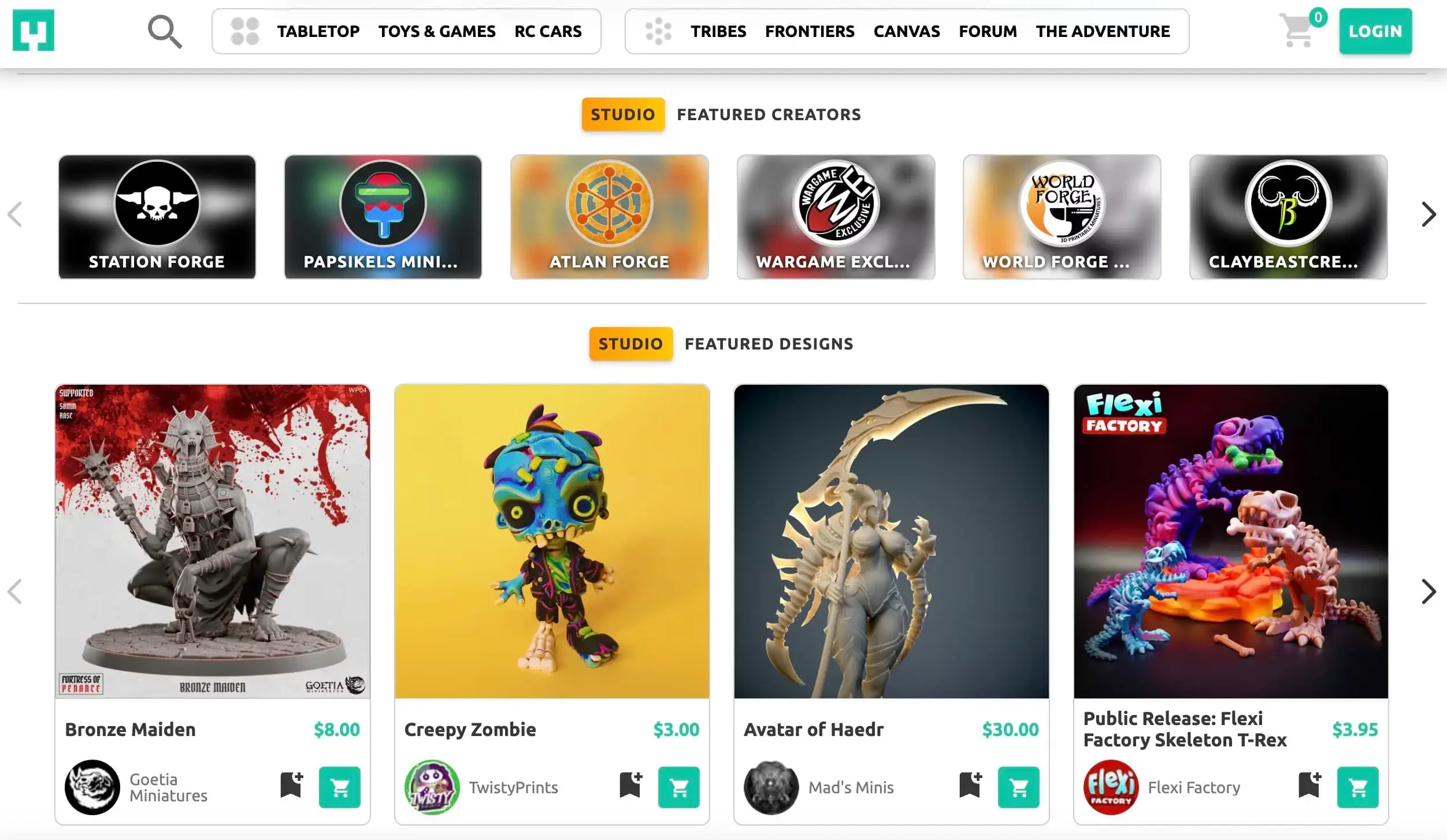
| MyMiniFactory | Miniatures, tabletop | Free + paid | Mixed; check each listing | Millions of objects |
| Cults3D | Miniatures, art, designer files | Free + paid | Mixed; check each listing | 3.4M+ models |
| GrabCAD | Engineering, CAD parts | Free | Private use only; ask for commercial | 3M+ parts |
| Yeggi | Searching everything at once | Free | Depends on source site | 8M+ indexed |
| Thangs | Shape-based / AI search | Free + paid | Depends on source site | 24M+ indexed |
Which Sites Are Best Overall for Free STL Files?
Printables
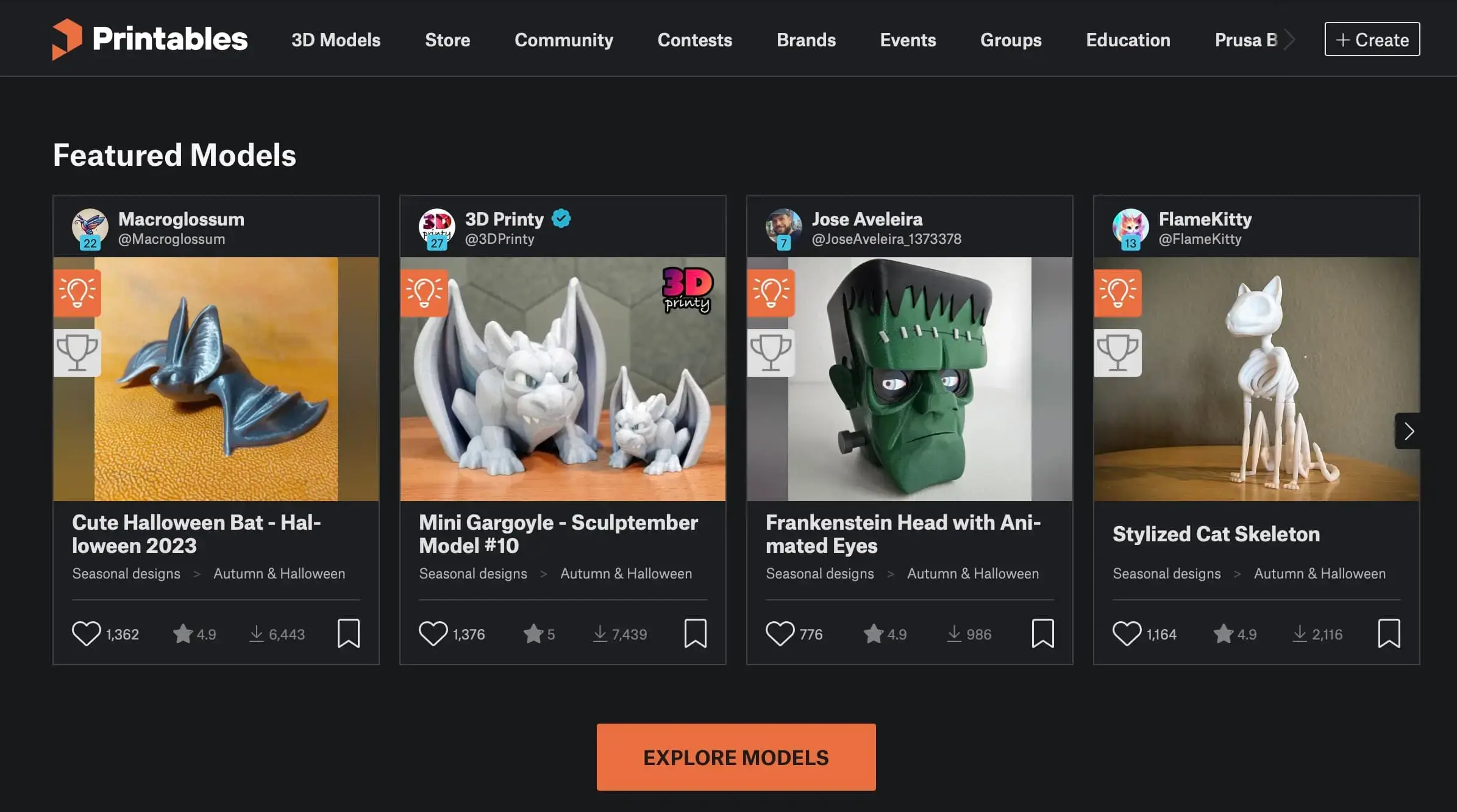
Printables is a free 3D model repository run by Prusa Research, hosting over 1.5 million printable models. Many files include pre-configured print profiles and ready-made G-code, so a model can go straight from download to printing with minimal setup. Although it is operated by a printer manufacturer, the files are universal STLs that work on any 3D printer.
![]()
What sets it apart: A gamified rewards system pushes designers to document their uploads properly with photos, materials, and tested settings, which gives Printables one of the best signal-to-noise ratios of any free repository.
Key features:
- Print-ready profiles and downloadable G-code
- Strong filtering, including a resin/SLA view
- Active contests and community groups
Pros:
- Excellent, consistent quality control
- Clean, fast interface
- Genuinely free with no paywalled models
Cons:
- Skews toward functional and printer-related prints
- Fewer high-end miniatures than dedicated art sites
Best for: Functional parts, household items, and beginners who want files that work the first time.
Pricing: Free, with an optional paid Printables Club for extra perks.
Licensing: Per-model Creative Commons licenses; many are non-commercial by default, so confirm before selling prints.
Thingiverse
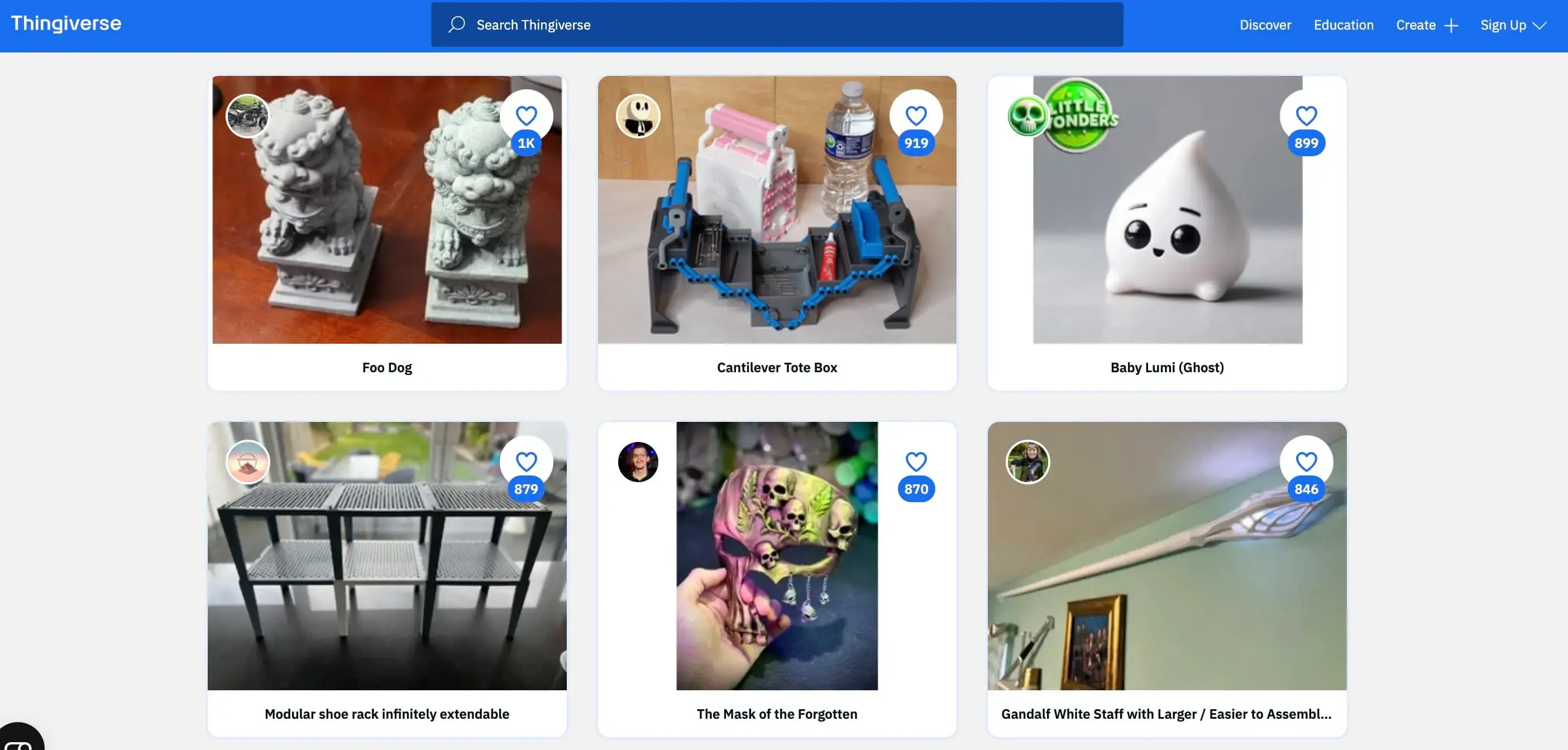
Thingiverse is a free 3D model repository hosting over 4 million models, making it the largest collection of free printable designs on the web. Its catalog covers everyday objects such as phone stands, brackets, toys, and replacement parts, often in multiple versions of the same item. MyMiniFactory acquired Thingiverse in 2026 and folded it into its SoulCrafted platform, with a public commitment that existing free models remain free.
![]()
What sets it apart: Sheer historical depth. No other site has the same volume of established, remixed, and battle-tested everyday designs accumulated over more than a decade.
Key features:
- The largest historical library of printable models
- Customizer tool for tweaking parametric designs
- Huge ecosystem of community remixes
Pros:
- Unbeatable breadth of common objects
- Everything is free to download
- Beginner-friendly entry point
Cons:
- Dated, slower interface
- Inconsistent file quality
- Occasional account and verification friction
Best for: Common functional prints and anyone who wants the widest possible selection or a browsable free alternative to newer sites.
Pricing: Free.
Licensing: Per-model Creative Commons; most files are personal-use only, so verify before any commercial use.
MakerWorld
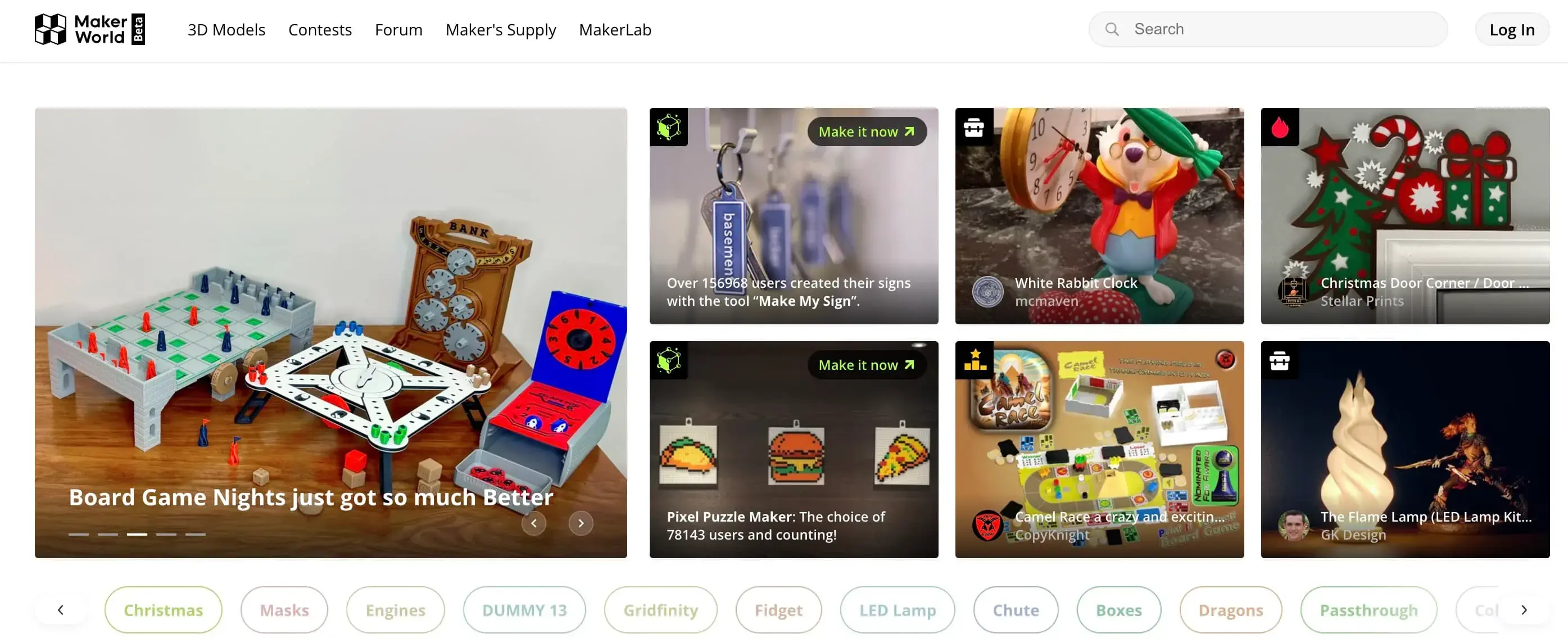
MakerWorld is a free 3D model platform launched by Bambu Lab in 2024, designed around tight integration with Bambu Lab 3D printers. Models download as standard STL or 3MF files and print on any machine, so it is usable without Bambu hardware. Its defining feature is one-click printing that sends a model and its tested profile directly to a Bambu Lab printer.
![]()
What sets it apart: One-click printing sends a model straight to a Bambu Lab machine with its tested profile attached, creating the smoothest model-to-print path of any platform here.
Key features:
- One-click send-to-print for Bambu Lab printers
- AI-assisted model search
- "Make" verification with attached print profiles
- Creator points and rewards program
Pros:
- Very high, print-tested file quality
- Seamless experience for Bambu owners
- Rapidly growing, fresh library
Cons:
- Best features are Bambu-centric
- Less historical depth than older sites
Best for: Bambu Lab owners and anyone who wants modern, print-tested FDM files.
Pricing: Free.
Licensing: Per-model licenses; check each before commercial use.
Pinshape
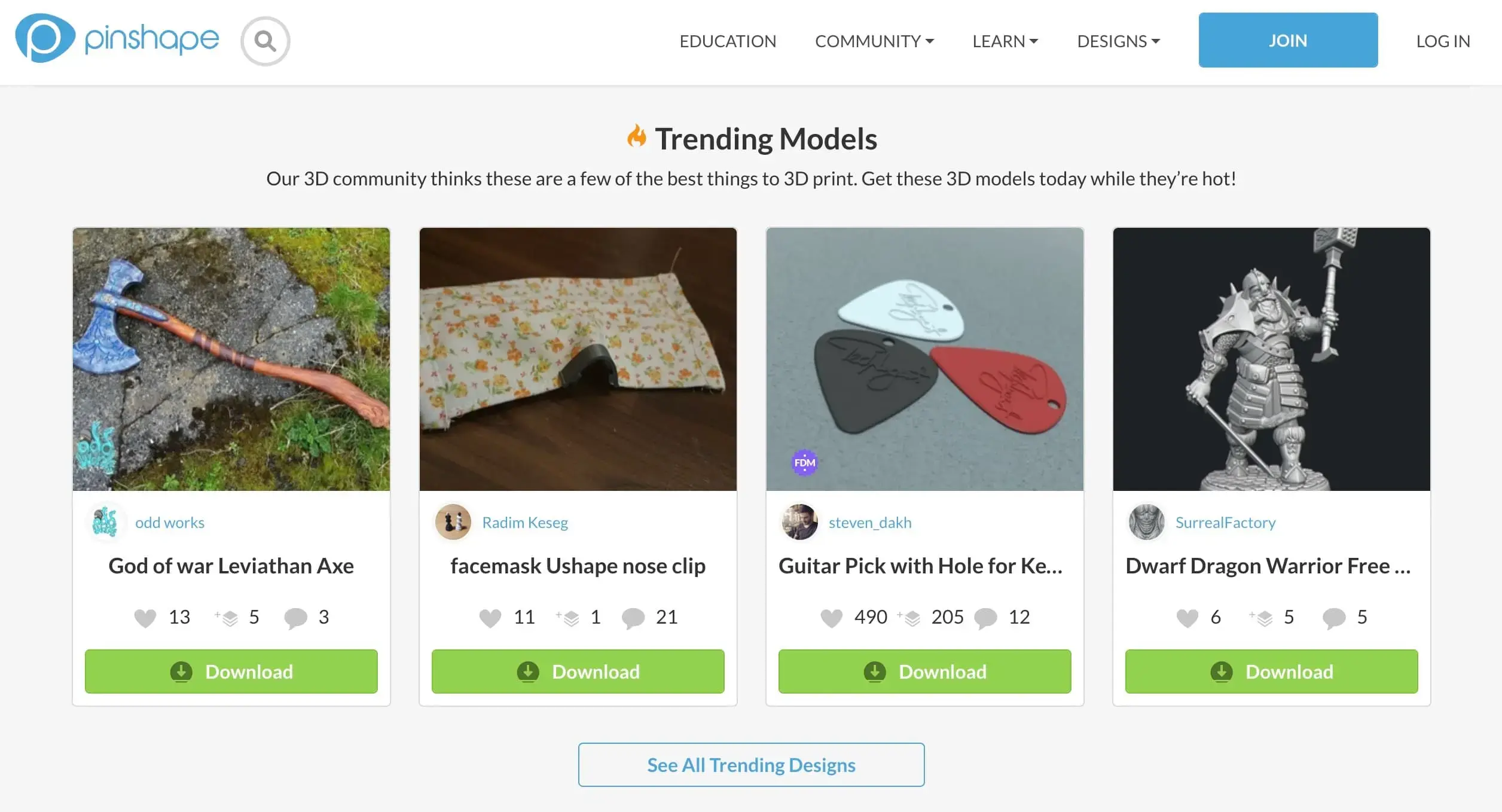
Pinshape is a curated 3D model marketplace offering a mix of free and premium models across categories including toys, gadgets, household items, and cosplay. It is built around a clean, simple interface and pairs its catalog with built-in beginner guides and learning resources, making it one of the more approachable platforms for first-time makers.
![]()
What sets it apart: A genuine focus on getting beginners started, with built-in education content and guides sitting alongside the model catalog rather than buried elsewhere.
Key features:
- Curated mix of free and premium models
- Beginner guides and learning resources
- Simple, uncluttered navigation
Pros:
- Friendly for first-time makers
- Tidy, easy-to-browse interface
- Decent overall quality
Cons:
- Smaller, slower-growing catalog
- Limited depth for niche or obscure parts
Best for: Beginners and casual makers who want approachable, everyday models.
Pricing: Free models alongside a paid marketplace.
Licensing: Mixed; free and paid listings carry different terms, so check each model.
Meshy
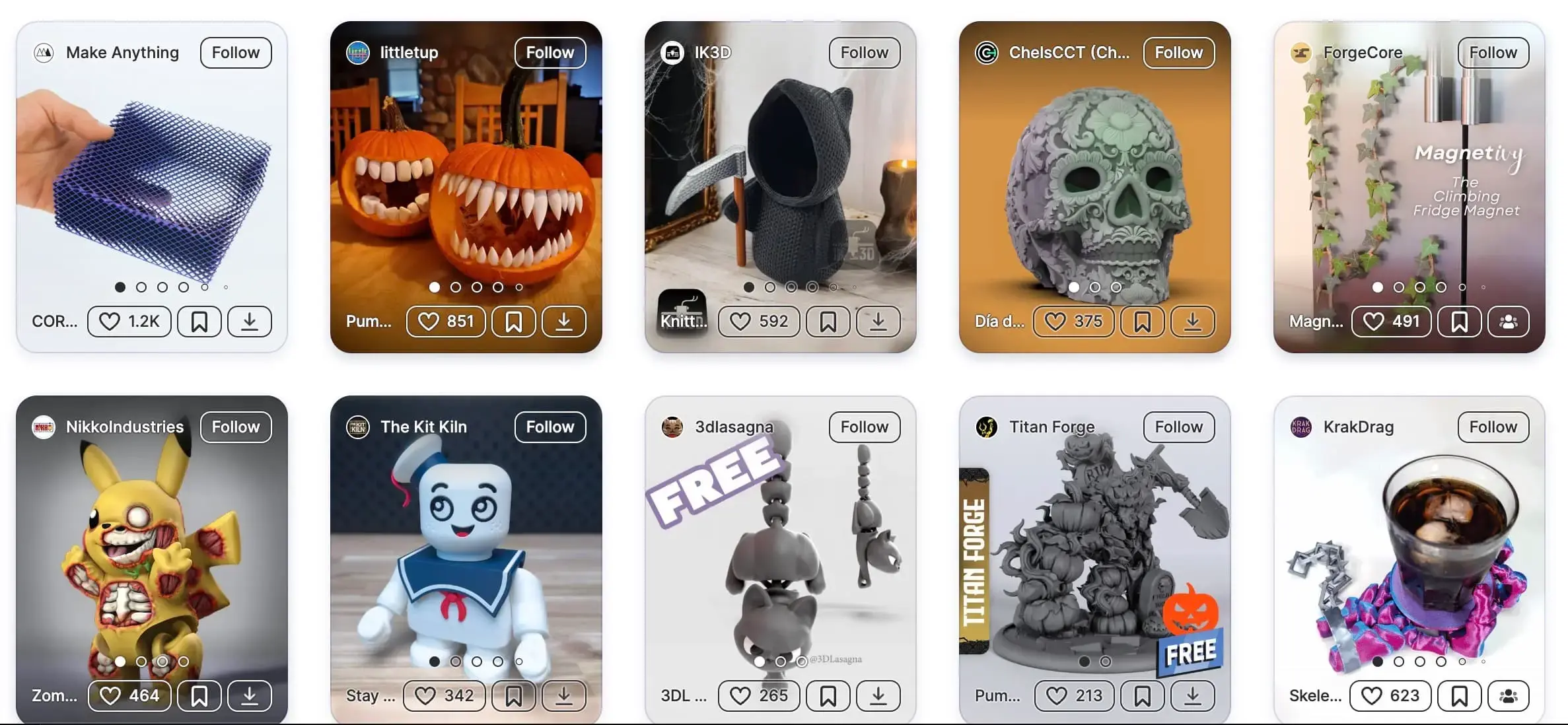
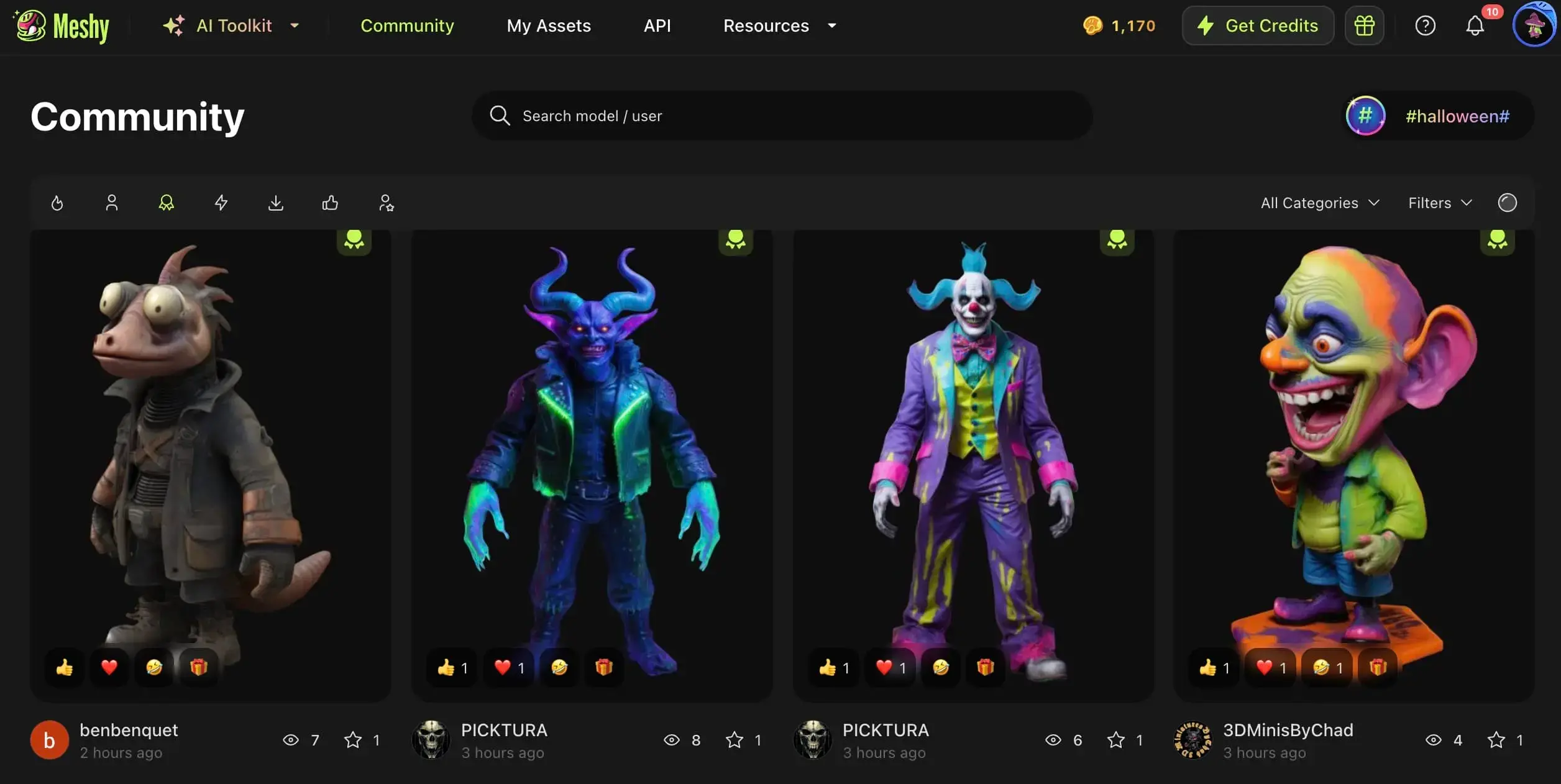
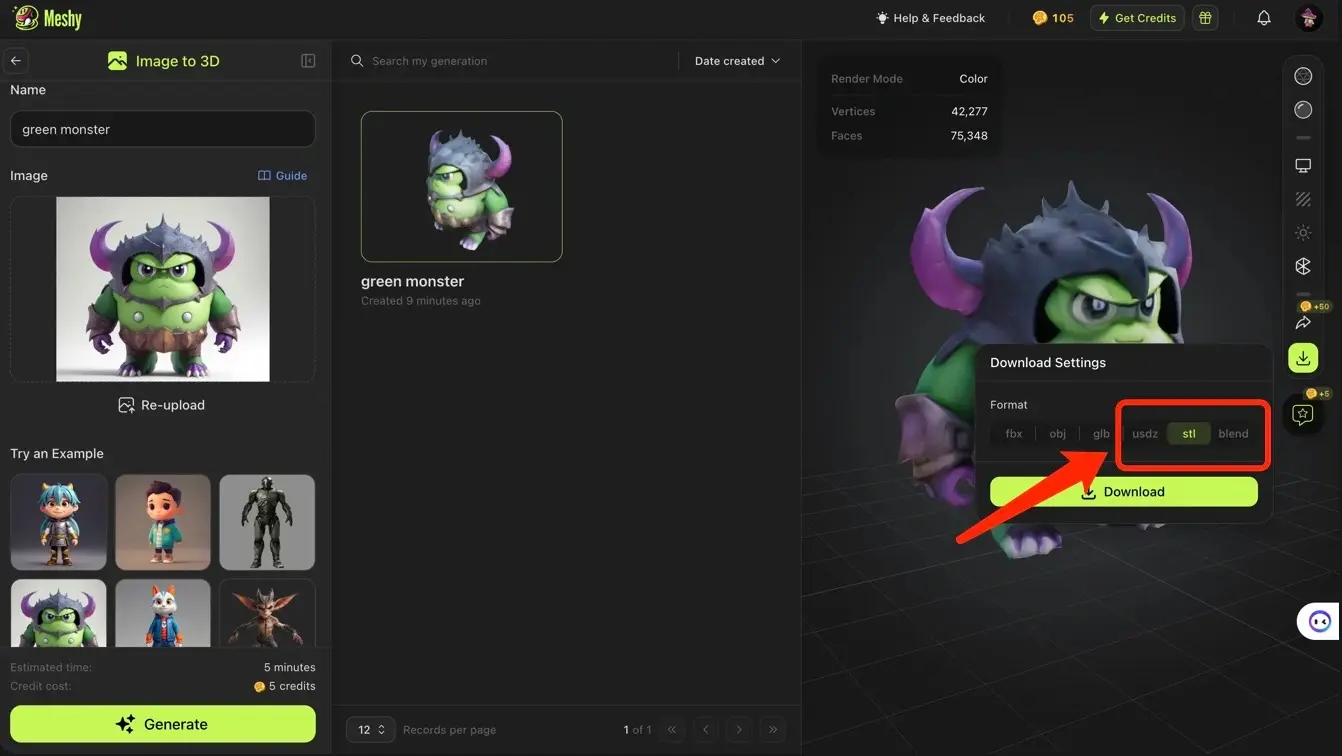
Meshy is an AI 3D model generator that turns a text description or a reference image into a 3D model you can export as STL for printing. It also hosts a free community library of models to browse and download directly, so it serves both ready-made and custom needs. Unlike a repository, Meshy lets you create a model that does not yet exist rather than searching for the closest match.
![]()
Downloading generated 3D model in STL format
What sets it apart: It removes the hard ceiling every repository hits. Instead of settling for the closest existing design, you generate the exact object you pictured in a couple of minutes, then clean up the mesh for printing.
Key features:
- Text-to-STL and image-to-3D generation
- Free community library to browse and download
- Mesh refinement and topology cleanup for printing
- Direct integrations with Bambu Studio, OrcaSlicer, and Cura
Pros:
- Makes exactly what you want with no modeling skills
- Clear commercial license with attribution
- Fast generation and slicer-ready exports
Cons:
- Best suited to organic, decorative, and stylized shapes
- Not a replacement for precision-engineered CAD parts
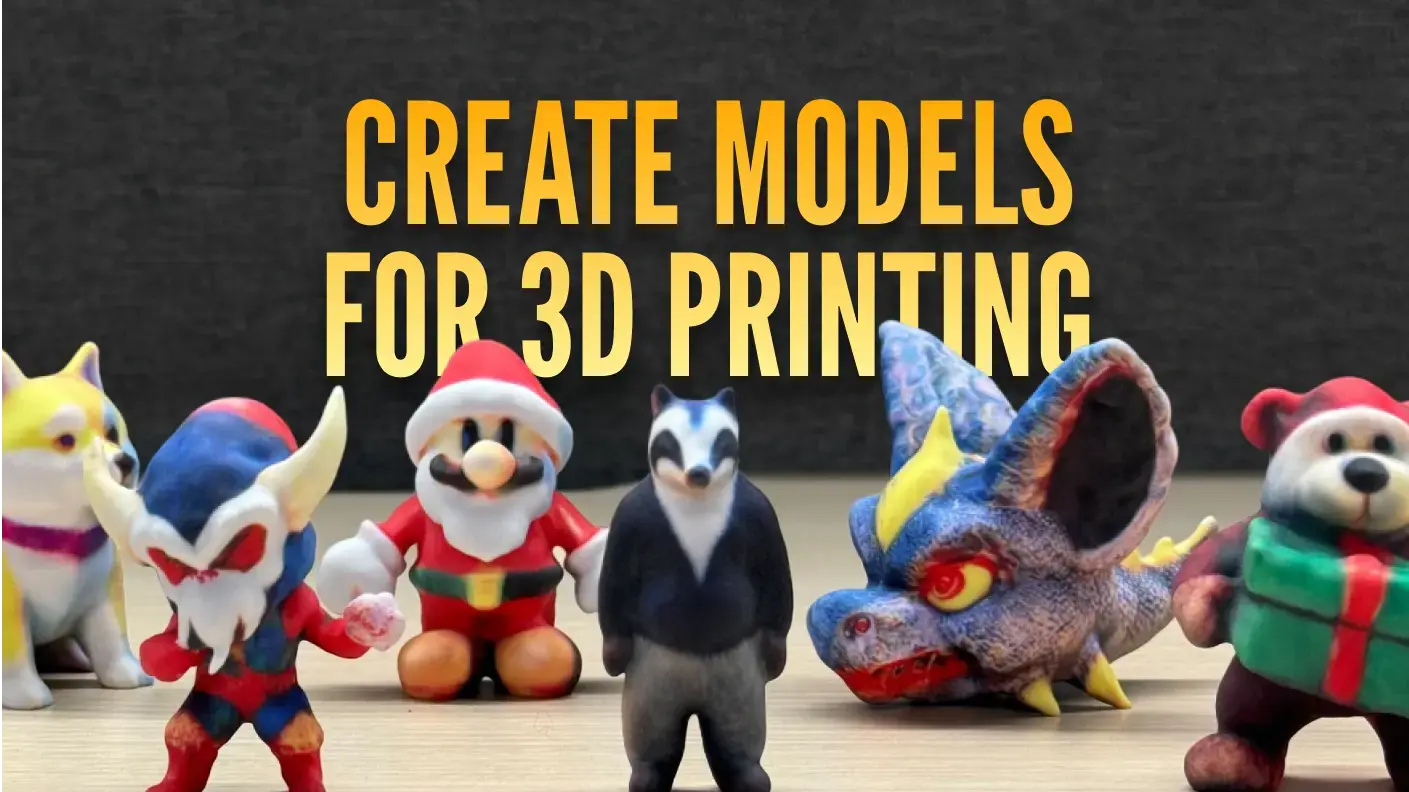
Best for: Custom, original, or hard-to-find designs. Our guide on how to make 3D models for printing walks through the workflow.
Pricing: Free plan to start, with paid plans for more generations.
Licensing: Free-plan models are CC BY 4.0, usable commercially with attribution to Meshy.
What Are the Best Sites for Free STL Files for 3D Printing Miniatures?
MyMiniFactory
MyMiniFactory is a 3D model platform specializing in miniatures and tabletop models, founded in 2013 and now the owner of Thingiverse. Every file is checked before it goes live, which reduces failed prints on detailed resin models. It also runs a creator ecosystem that includes designer subscriptions and a free archive of 3D-scanned museum pieces.
![]()
What sets it apart: Its "Scan the World" initiative, a free, community-curated archive of 3D-scanned sculptures and cultural artifacts, is something no other site on this list offers.
Key features:
- Community-tested, verified-printable files
- "Tribes" subscriptions for monthly designer drops
- "Scan the World" archive of cultural artifacts
- Creator-friendly payout model
Pros:
- Reliable print quality for detailed minis
- Strong, focused miniature community
- Unique free scan archive
Cons:
- The best designer miniatures are usually paid
- Marketplace-first feel
Best for: Tabletop gamers and miniature painters who want files that print right the first time.
Pricing: A large free section plus a paid marketplace and MMF+ subscription.
Licensing: Mixed; free and paid files carry different terms, so check each listing before selling prints.
Cults3D
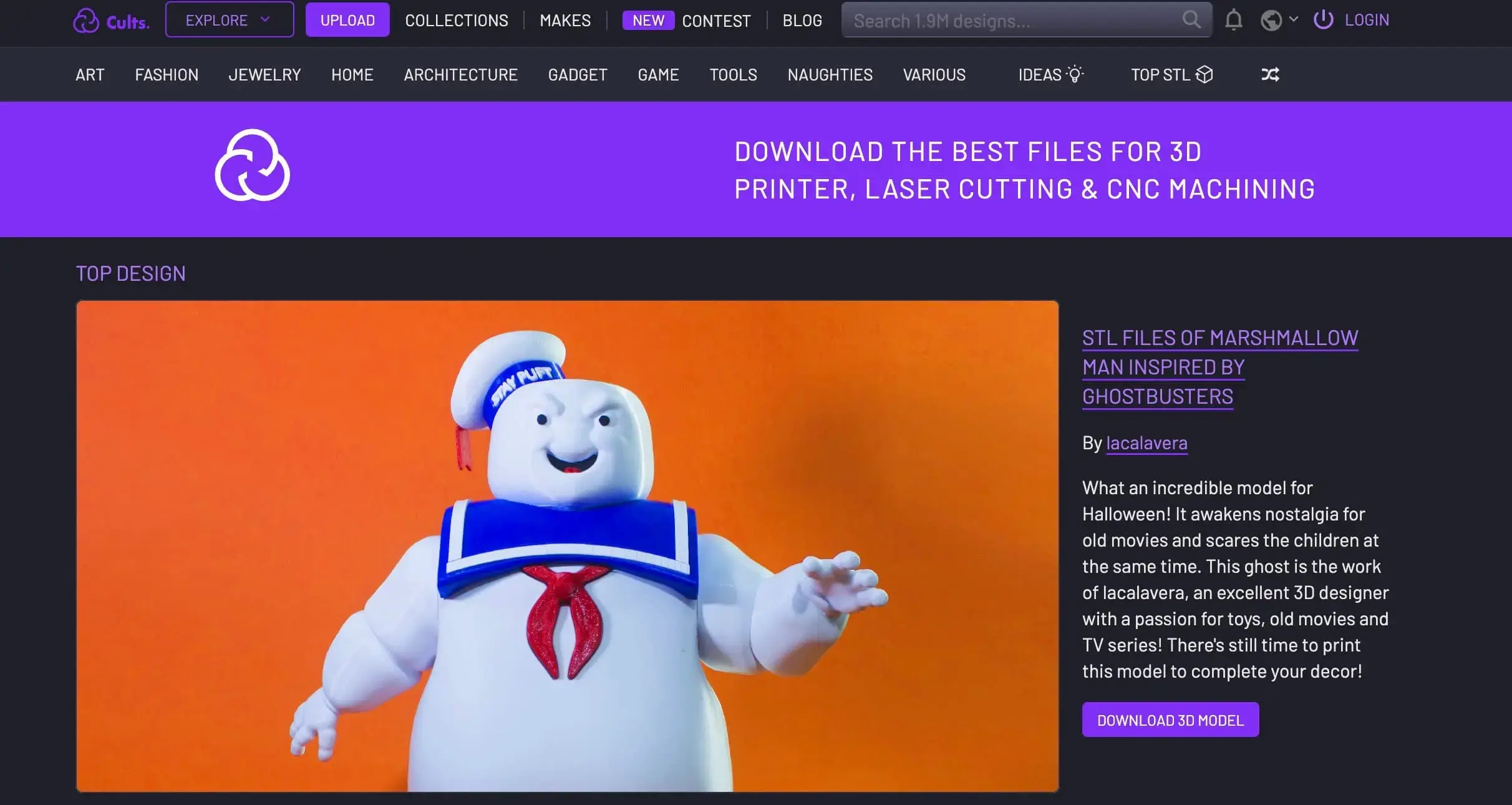
Cults3D is an independent 3D model marketplace founded in 2014, hosting over 3.4 million models from a community of designers. It specializes in higher-end, artistic, and rare work including figurines, jewelry, sculpture, and detailed miniatures. Its broad format support extends beyond 3D printing to CNC and laser cutting.
![]()
What sets it apart: A fiercely independent stance. Cults3D positions itself as keeping designs in the community's hands rather than under a hardware giant's control, which has earned strong designer loyalty and a steady supply of exclusive work.
Key features:
- Large designer-driven marketplace
- Wide format support, including CNC and laser formats
- Deep catalog of art and collectible miniatures
Pros:
- High-quality, original, and rare designs
- Independent and creator-friendly
- Formats well beyond plain STL
Cons:
- Much of the best content is paid
- Free files take some filtering to surface
Best for: Collectors and hobbyists hunting for premium or one-of-a-kind miniatures and art.
Pricing: A free section alongside paid models.
Licensing: Mixed; many files are paid or carry use restrictions, so always check the model page.
Where Can You Find Free STL Files for Engineering?
GrabCAD
GrabCAD is a free CAD library with over 3 million parts, built for engineering and functional printing rather than casual models. It hosts mechanical components, fasteners, gears, brackets, and complete assemblies, and is the most comprehensive free resource for parts that need to fit and function. Many models are available as editable STEP files alongside STL.
![]()
What sets it apart: Many models come as editable STEP files and full assemblies, not just locked meshes, so engineers can modify geometry to their exact requirements before printing.
Key features:
- Millions of CAD parts and assemblies
- Editable STEP and native CAD formats alongside STL
- Built-in CAD viewer with measurements and section views
Pros:
- Unmatched for functional and engineering parts
- Editable source files, not just meshes
- Strong technical community
Cons:
- User-uploaded quality varies and may need cleanup
- Restrictive commercial terms
- Overkill for decorative prints
Best for: Engineers, product designers, and anyone printing functional or replacement parts.
Pricing: Free, with a required free account.
Licensing: Private and non-commercial use only; files from the free Community Library cannot be used commercially without the uploader's explicit permission, which matters if you are prototyping for a business.
What Are the Best Search Engines for STL Files?
Yeggi
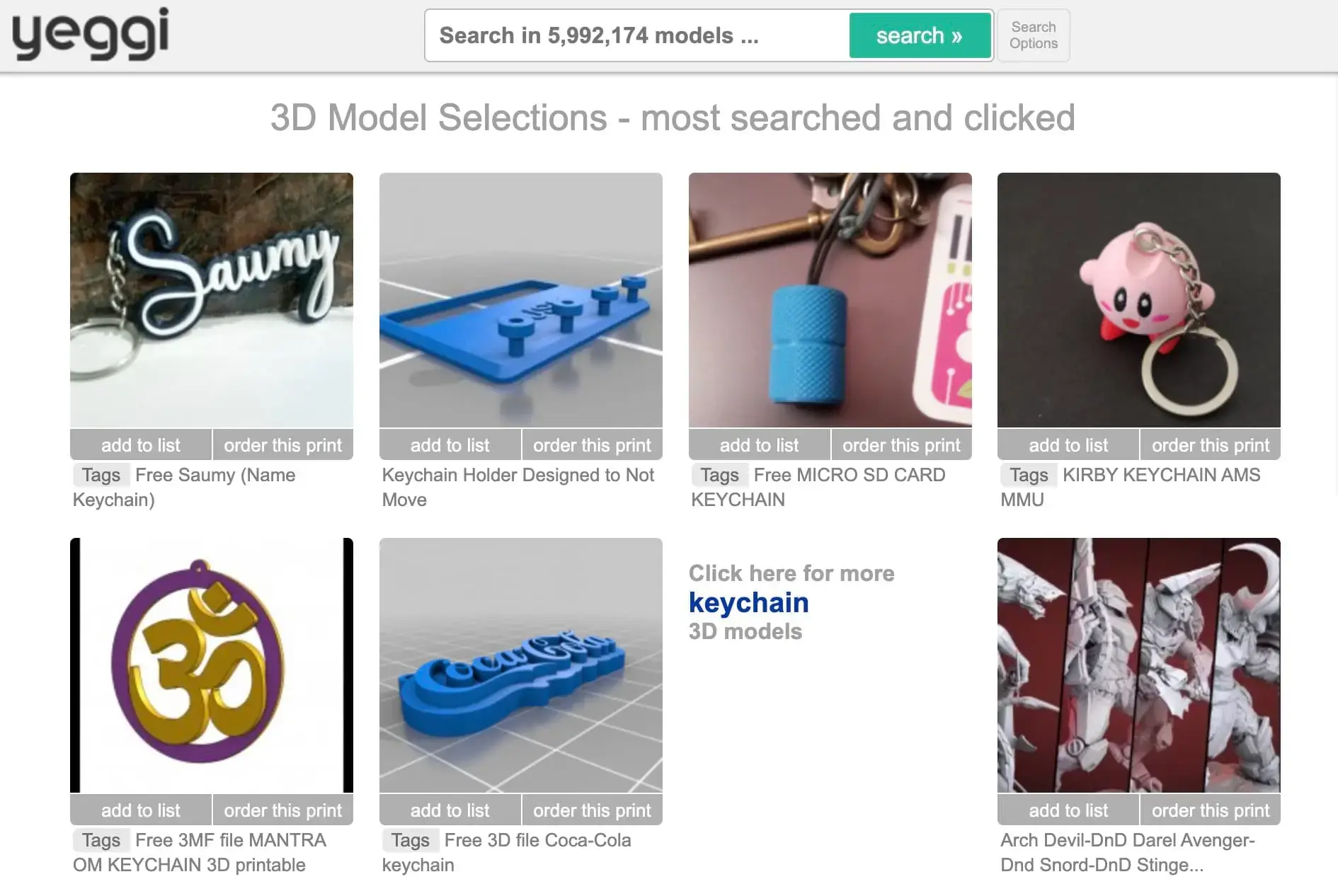
Yeggi is a 3D printing search engine that indexes over 8 million models across the web rather than hosting files itself. It crawls major repositories including Thingiverse, Cults3D, and MyMiniFactory, letting you search every site at once from a single box, filter by free or paid, and click through to download from the source.
![]()
What sets it apart: Pure breadth of reach in one query. Rather than opening a dozen tabs, you see every version of a given object that exists across the web from a single search.
Key features:
- Cross-site indexing of millions of models
- Free versus paid filtering
- Daily index updates and saved searches with an account
Pros:
- Enormous reach in a single search
- Fast and lightweight
- Easy to filter out paid files
Cons:
- Dated, bare-bones interface
- Hosts nothing itself, so quality depends on the destination
Best for: Quickly finding a specific, known object across the whole web.
Pricing: Free.
Licensing: Depends entirely on the source site, since Yeggi only points you there.
Thangs
Thangs is a 3D model search engine that indexes over 24 million models and supports geometric search. Alongside keyword queries, you can upload a 3D model or photo and it finds geometrically similar models, functioning like a reverse image search for shapes. It also runs its own community and hosting, so it works as both a search engine and a repository.
![]()
What sets it apart: AI geometric search. If you have a part that is close but not quite right, or you do not know what something is called, matching by shape rather than keywords is uniquely powerful.
Key features:
- AI shape and geometric search
- Over 24 million indexed models
- Its own community, hosting, and collaboration tools
Pros:
- Shape-based search finds what keywords miss
- Very large index
- Useful for sourcing replacement parts
Cons:
- Some features sit behind a subscription
- Result quality varies by source
Best for: Finding a model by shape when you do not know its name, or sourcing close-match replacement parts.
Pricing: Free, with optional paid subscriptions.
Licensing: Varies by source and model, so check each before commercial use.
What Factors Should You Consider When Choosing Free STL Files for 3D Printing?
When you're deciding where to download free STL files for 3D printing, and which specific file to grab, these are the factors that actually determine whether your print succeeds:
- License and commercial rights. This is the single most overlooked factor. "Free to download" rarely means "free to sell." Check whether the model is personal-use only, requires attribution, or permits commercial use, especially if you plan to sell prints or use them in a business.
- File quality and watertightness. A printable mesh needs to be manifold (watertight) with no holes or flipped faces. Sites with community testing such as MyMiniFactory, MakerWorld, and Printables reduce the risk of broken files.
- Printer compatibility. Match the file to your machine. Highly detailed miniatures are designed for resin (SLA/DLP), while functional parts usually target FDM. Check the recommended process before downloading.
- File format. STL is the universal standard, but 3MF carries extra print data, and STEP gives you editable CAD geometry for functional parts. If you're weighing the differences between 3D file formats, pick a source that offers the one you need.
- Community feedback and downloads. Comments, photos of finished prints (known as "makes"), download counts, and ratings are the best predictor of whether a file will print well.
- Resolution and detail. Make sure the model's detail level suits its size. An over-detailed mini can choke an FDM printer, while a low-poly file may look rough up close.
How Do You Choose the Right STL File for 3D Printing?
A few habits that save time, filament, and frustration:
- Read the comments before you print. The community will have flagged scaling issues, support problems, and required tweaks. This is the fastest quality check there is.
- Verify the license every time. Don't assume. Open the model page and confirm the usage terms, particularly for any commercial project.
- Check for printed examples. A file with dozens of successful community "makes" is far safer than one with none.
- Look at recommended slicer settings. Many good listings specify layer height, infill, supports, and material. Following them is the difference between a clean print and a failed one.
- Inspect the mesh before slicing. Open the file in a viewer to check it's watertight and oriented correctly. Our free online STL viewer lets you do this in the browser before you commit.
- Confirm the file type fits your workflow. Know the difference between STL, 3MF, and STEP. See our guide to 3D print file types if you're unsure which to use.
- Test-print small first. For a large or multi-part model, print a small section or a single part before committing hours of print time and a full spool.
Frequently Asked Questions
What are some sources for free 3D models for printing?
The best free sources depend on what you're printing. For general-purpose prints, start with Printables, Thingiverse, and MakerWorld. For miniatures and tabletop, use MyMiniFactory and Cults3D. For engineering and functional parts, GrabCAD is the standout. To search everything at once, use the Yeggi or Thangs search engines. And if you can't find what you need, Meshy lets you generate your own STL from text or an image.
What are the best sites for 3D printing?
There's no single best site, since it depends on your use case. Printables and MakerWorld lead for modern, print-tested general models, Thingiverse offers the deepest back catalog, MyMiniFactory and Cults3D are best for miniatures, and GrabCAD is best for CAD and engineering parts. Most makers end up using two or three depending on the project.
Where can I find free STL files for 3D printing?
You can find free STL files on repositories like Printables, Thingiverse, MakerWorld, Pinshape, MyMiniFactory (free section), and Cults3D (free section). Search engines like Yeggi and Thangs index millions of free files across all of these at once. Just remember to check each model's license before using it commercially.
Where can I find free STL files for 3D printing miniatures?
For miniatures, MyMiniFactory and Cults3D are the top choices, with deep catalogs of community-tested and designer-made models built for fine resin detail. Thingiverse and Printables also have free miniature sections worth browsing. If you want a specific character or model that isn't available anywhere, you can generate one from a text description or reference image with Meshy and export it as a print-ready STL.
What's a good browsable free STL repository besides Thingiverse?
If you want a modern, browsable alternative to Thingiverse, Printables is the most popular choice, with a clean interface, a huge free library, and print-ready files. MakerWorld is the fastest-growing option (especially for Bambu Lab owners), and MyMiniFactory is best if you lean toward miniatures. All three are free to browse and download.
Can I use free STL files commercially?
Sometimes, but never assume. Most "free" files are licensed for personal use only. Some allow commercial use with attribution (Meshy's free-plan models are CC BY 4.0, for example), while others, like GrabCAD's Community Library, are strictly non-commercial without the creator's permission. Always confirm the license on the individual model page before selling prints or using a design in a commercial product.
Are there free STL files for commercial use?
Yes, but never assume a file qualifies. Most "free" models are licensed for personal use only. Some allow commercial use with attribution, such as Meshy's free-plan models, which are released under CC BY 4.0 and can be used commercially as long as you credit Meshy. Others, like GrabCAD's Community Library, are strictly non-commercial without the creator's permission. Always confirm the license on the individual model page before selling prints or using a design in a product.
Can I create my own STL file if I can't find one?
Yes. If no existing model fits what you need, you can generate a custom STL instead of searching. Meshy turns a text prompt or a reference image into a 3D model in minutes, and you can refine the mesh and export it as an STL ready for slicing and printing. This is often the fastest route for original, one-off, or highly specific designs that repositories don't carry.


![3MF vs STL: Quality, File Size, Use Cases [& More]](https://cdn.meshy.ai/ti_w:3840,q:75/landing-assets/blog/3mf-vs-stl/3mf-vs-stl-cover.webp)


![STL File Viewer: Open .STL Model Online [Free]](https://cdn.meshy.ai/ti_w:3840,q:75/landing-assets/tools/viewer_og.webp)