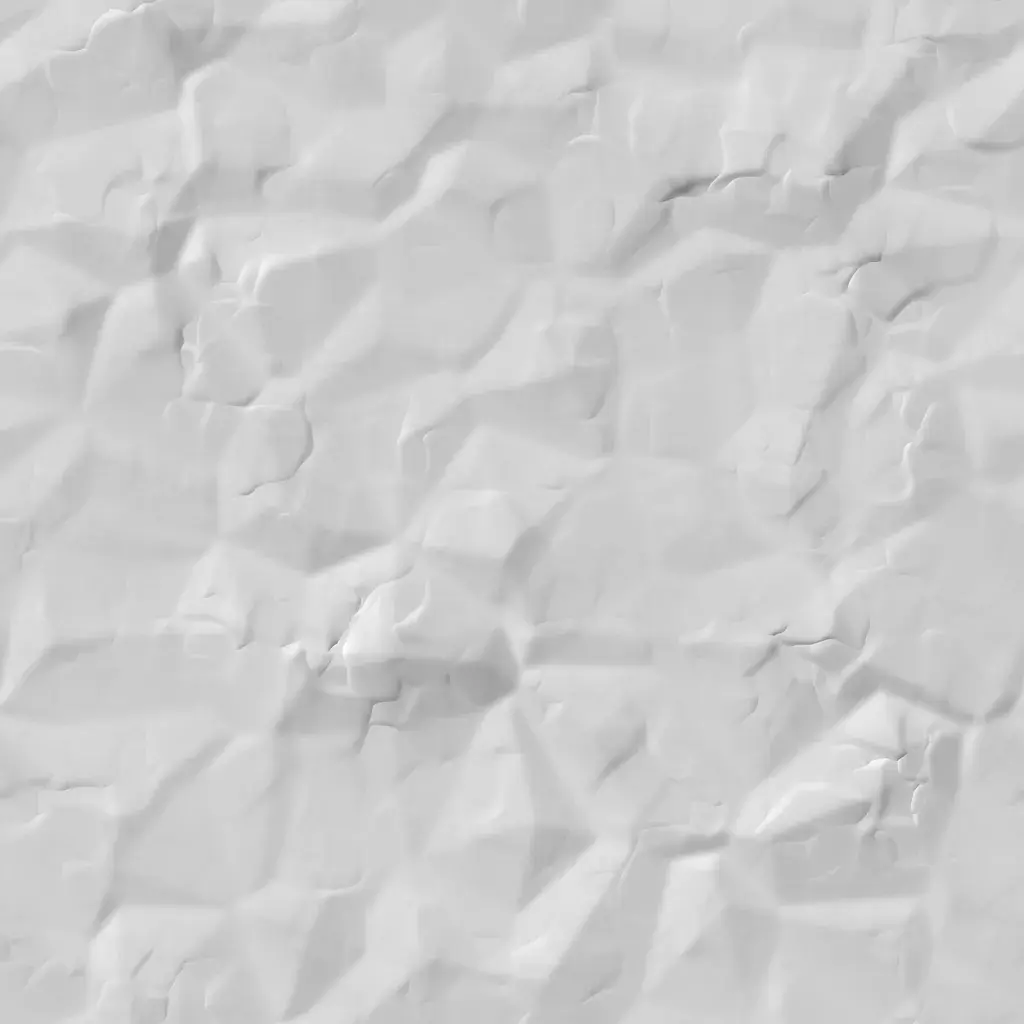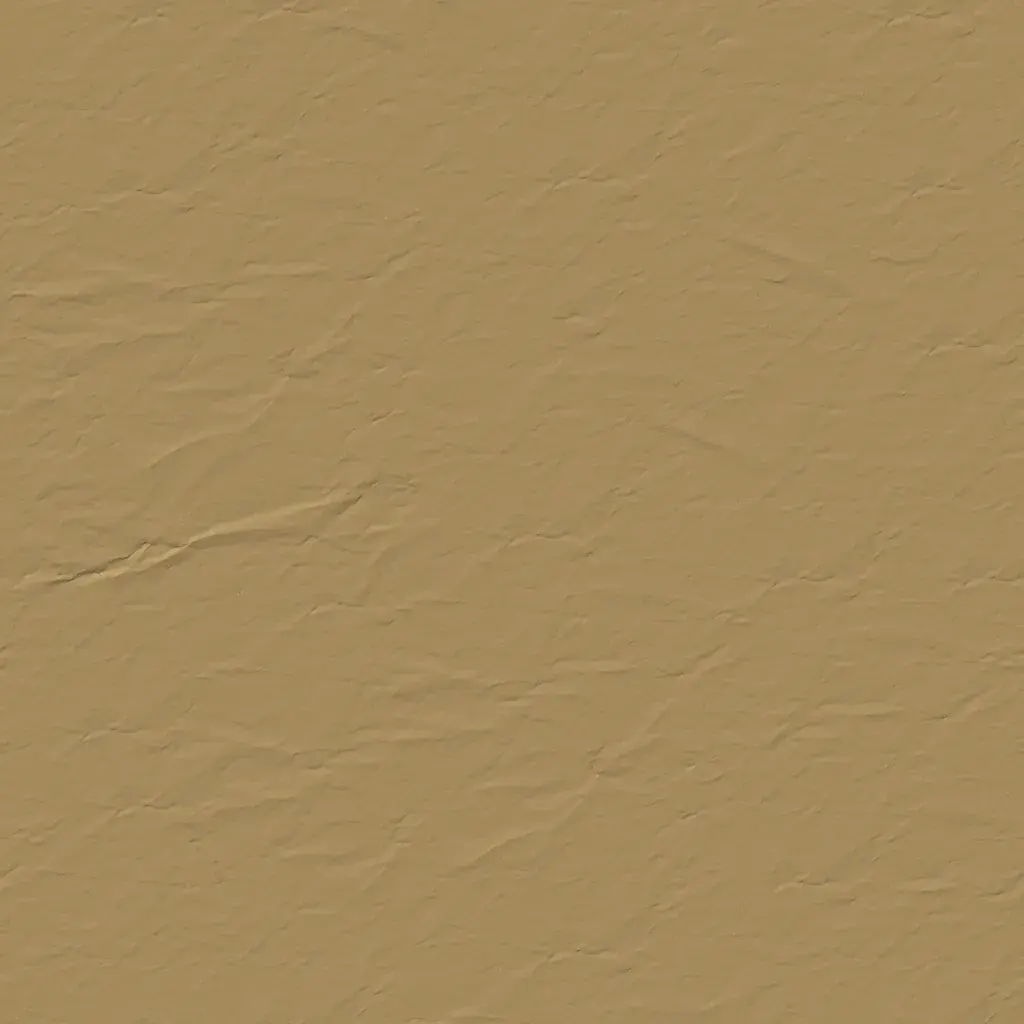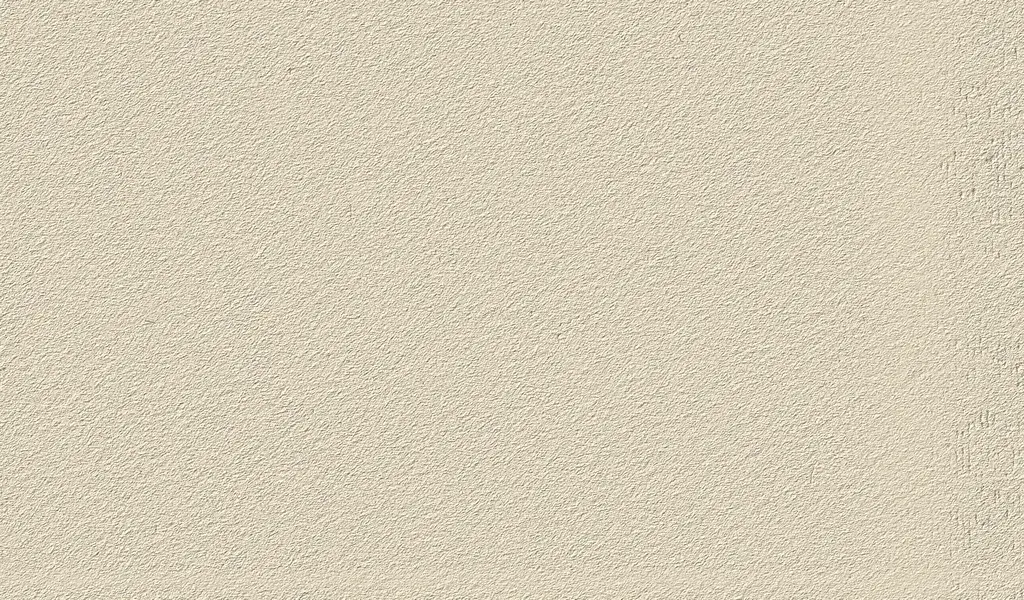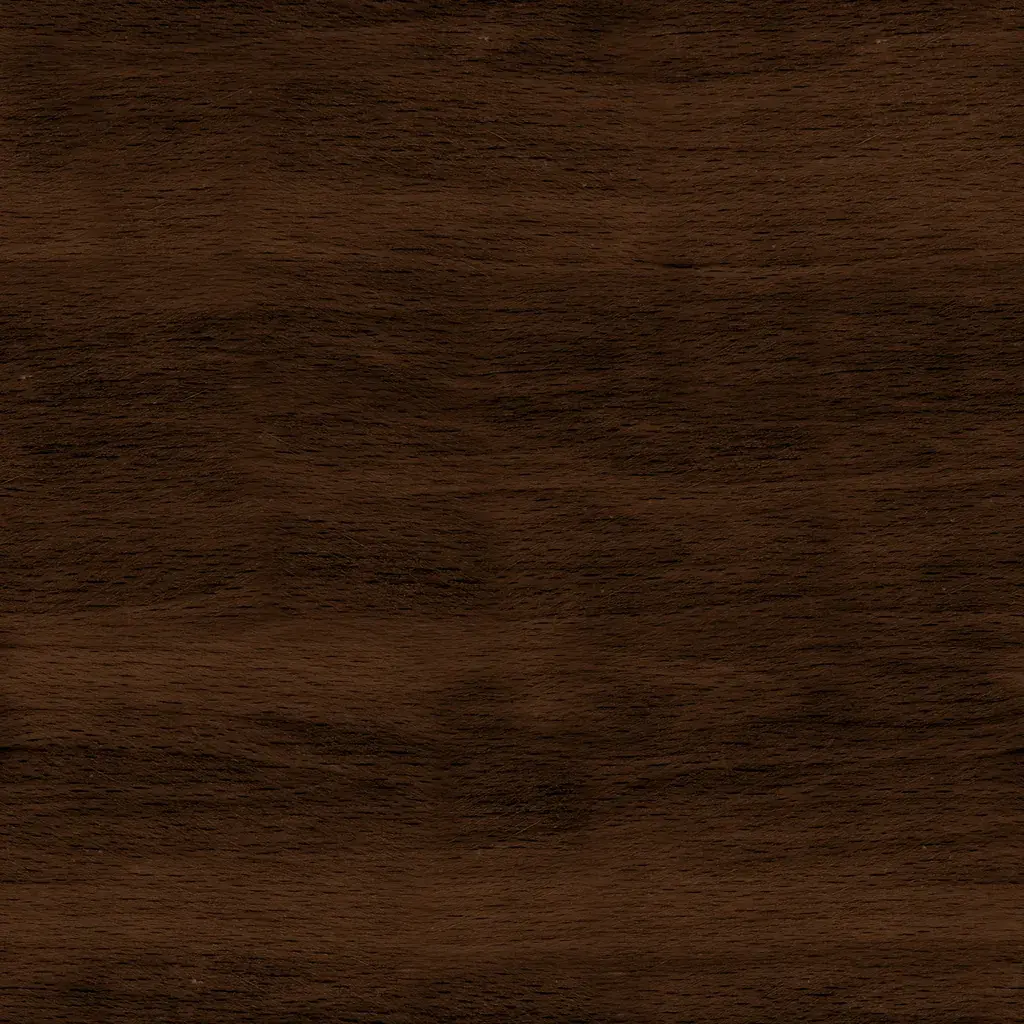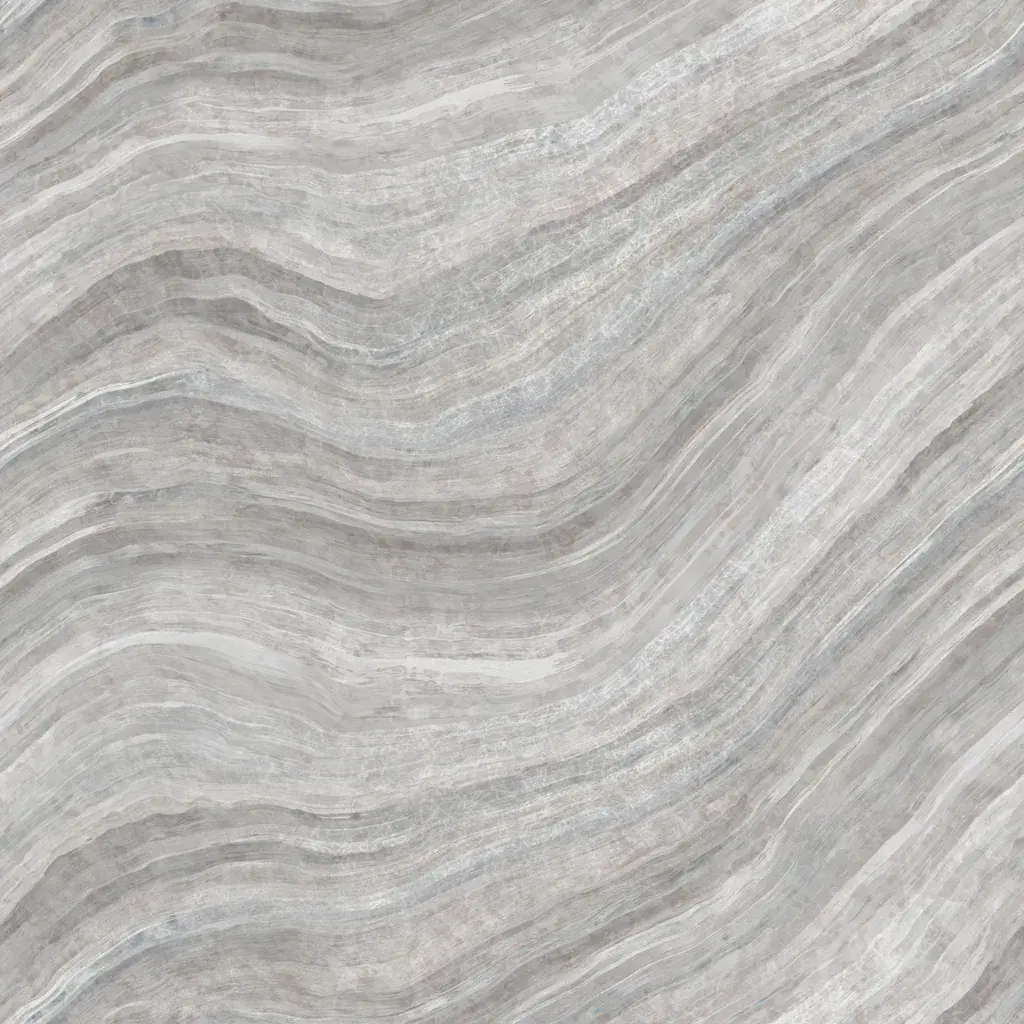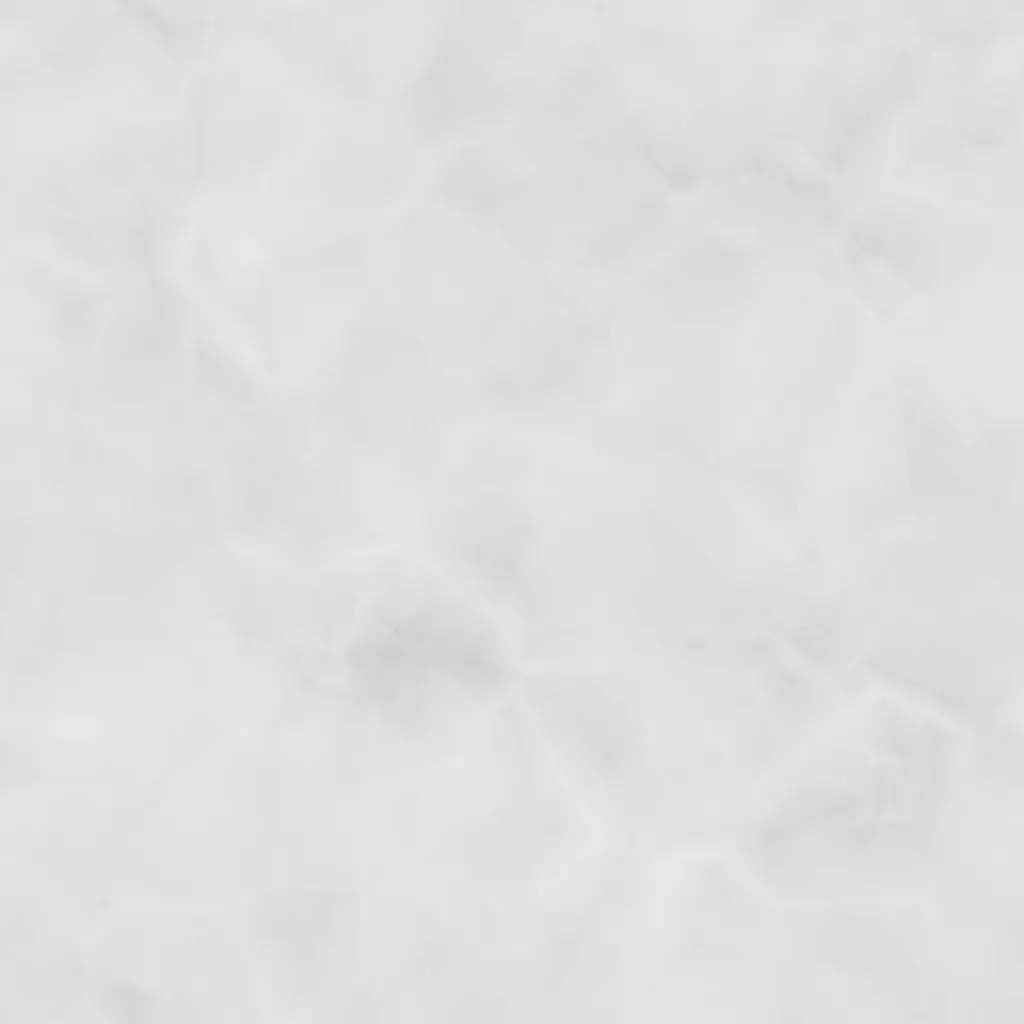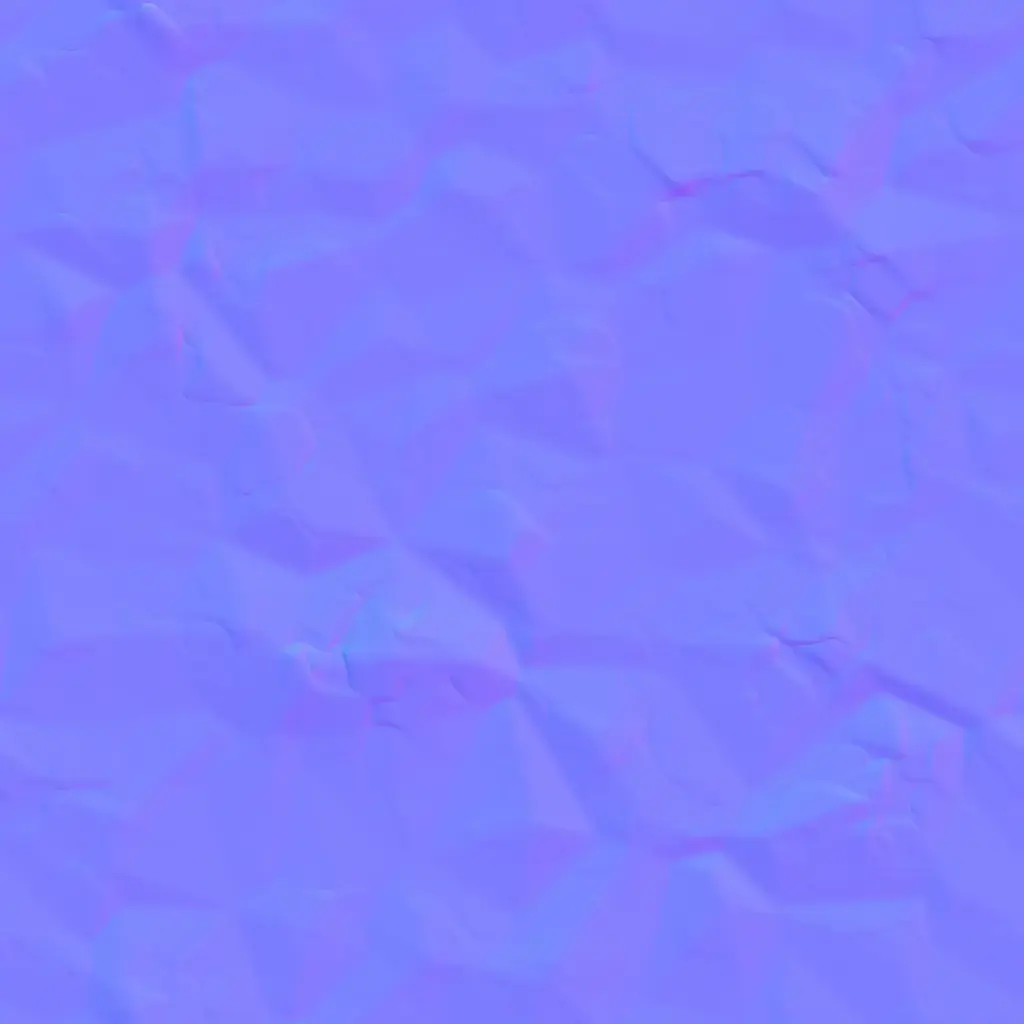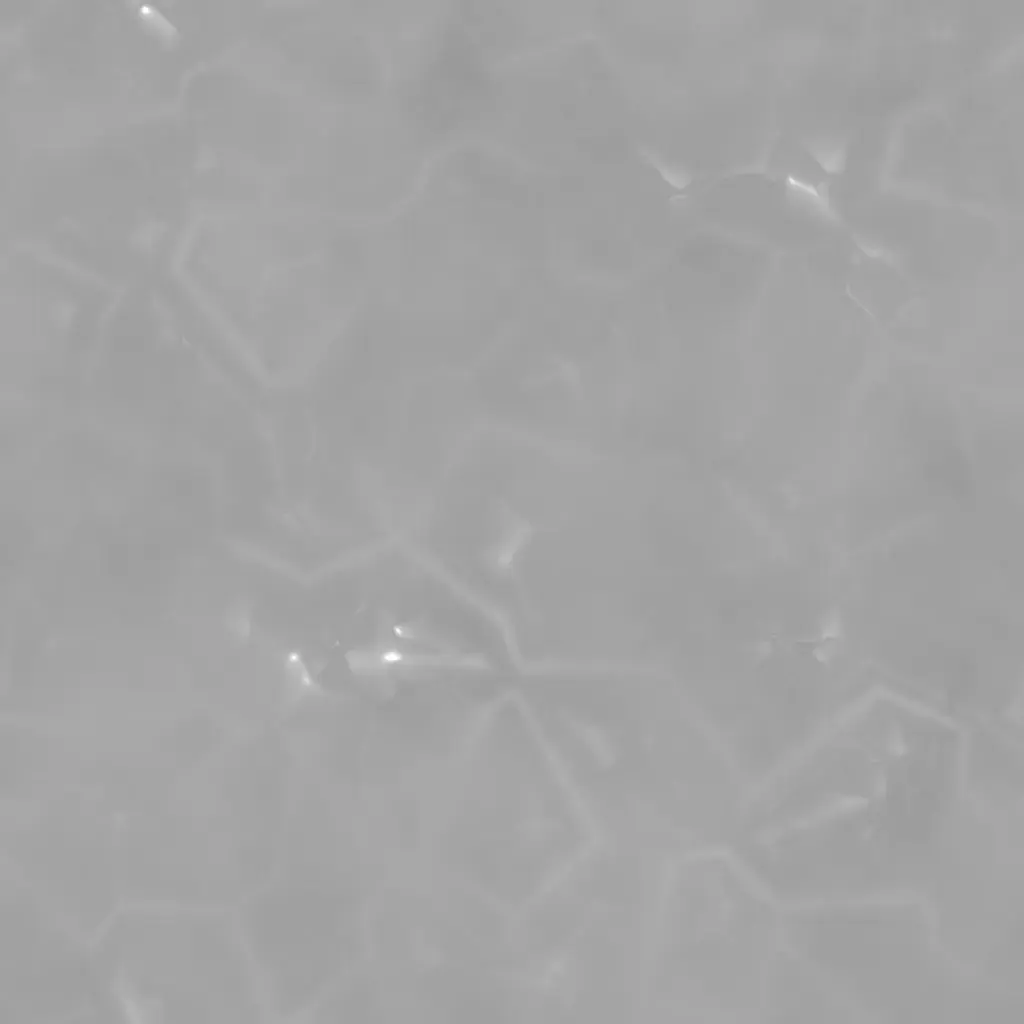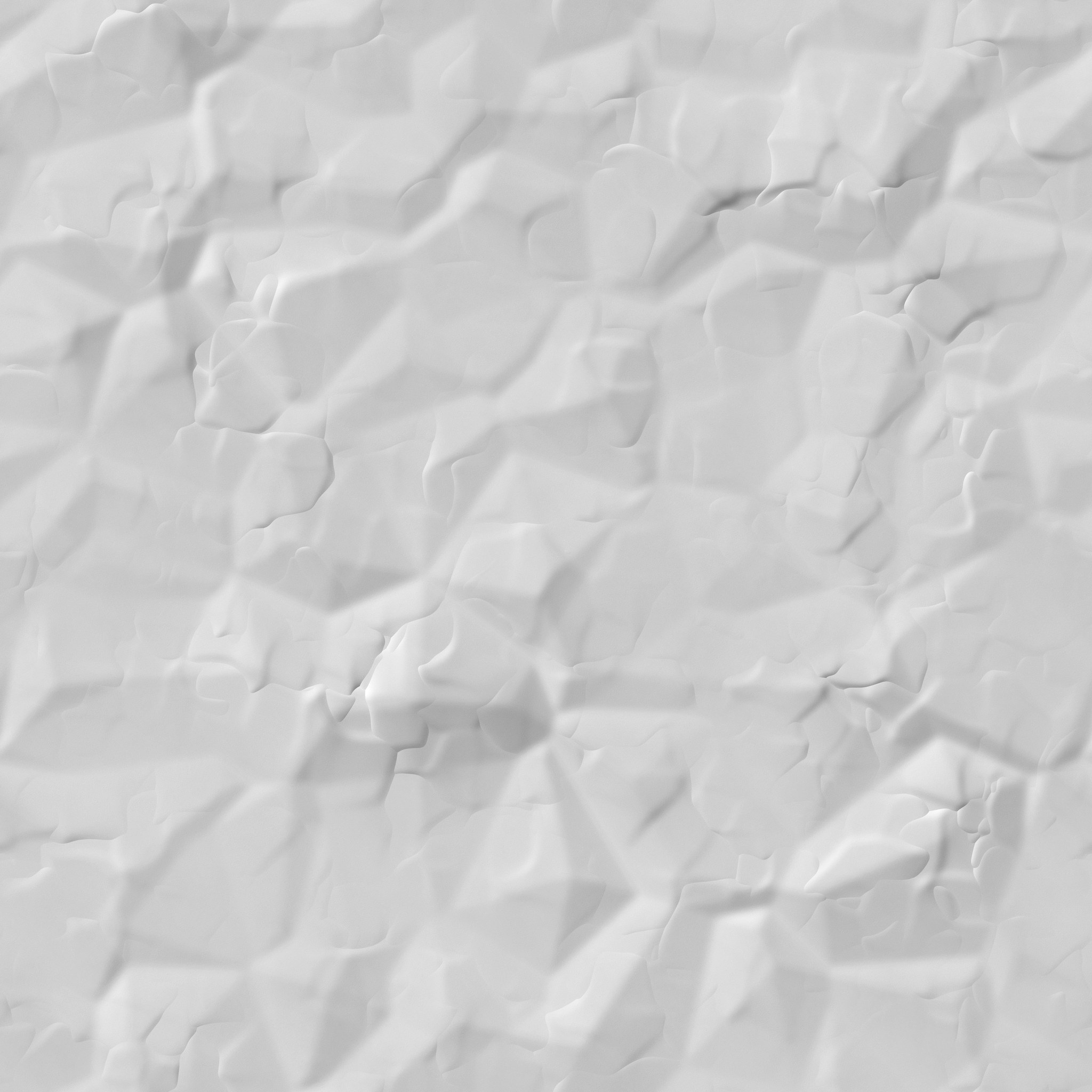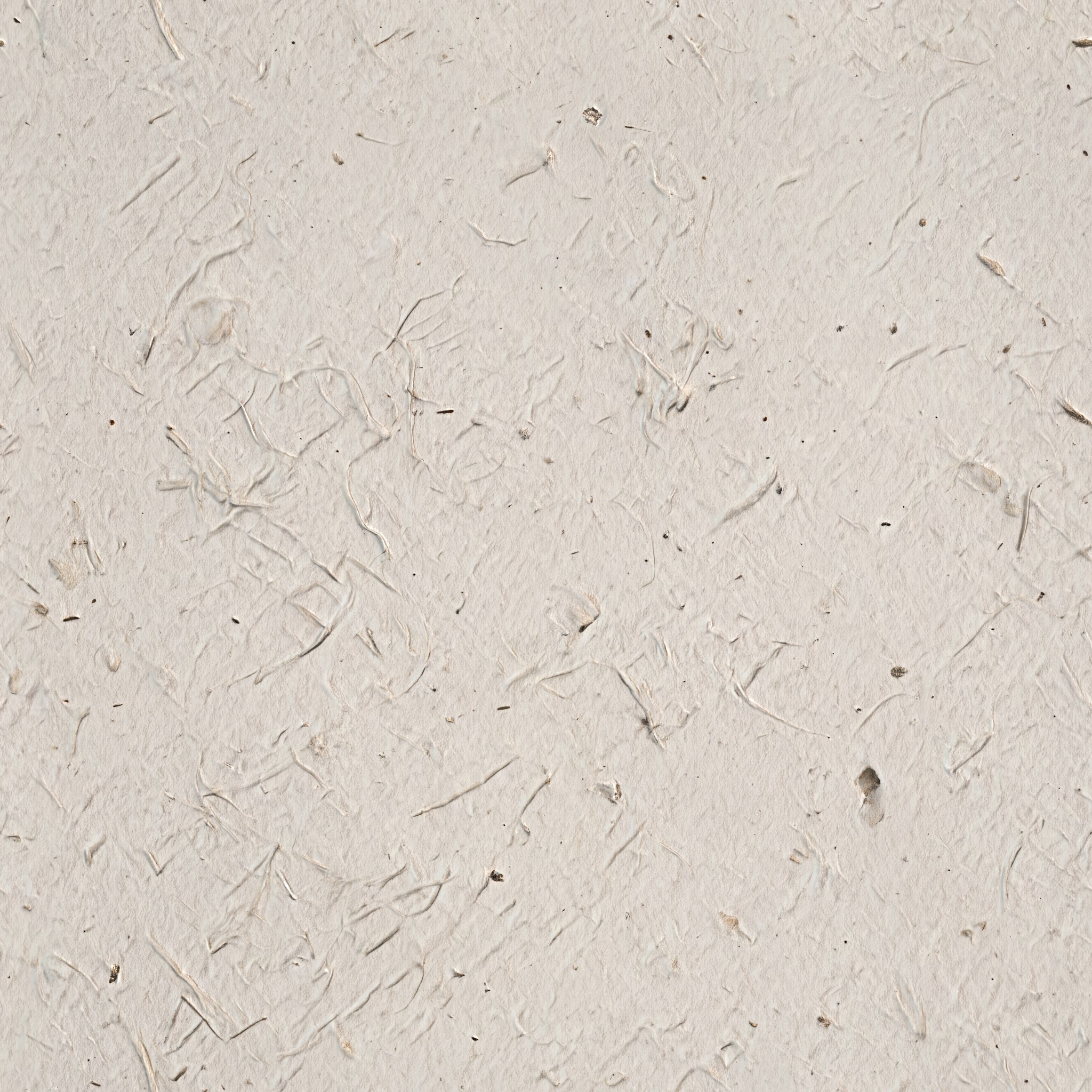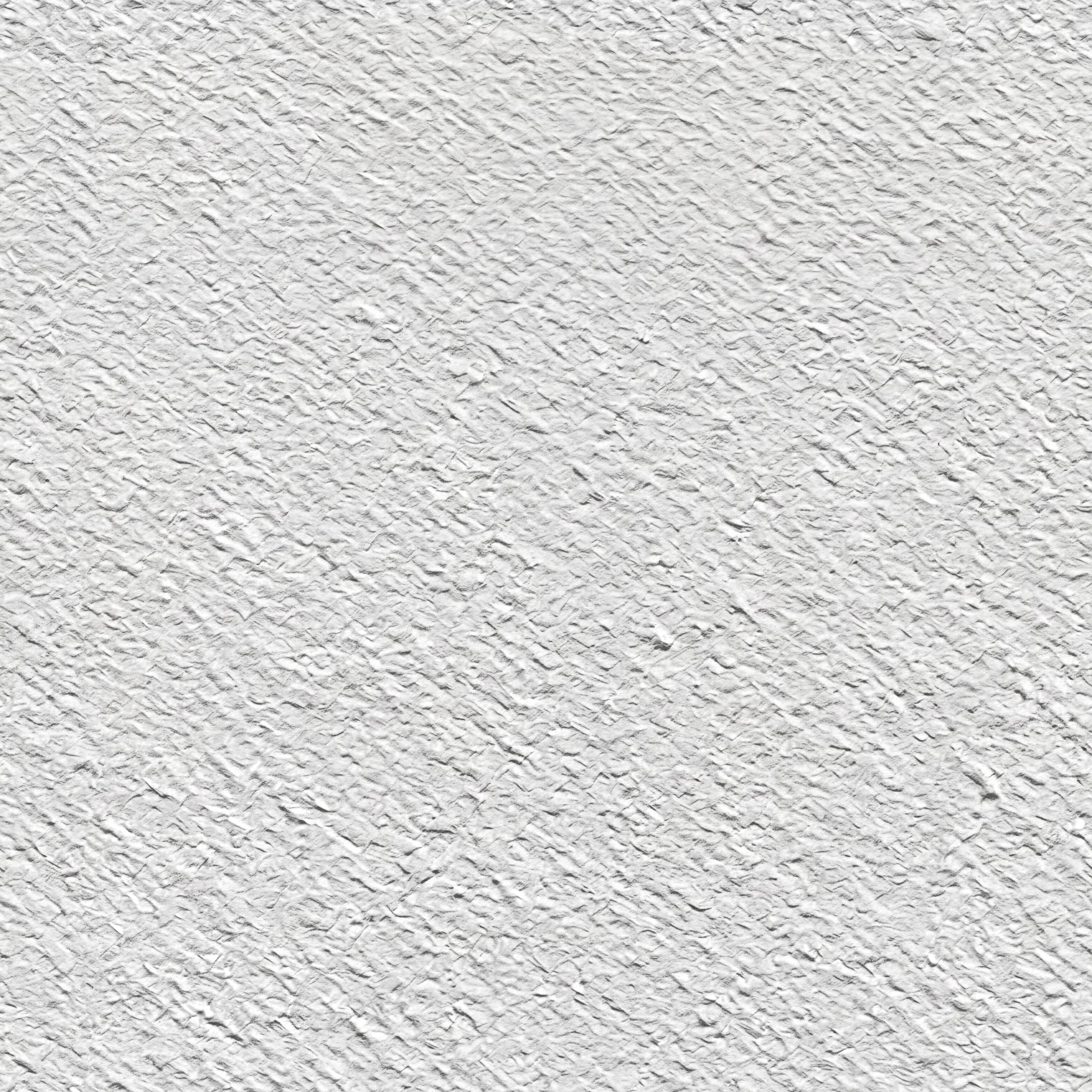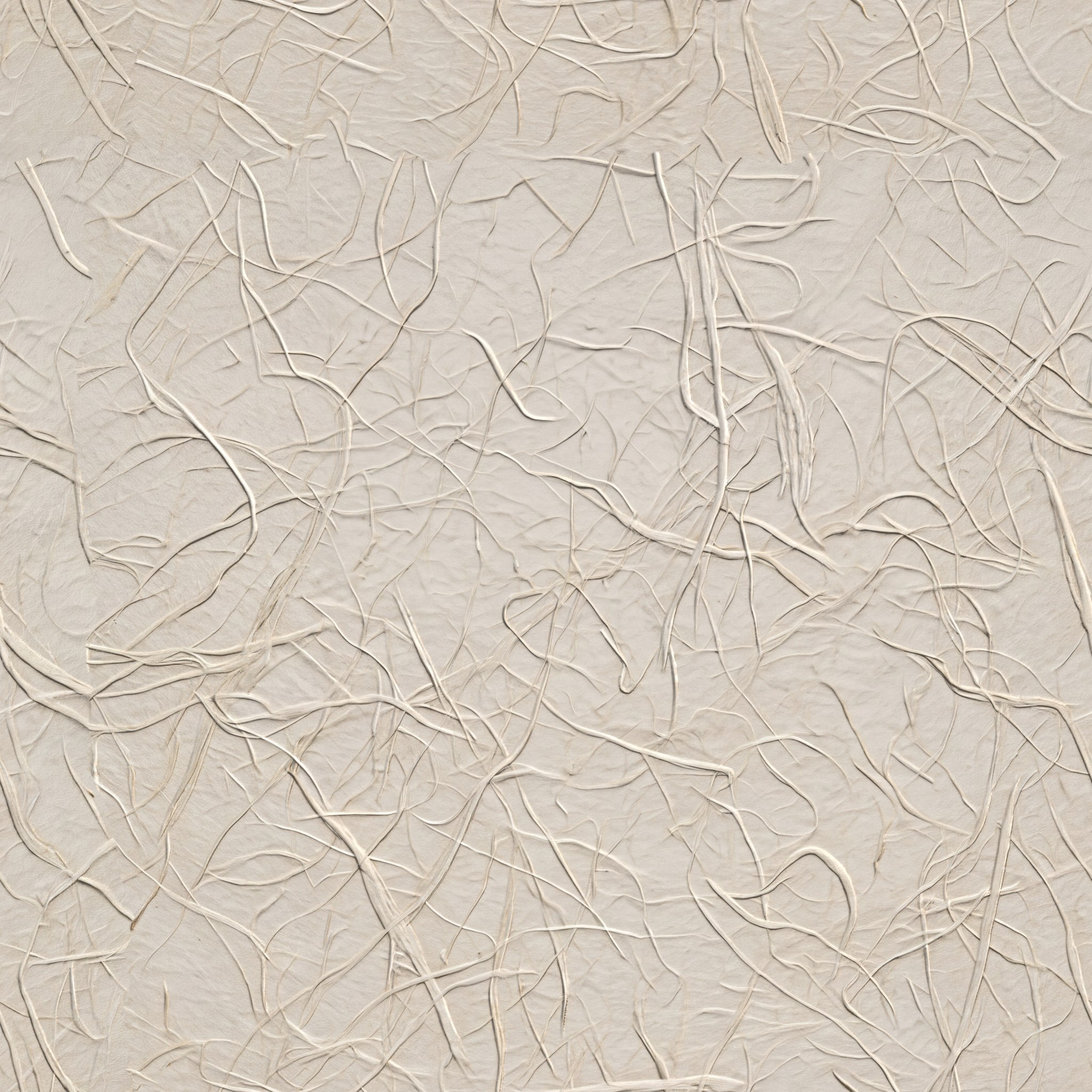
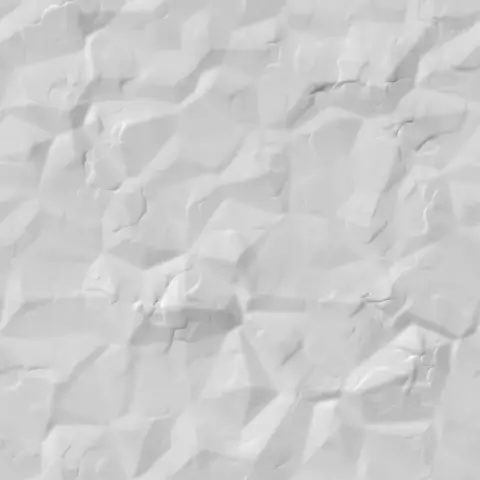
Crumpled white paper
Paper · 3 maps
Free texture library
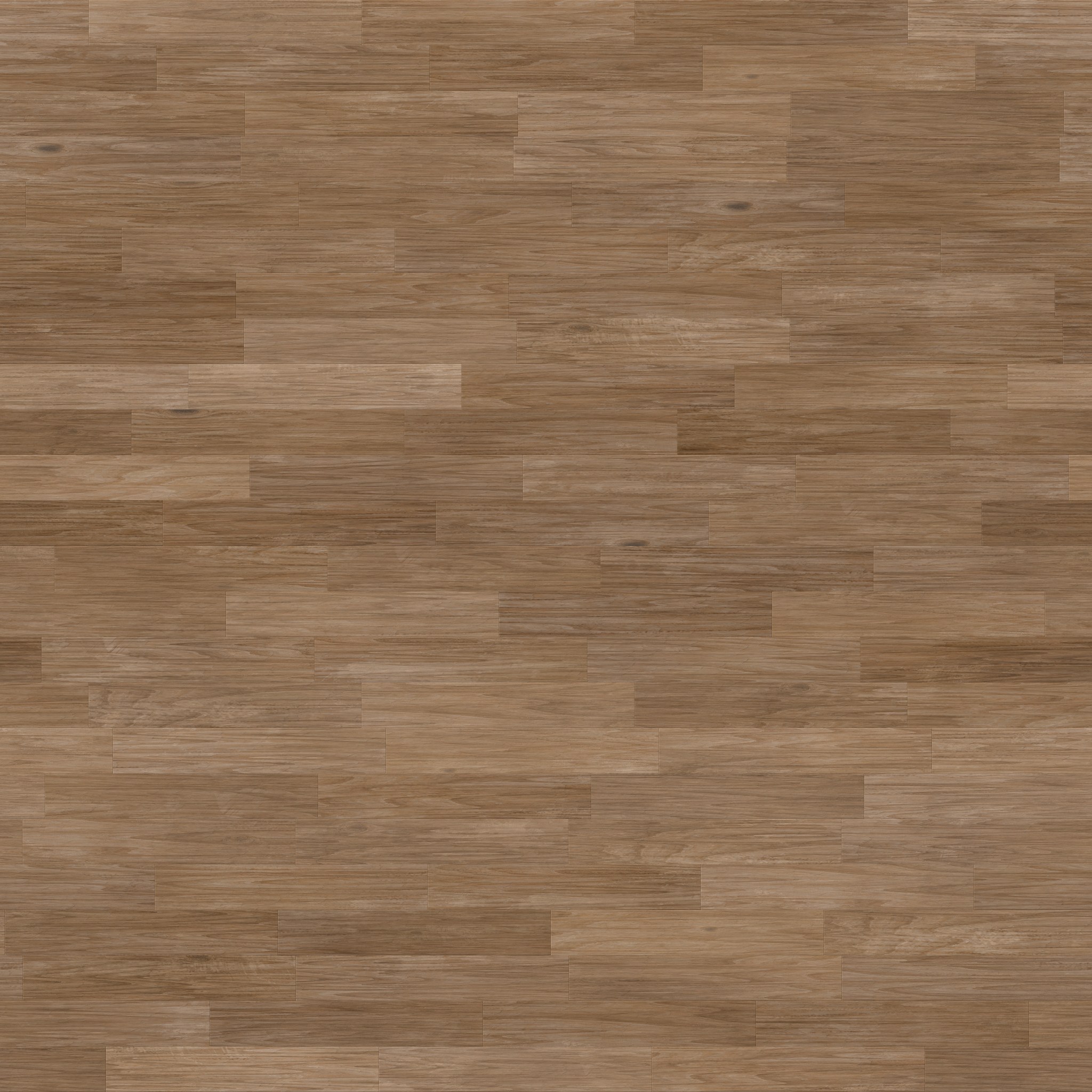
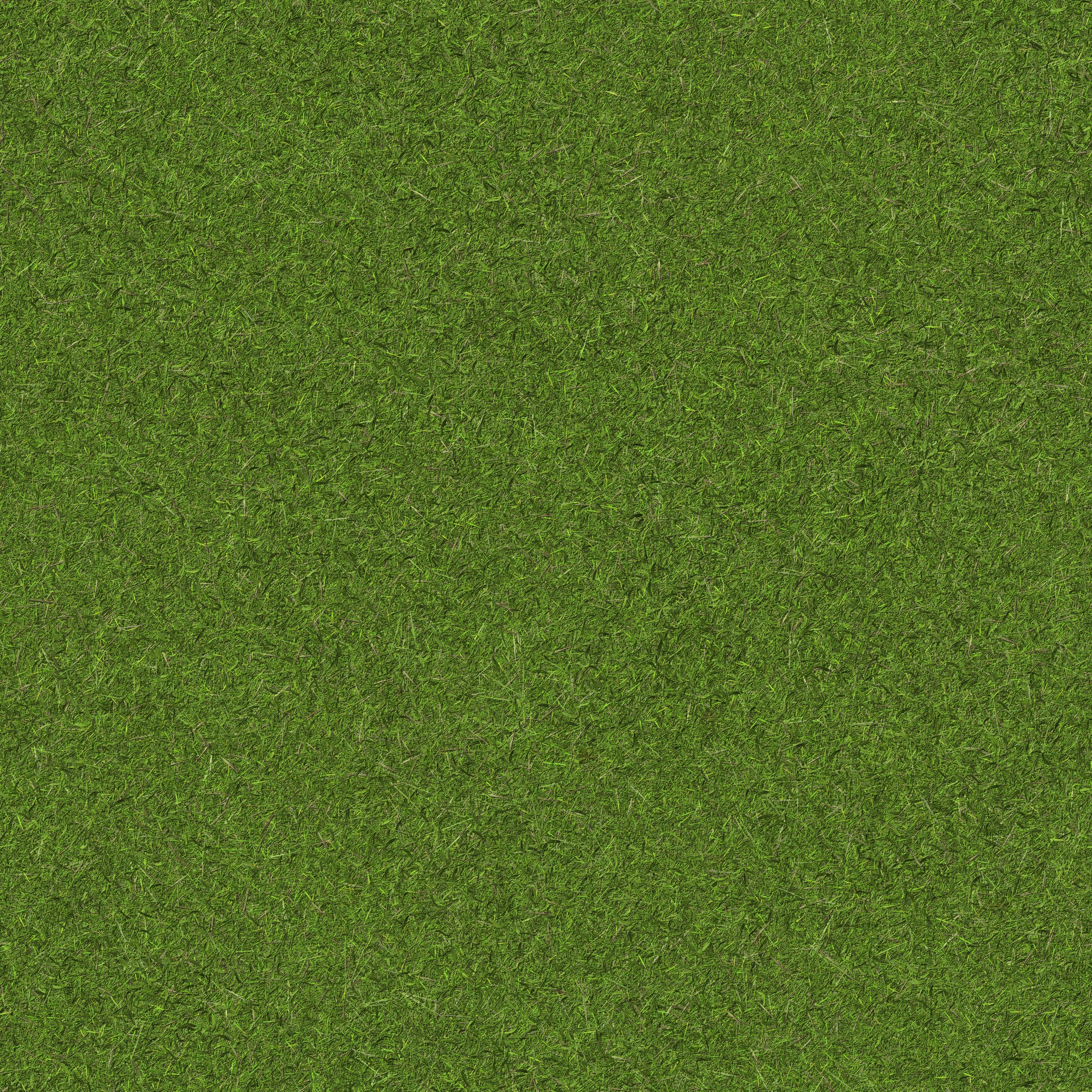
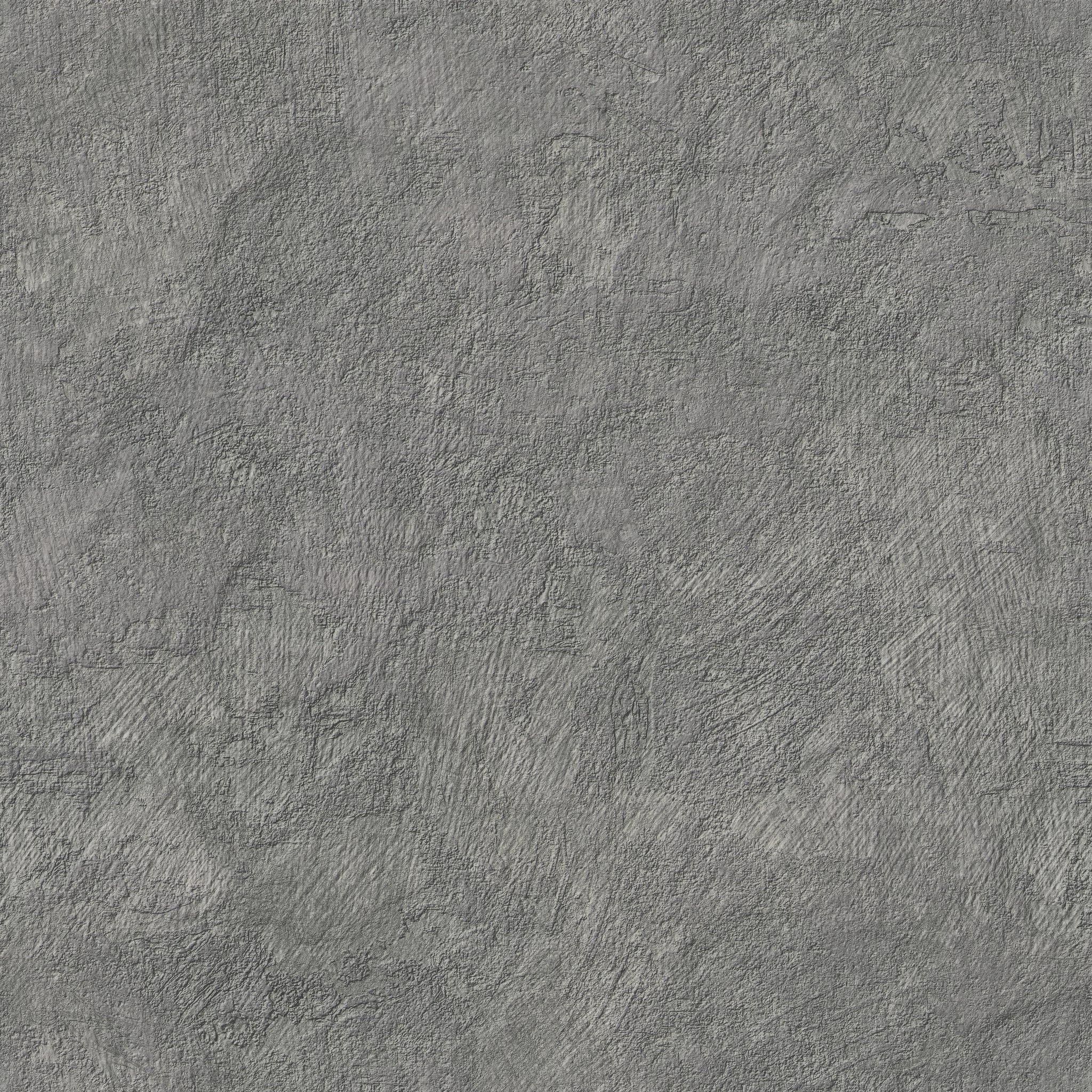
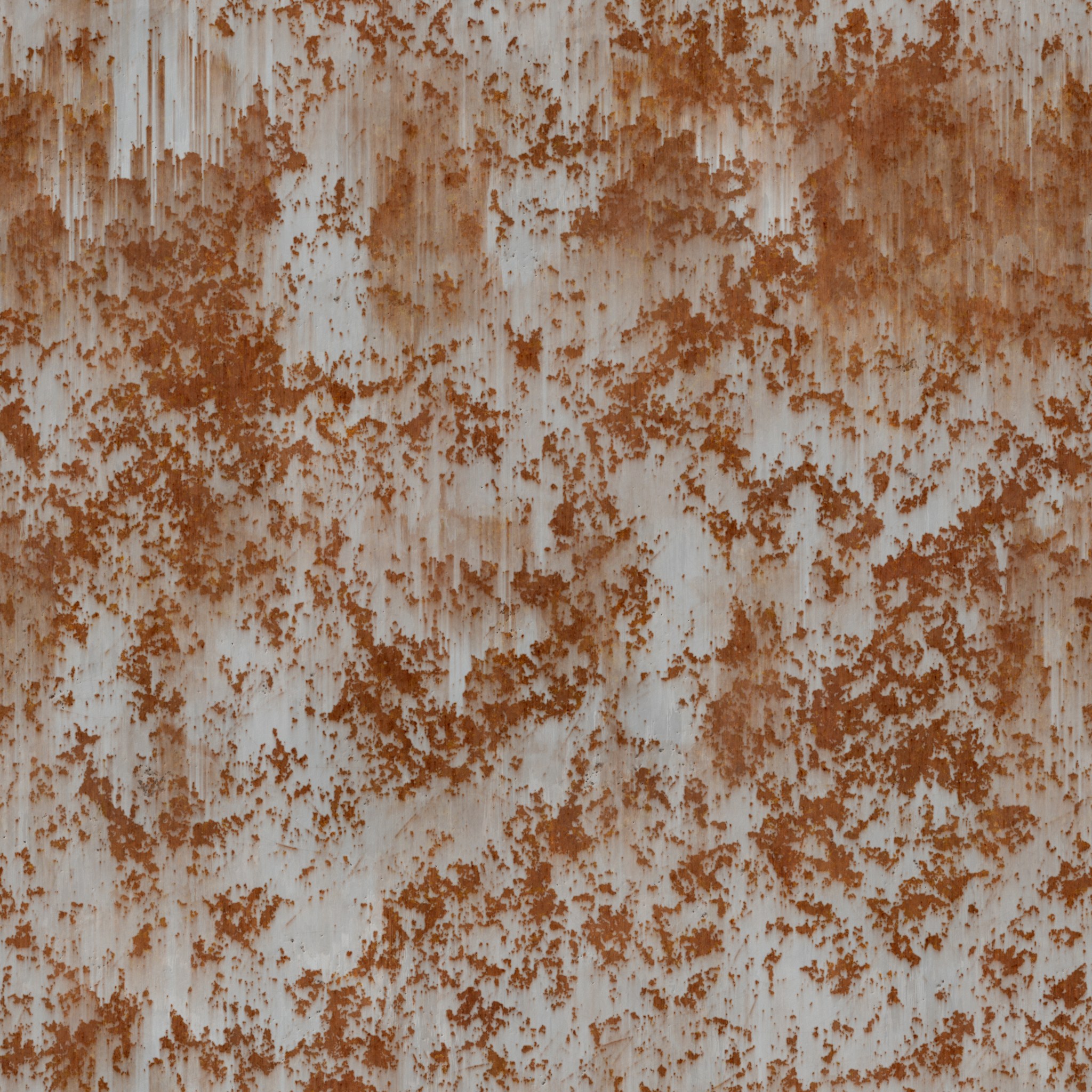
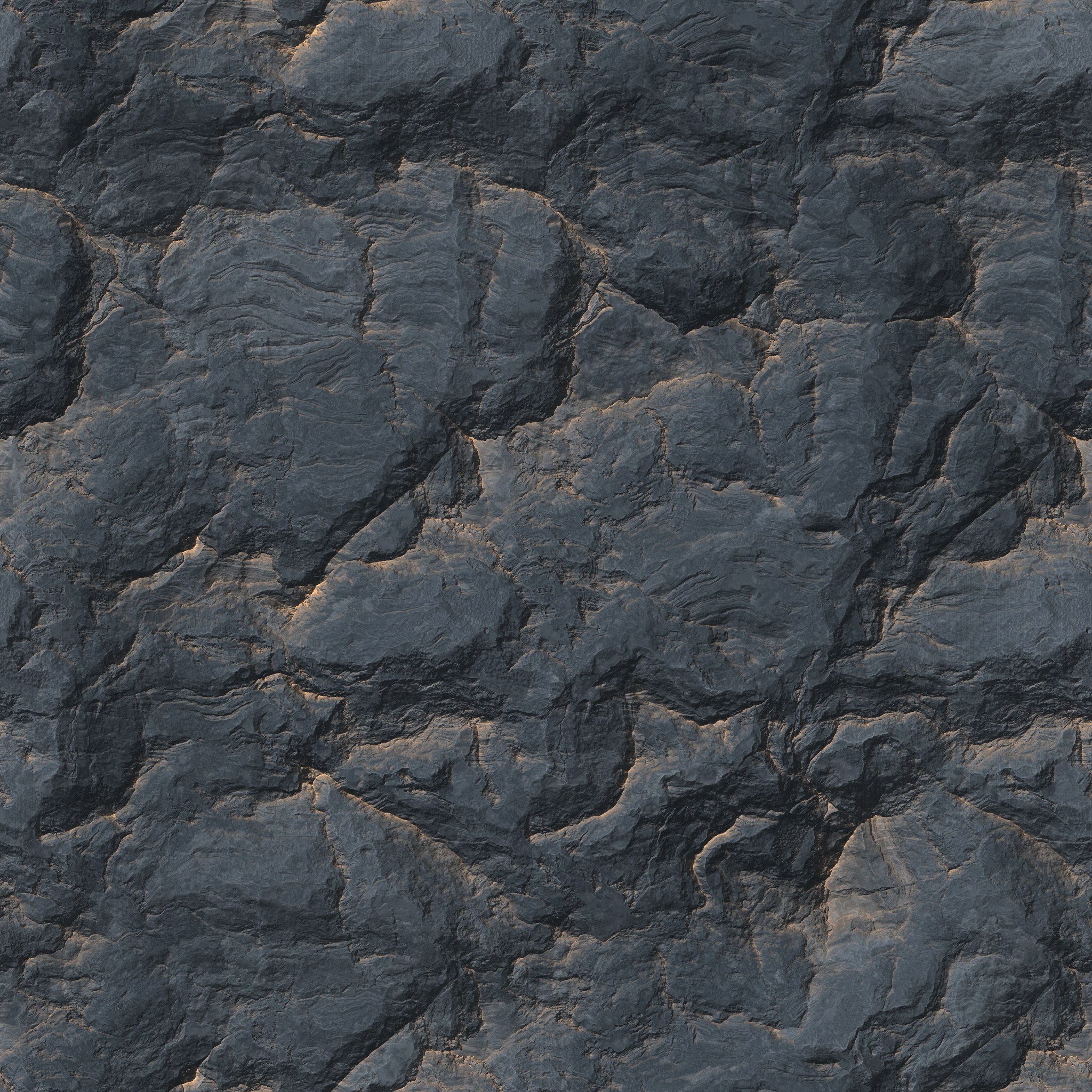
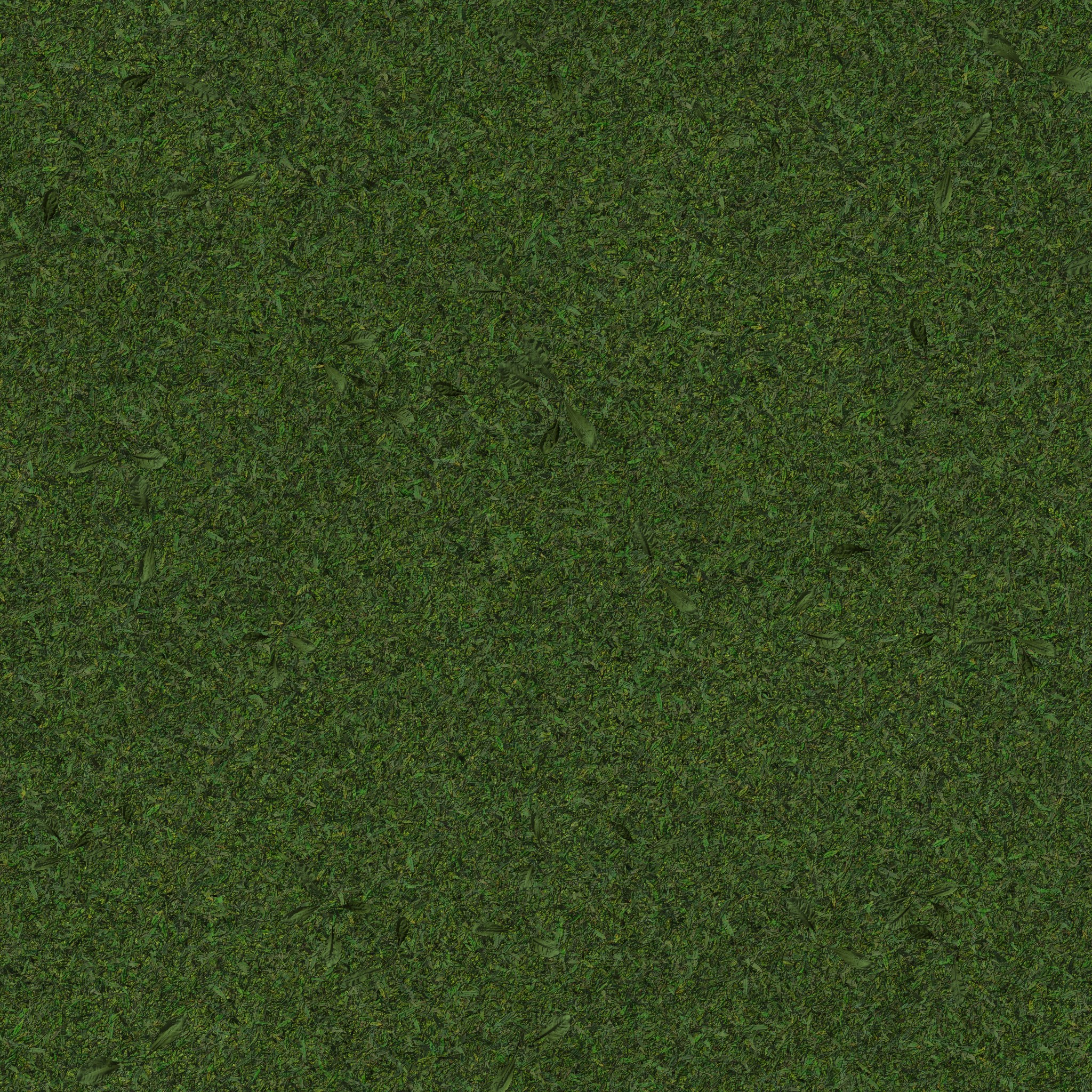
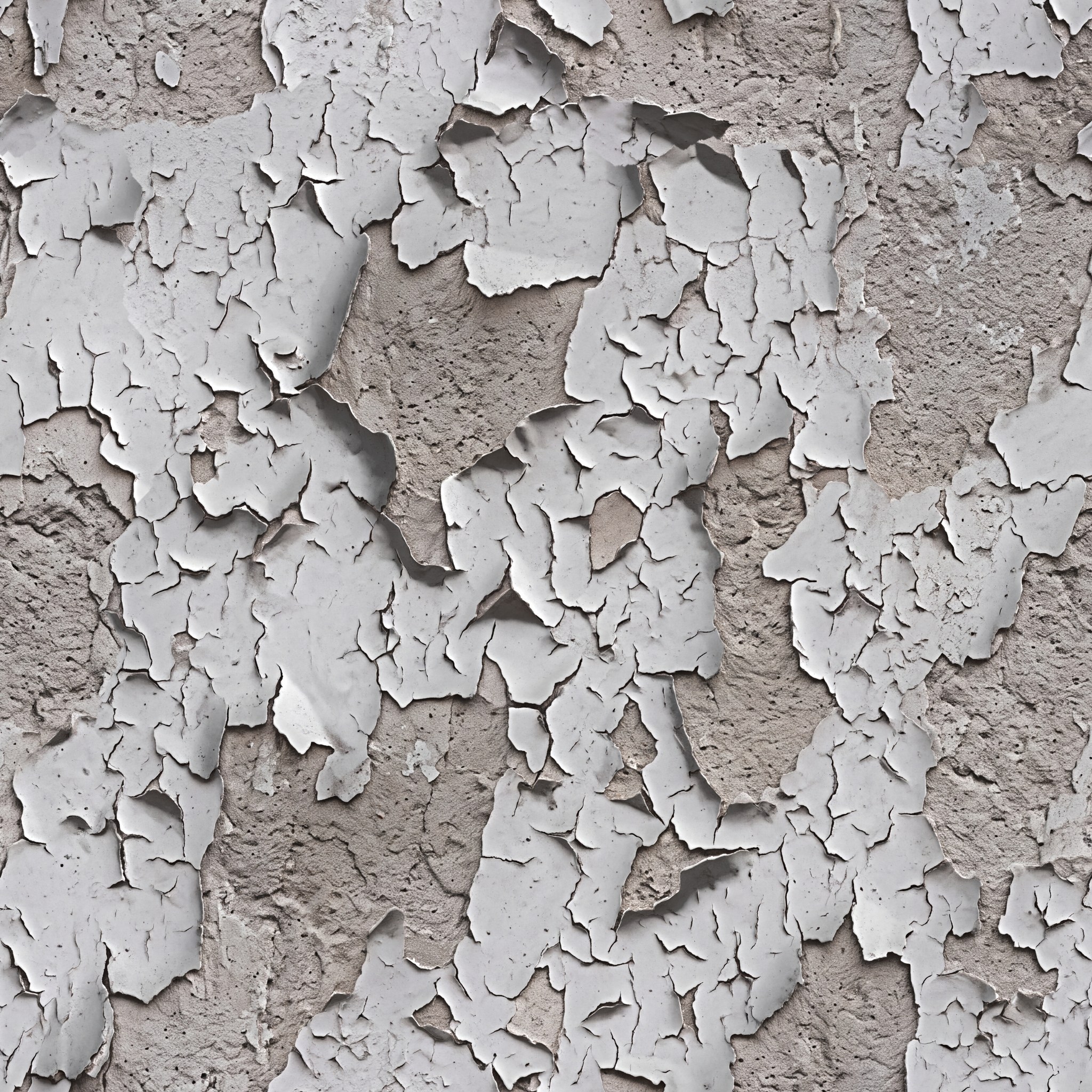
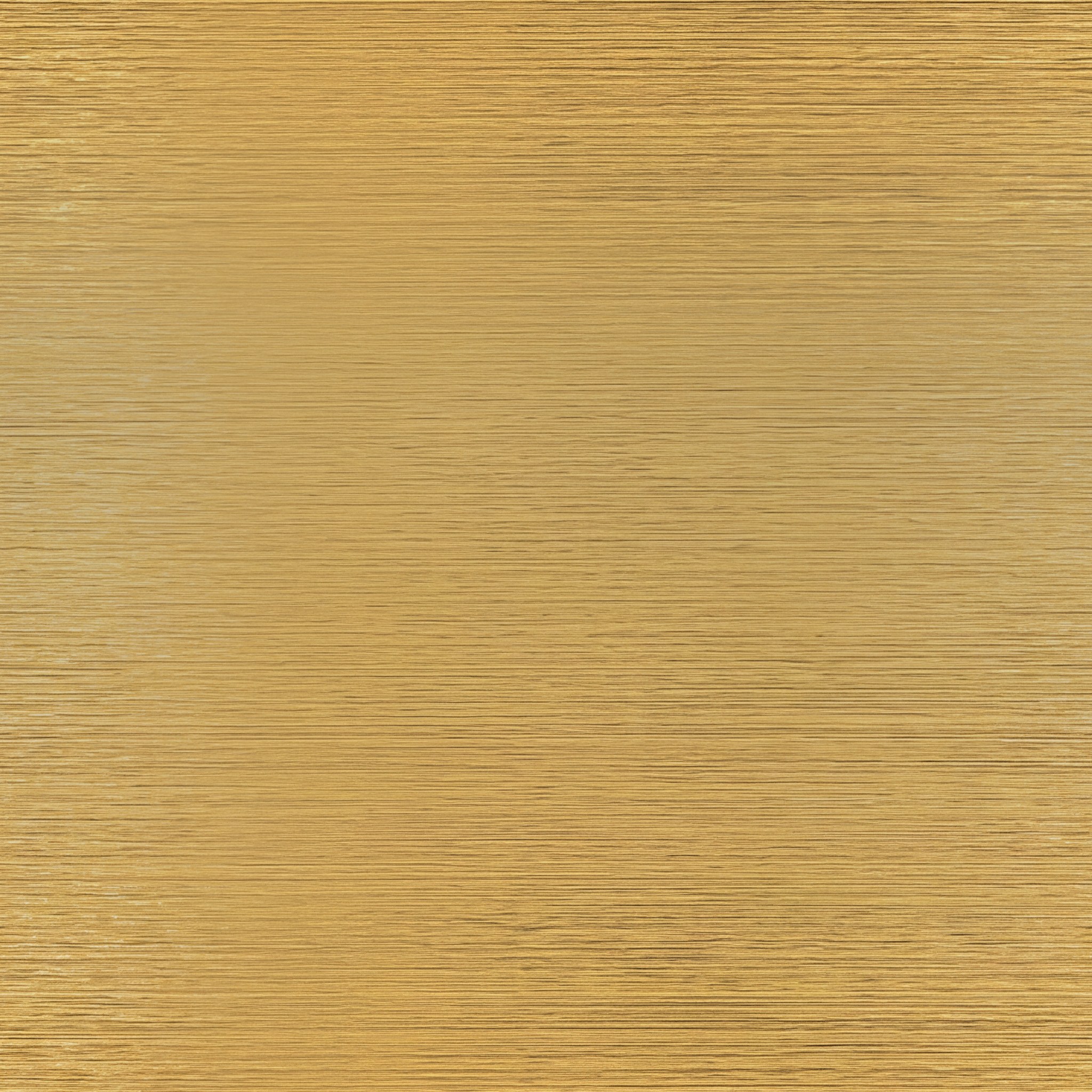
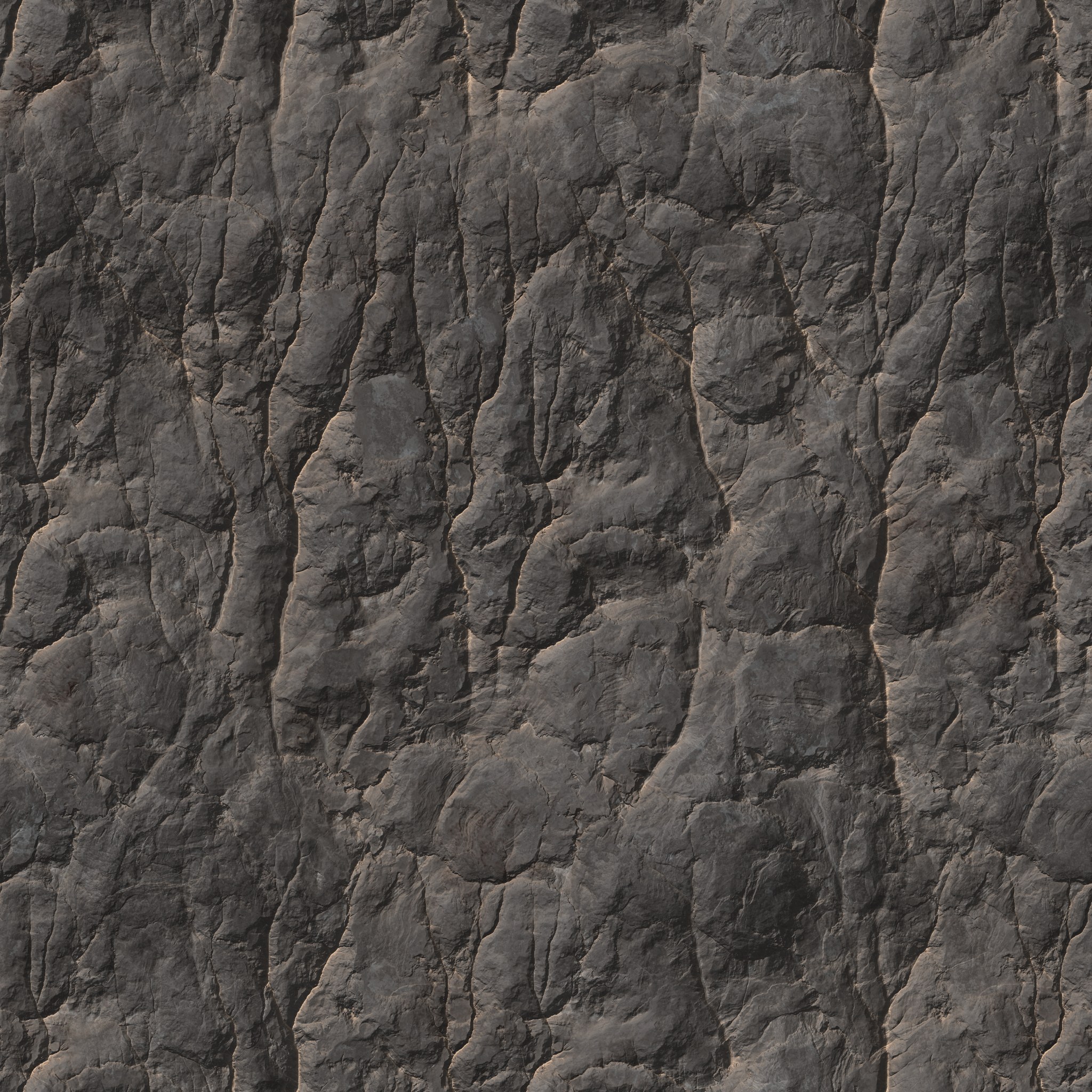
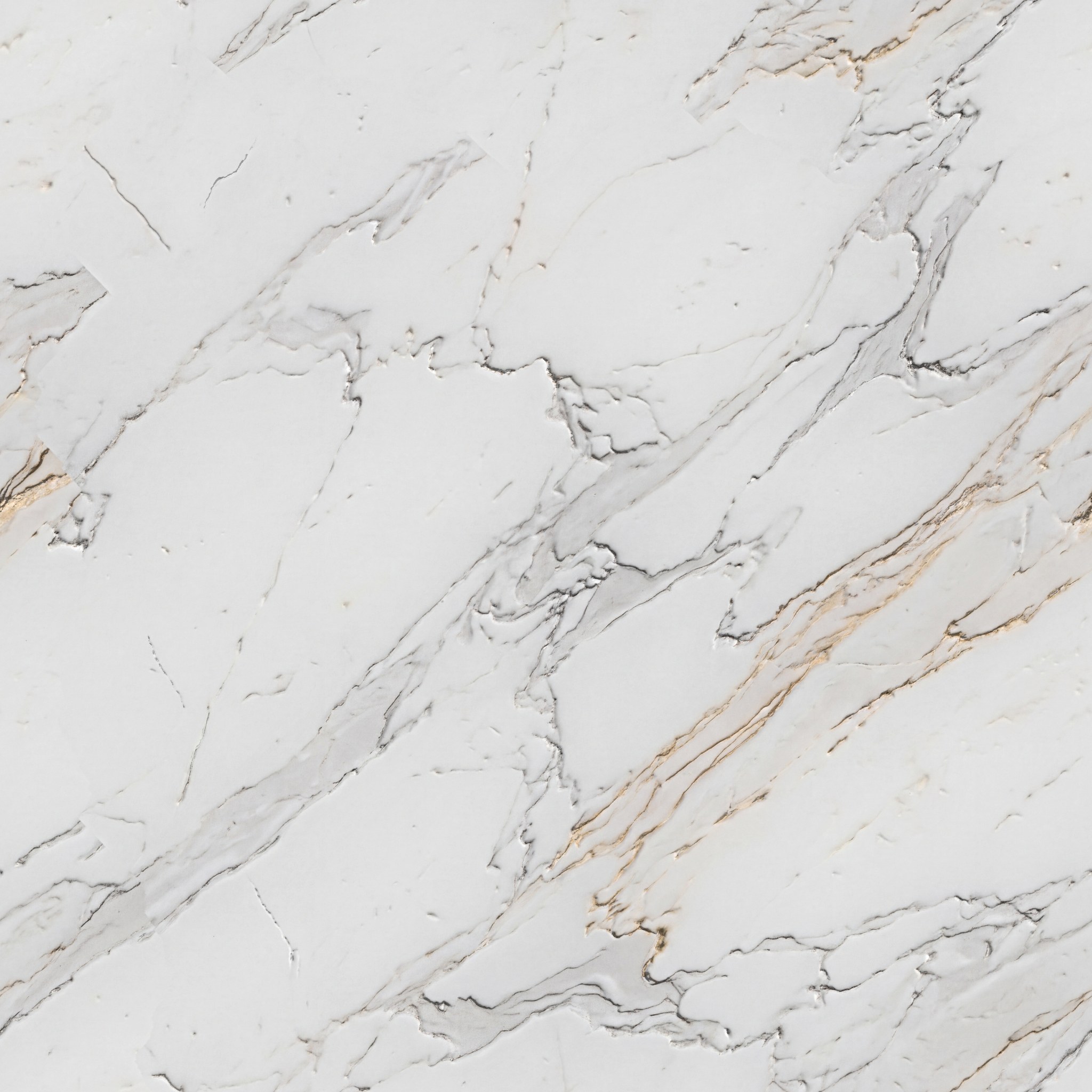
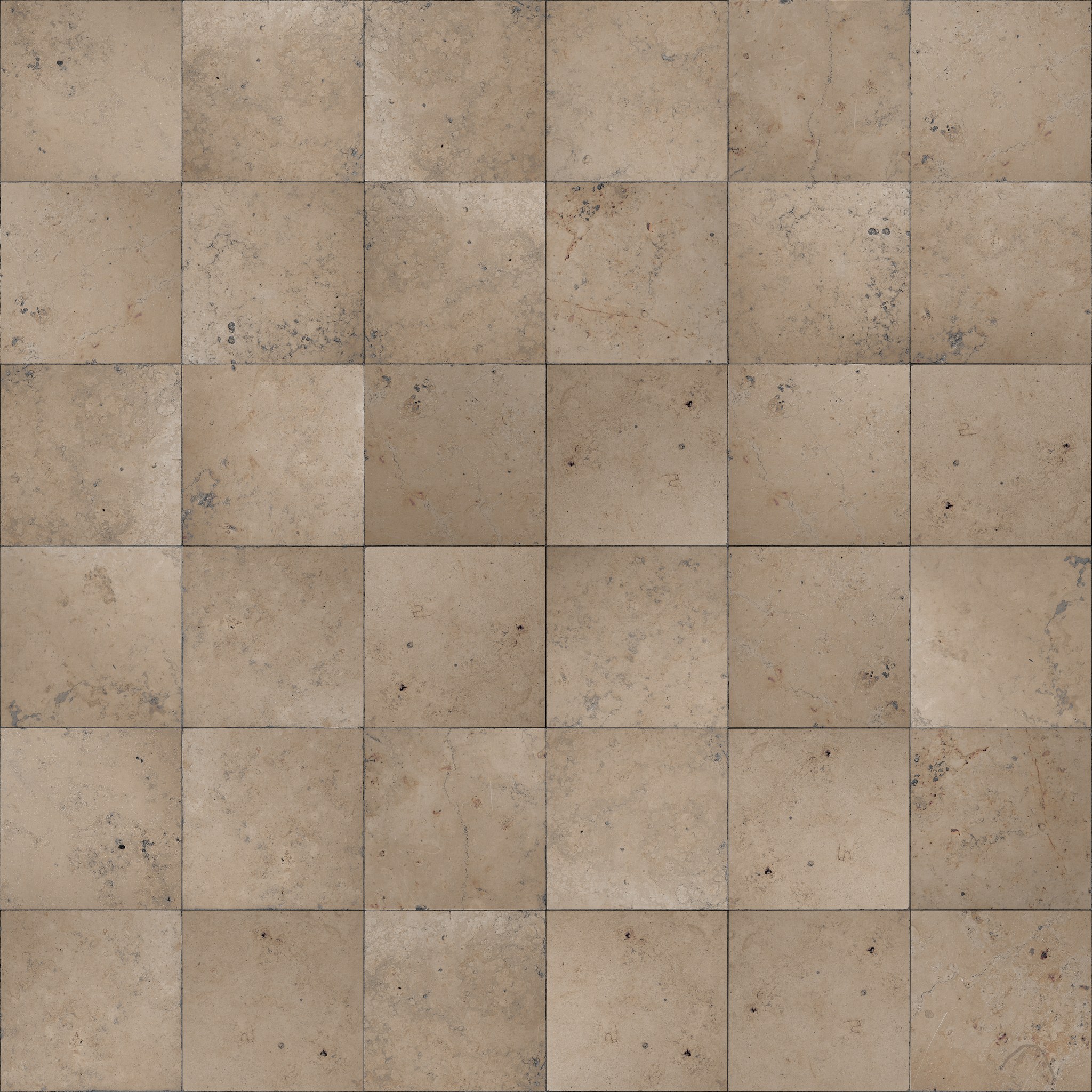
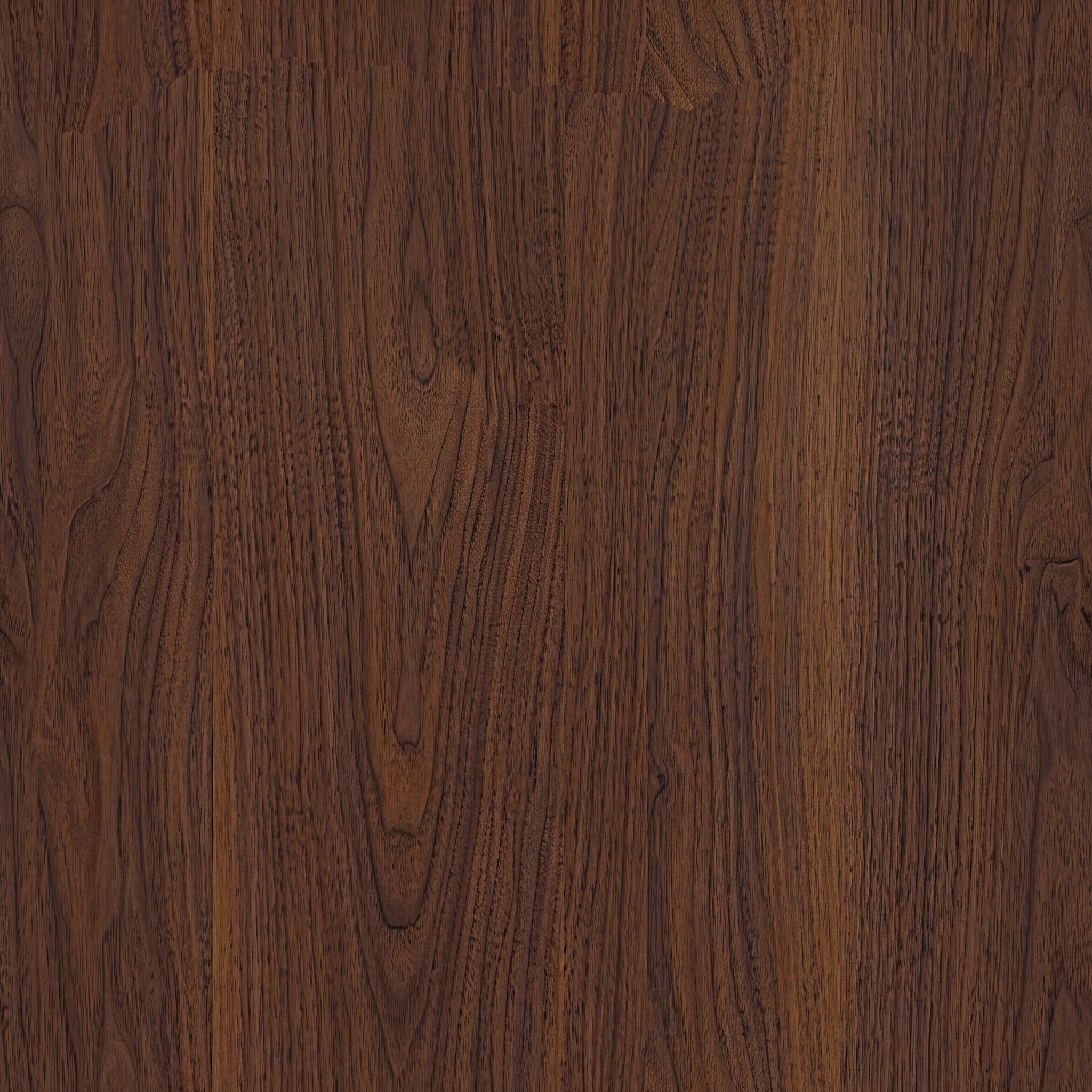
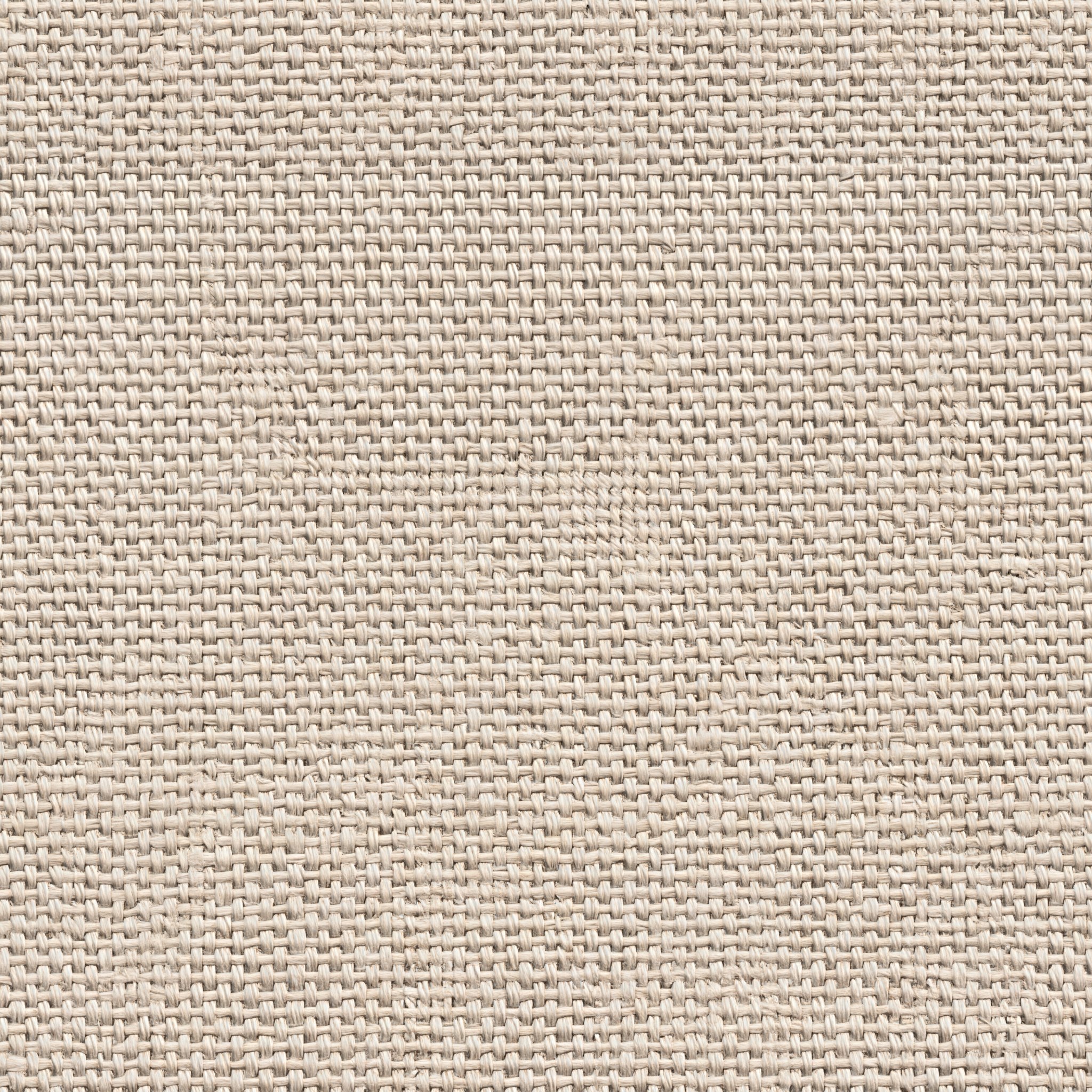
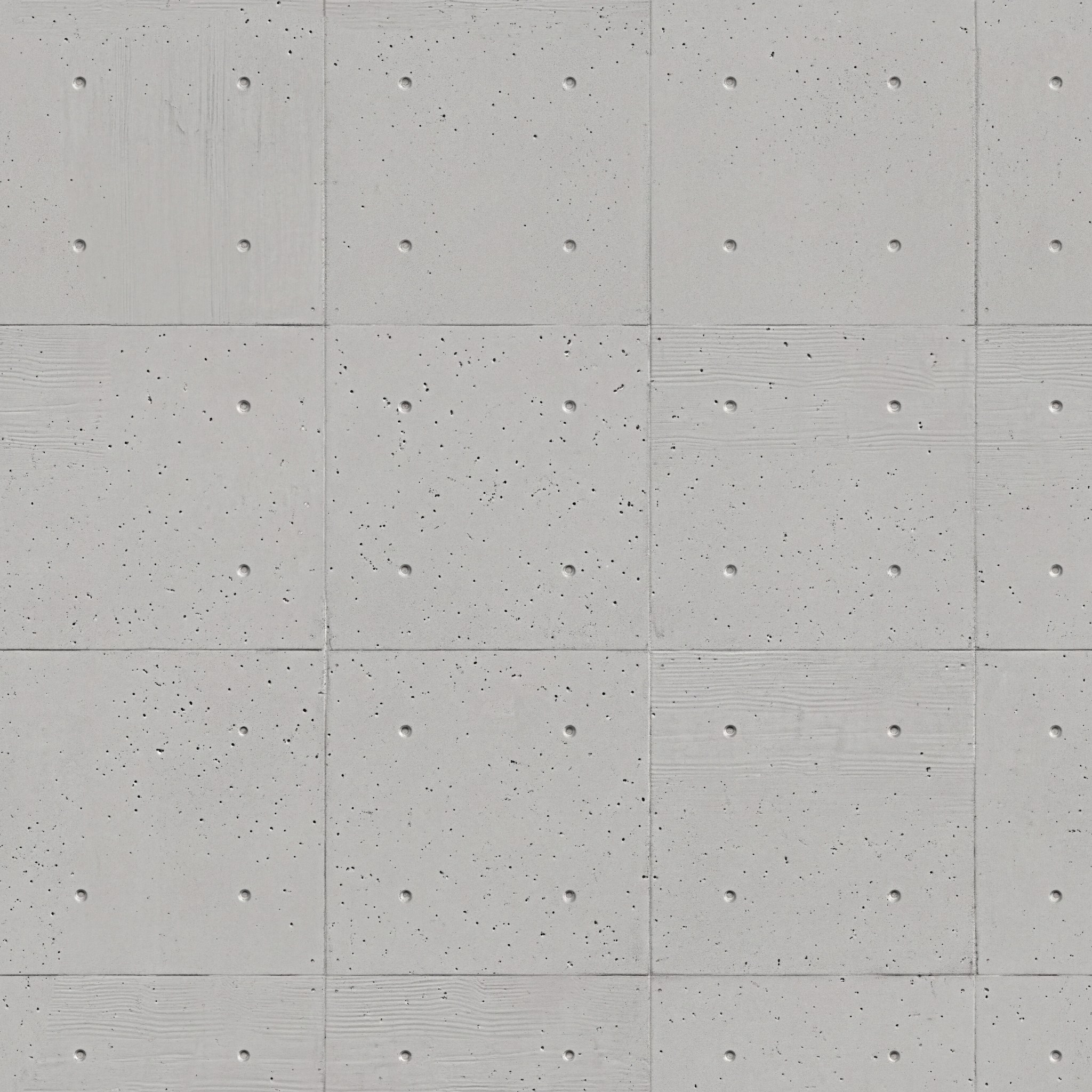
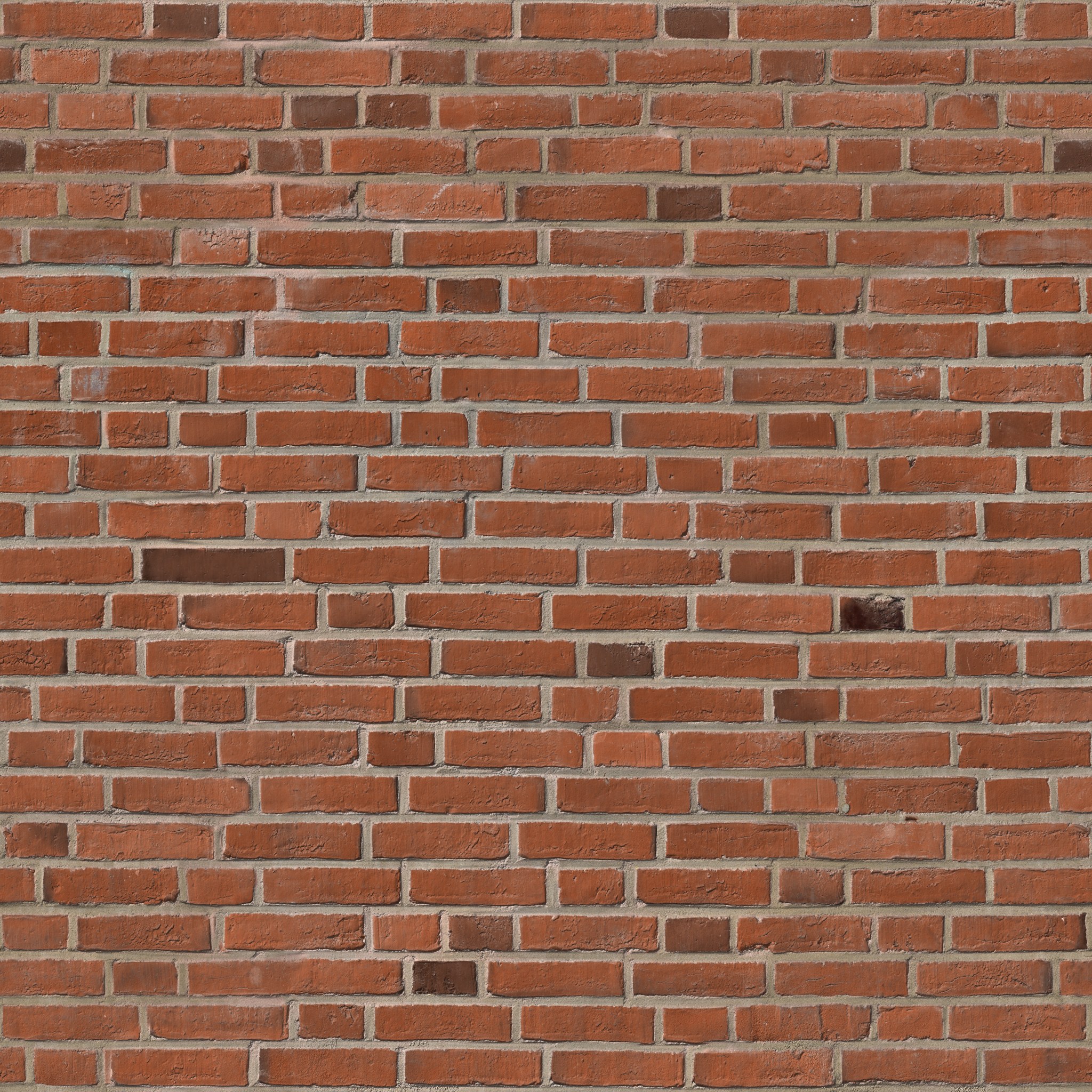
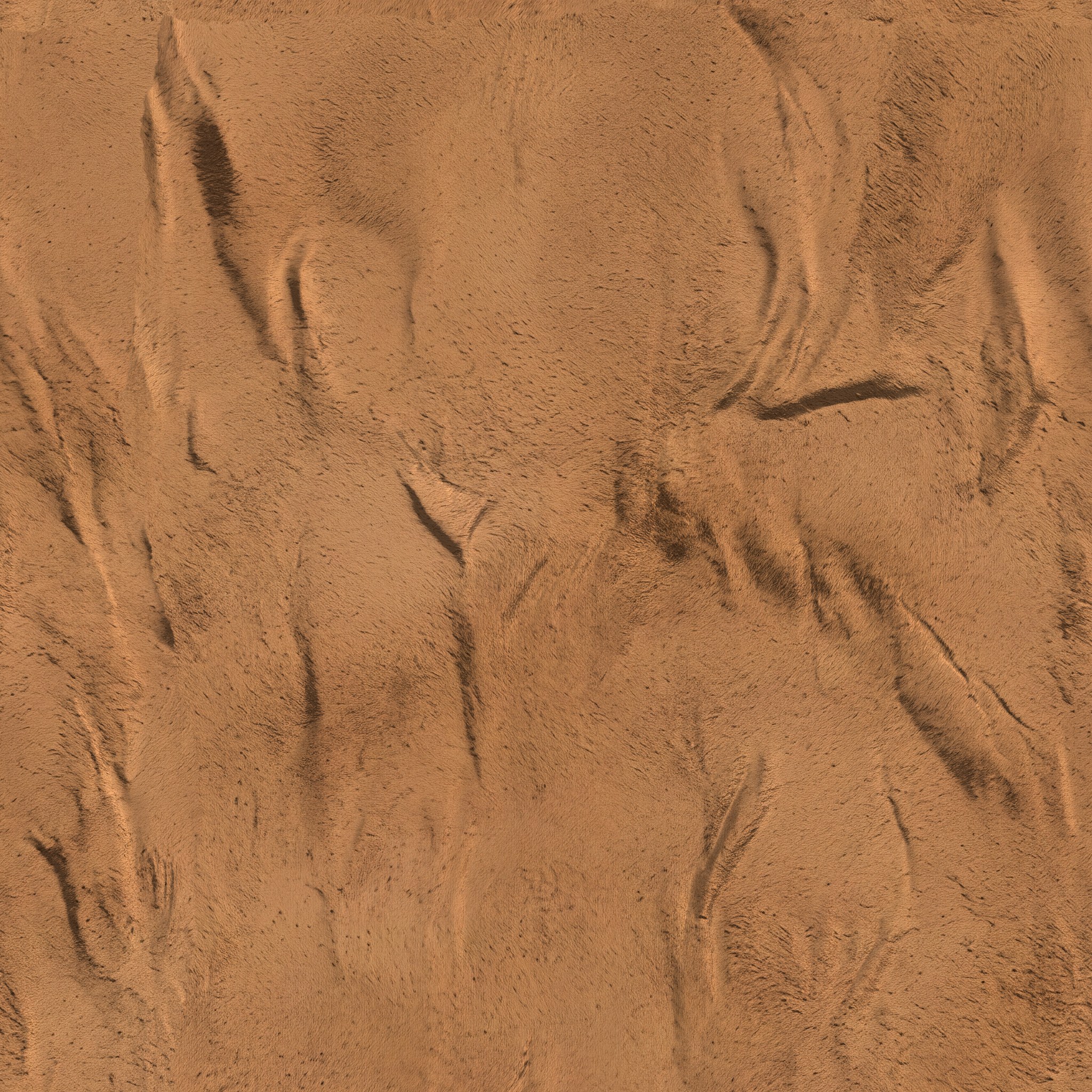
Free textures from Meshy are 610 seamless textures — paper, wood, metal, grass, concrete and more — all CC0 textures, free to download up to 4K. Use the PNG or JPG as Photoshop textures for graphic design, or grab the normal and roughness maps as Blender textures for Unity and Unreal Engine.
Paper49 textures
Paper · 3 maps
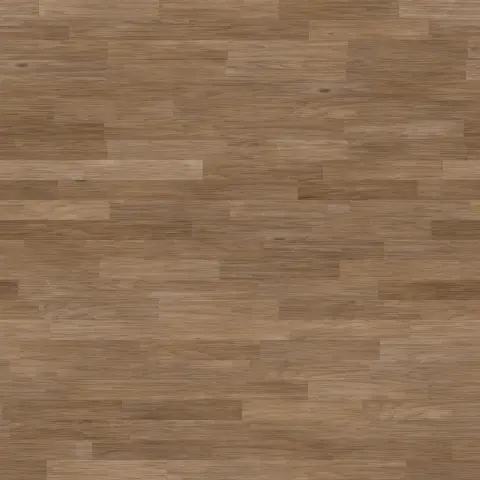
Wood · 3 maps
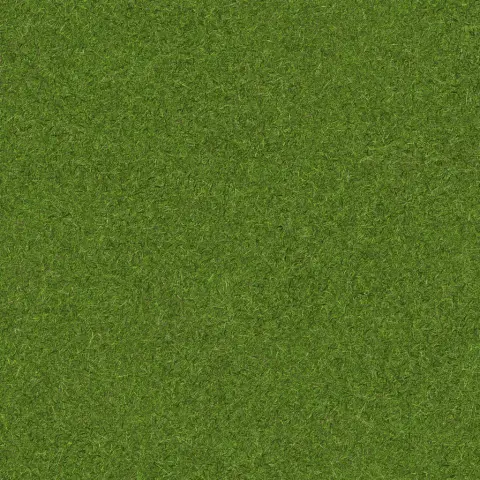
Grass · 3 maps
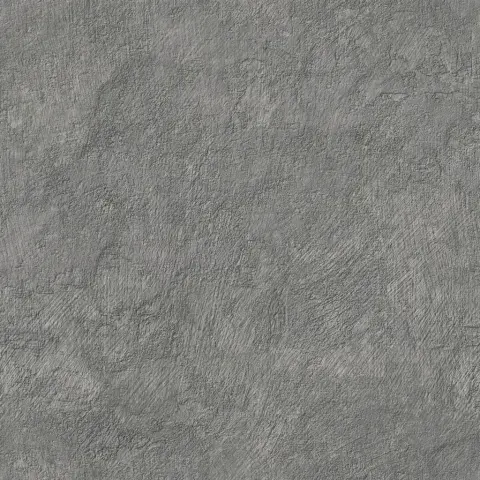
Wall · 3 maps
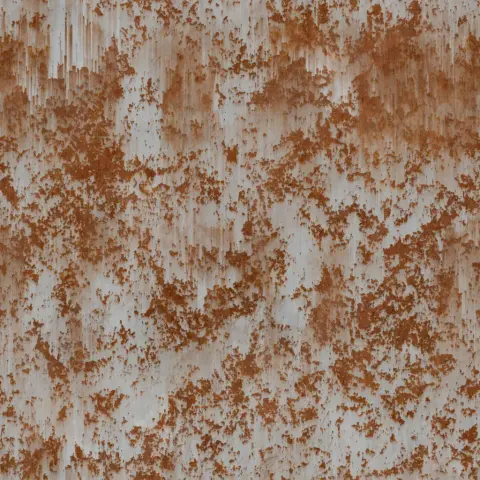
Metal · 4 maps
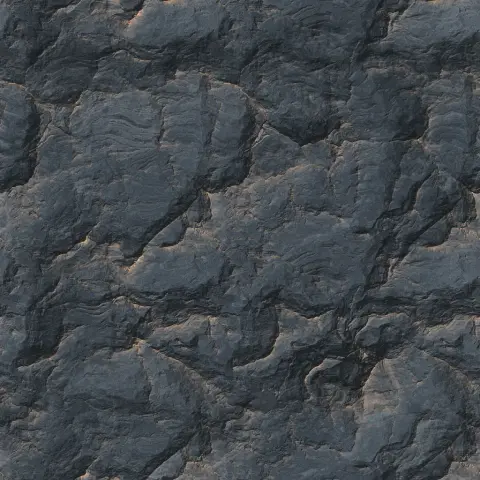
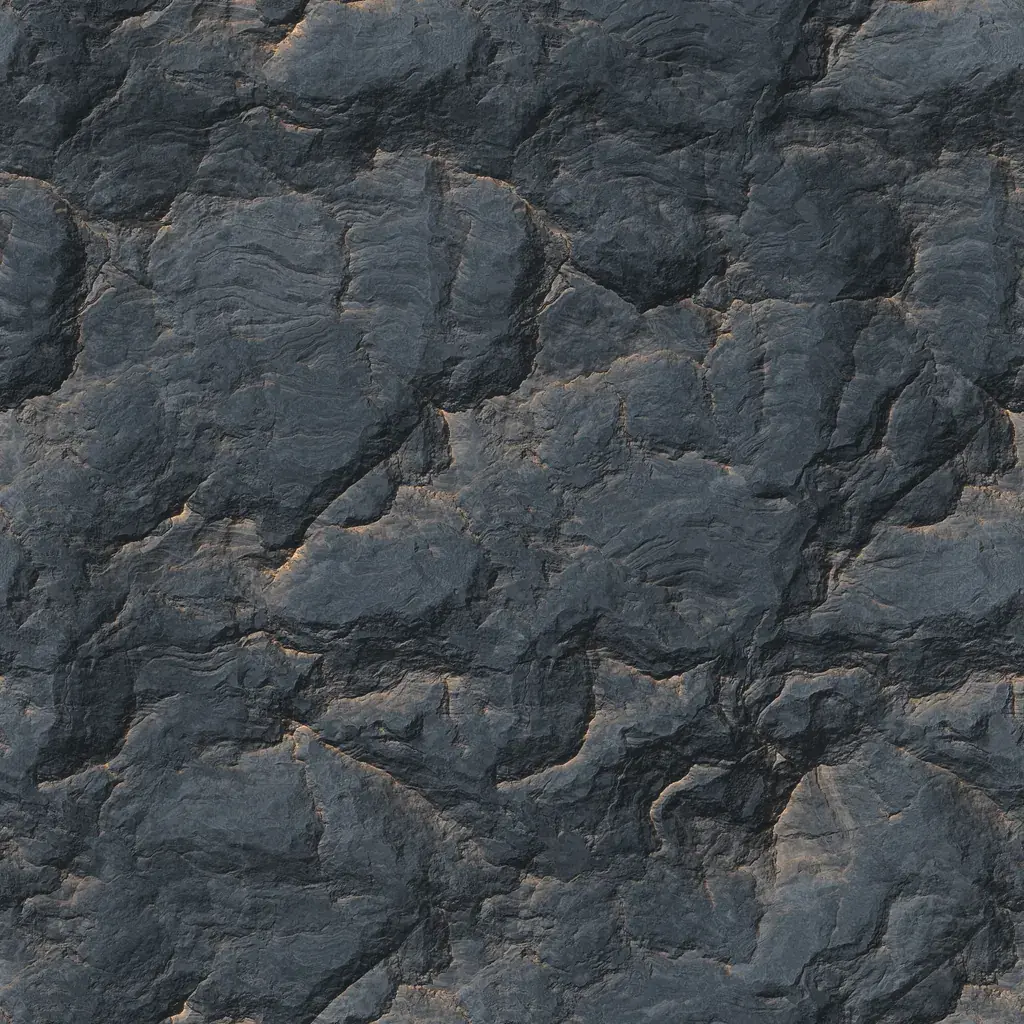
Stone · 3 maps
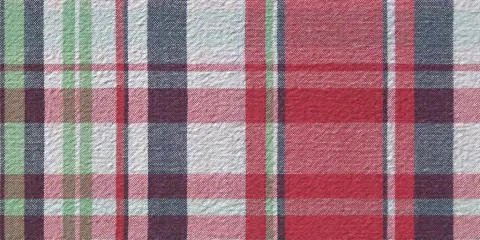
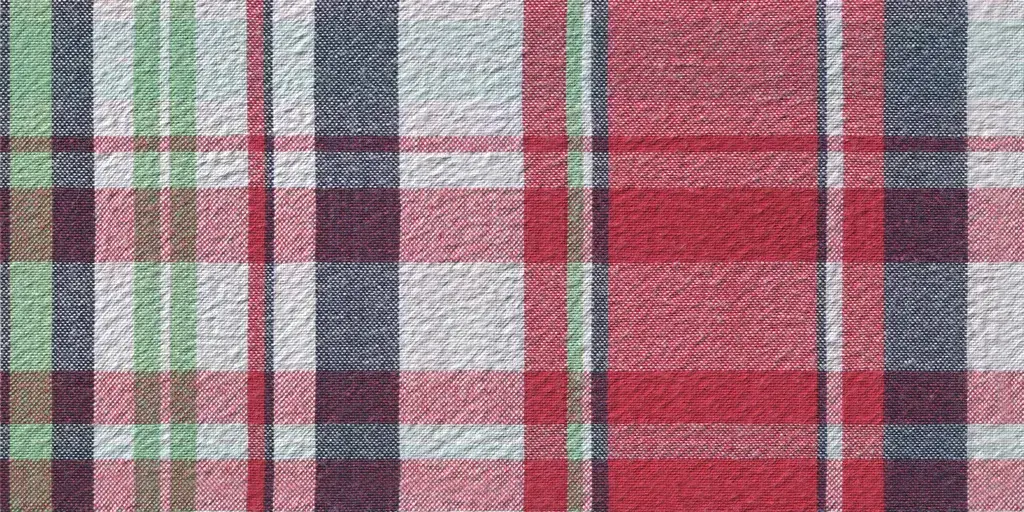
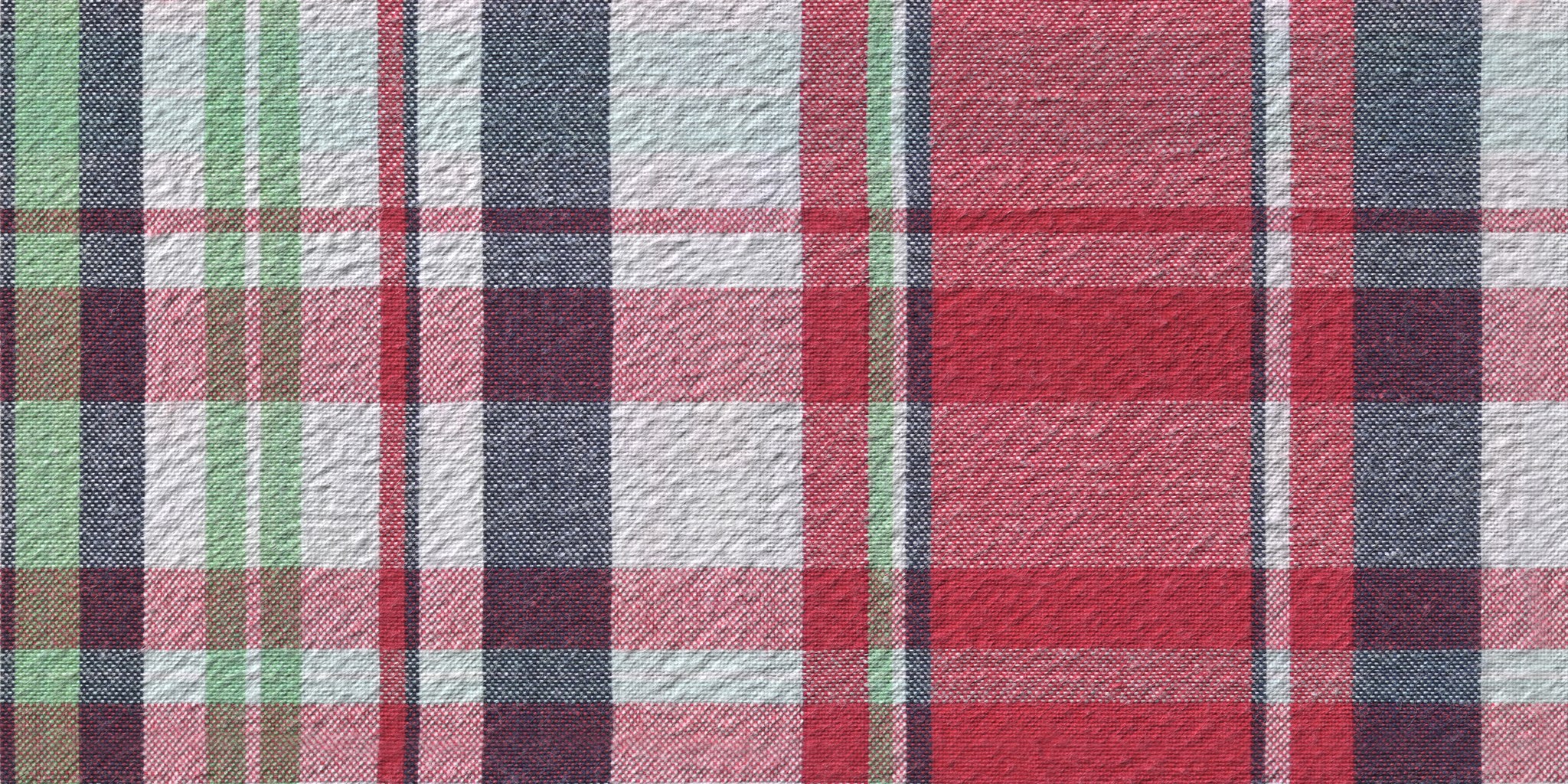
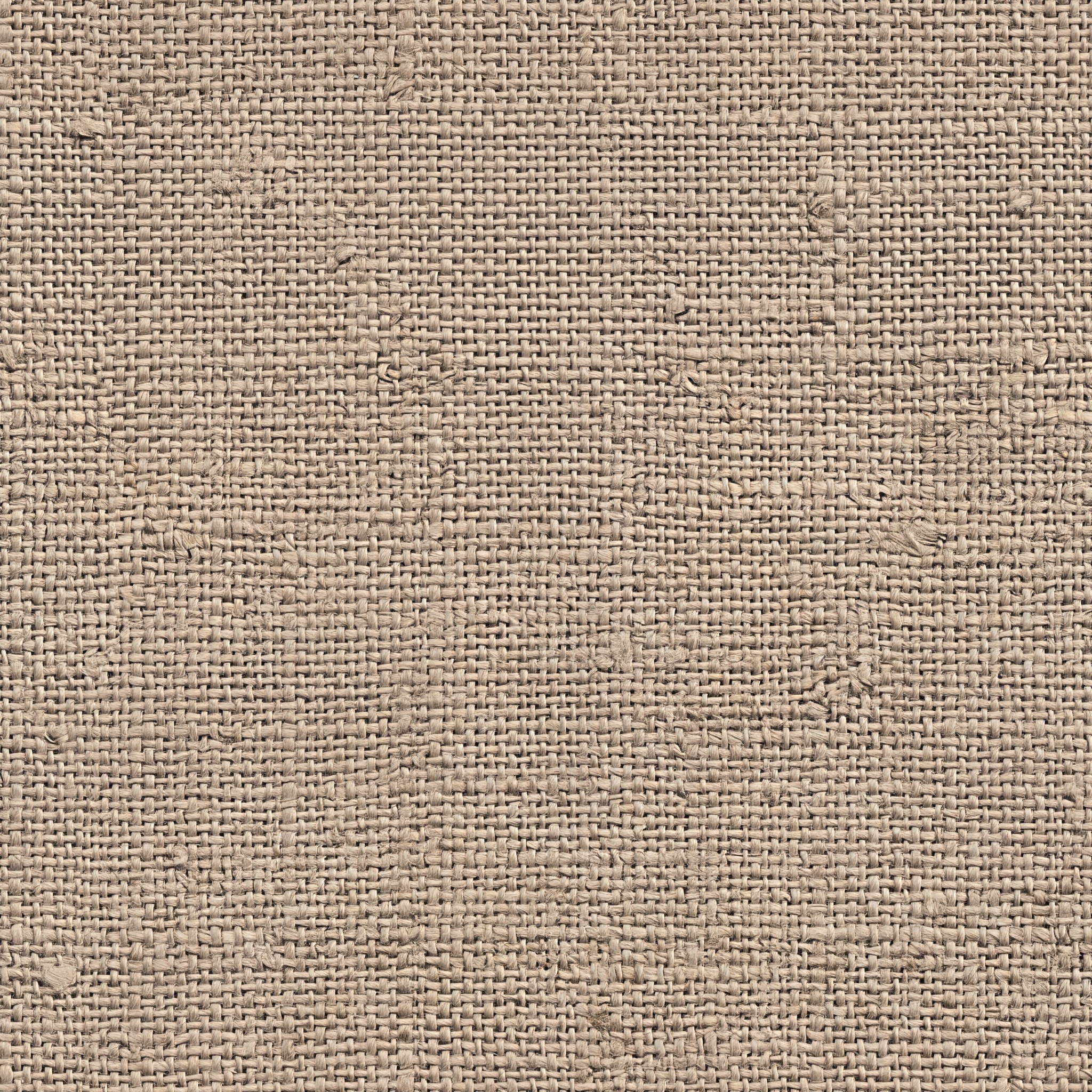
Fabric · 3 maps
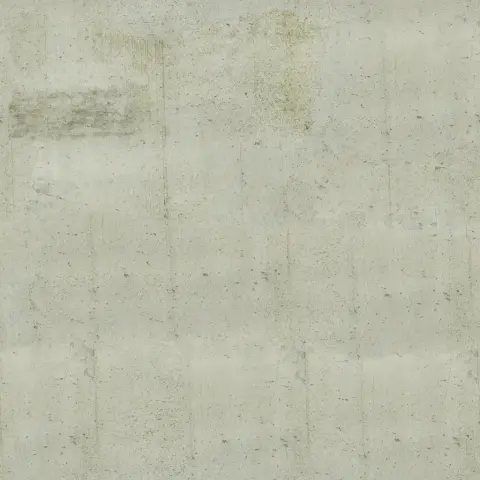
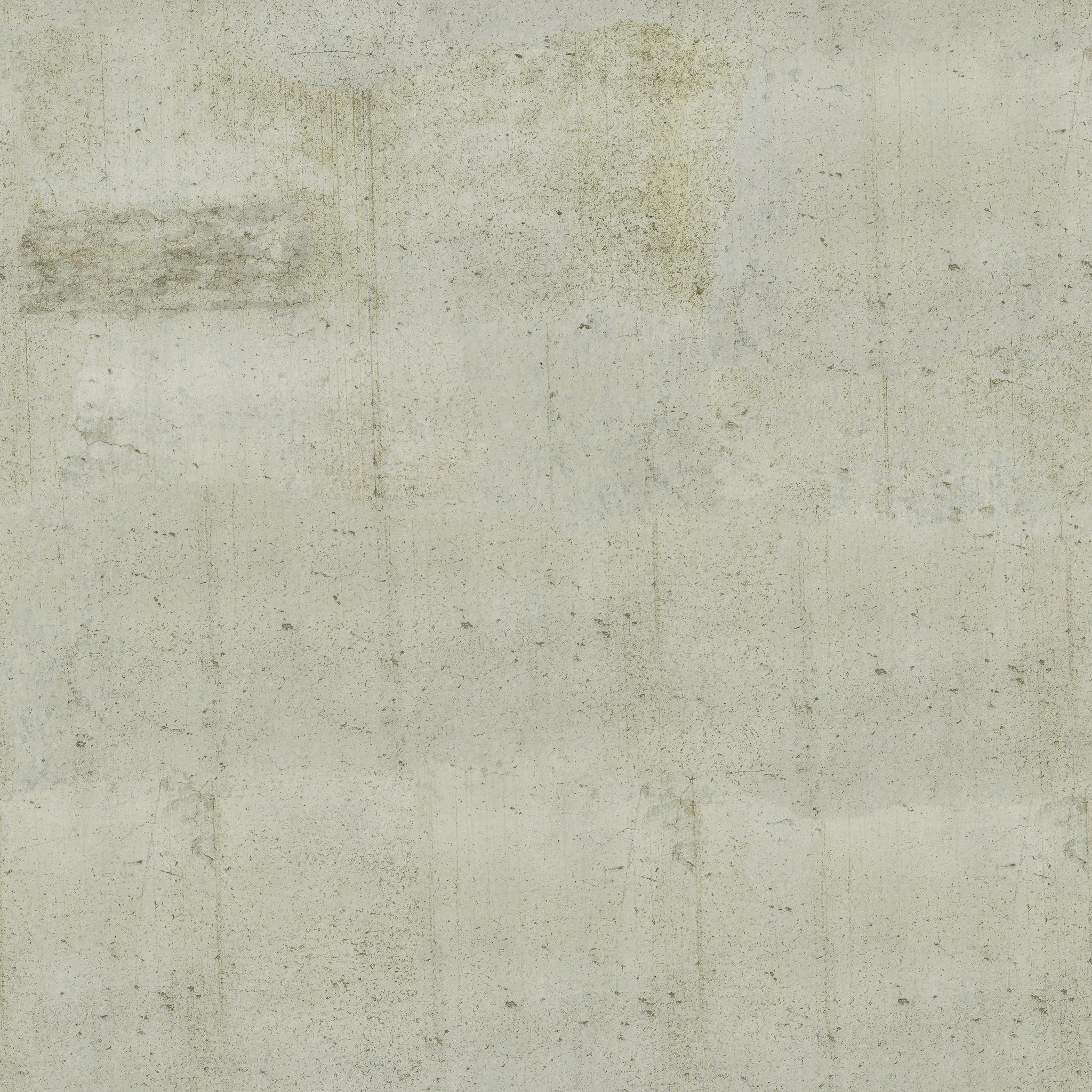
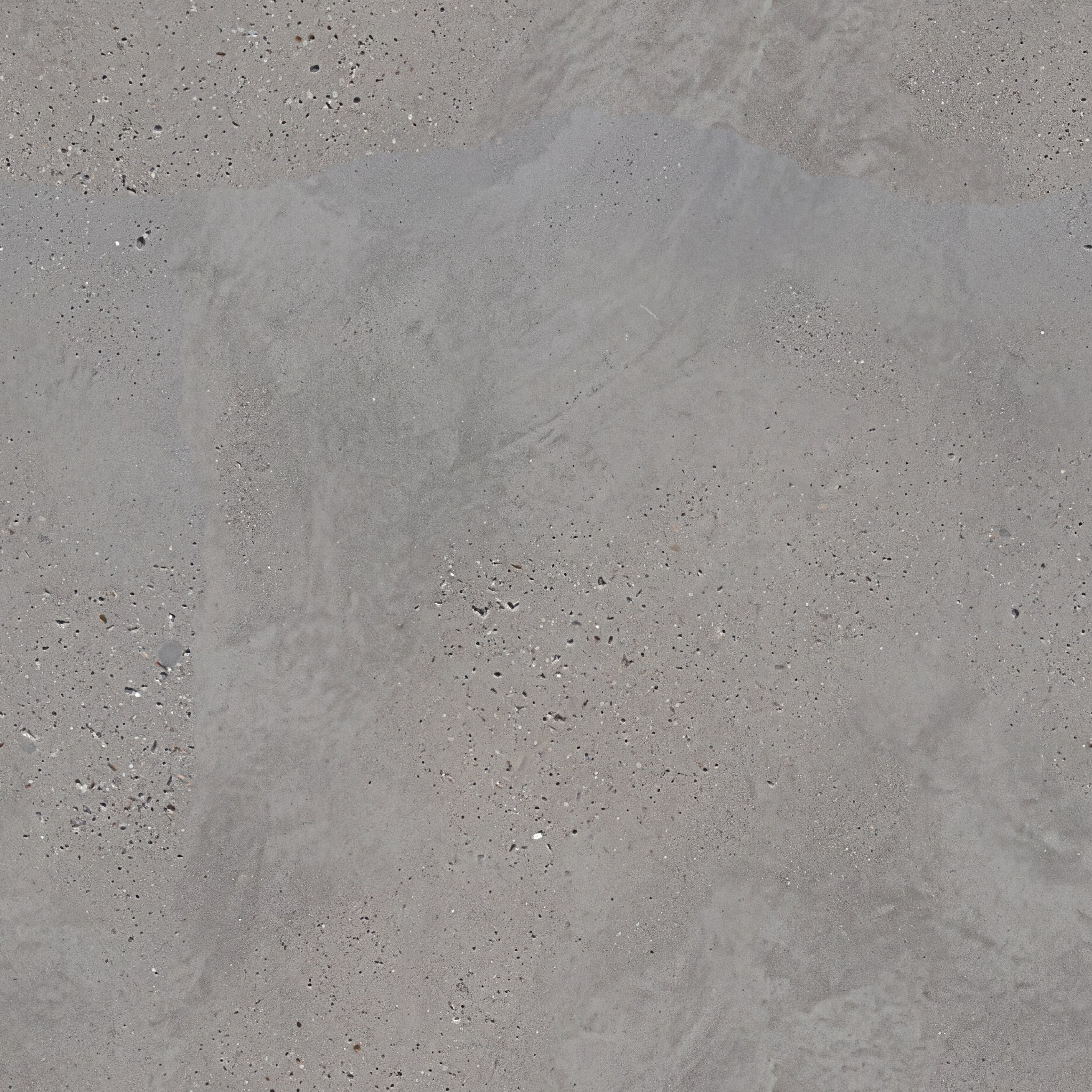
Concrete · 3 maps
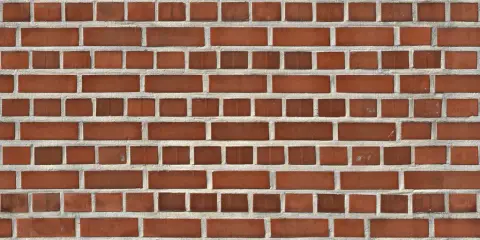
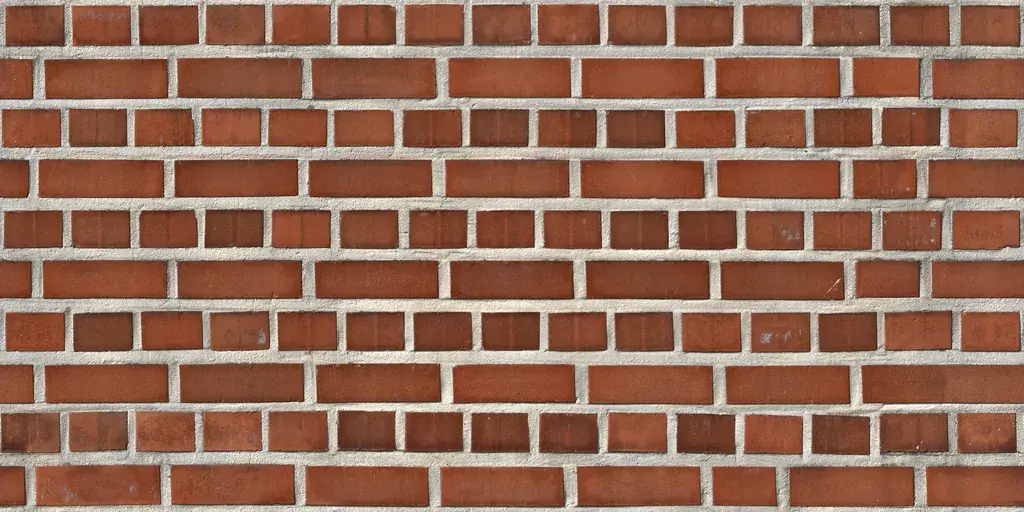
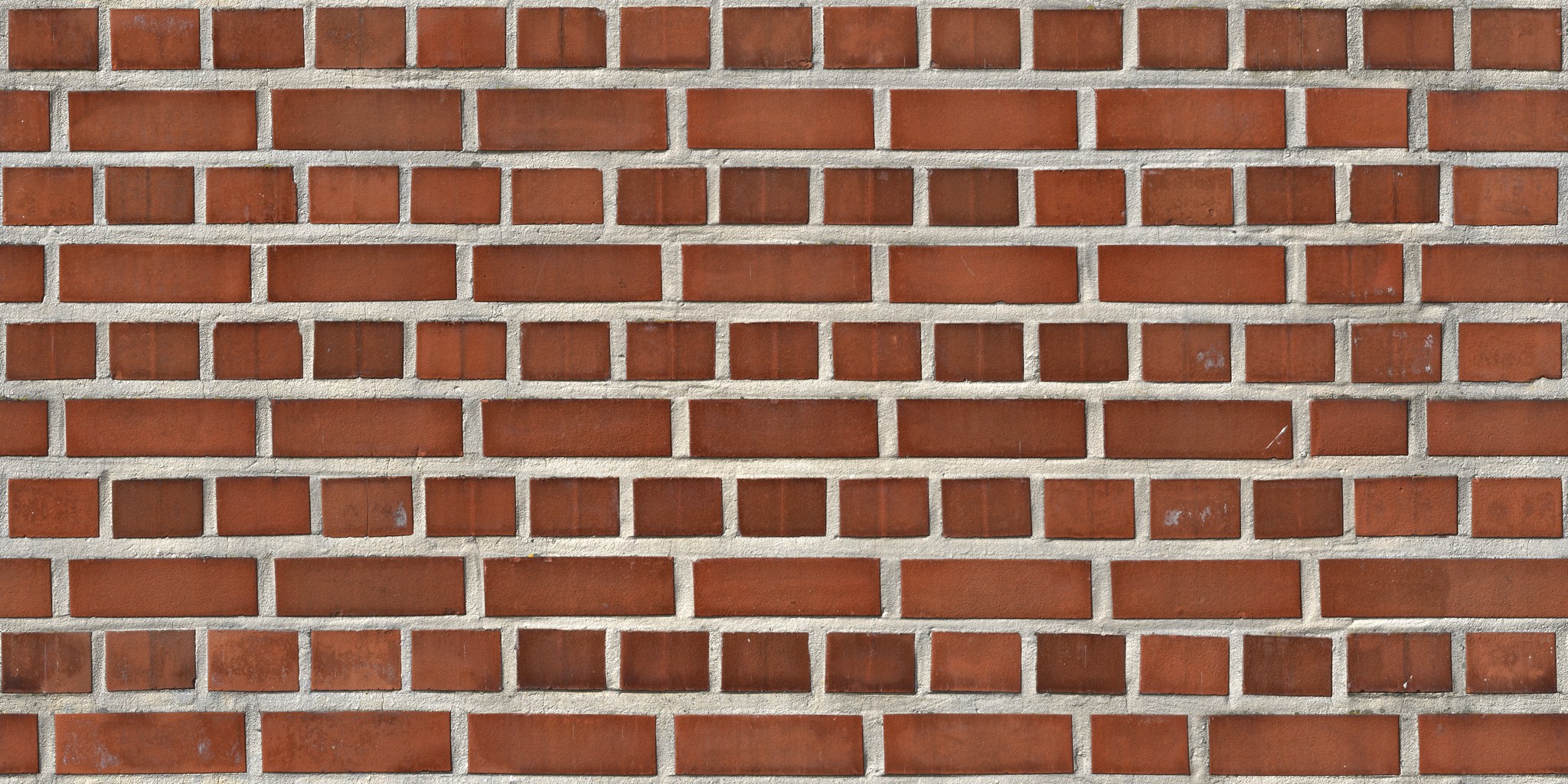
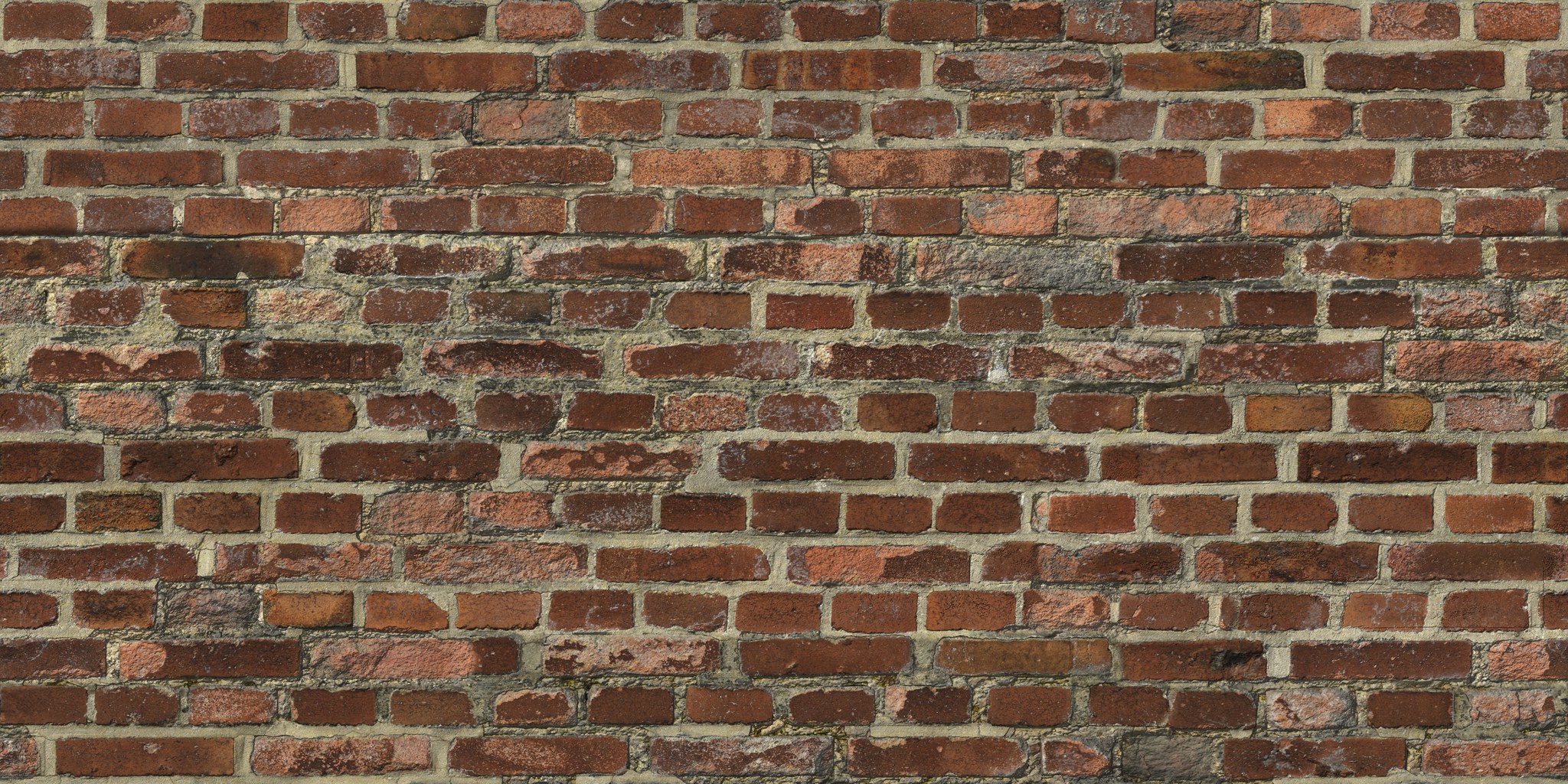
Brick · 3 maps

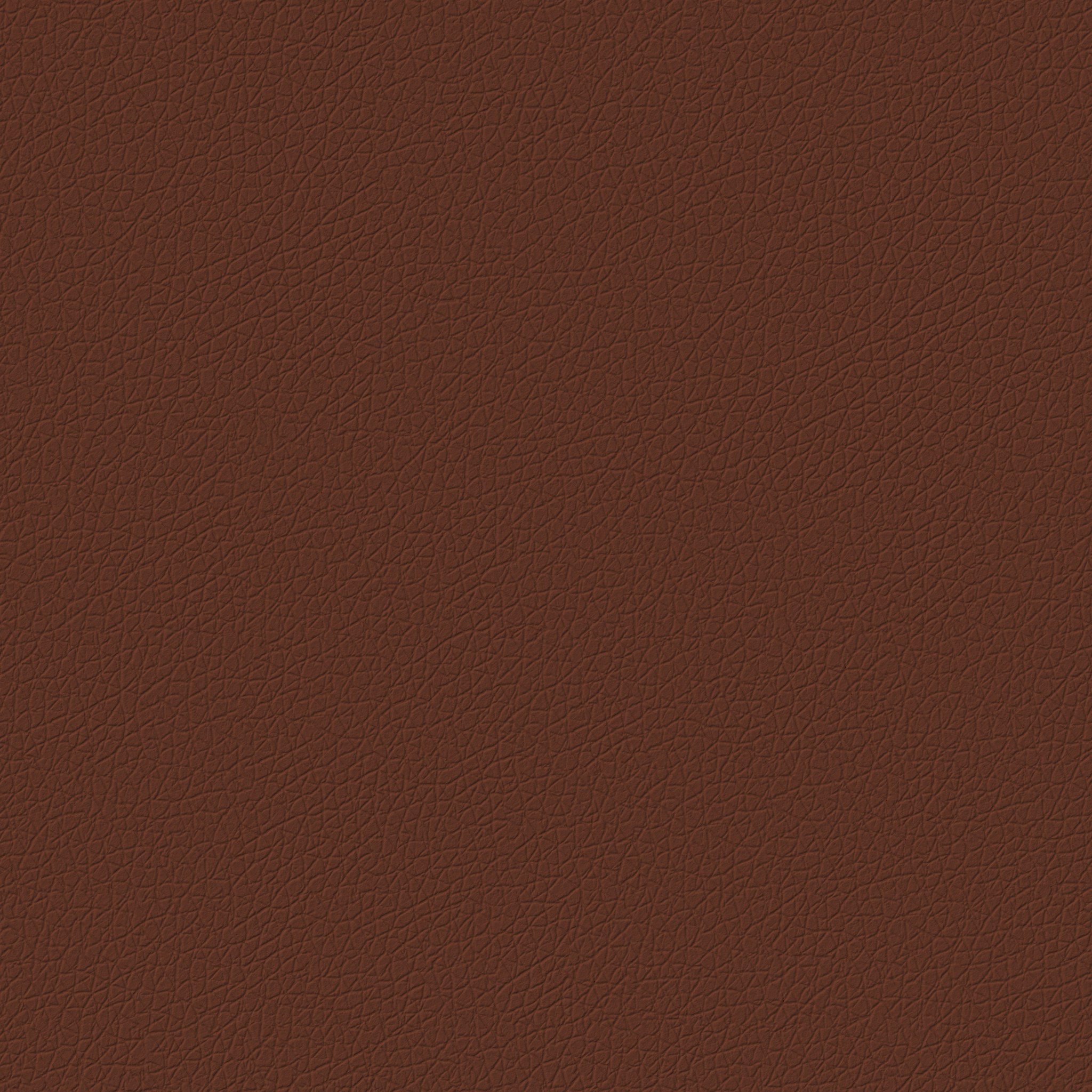
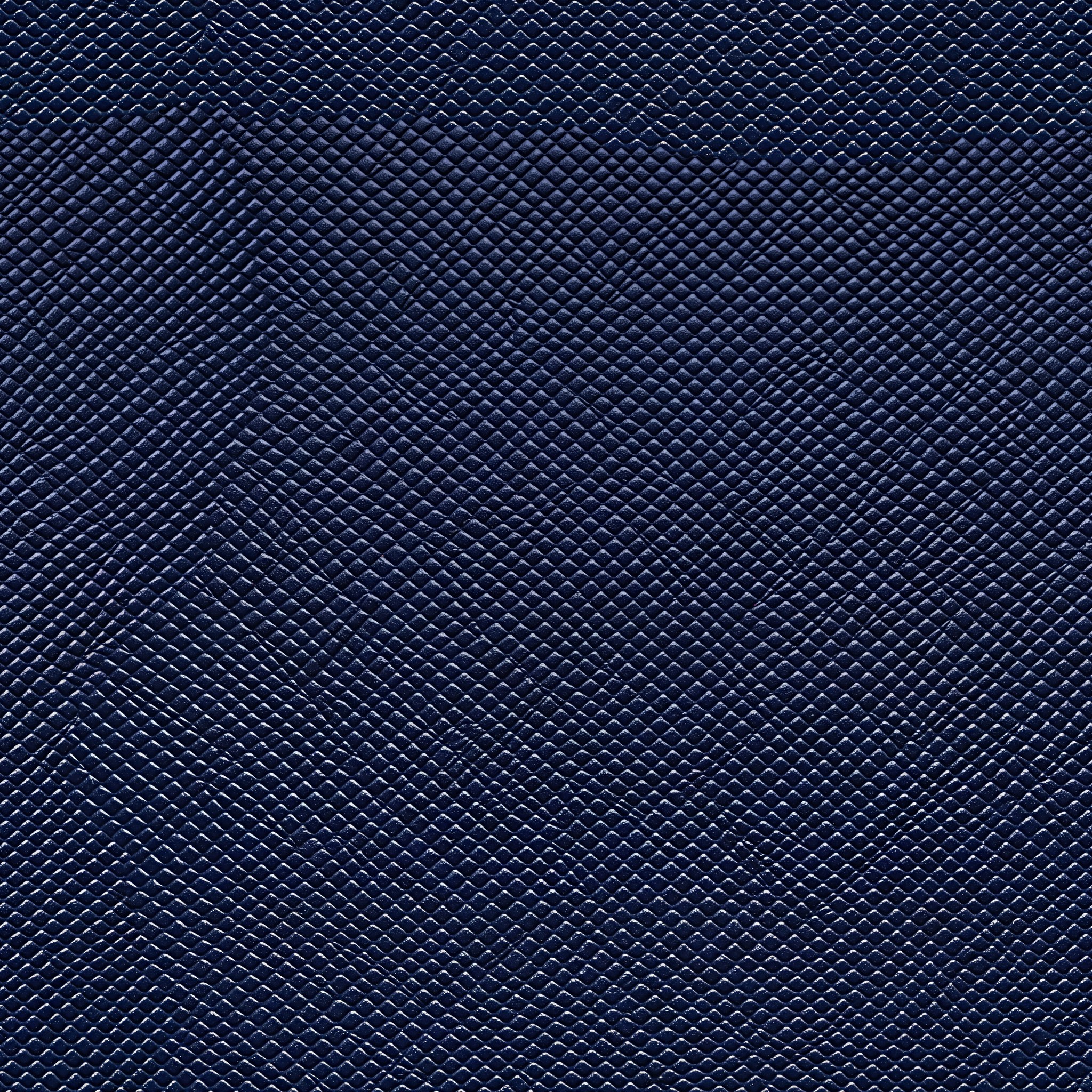
Leather · 3 maps
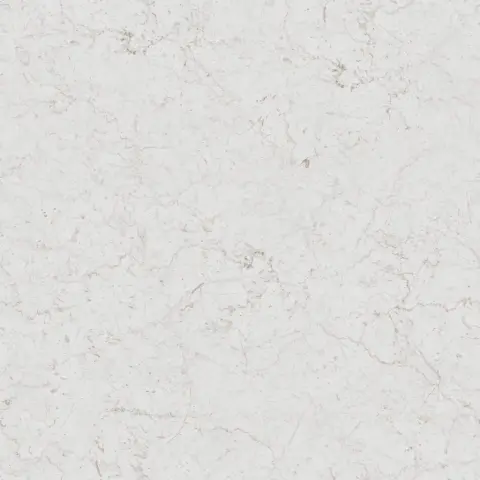
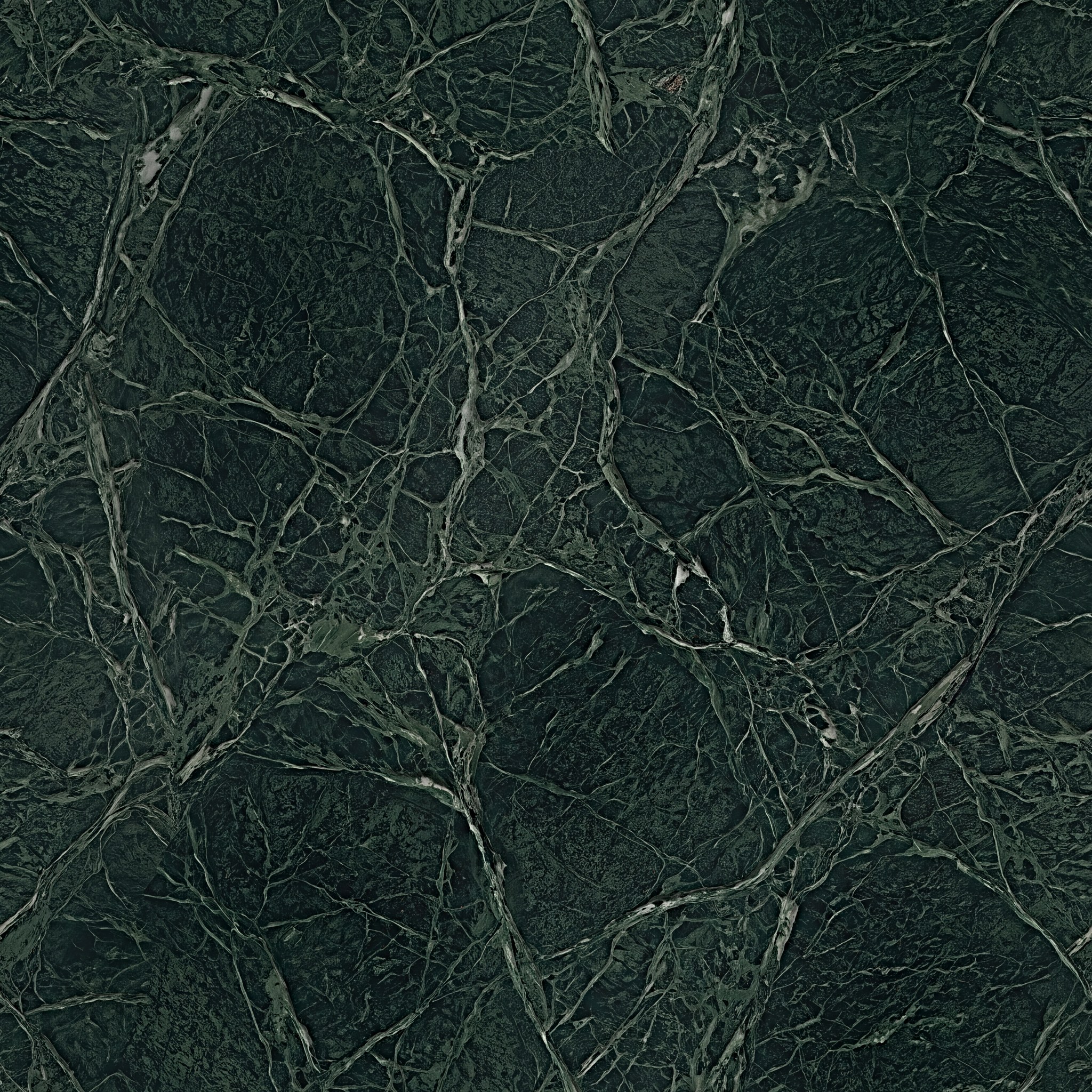
Marble · 3 maps
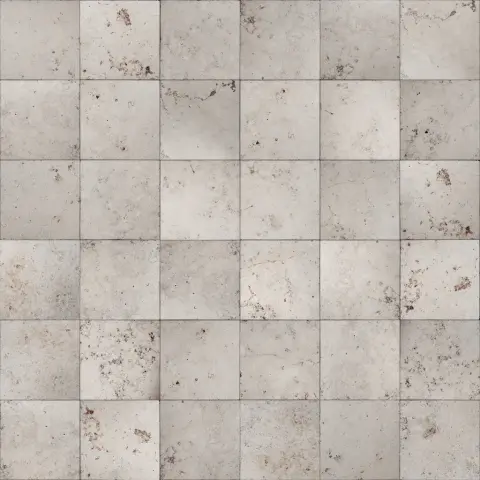
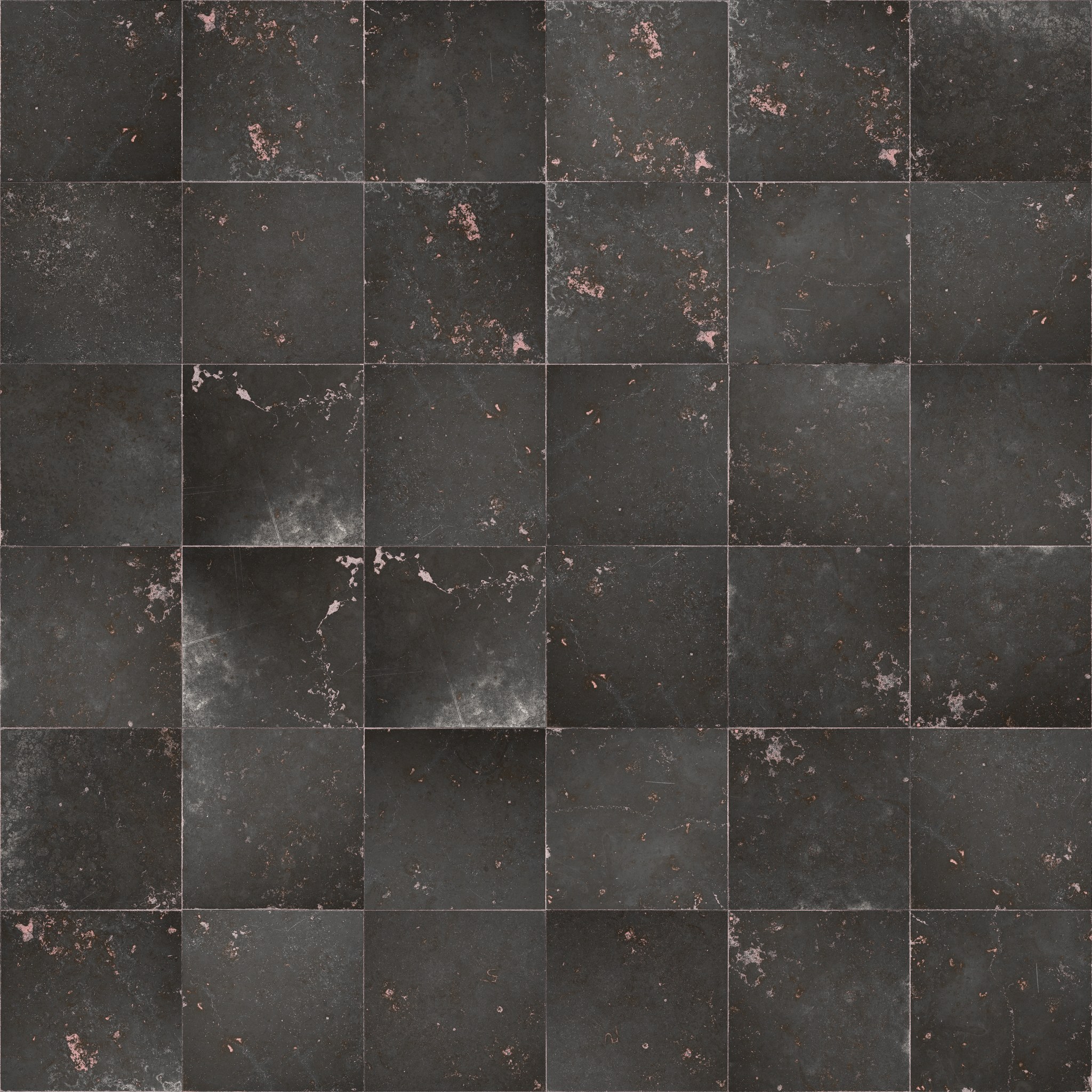
Tiles · 3 maps
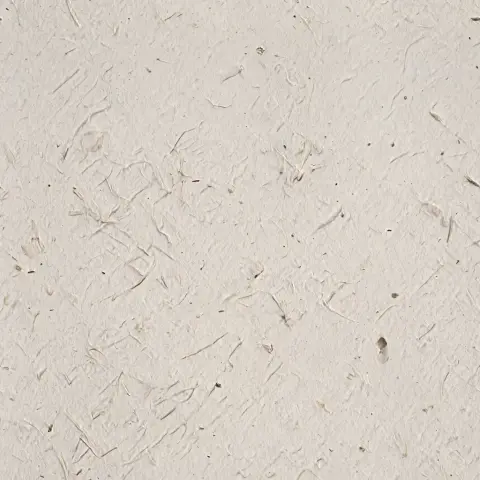
Paper · 3 maps
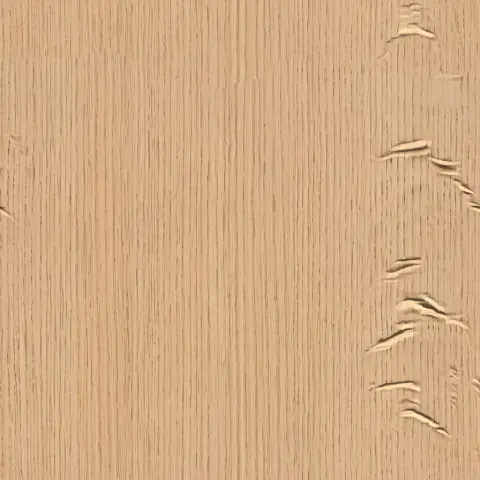
Wood · 3 maps
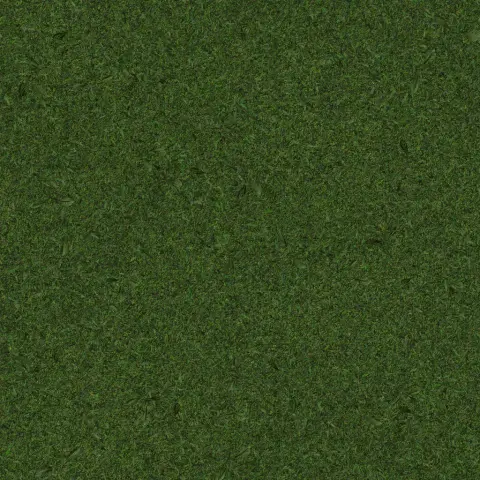
Grass · 3 maps
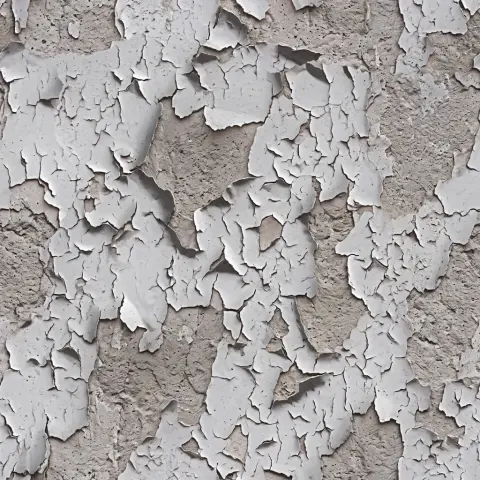
Wall · 3 maps
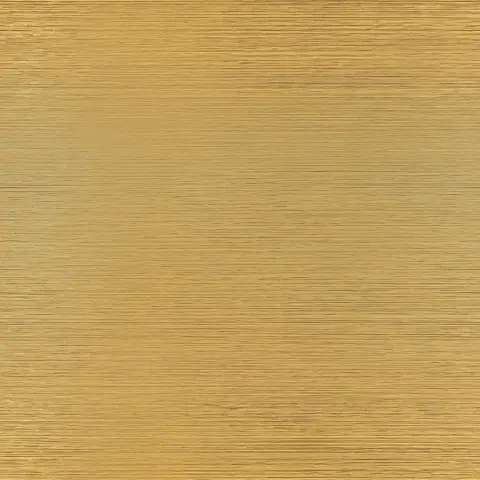
Metal · 4 maps
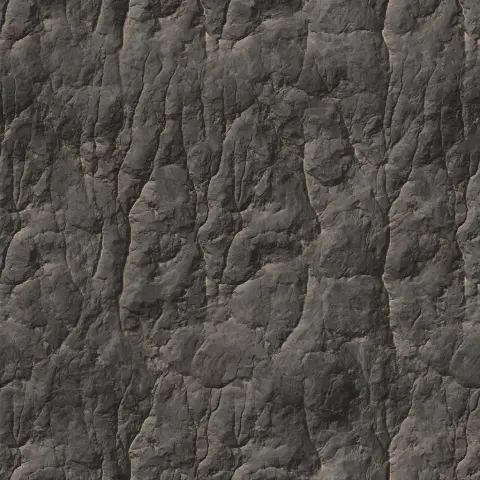
Stone · 3 maps
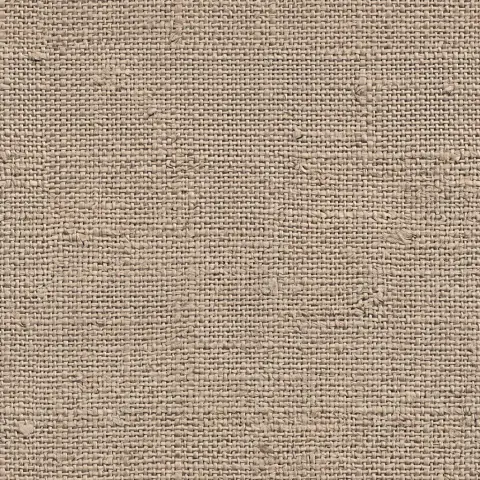
Fabric · 3 maps
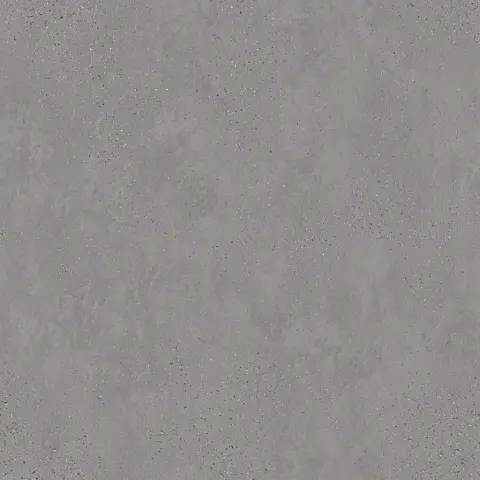
Concrete · 3 maps
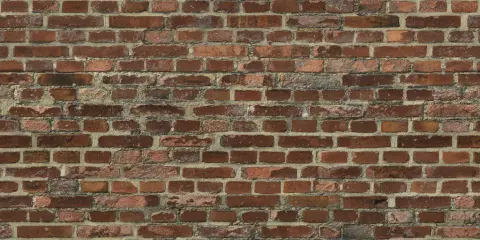
Brick · 3 maps
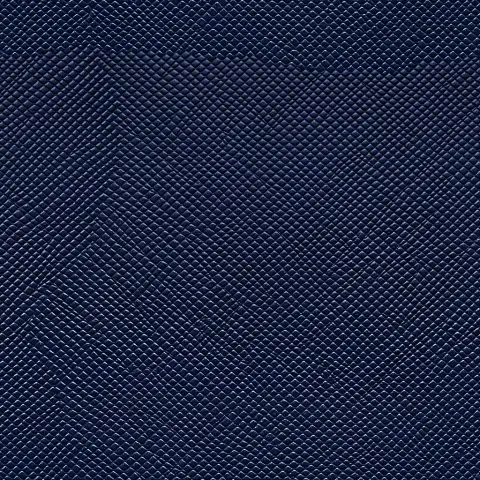
Leather · 3 maps
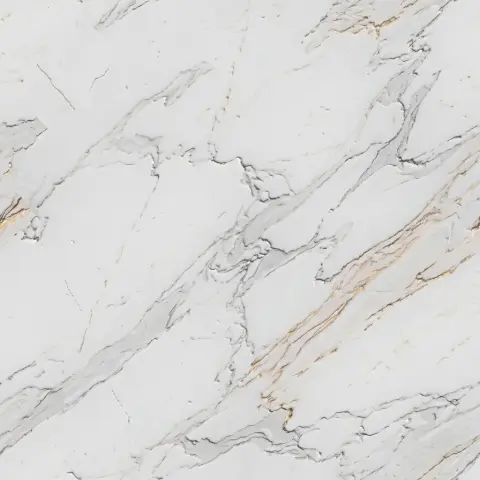
Marble · 3 maps
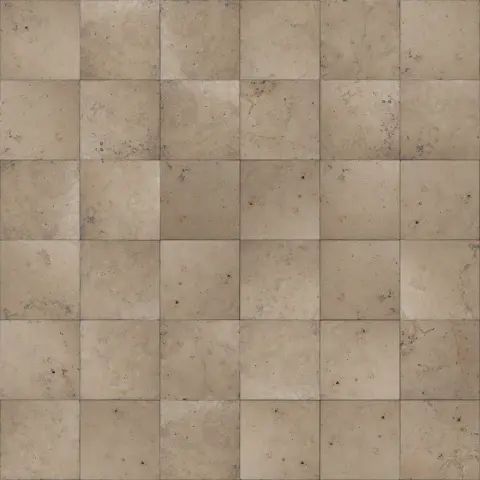
Tiles · 3 maps
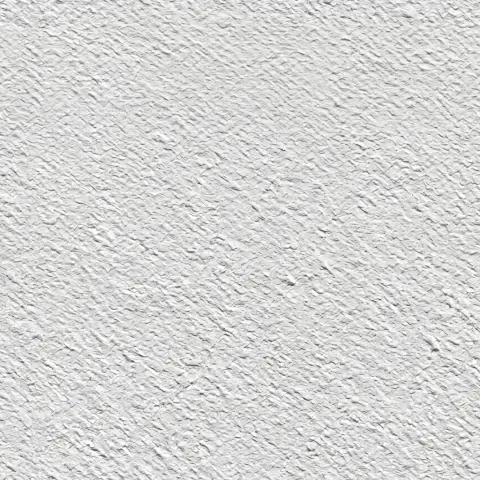
Paper · 3 maps
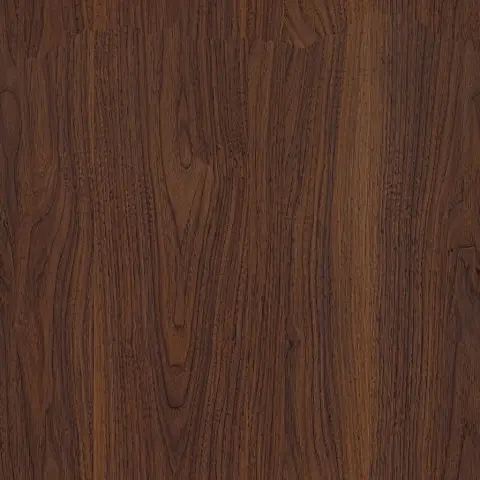
Wood · 3 maps
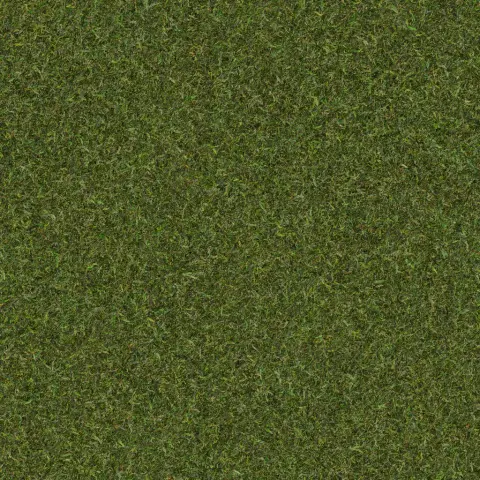
Grass · 3 maps
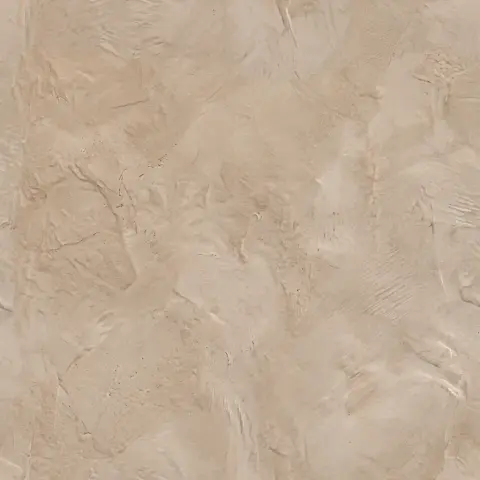
Wall · 3 maps
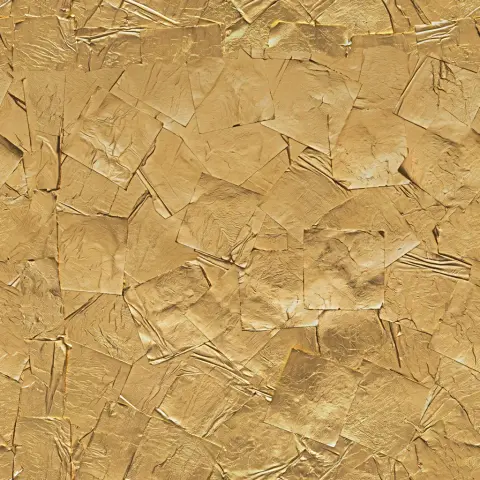
Metal · 4 maps
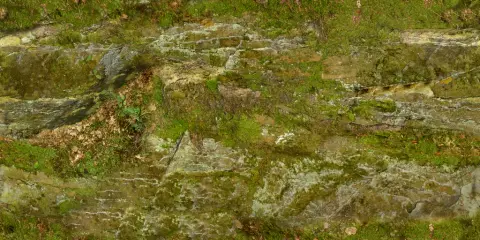
Stone · 3 maps
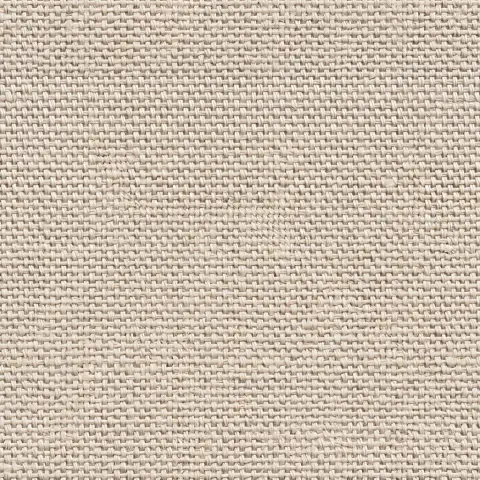
Fabric · 3 maps
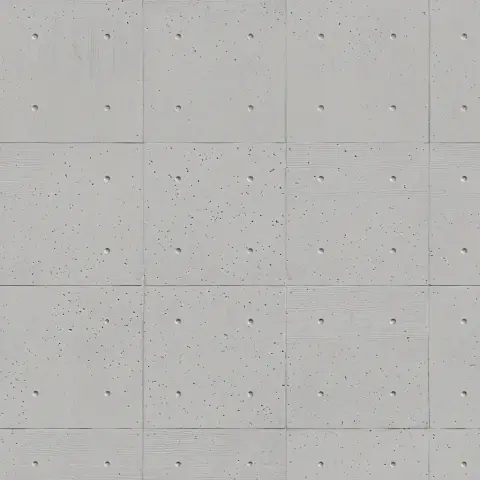
Concrete · 3 maps
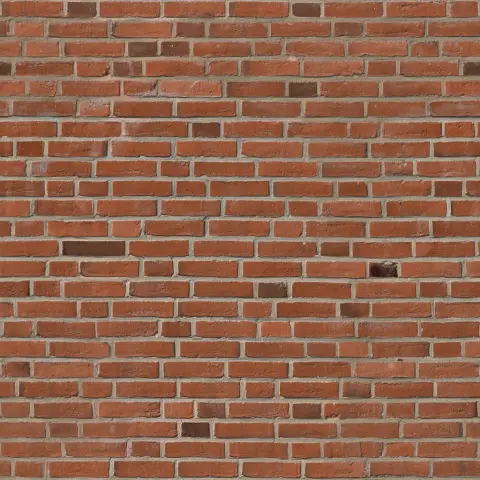
Brick · 3 maps
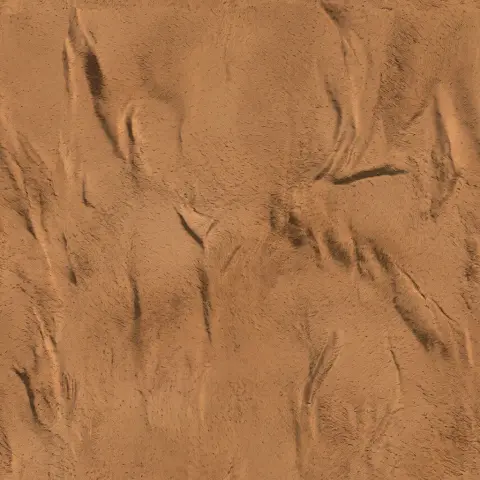
Leather · 3 maps
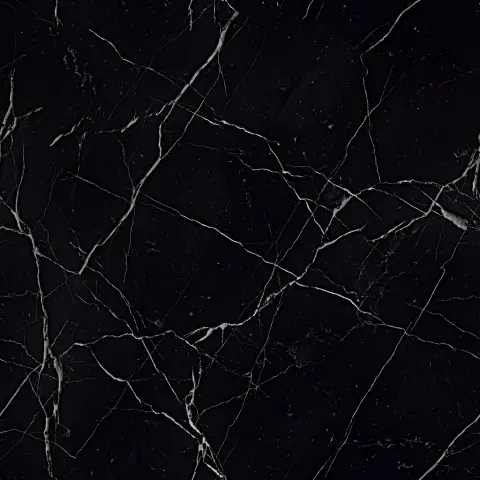
Marble · 3 maps
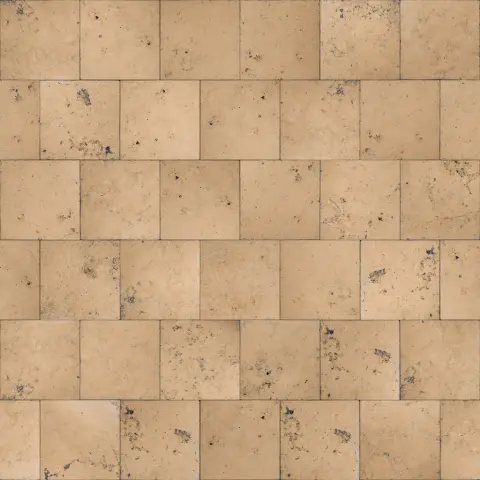
Tiles · 3 maps
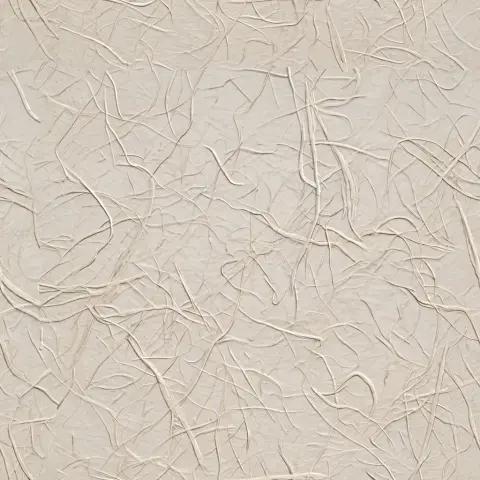
Paper · 3 maps
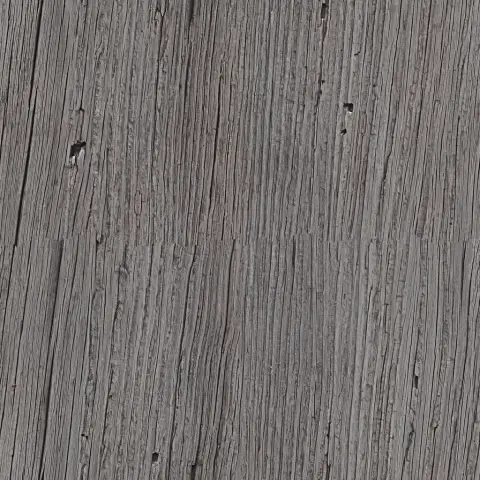
Wood · 3 maps
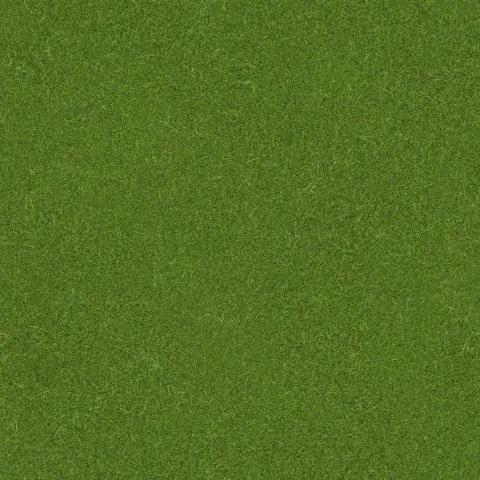
Grass · 3 maps
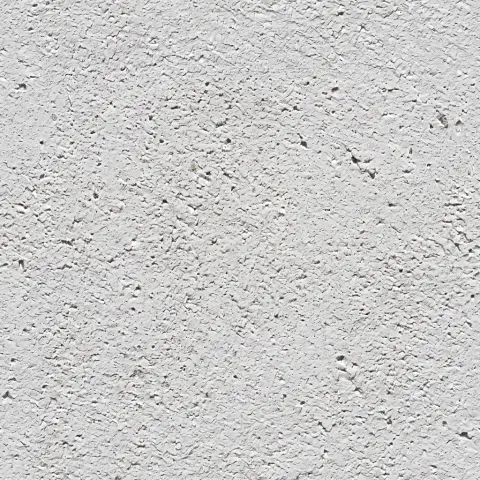
Wall · 3 maps
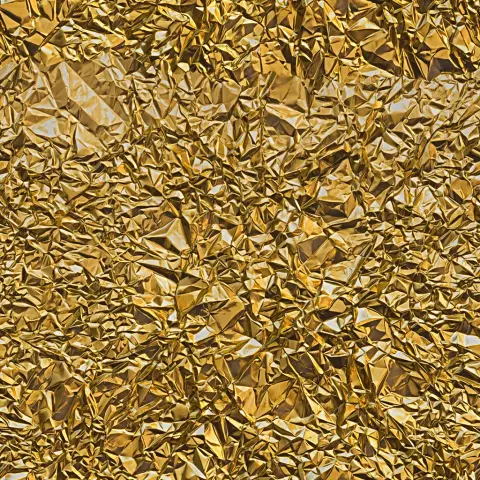
Metal · 4 maps
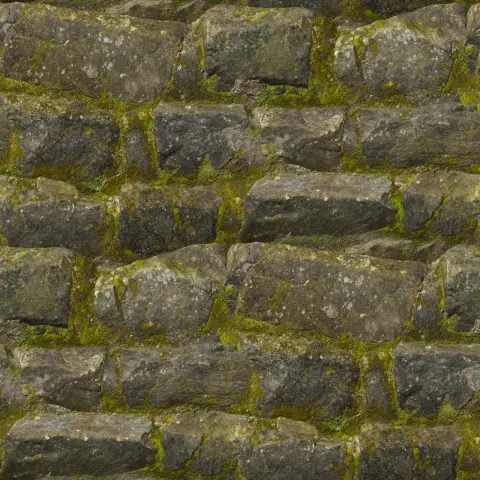
Stone · 3 maps
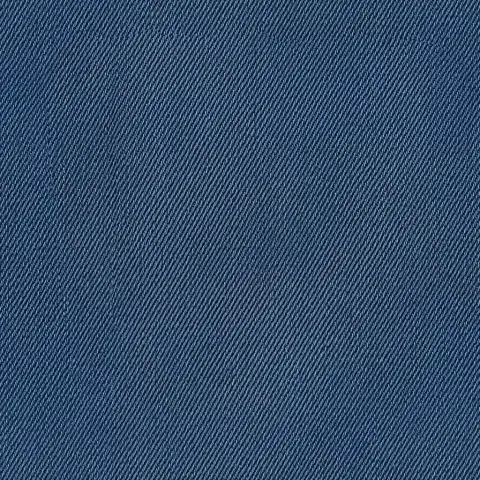
Fabric · 3 maps
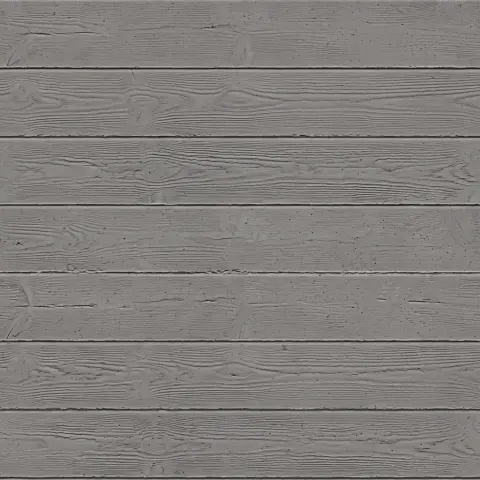
Concrete · 3 maps
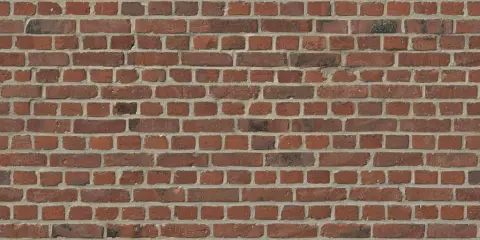
Brick · 3 maps
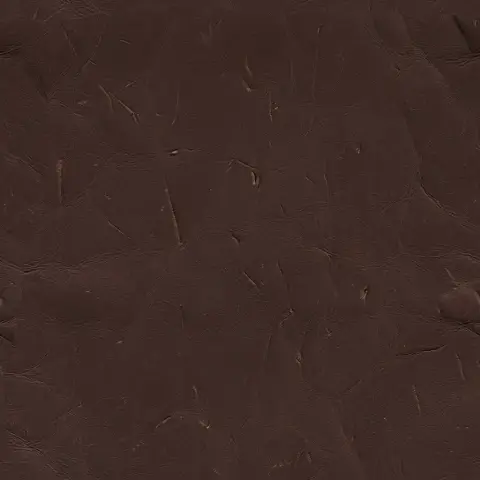
Leather · 3 maps
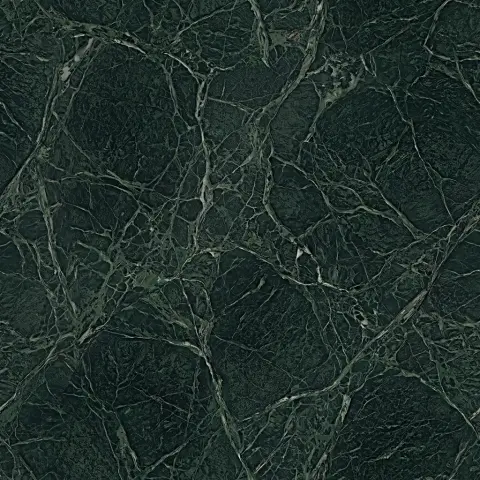
Marble · 3 maps
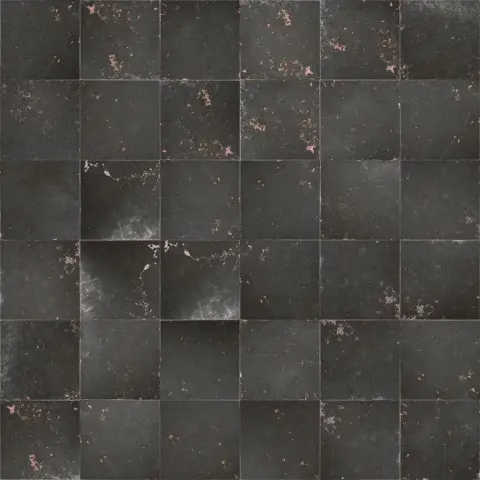
Tiles · 3 maps
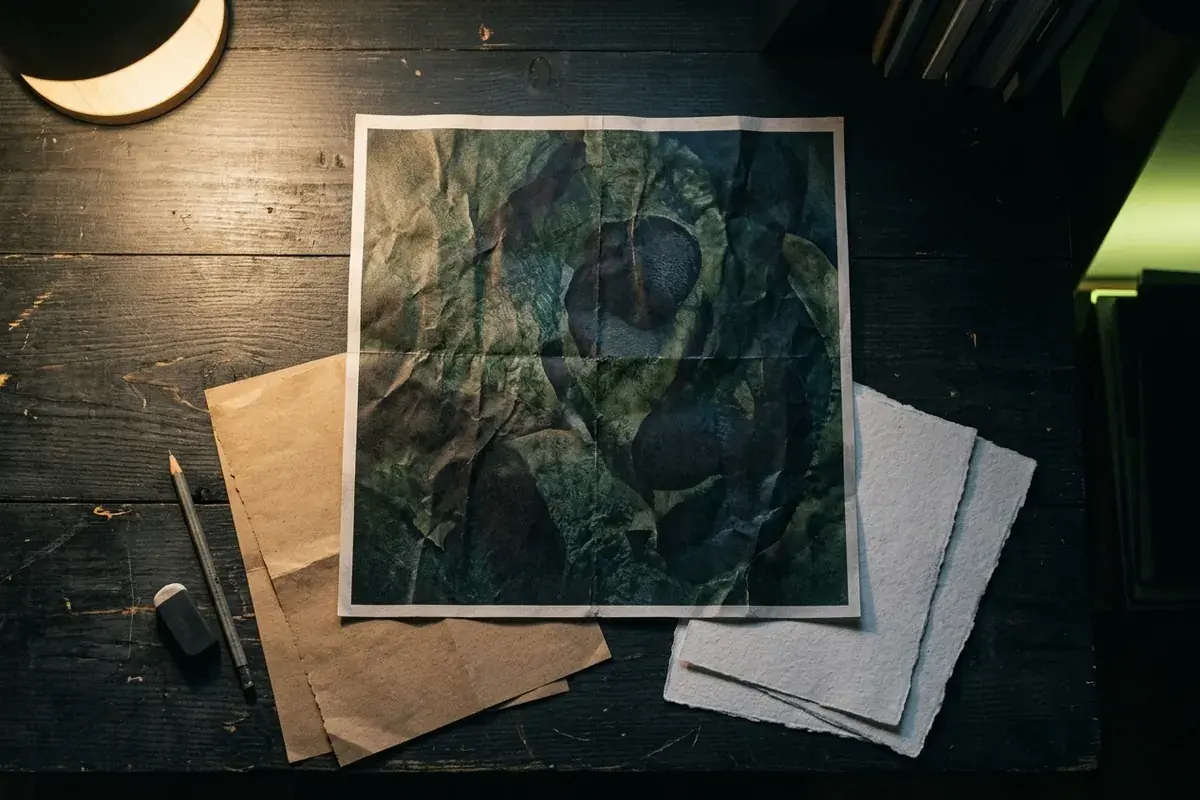
Old paper, crumpled paper and kraft grain for a printed feel — drop the JPG straight into Photoshop, Procreate or Canva.
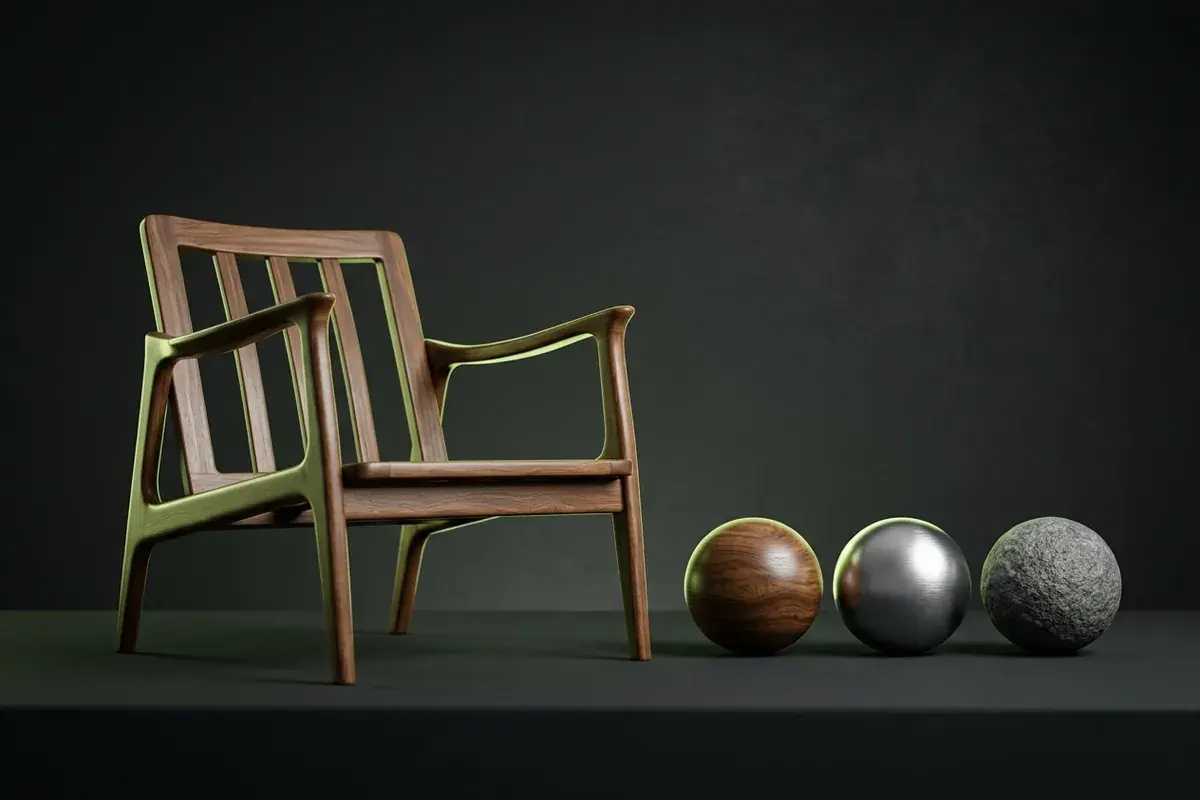
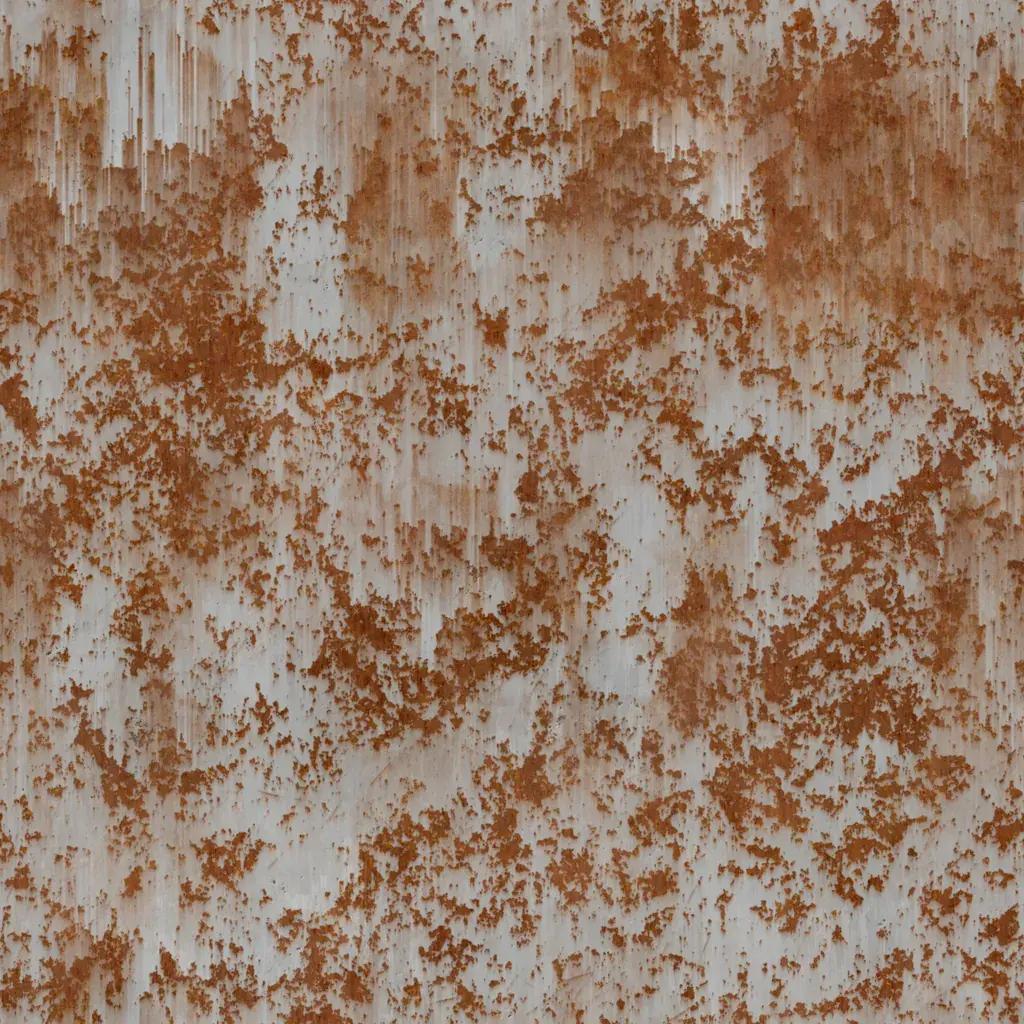
Walnut, rusty steel and more with colour, normal and roughness maps for Blender, Unreal and Unity — or texture a model directly with the AI texture generator.
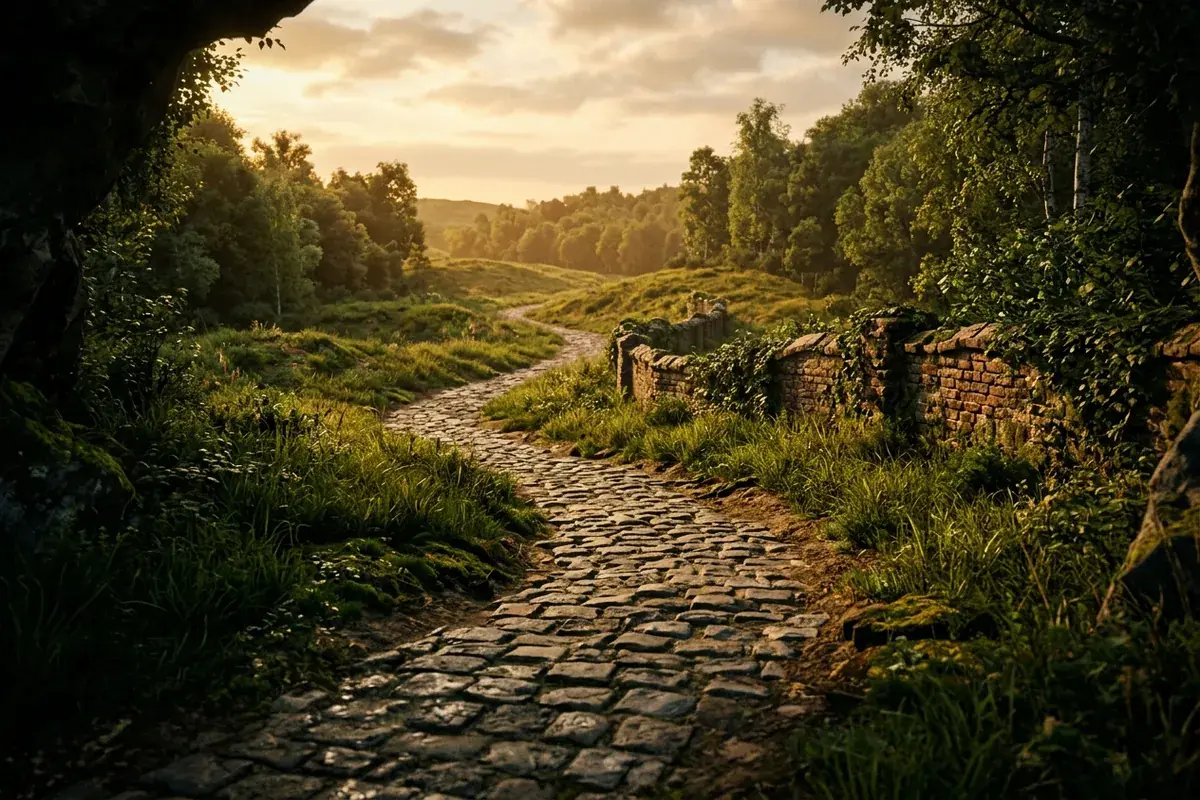
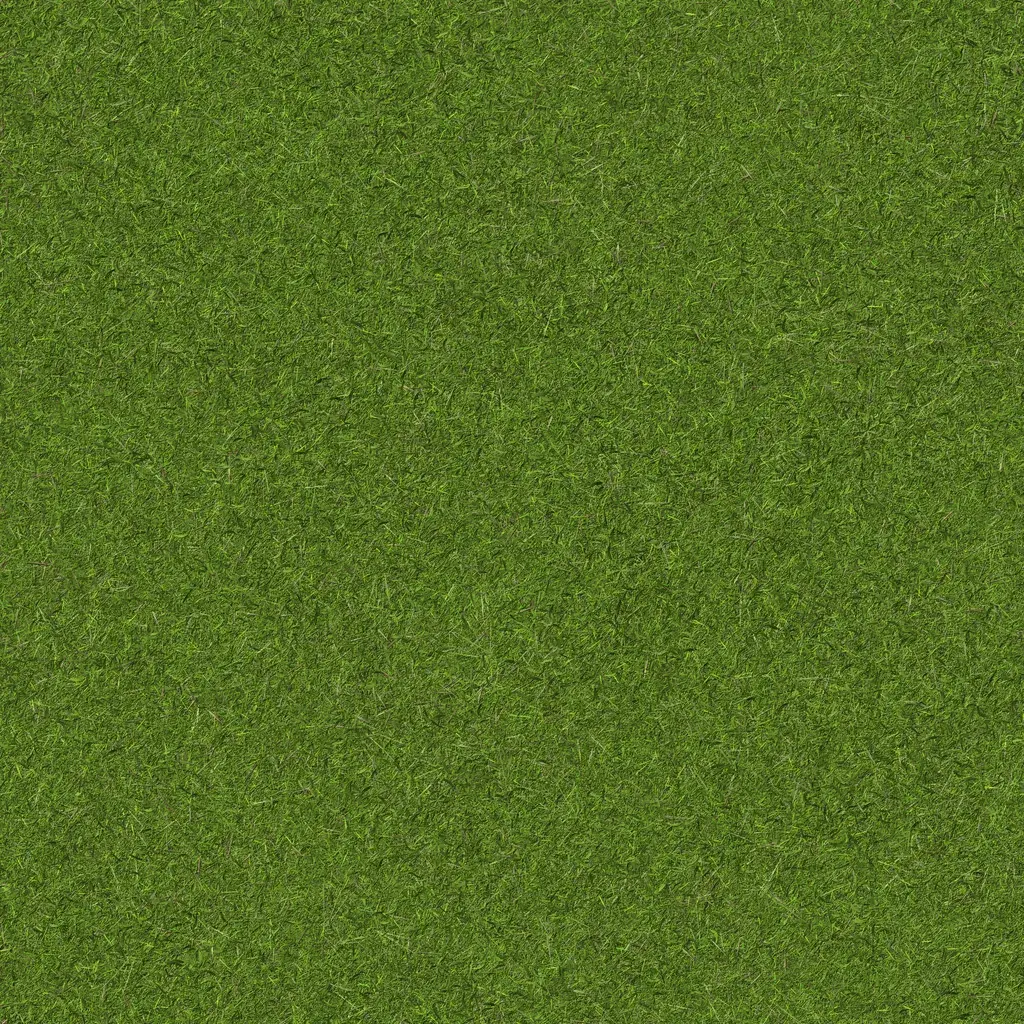
Lawn grass, brick walls, dirt and paving that cover a whole scene without seams — made for game environments.
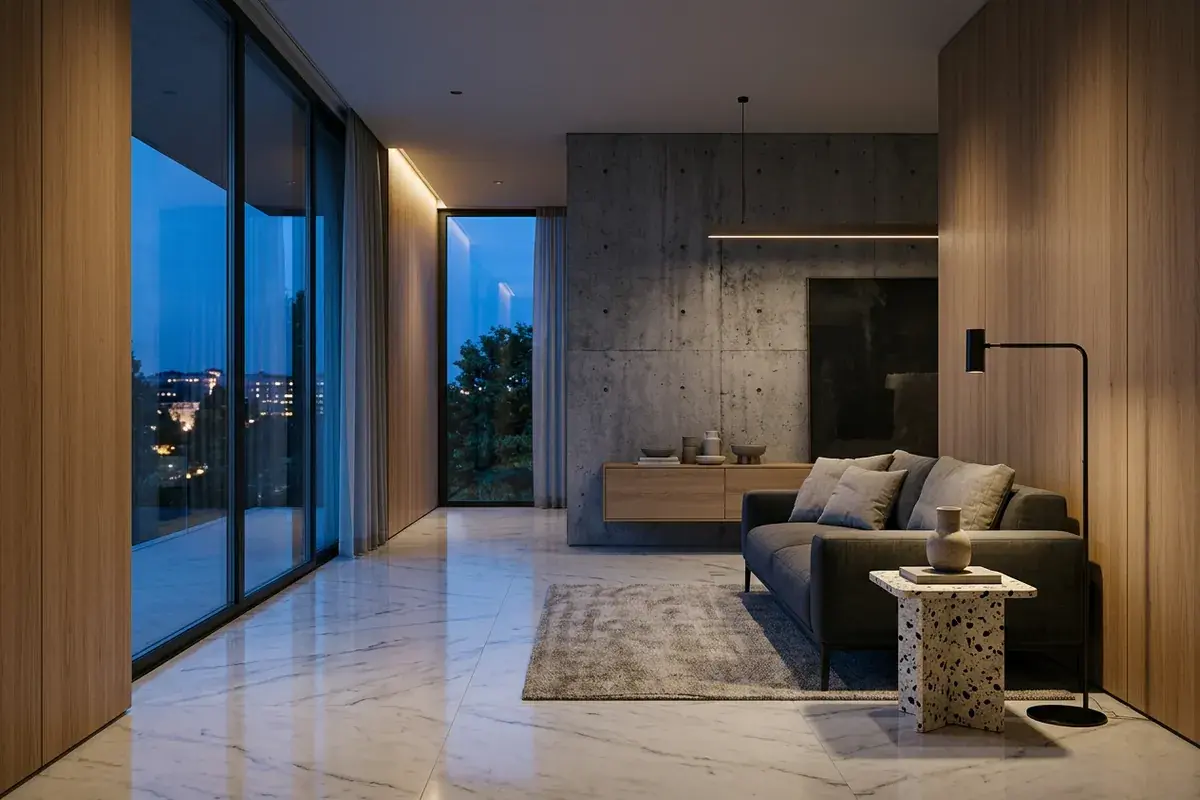
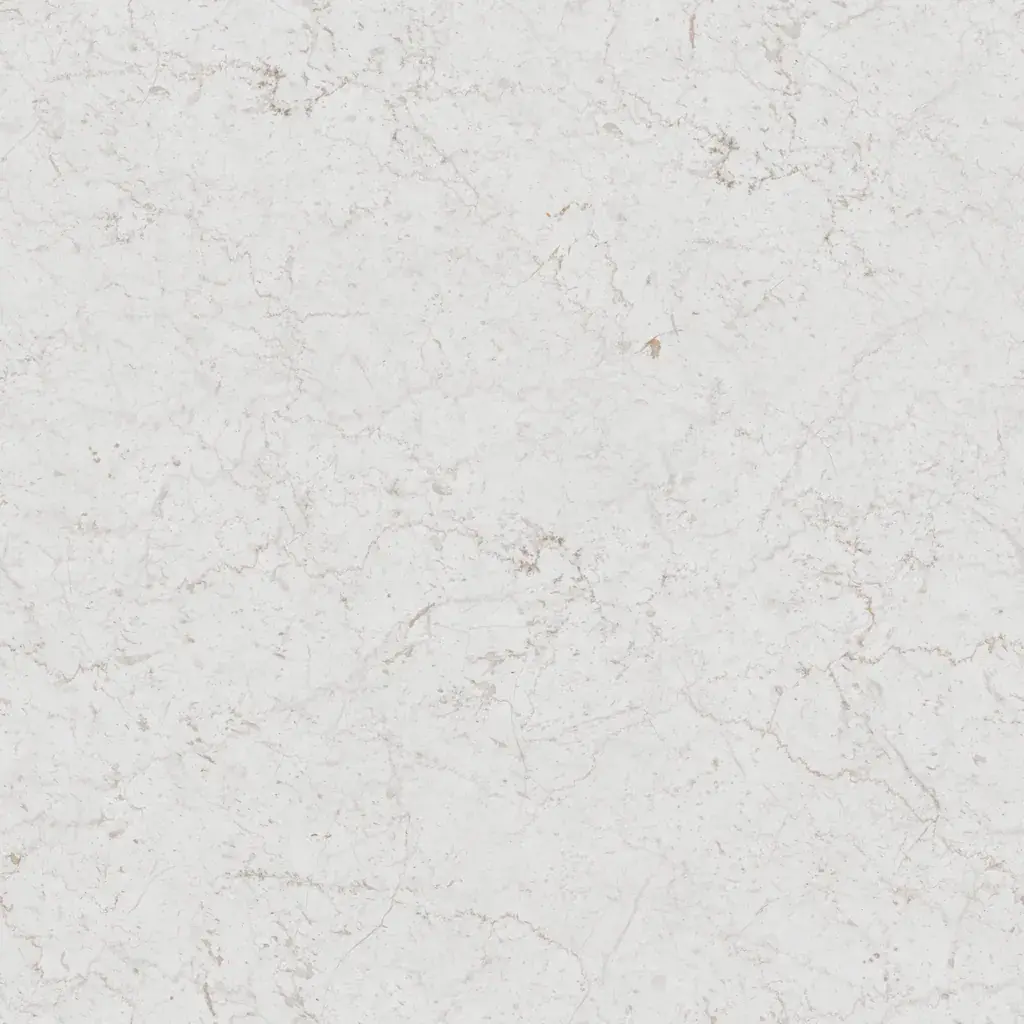
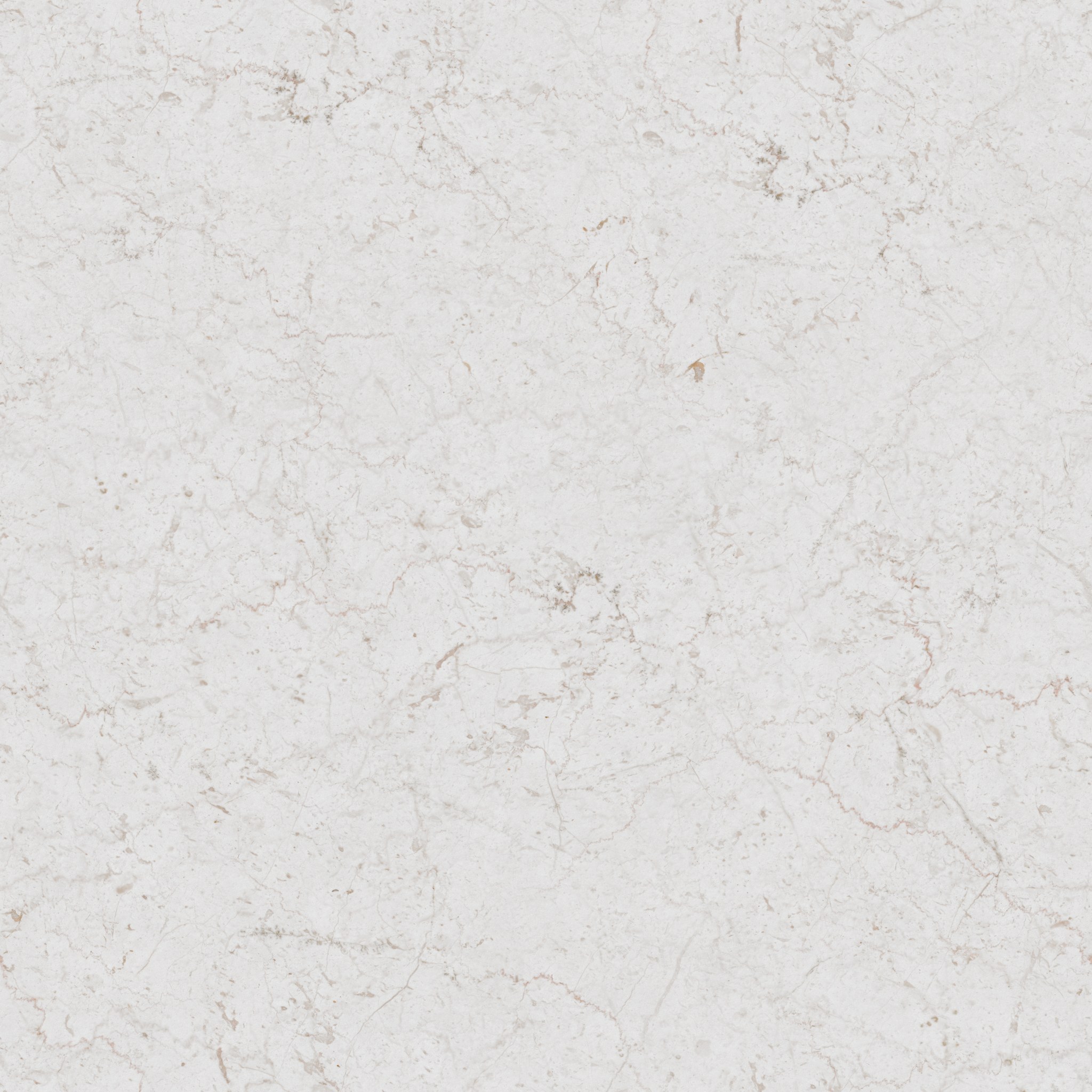
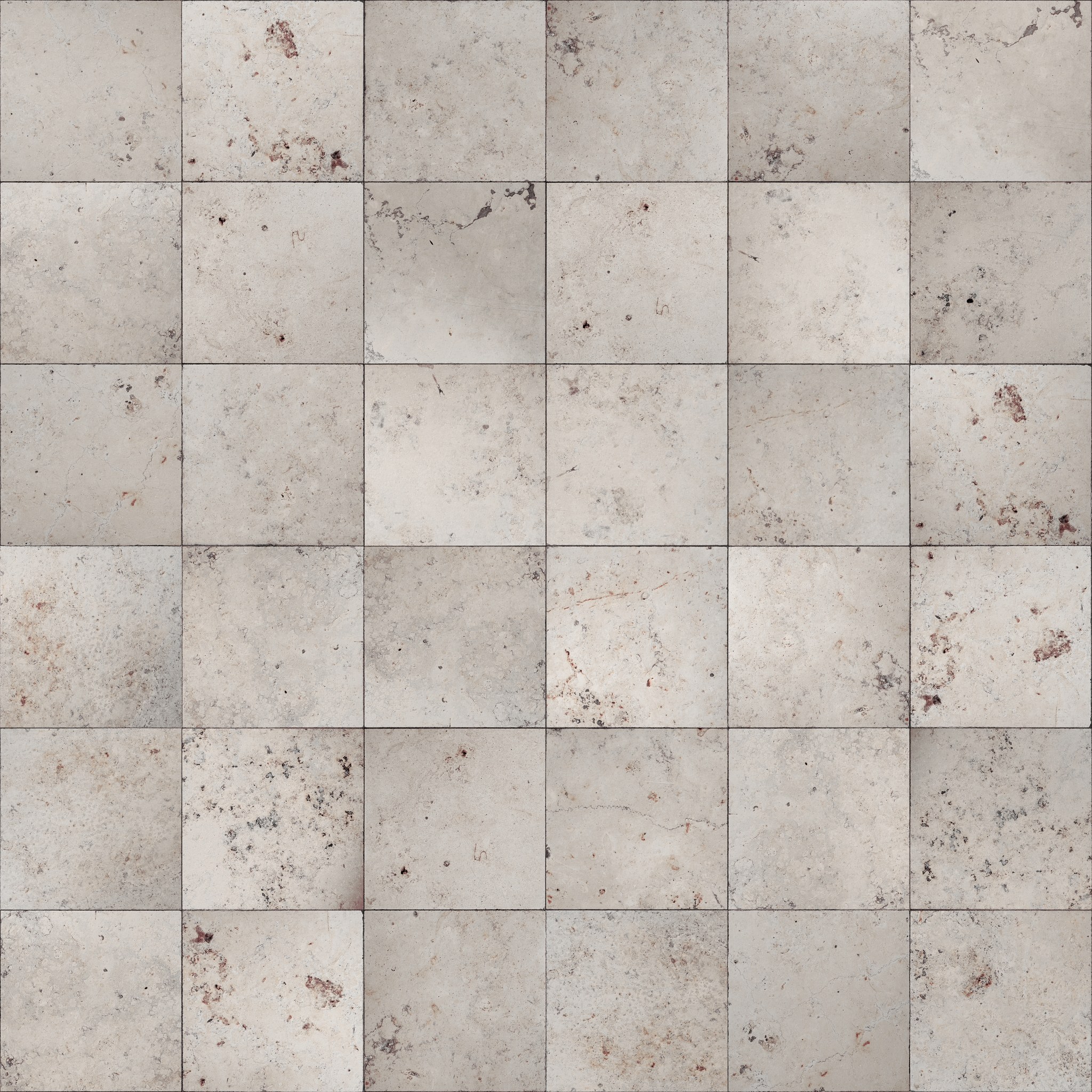
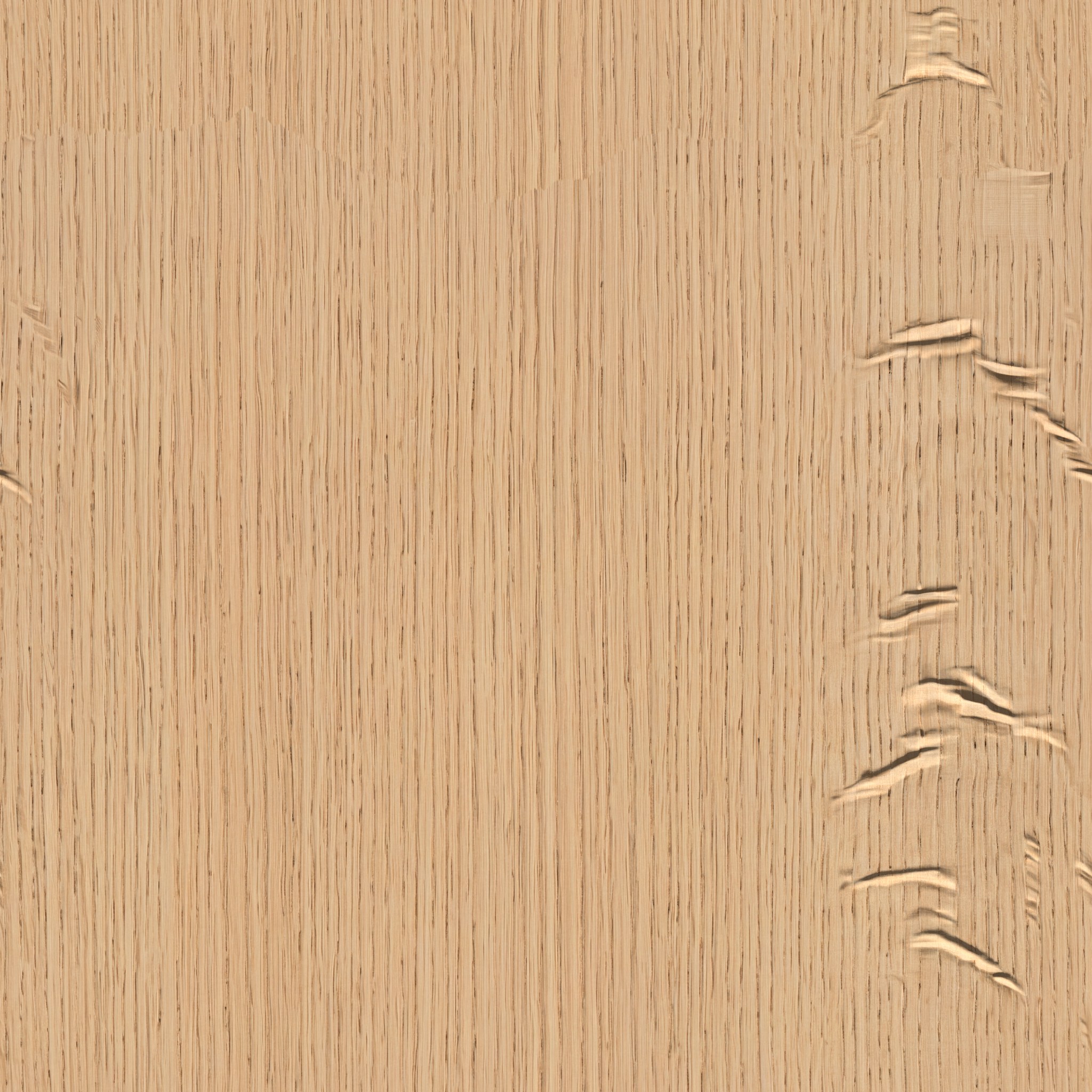
White marble, oak floors, tiles and plaster for SketchUp, Lumion, D5 and 3D interior design.
 Resource
FBX, OBJ, GLB and STL downloads, ready for the textures in this library.
 Resource
Models makers have actually printed, as free STL and 3MF downloads.
 Use case
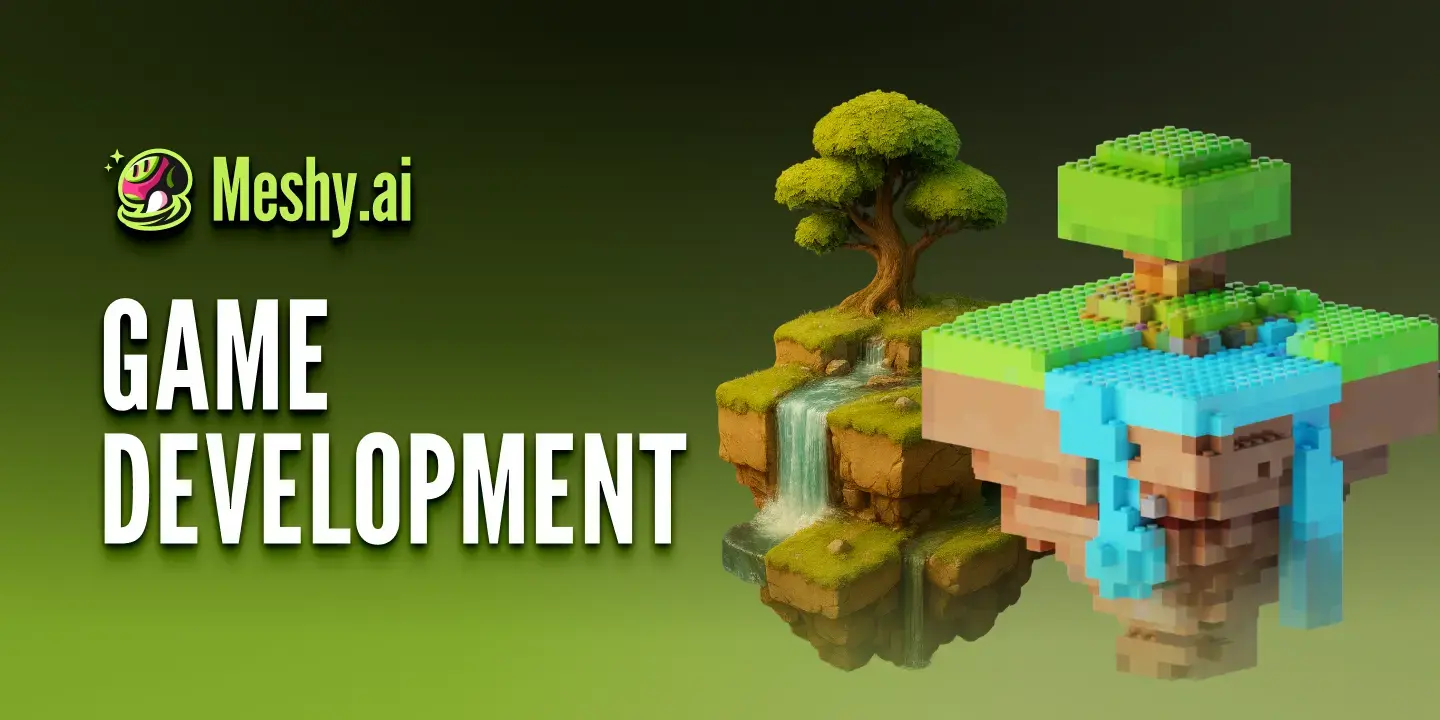
AI-generated, engine-ready props and terrain to dress with these textures.
 Use case
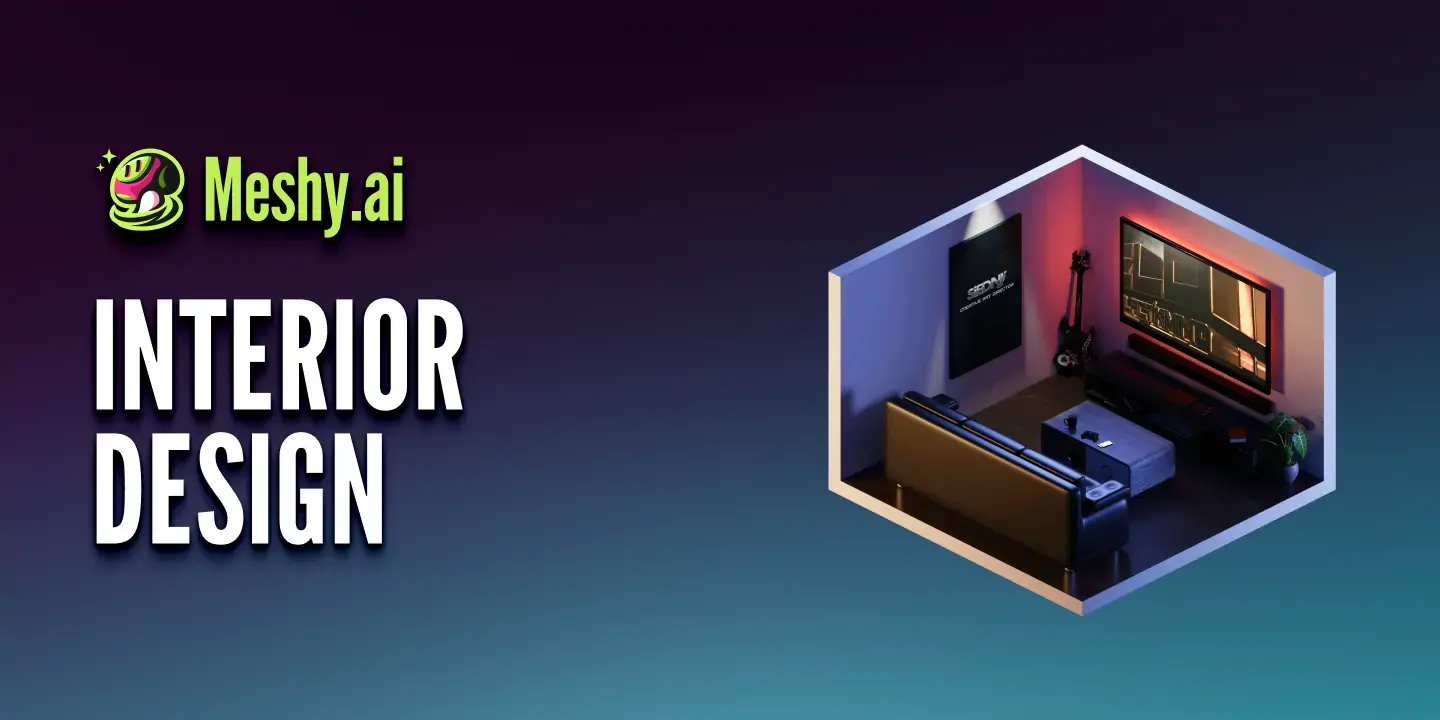
From concept image to renderable furniture, with wood and stone textures applied.
 Blog
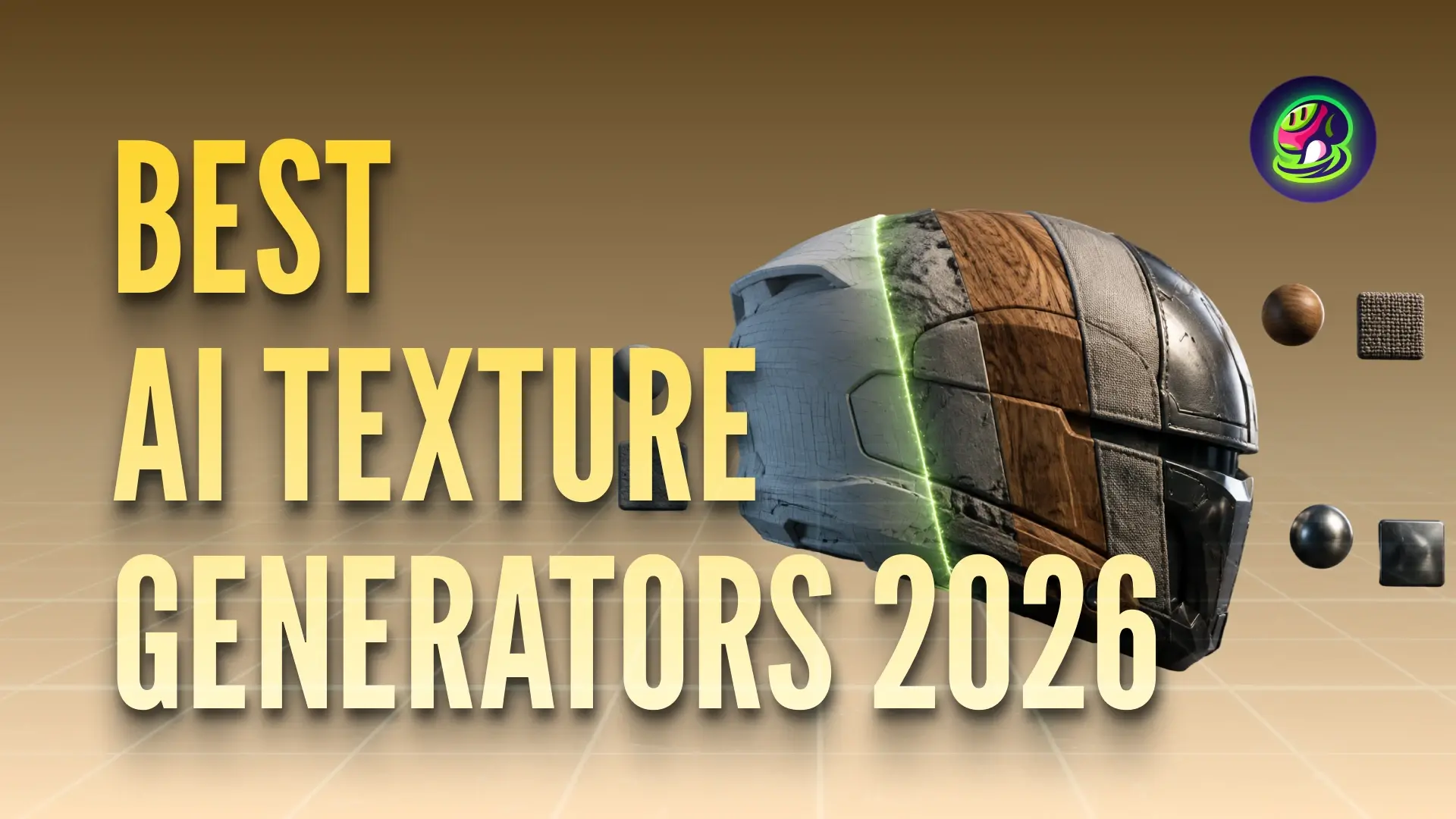
The same prompt in Meshy, Substance 3D and more, compared for PBR quality.
 Blog
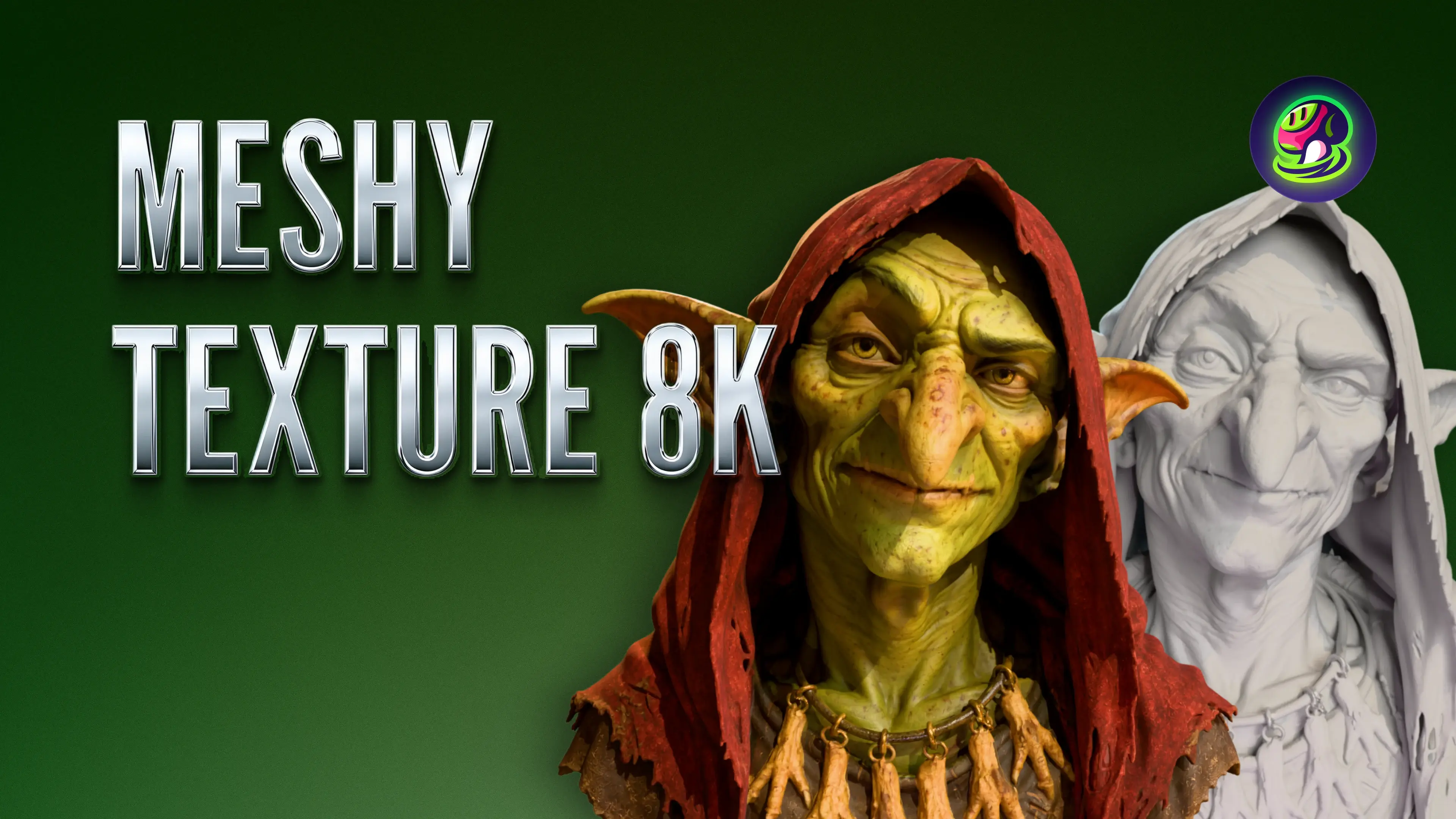
8K base colour with sharper pores and fibres — no upscaling.